Widgets
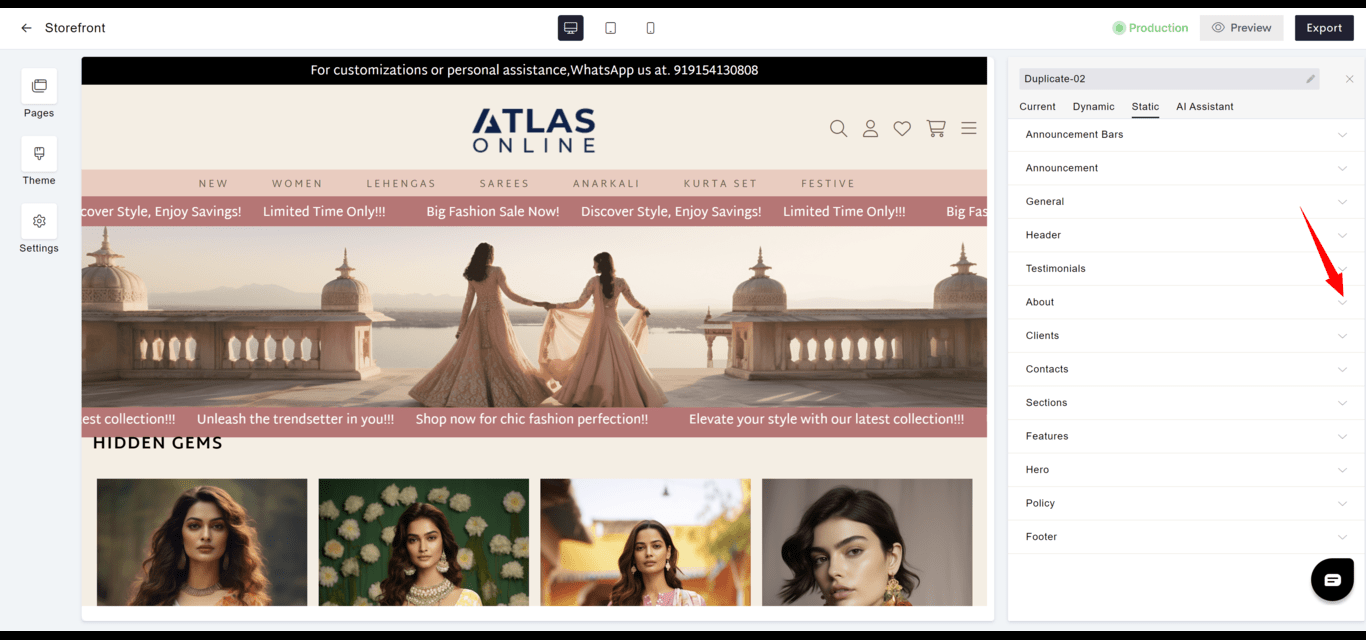
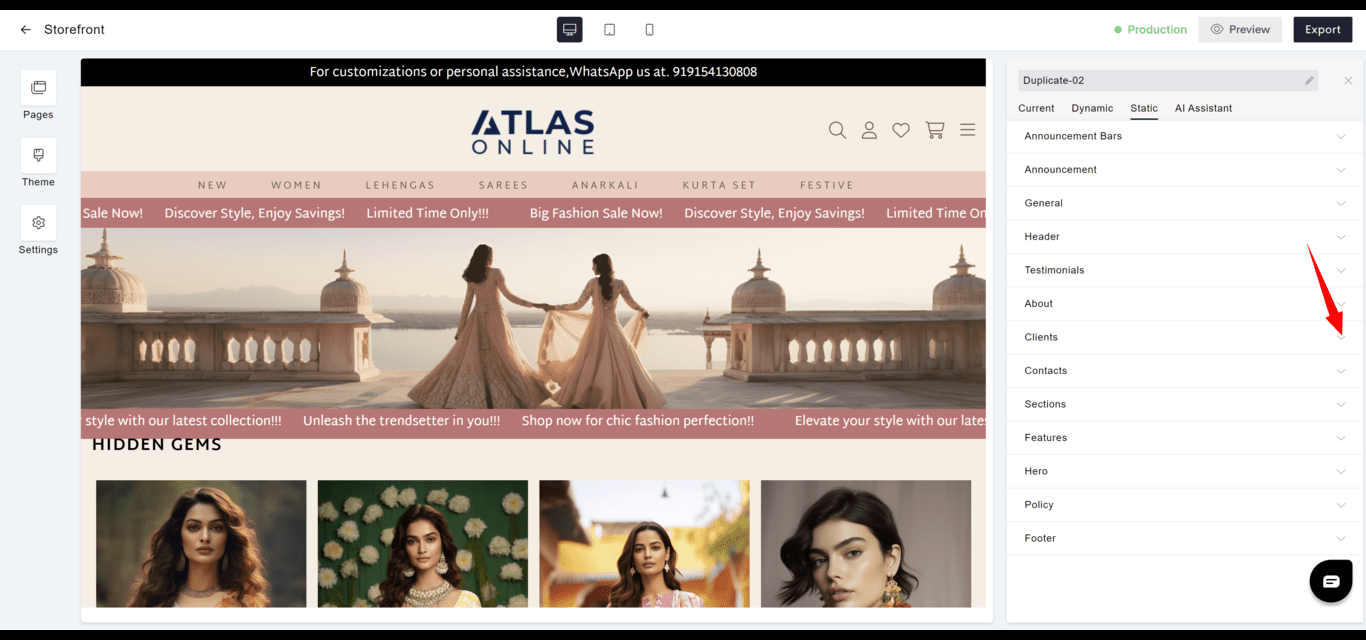
Widgets in Aasaan are integral components that enhance the user interface and interactivity of your website. Each widget, whether static or dynamic, is designed to serve a distinct purpose, contributing to a rich and engaging user experience.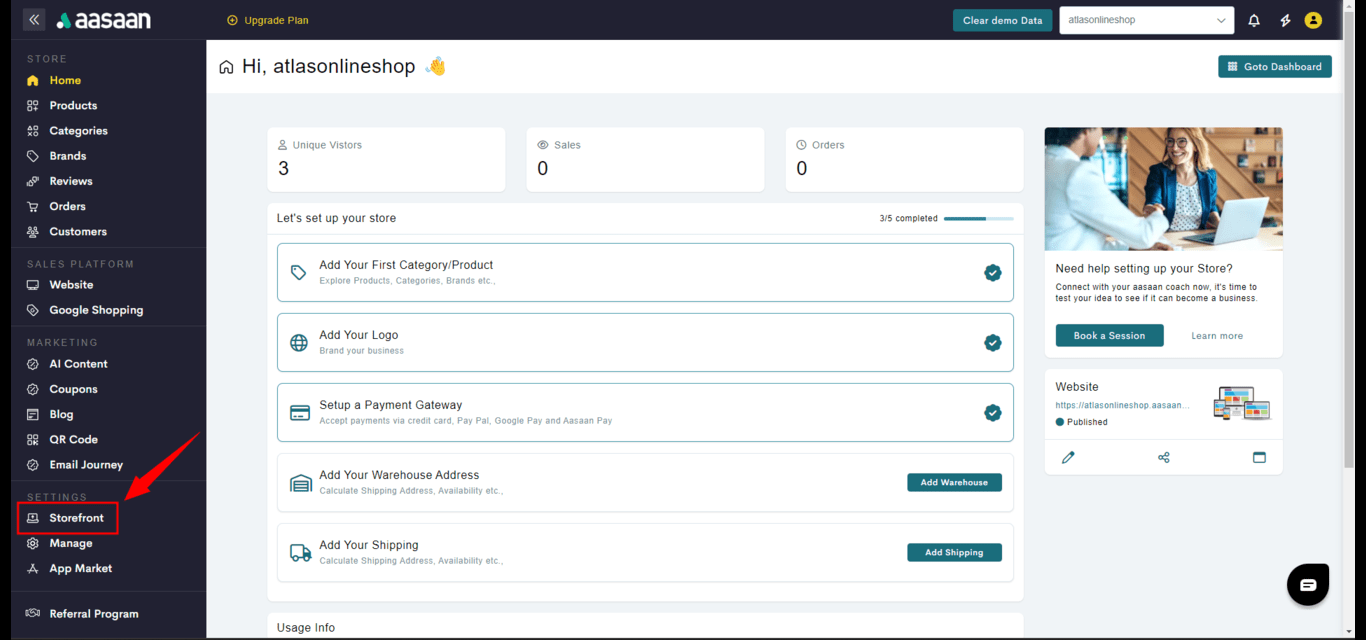
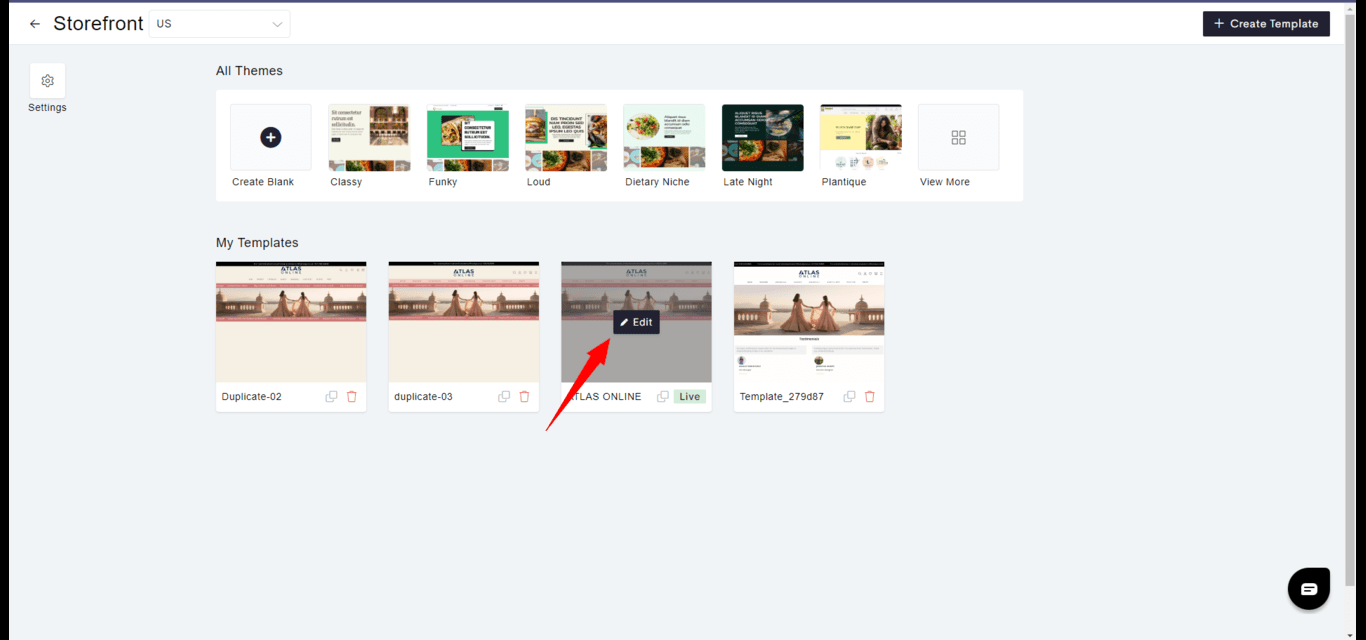
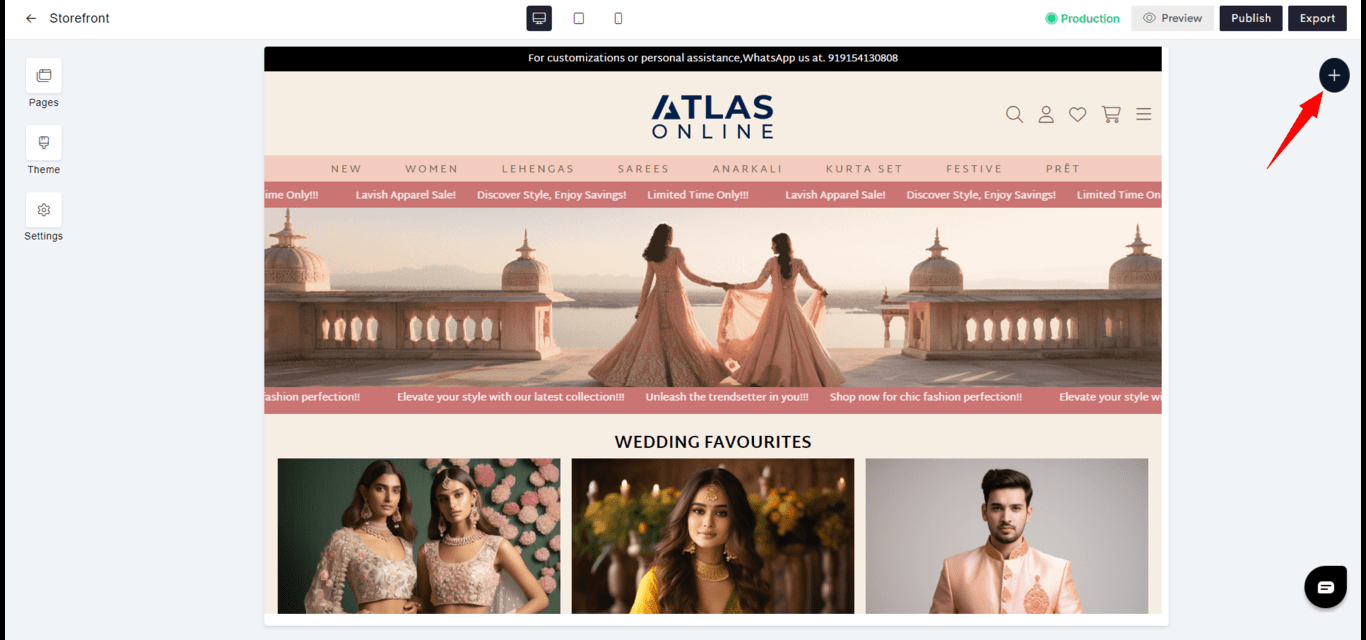
Static Widgets
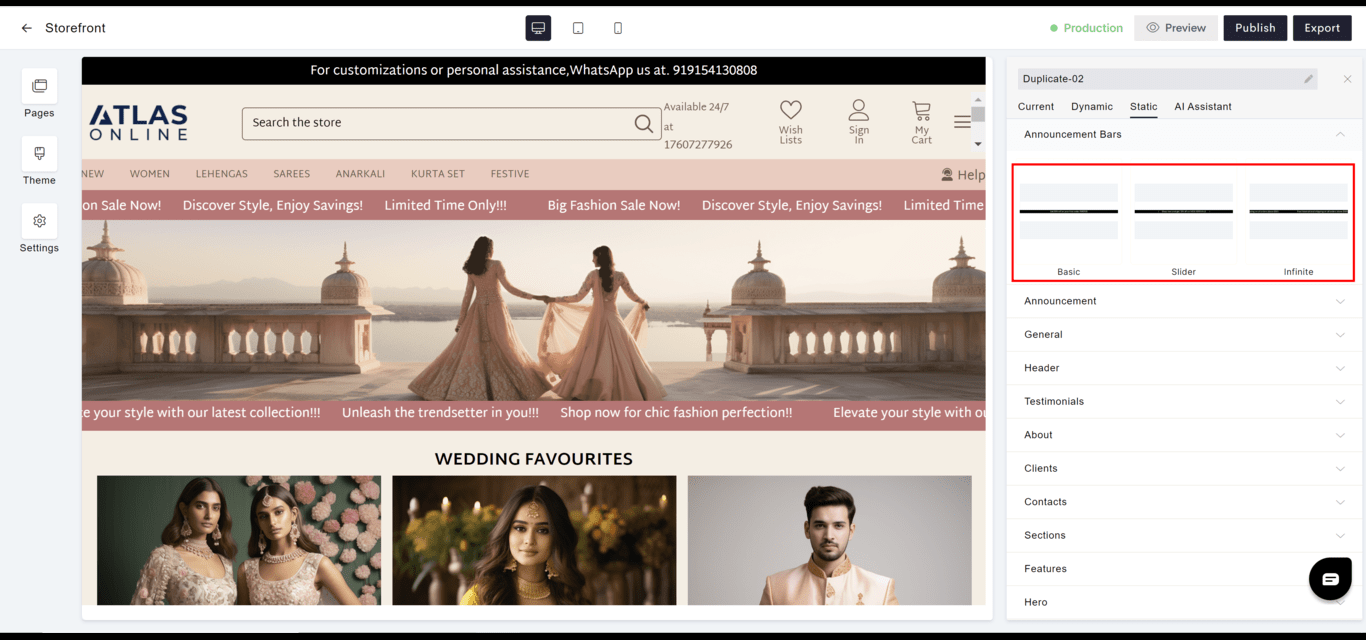
Static widgets incorporate fixed content without the need for user interaction or data updates.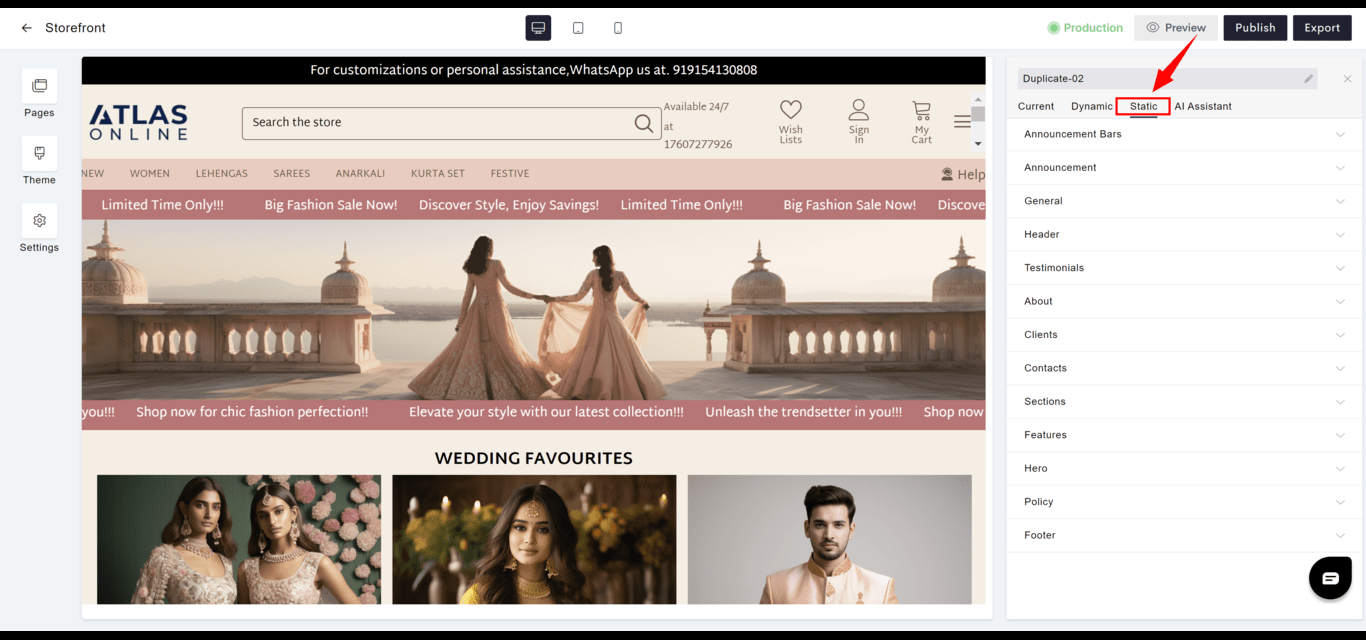
Announcement Bars
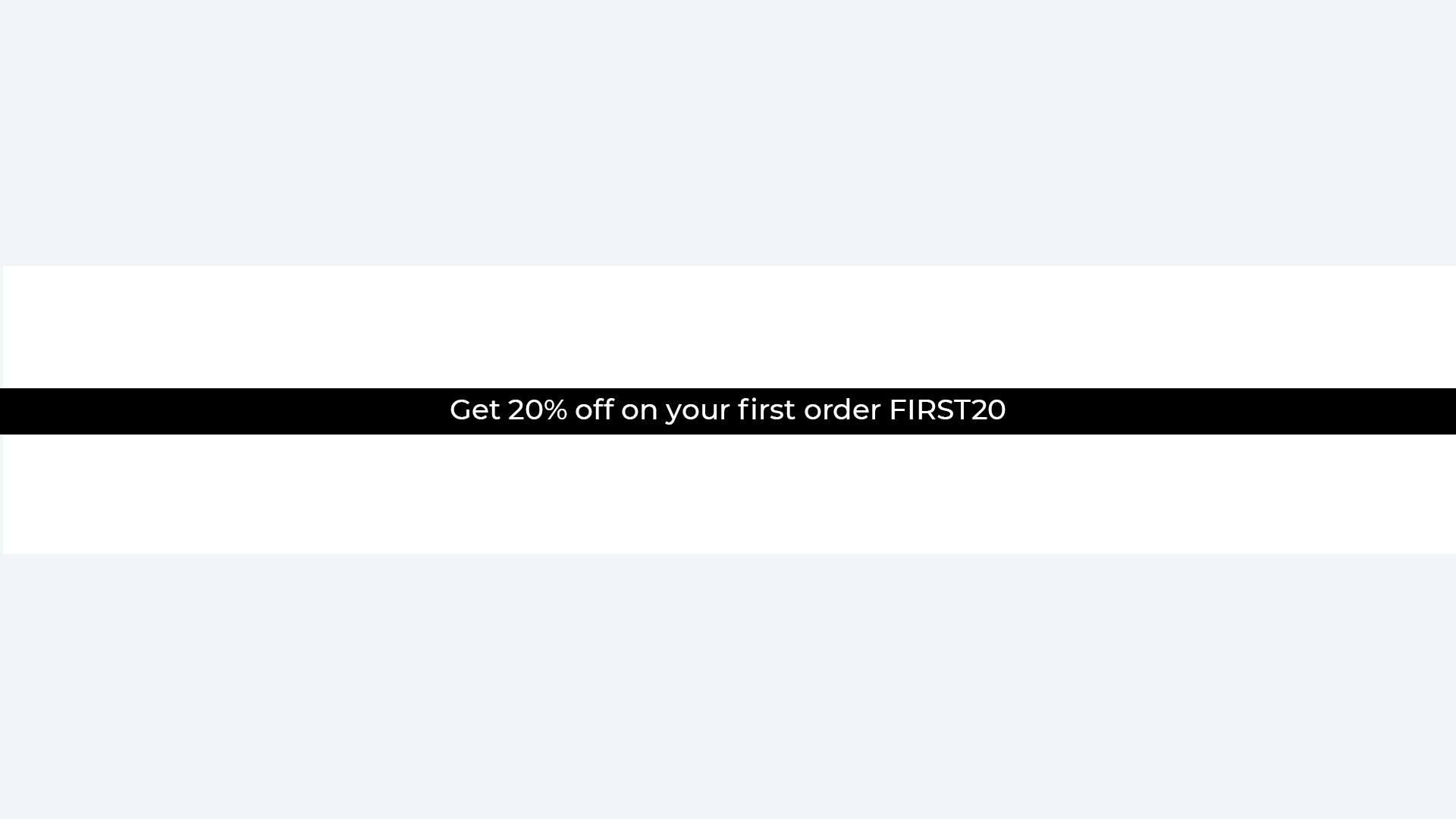
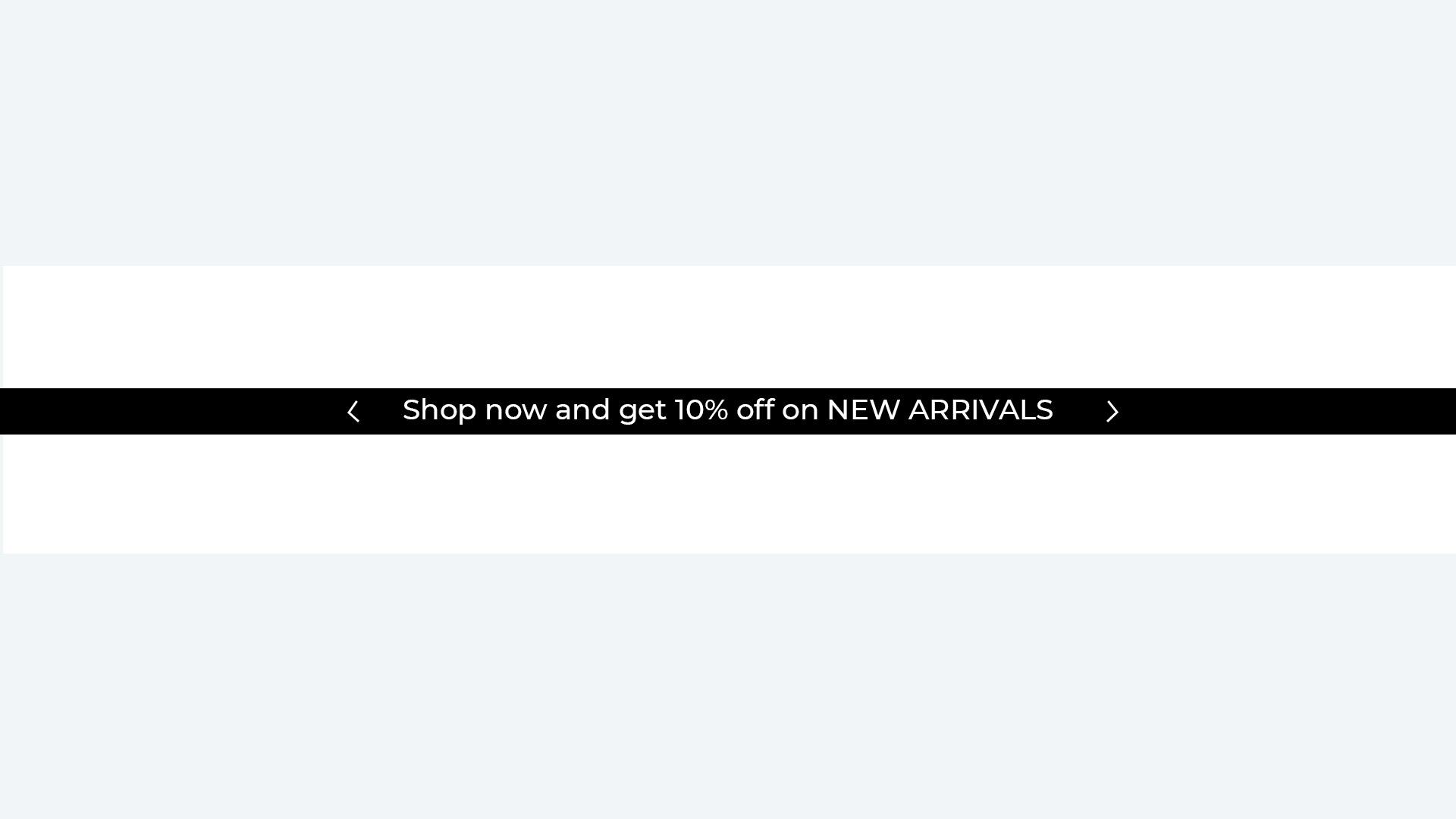
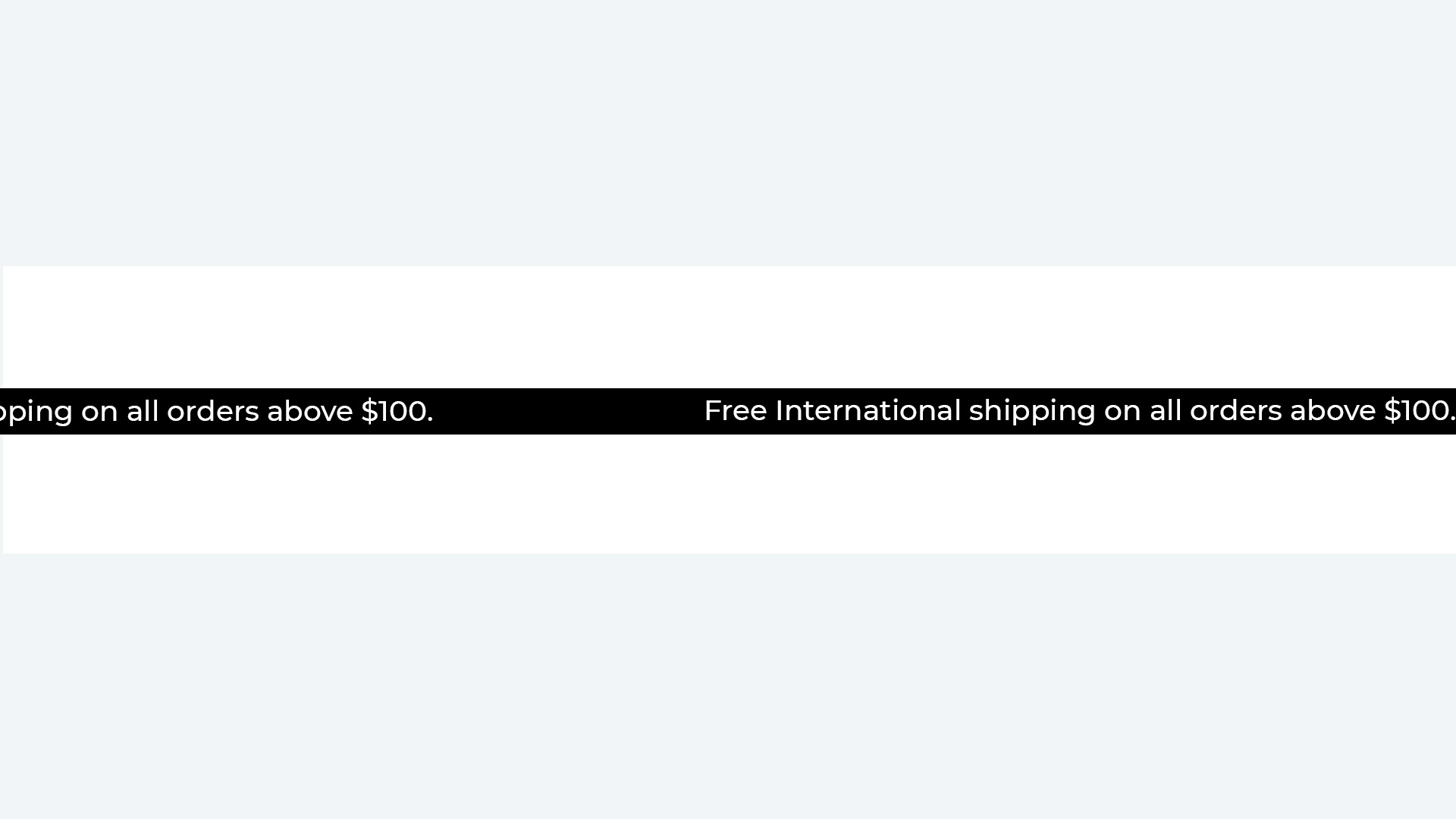
- Purpose: Display timely notices like promotions, sales, or shipping policies prominently at the top of your site.
- Usage: Typically used for important, short-term messages to visitors.
- Goto
- Models
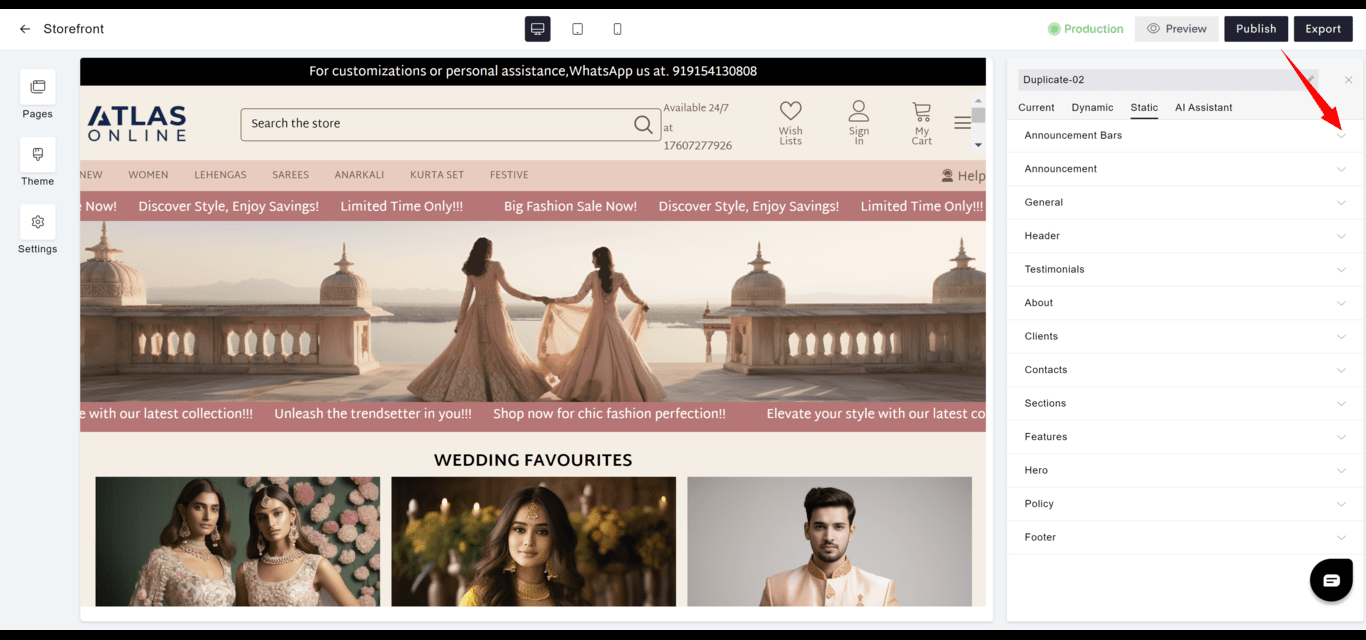
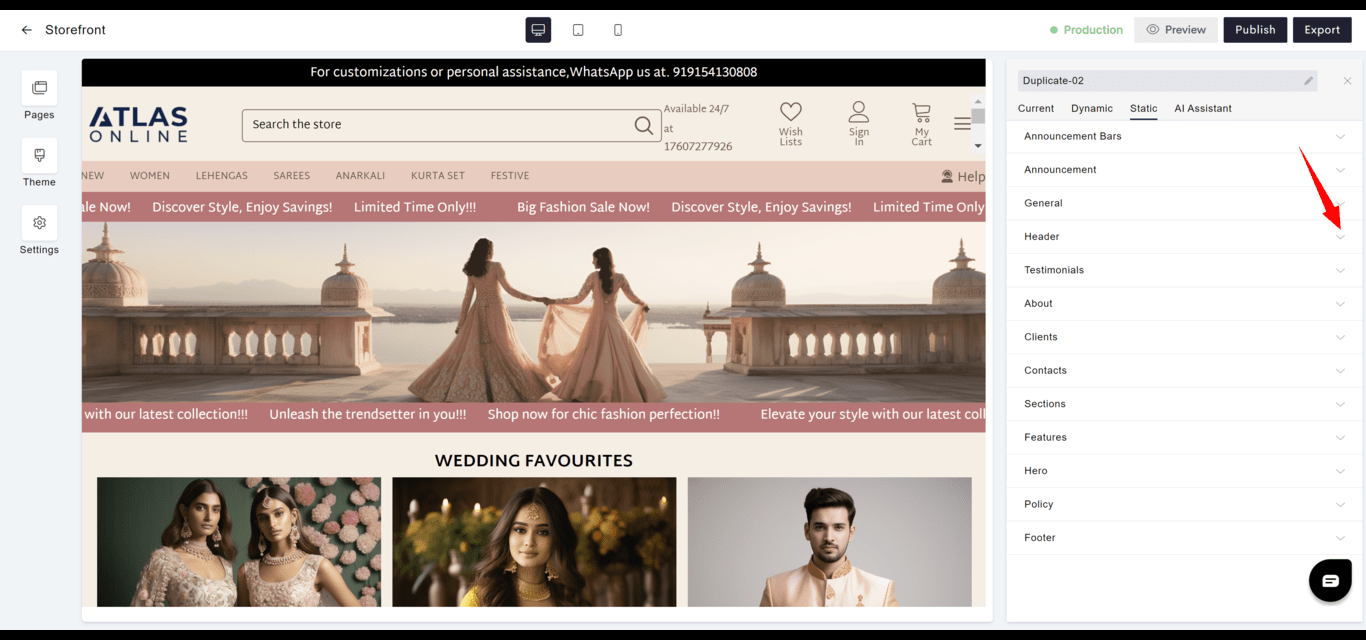
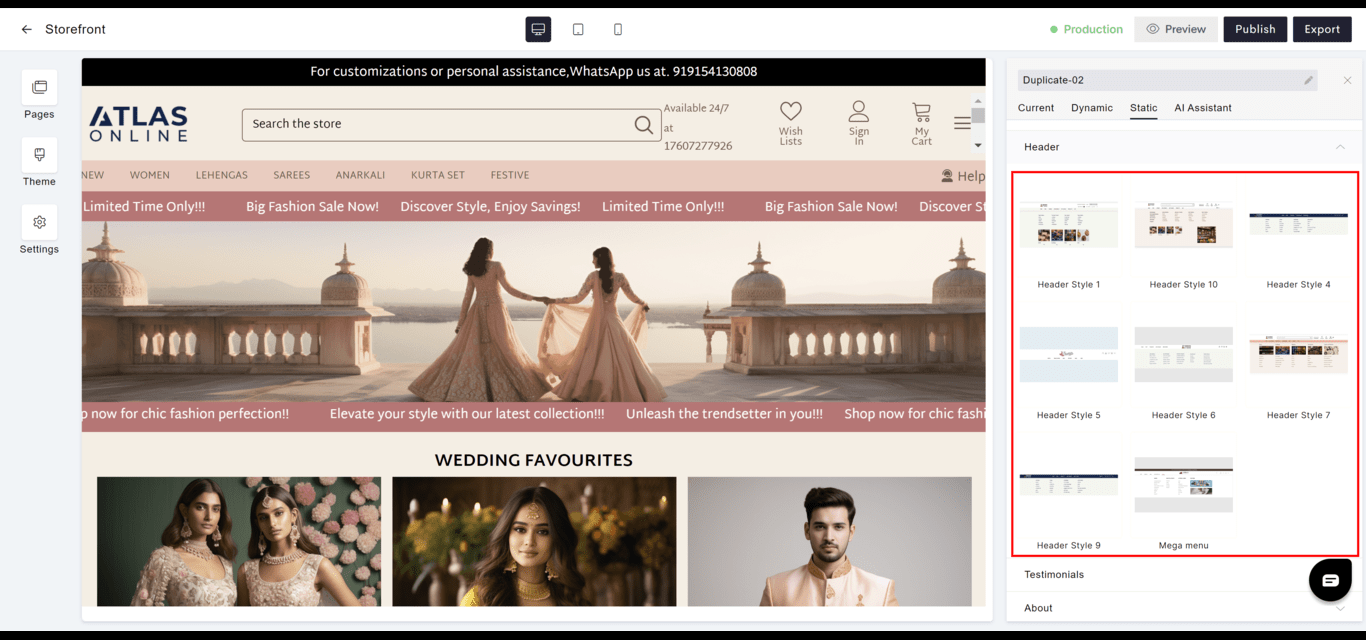
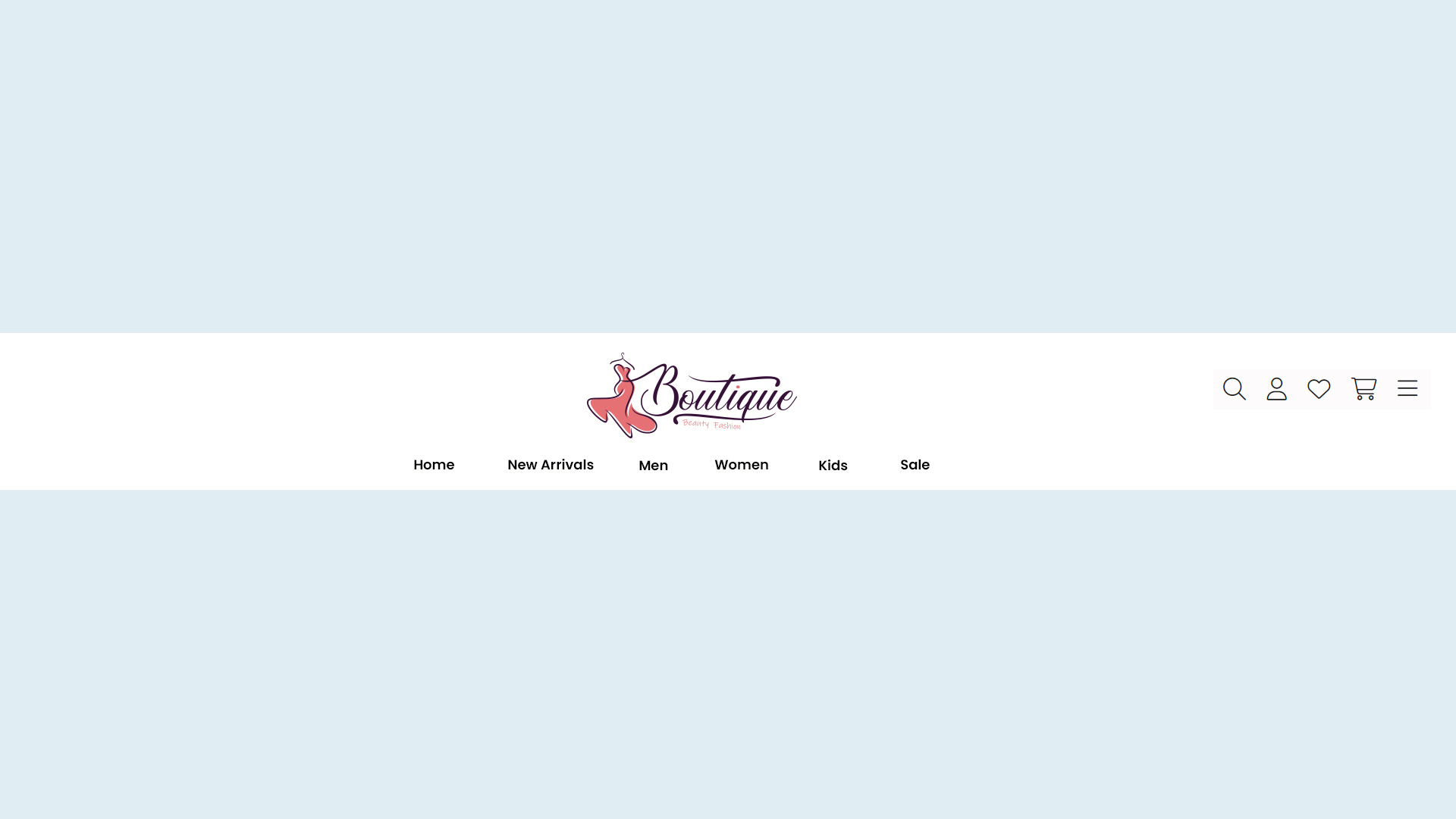
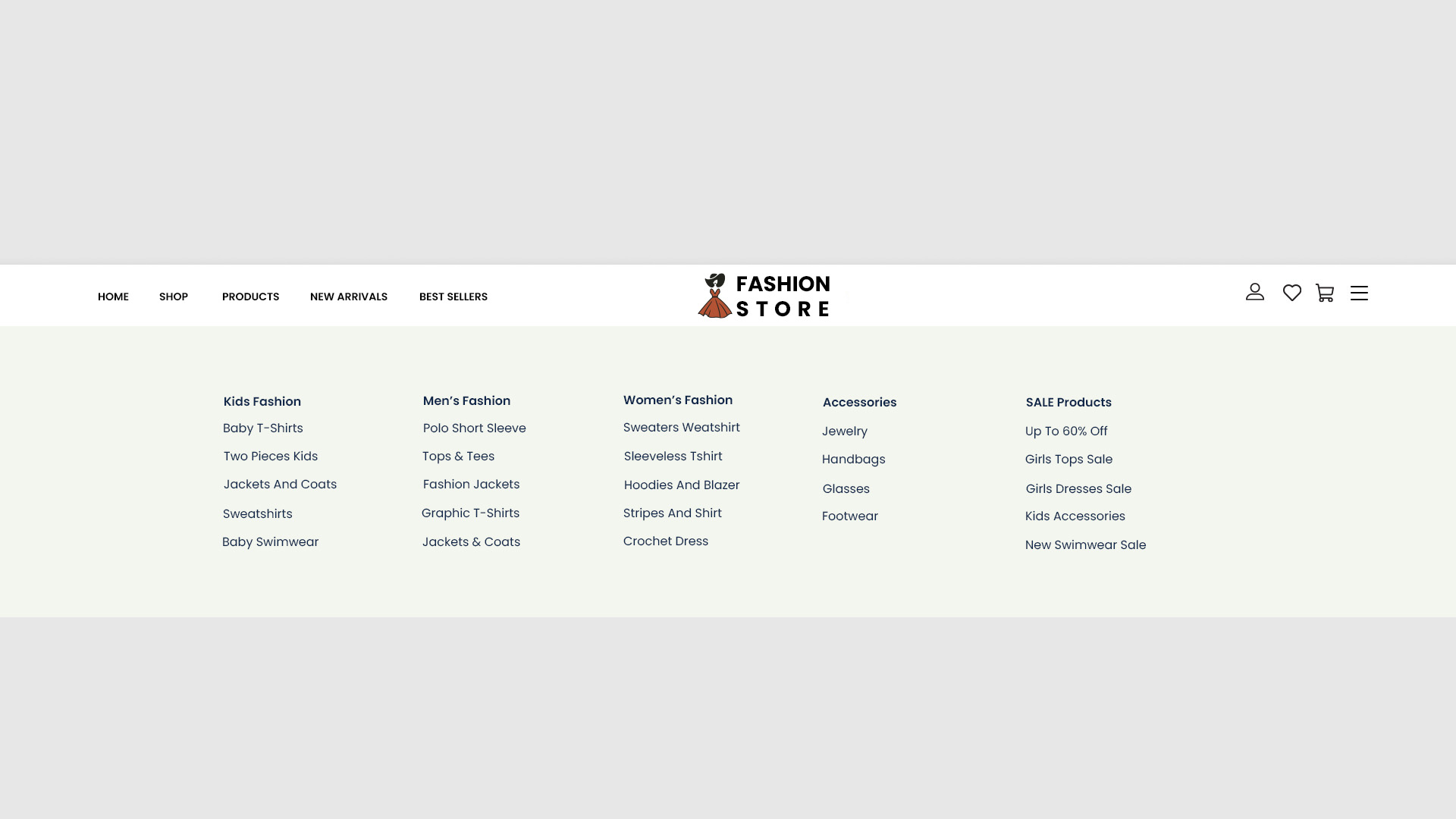
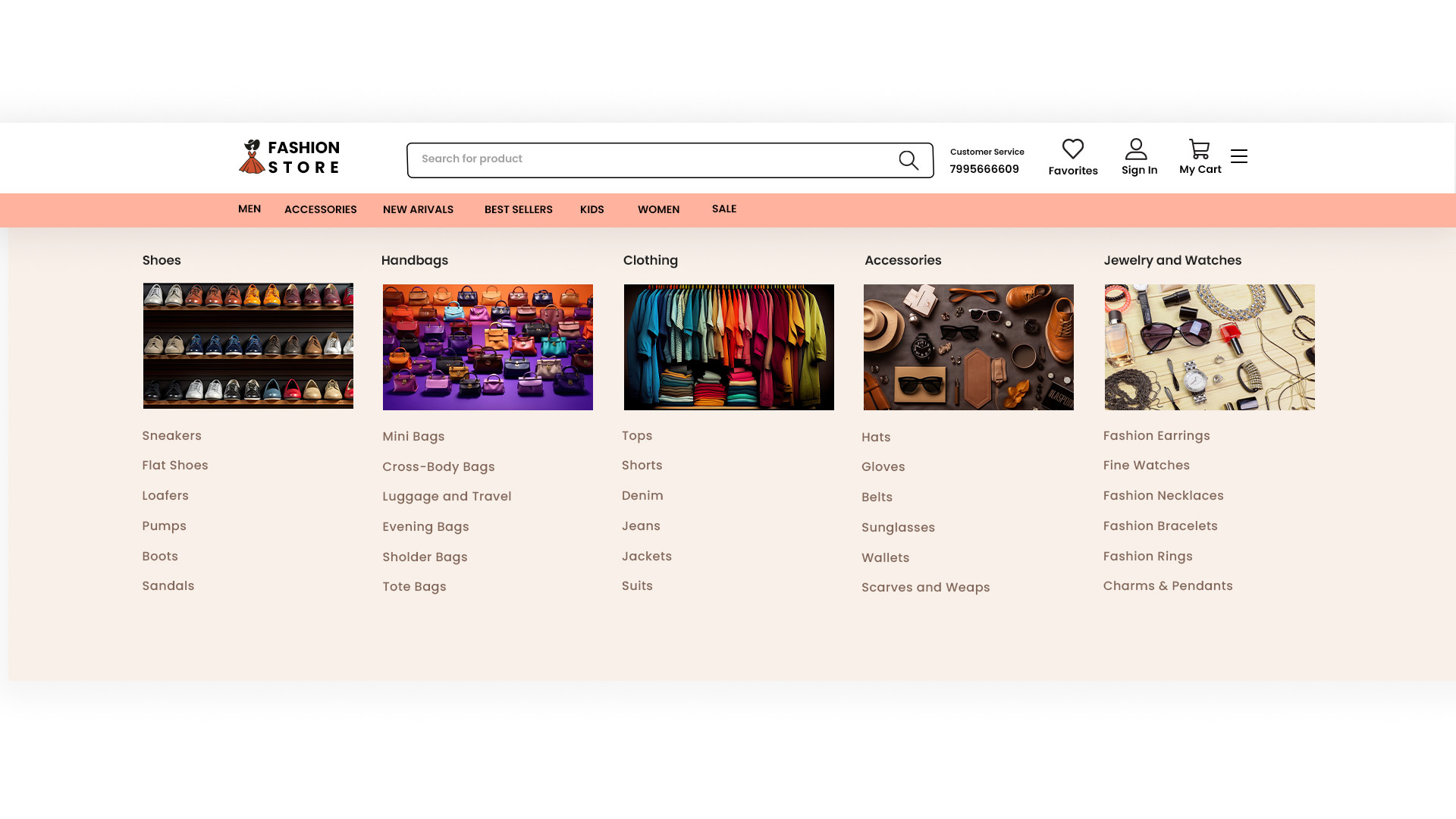
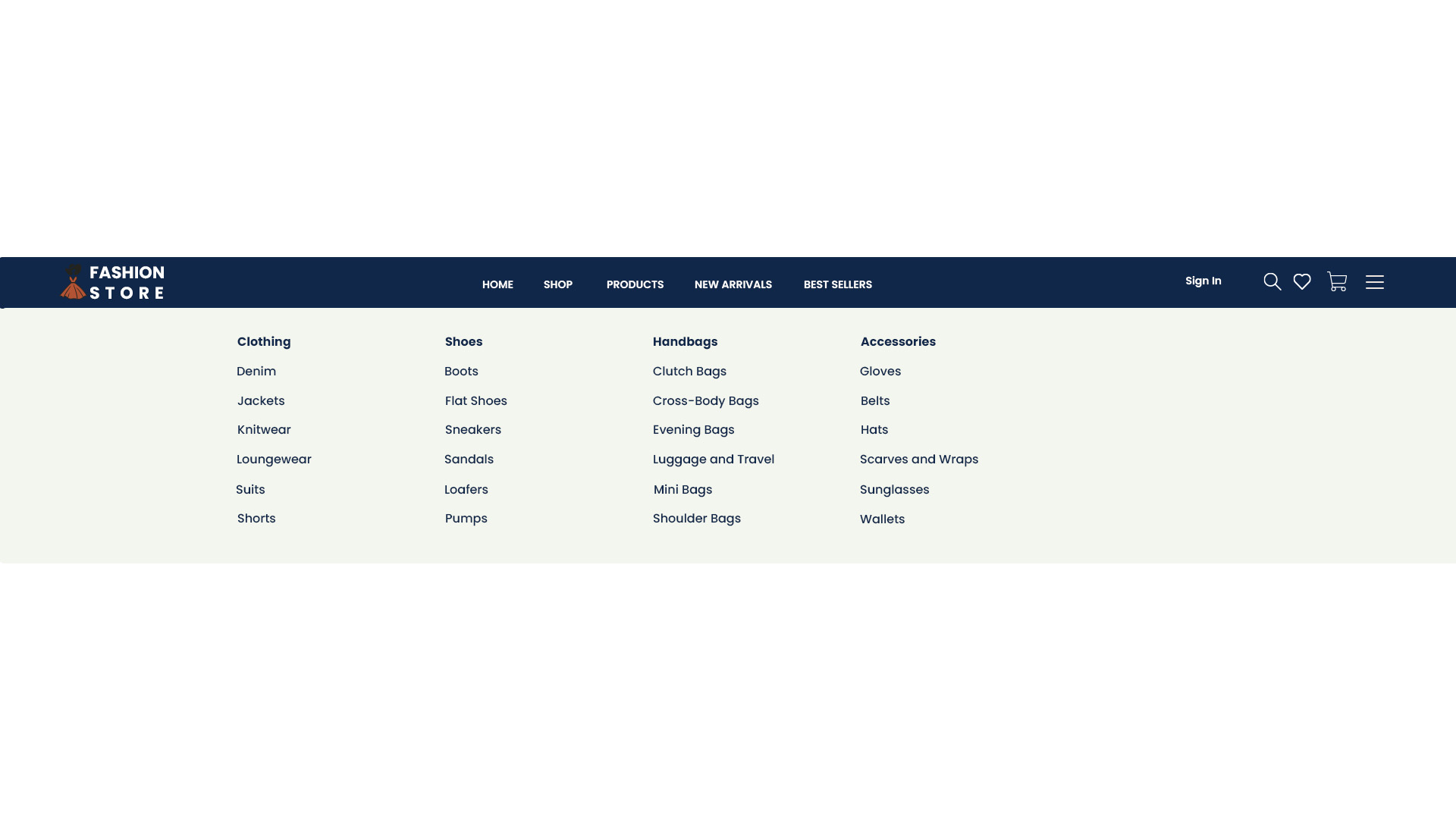
Header
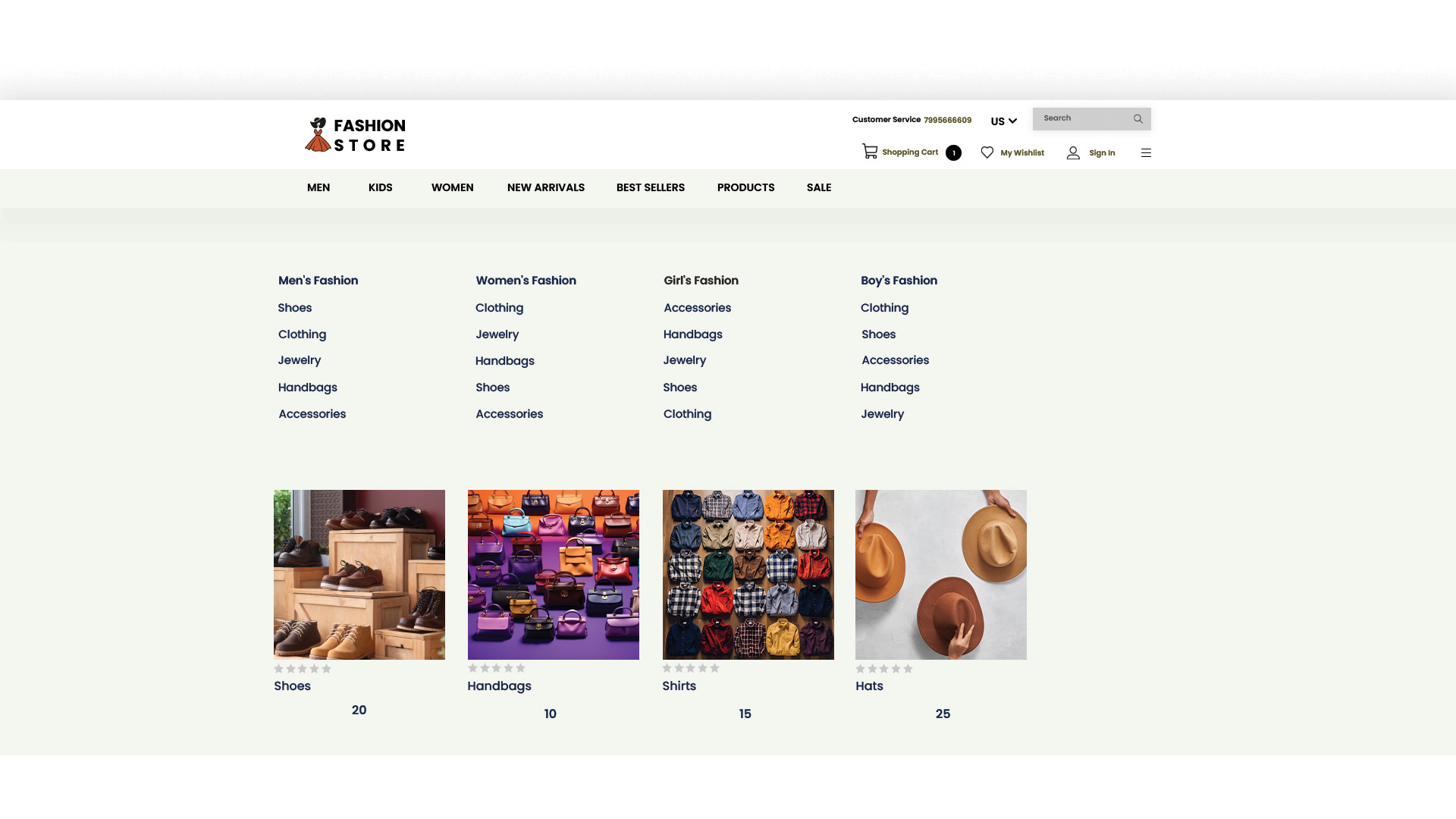
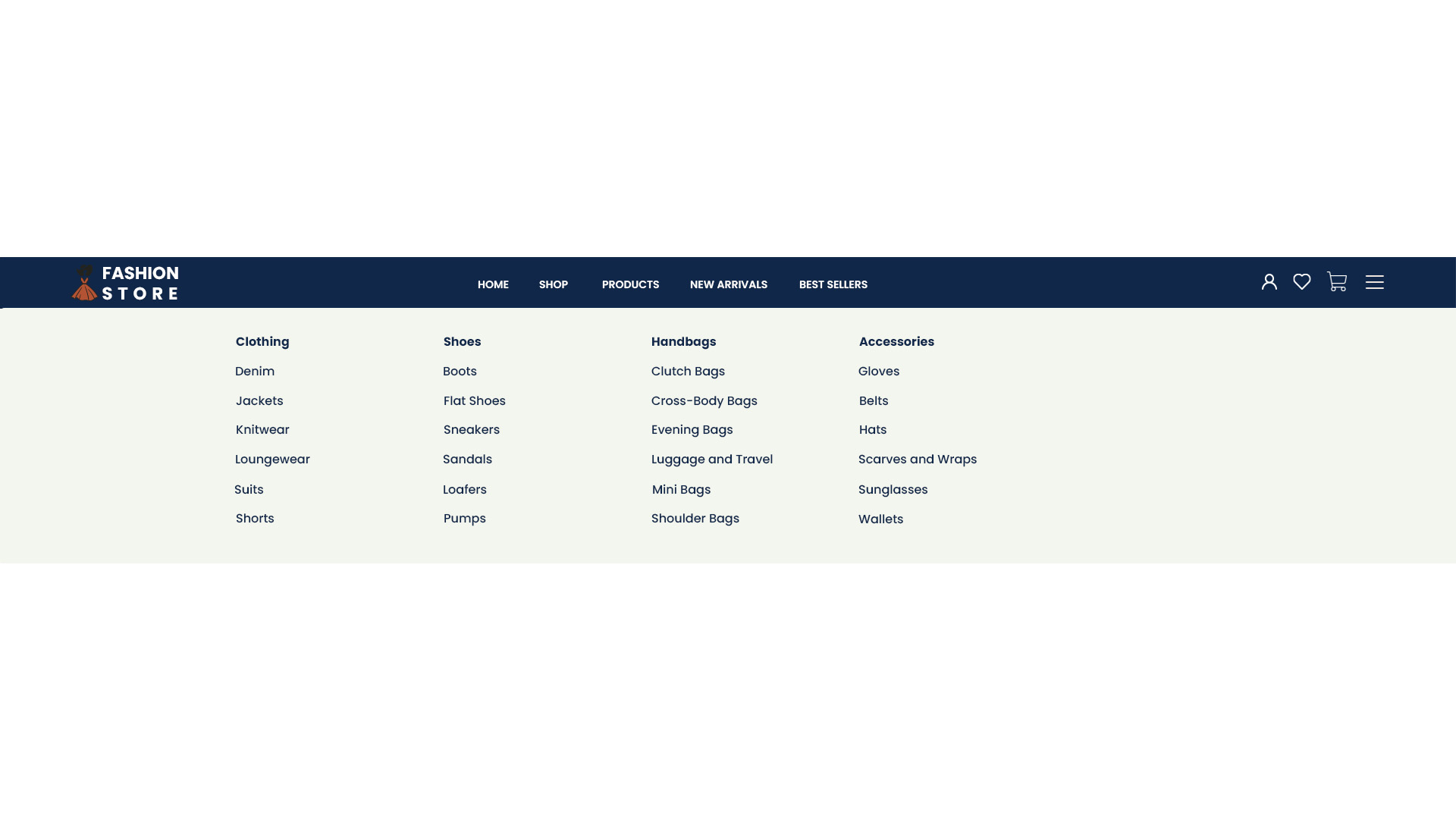
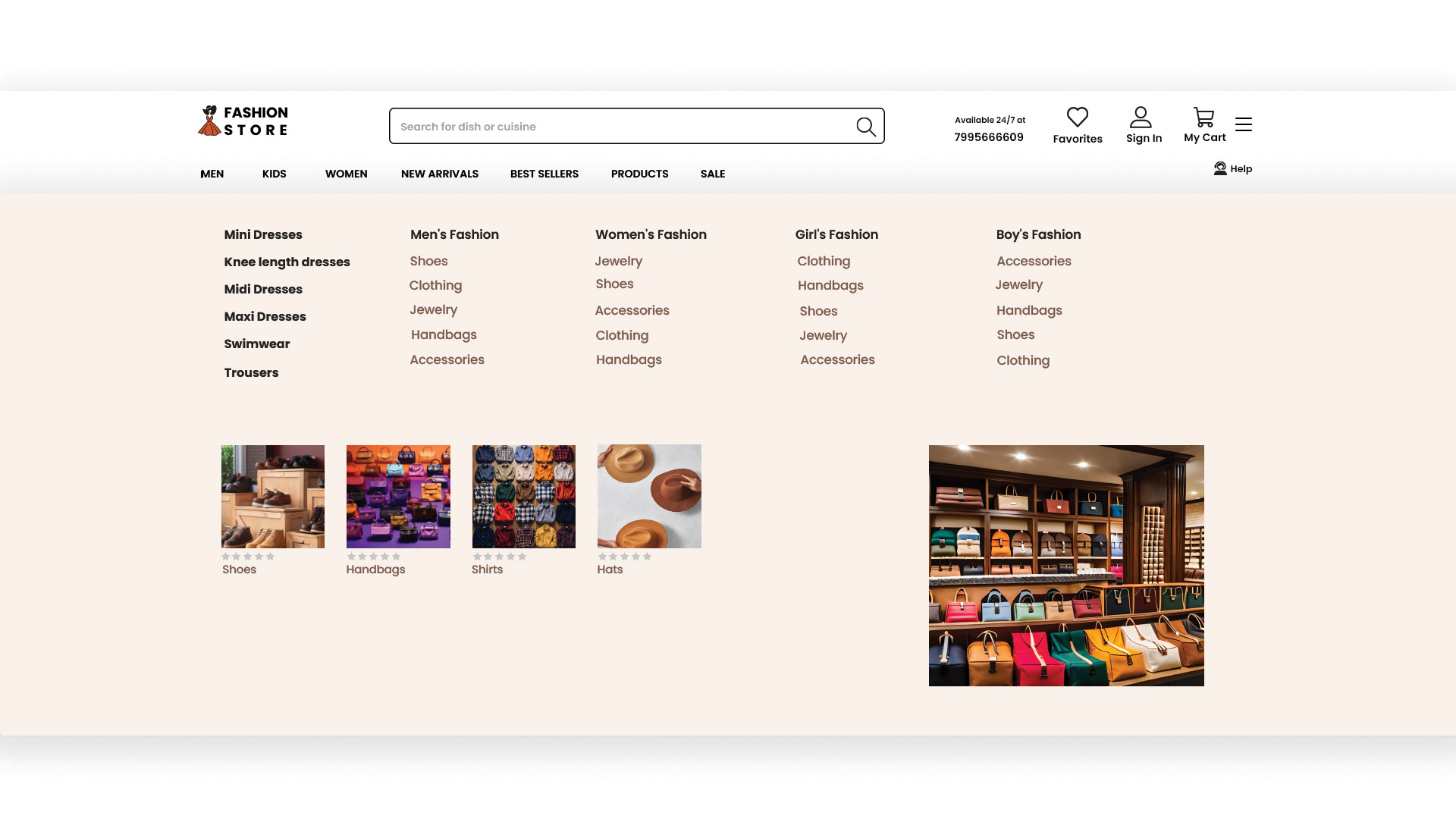
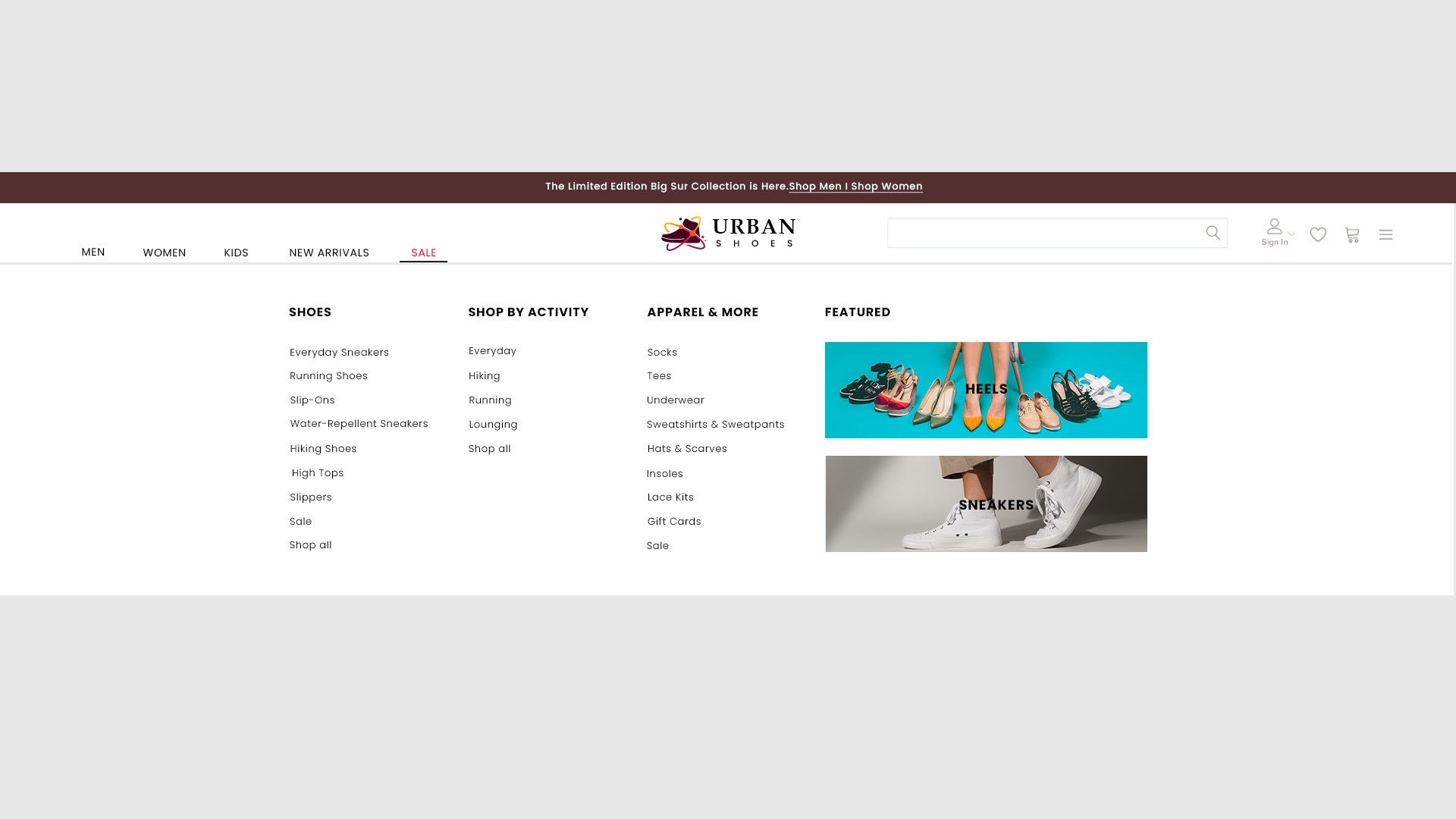
- Layout: Contains the primary navigation elements including the logo, menu, and possibly contact information.
- Customization: Can be styled to match the overall theme and branding of the website.
- Goto
- Models
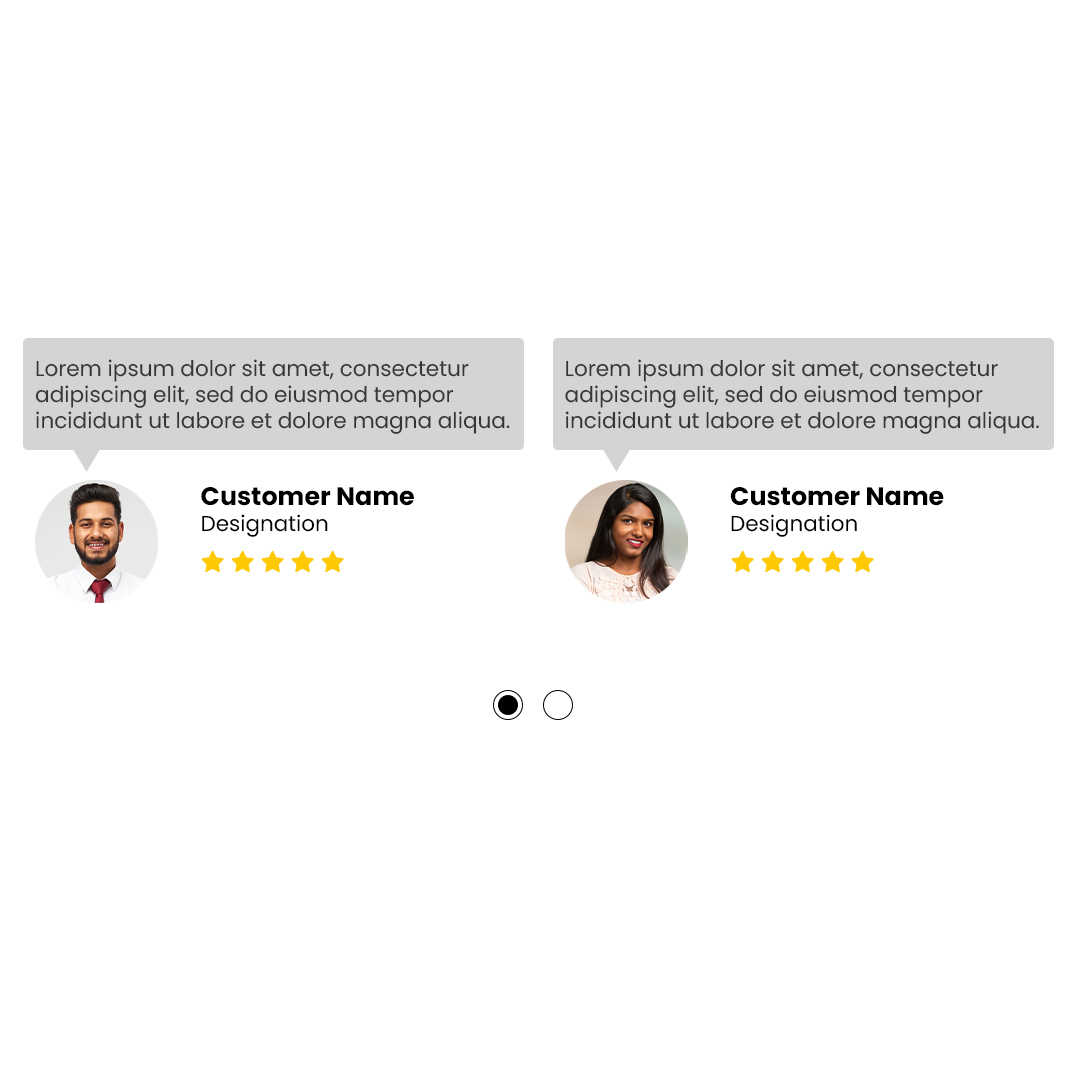
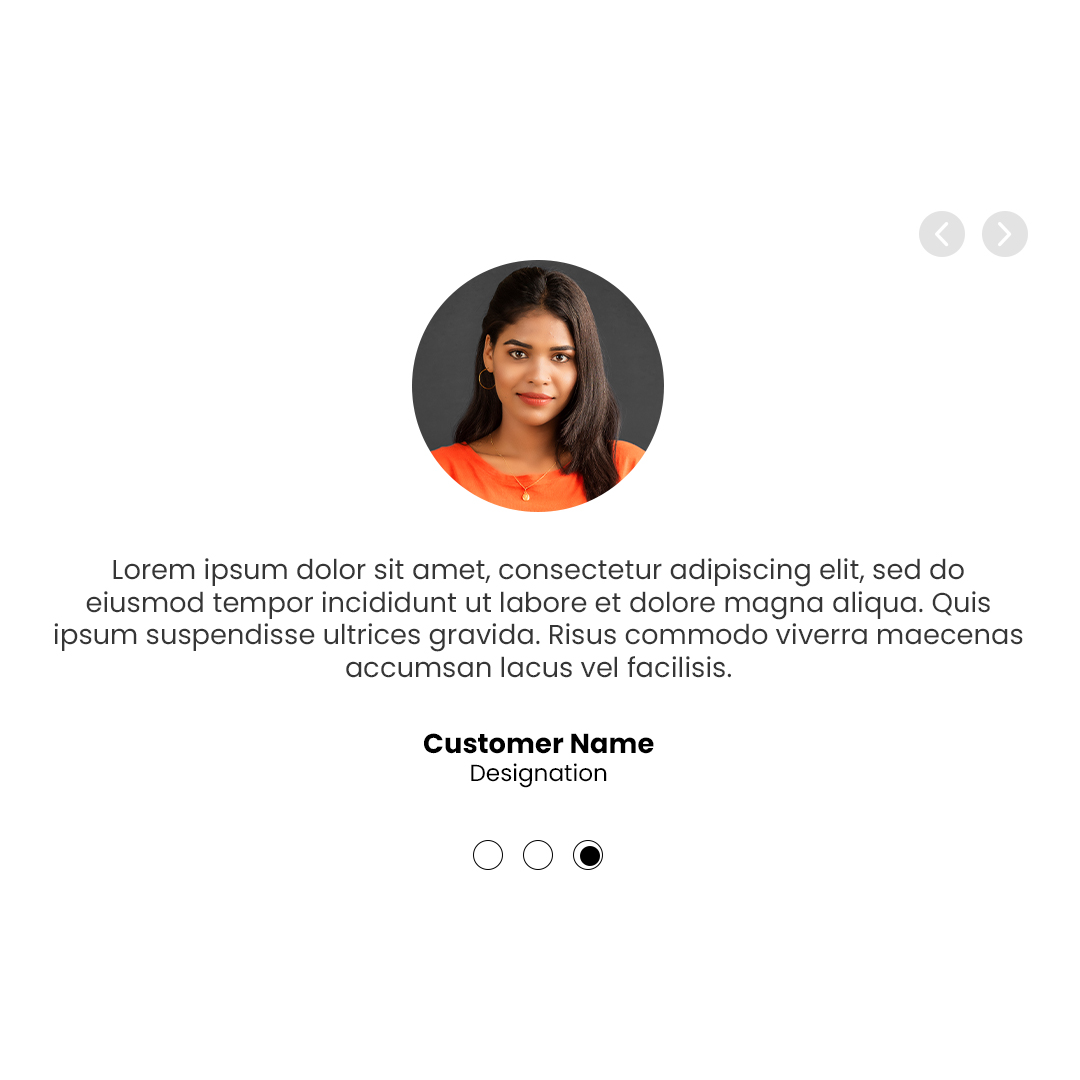
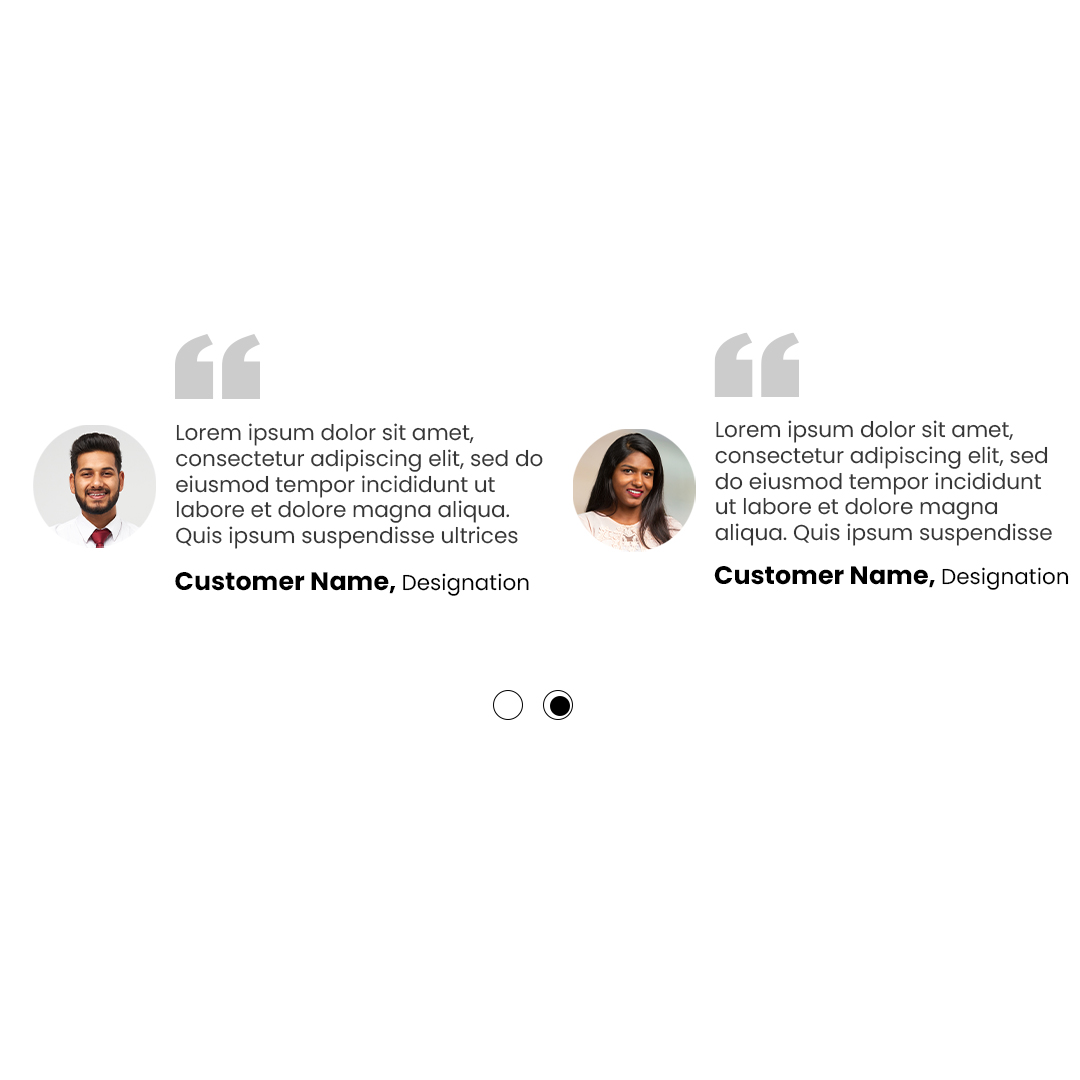
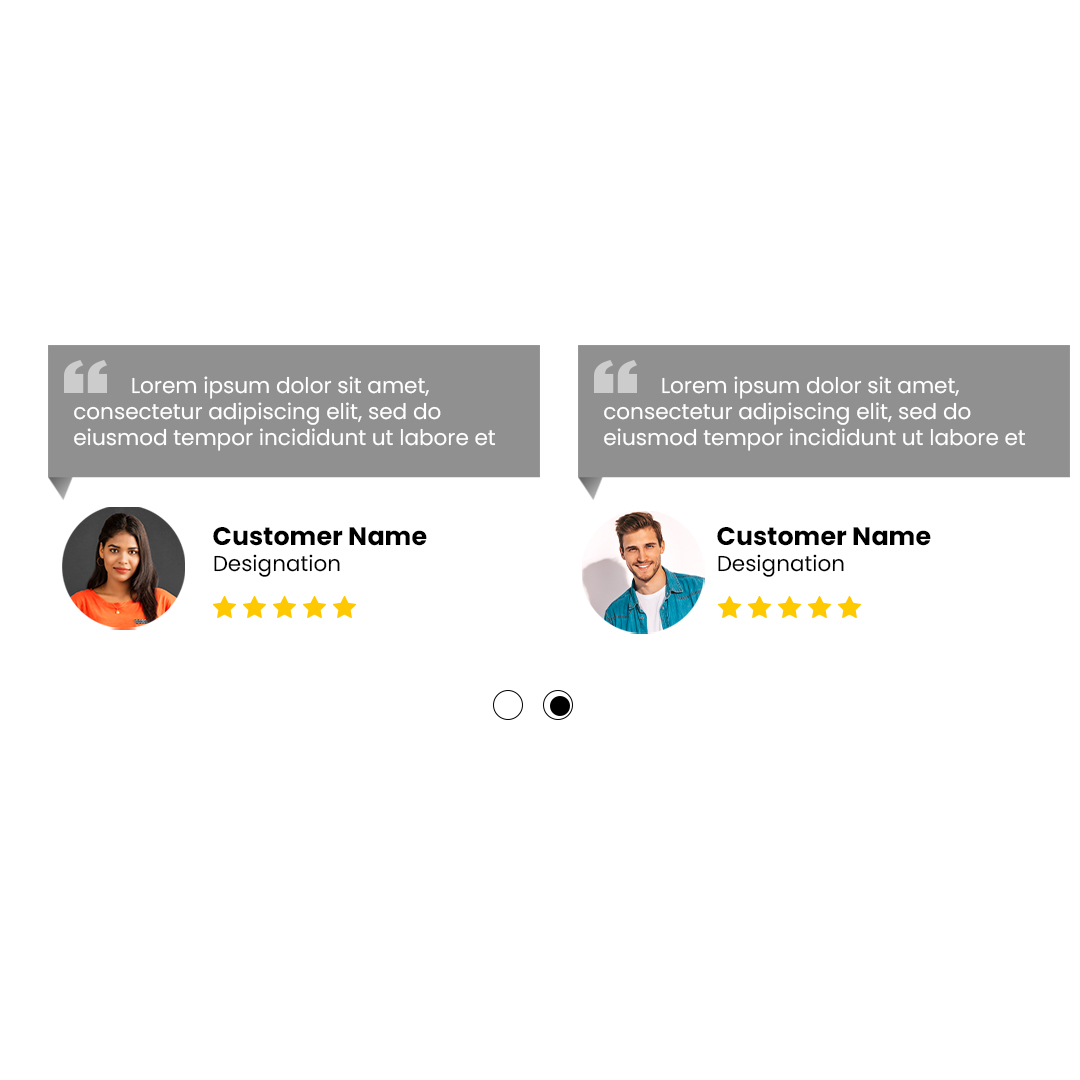
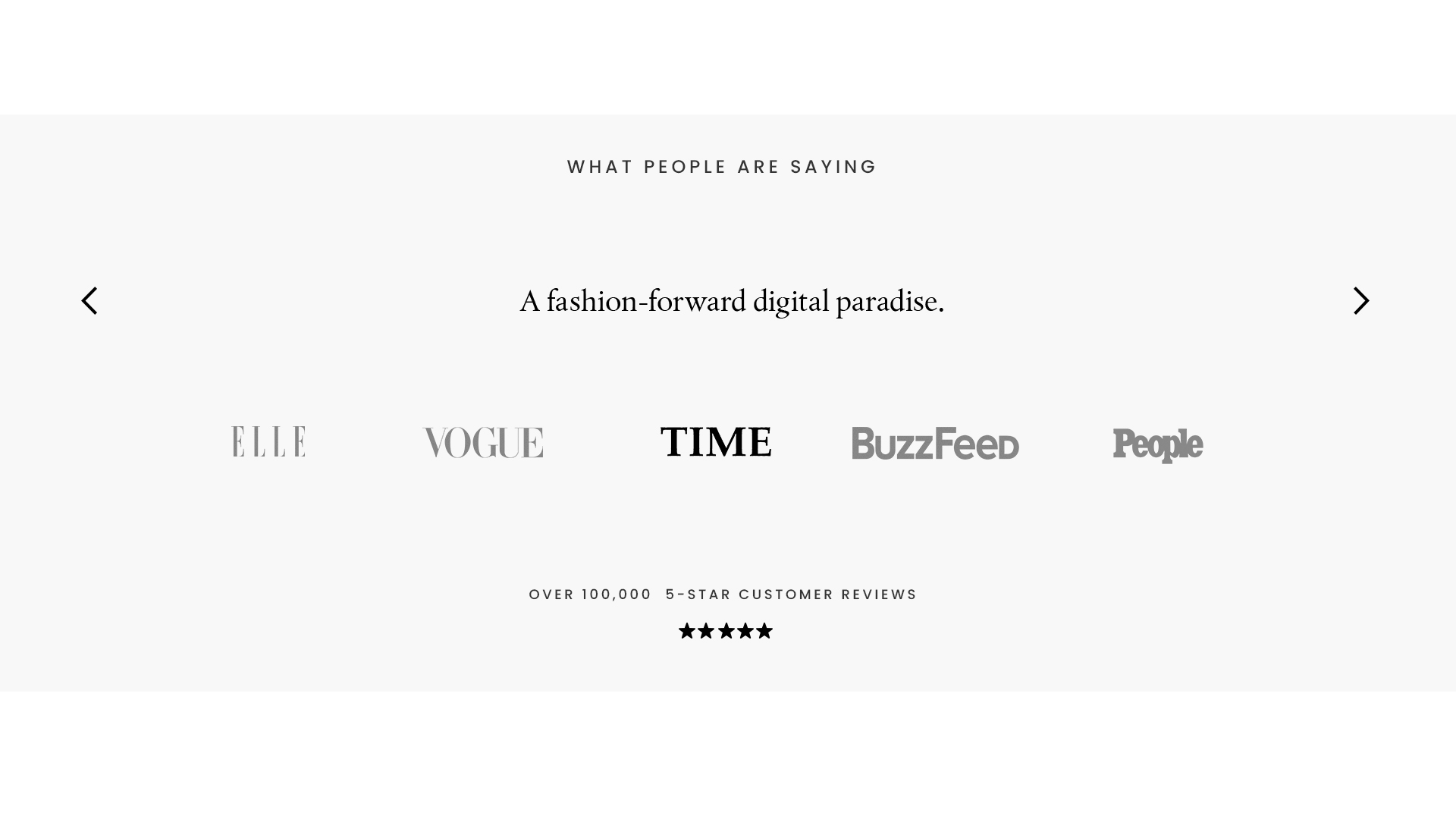
Testimonials
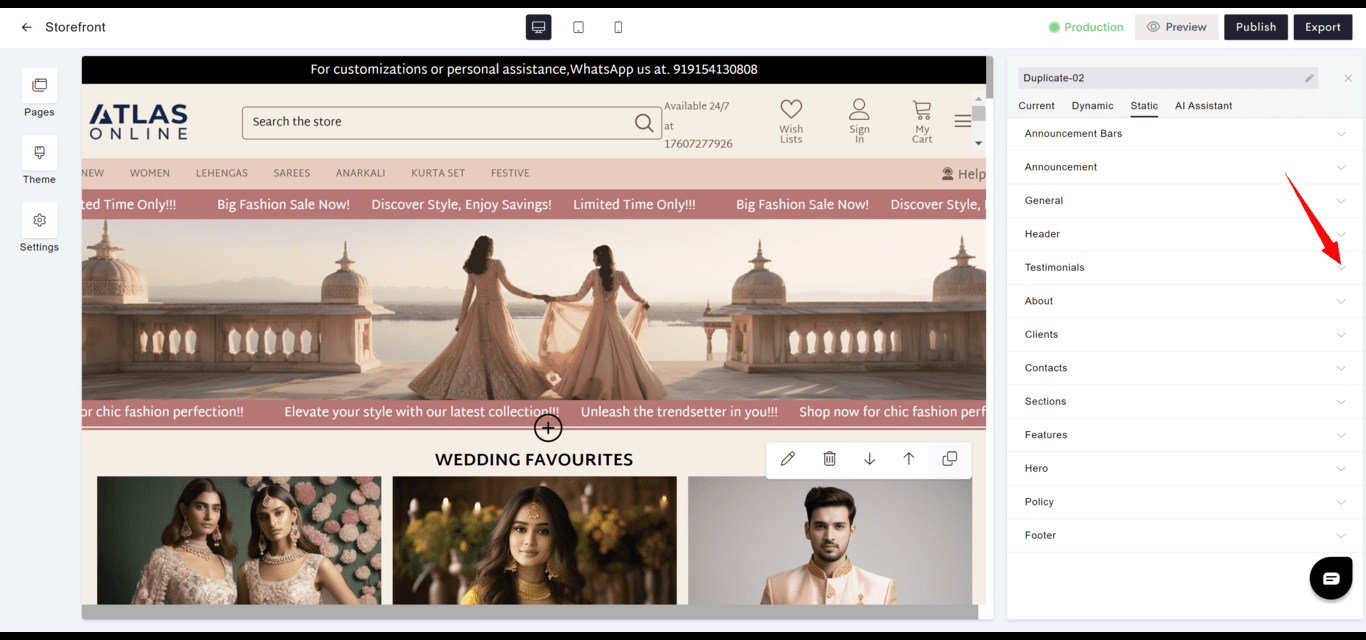
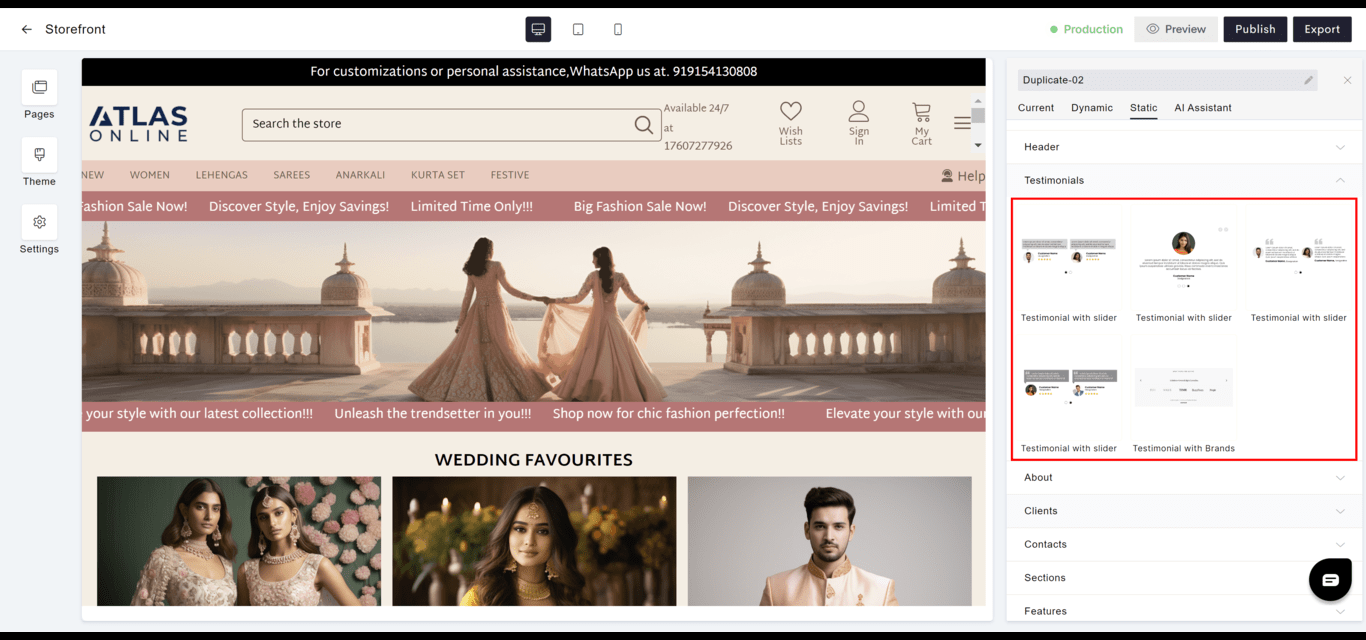
- Engagement: Showcases customer feedback and endorsements to establish trust and credibility.
- Display: Often presented in a carousel or grid layout for visual appeal.
- Goto
- Models
About
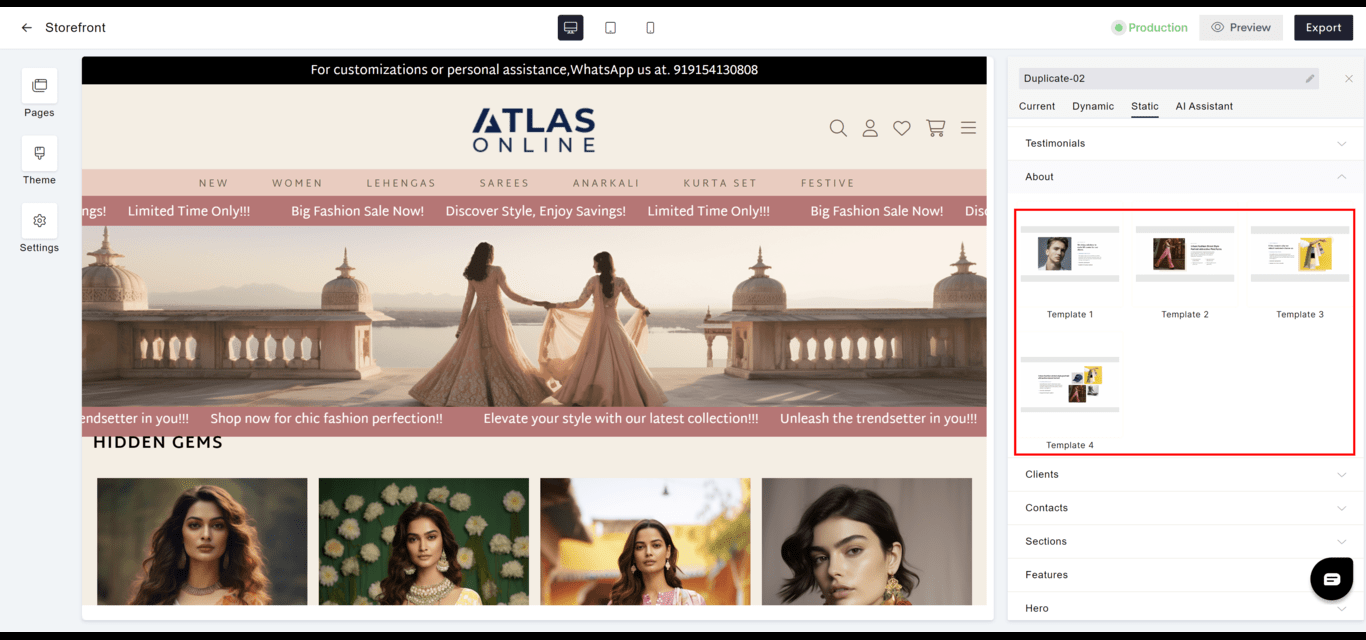
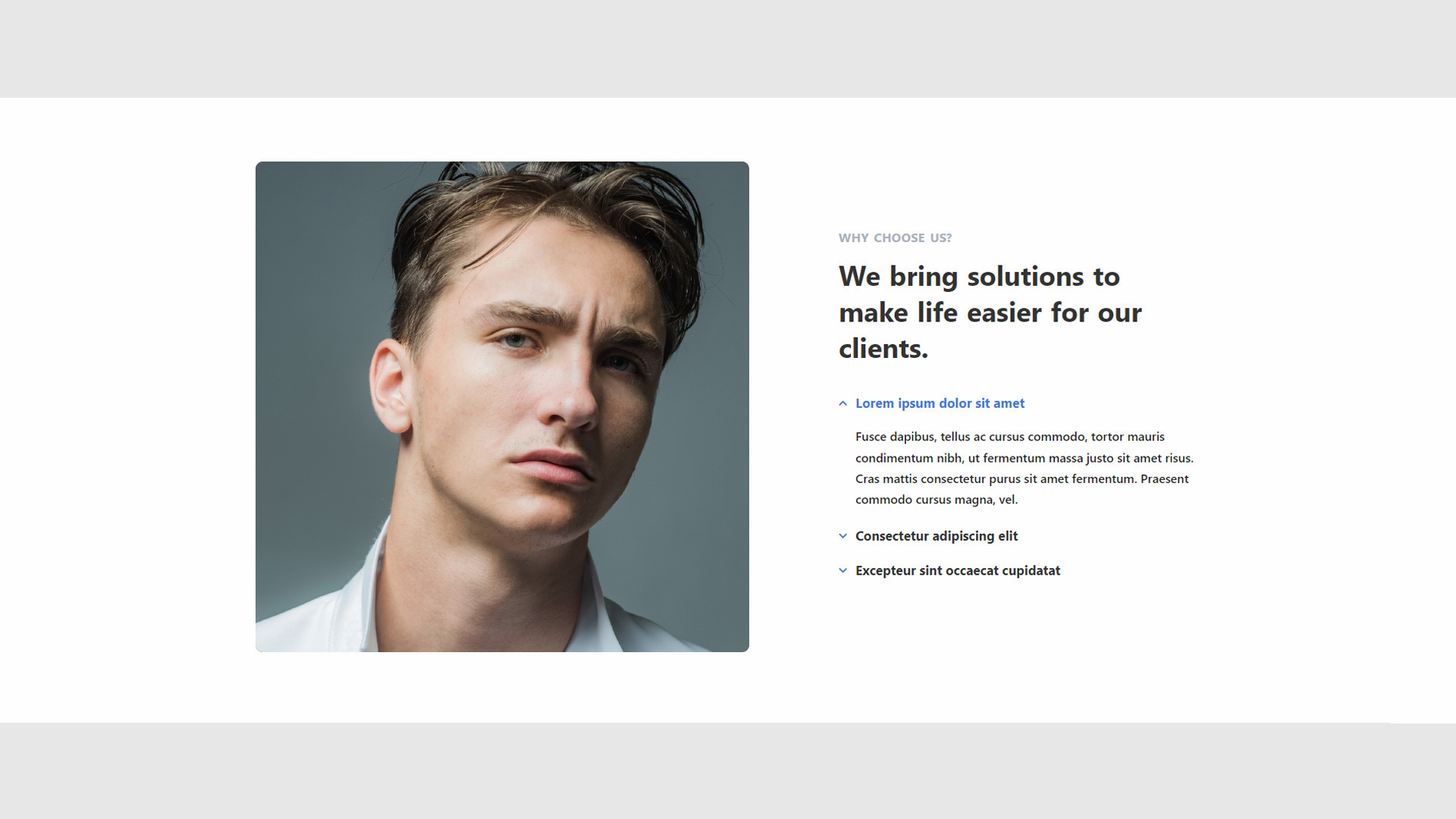
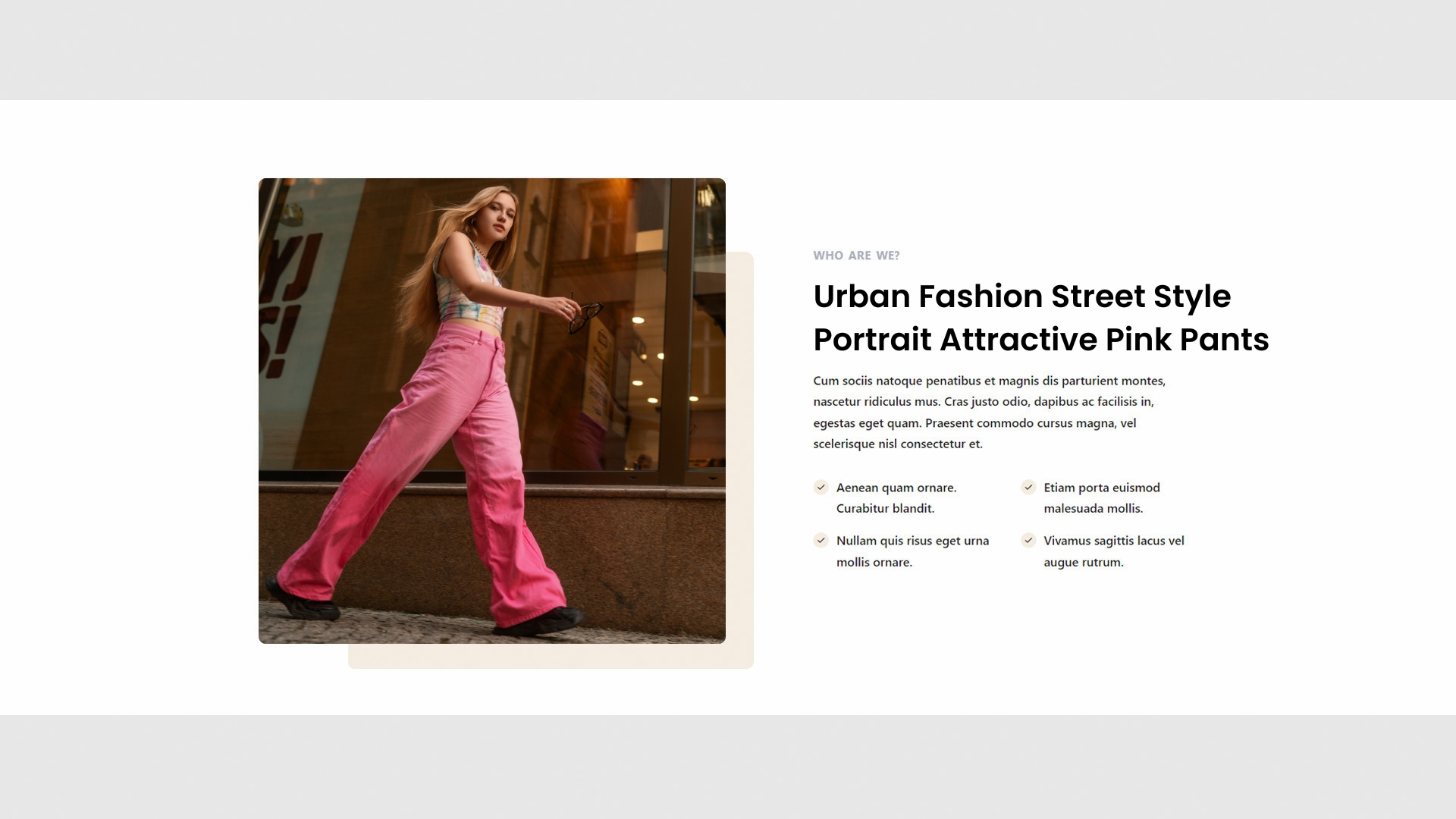
- Content: Offers a narrative about the company, team, or individual, highlighting history, values, or mission.
- Impact: Helps to build a personal connection with the audience.
- Goto
- Models
Clients
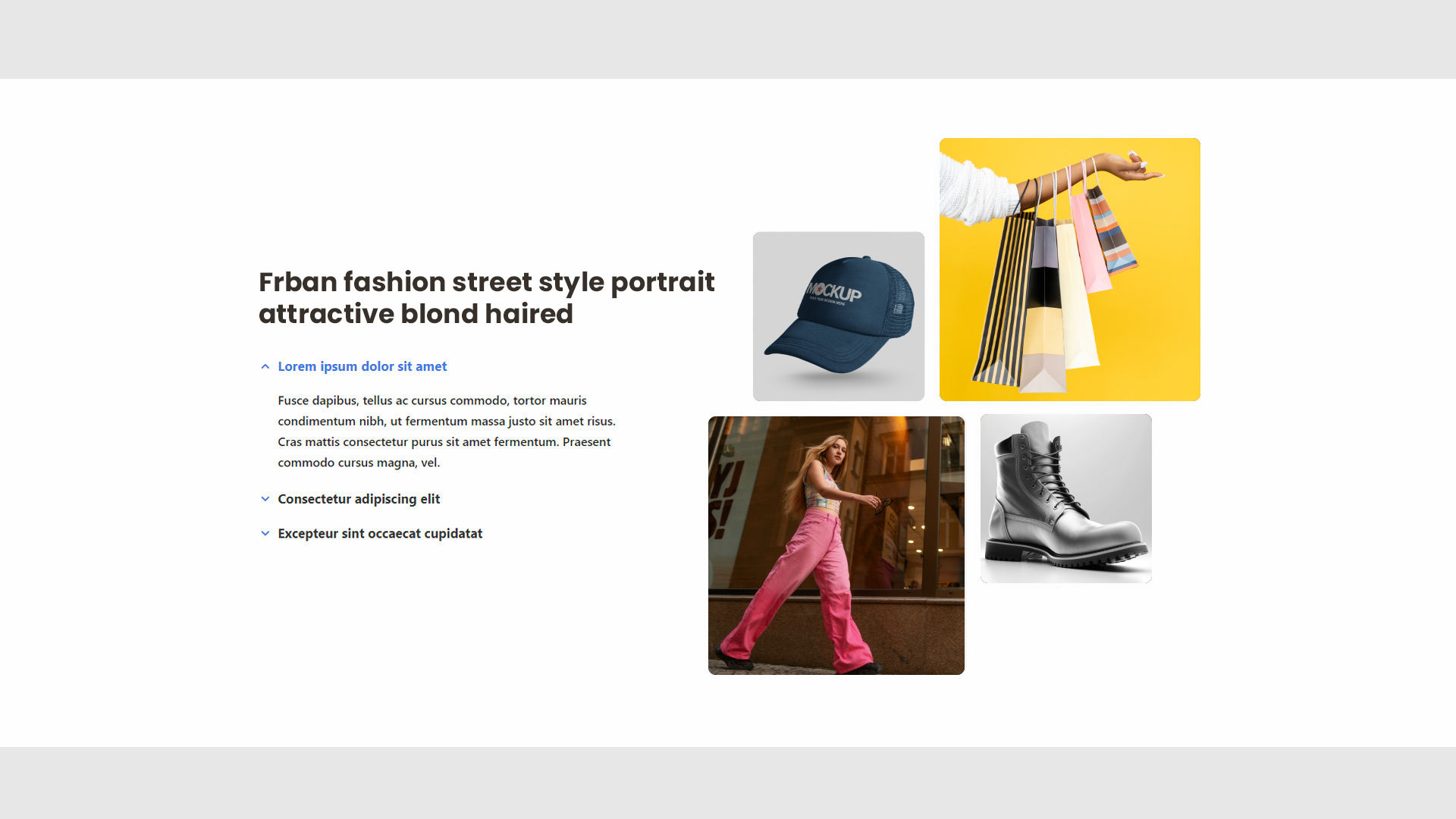
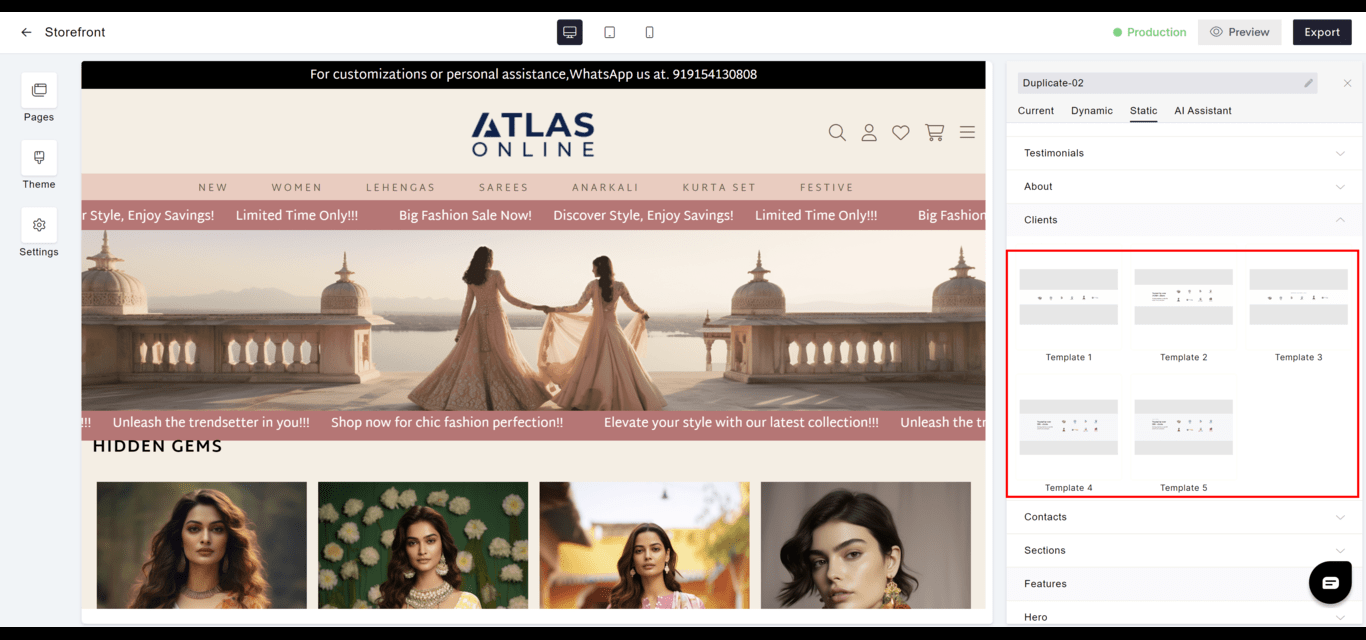
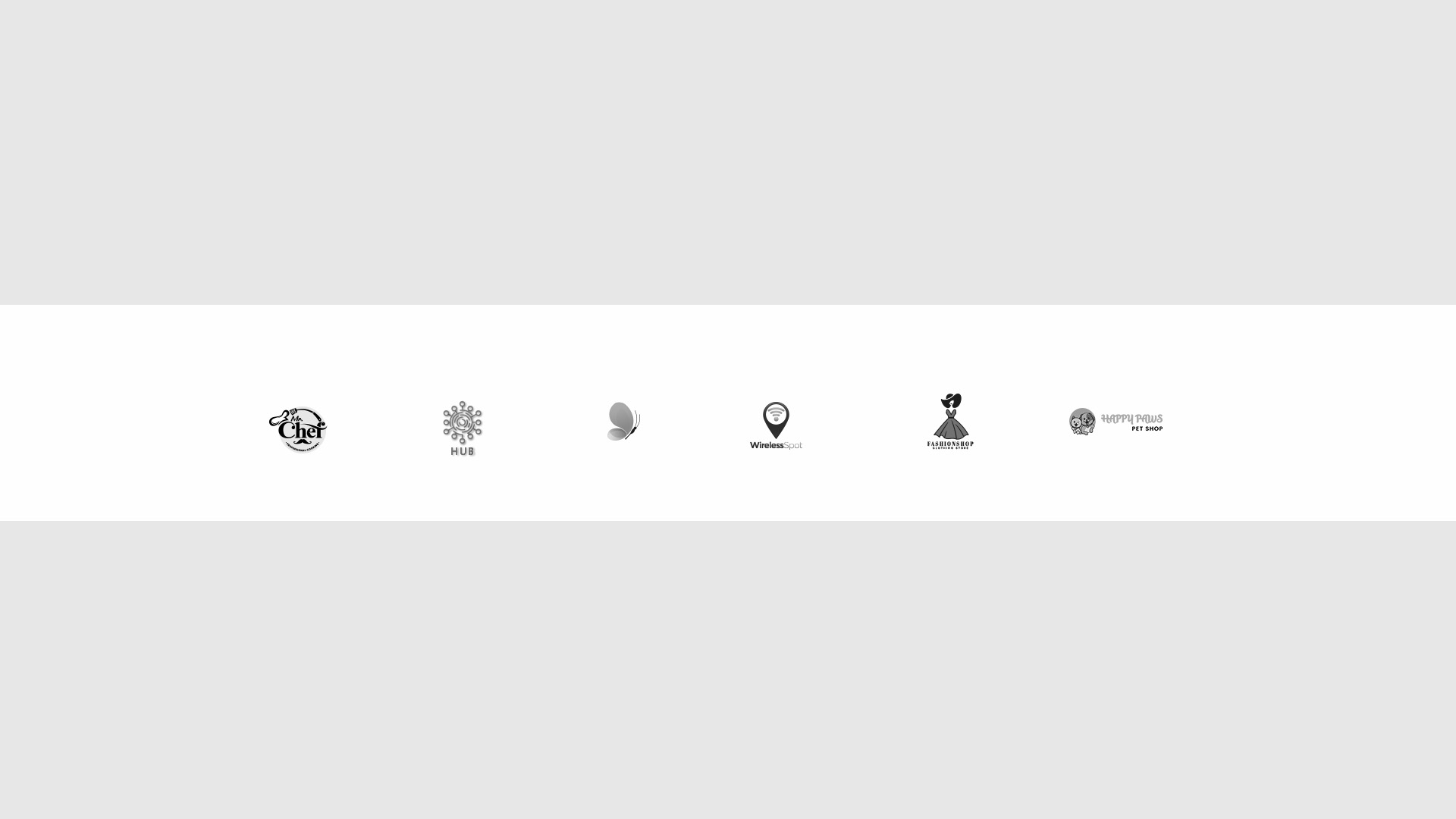
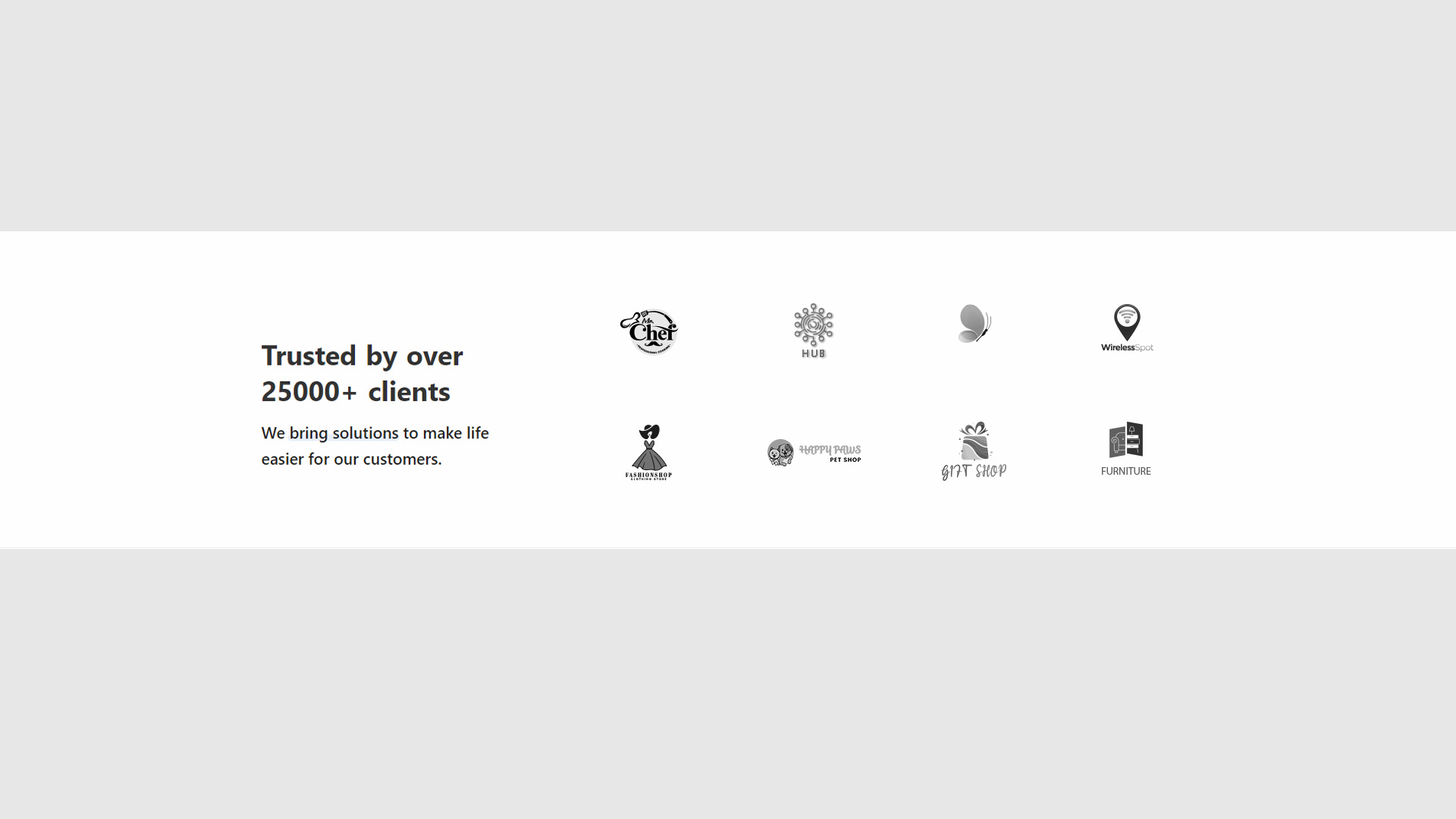
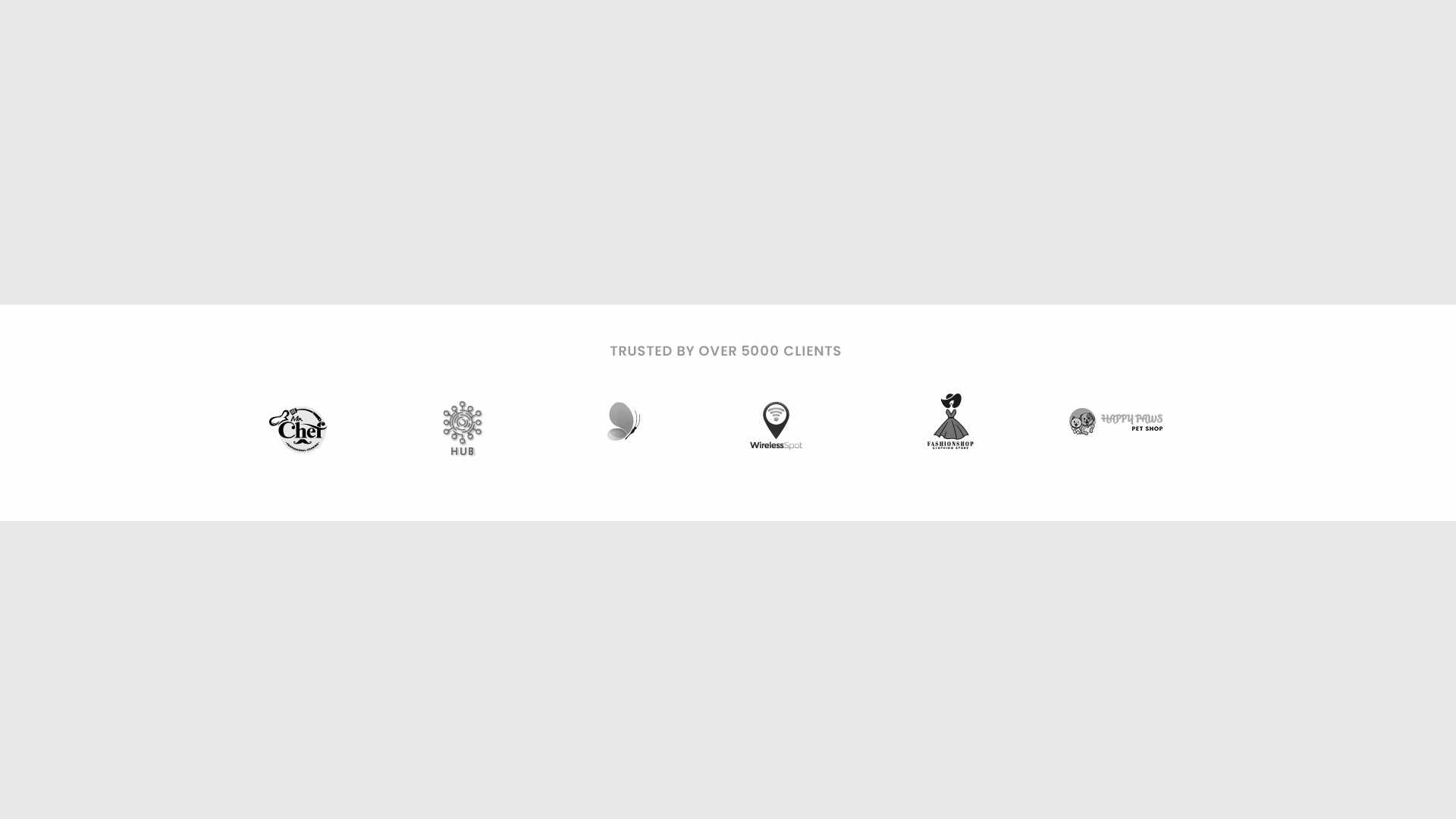
- Showcase: Features logos or testimonials from clients or partners, reinforcing brand reputation.
- Design: Can be displayed in various formats depending on the desired emphasis and website design.
- Goto
- Models
Contacts
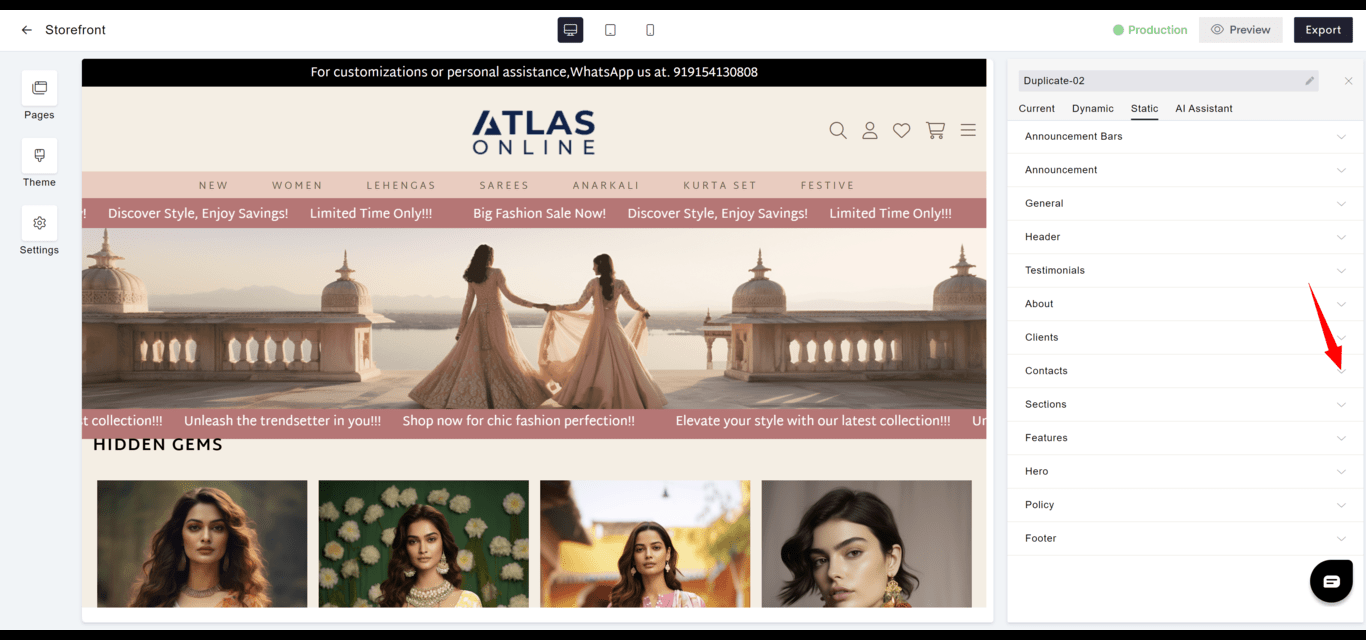
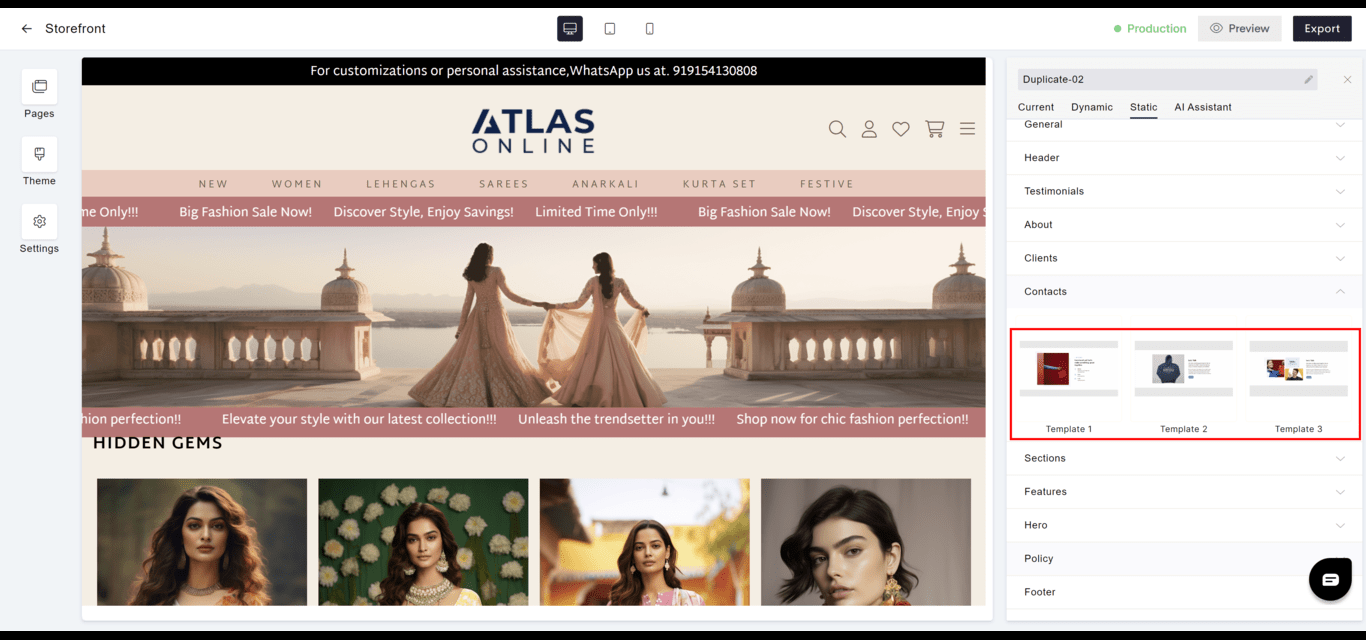
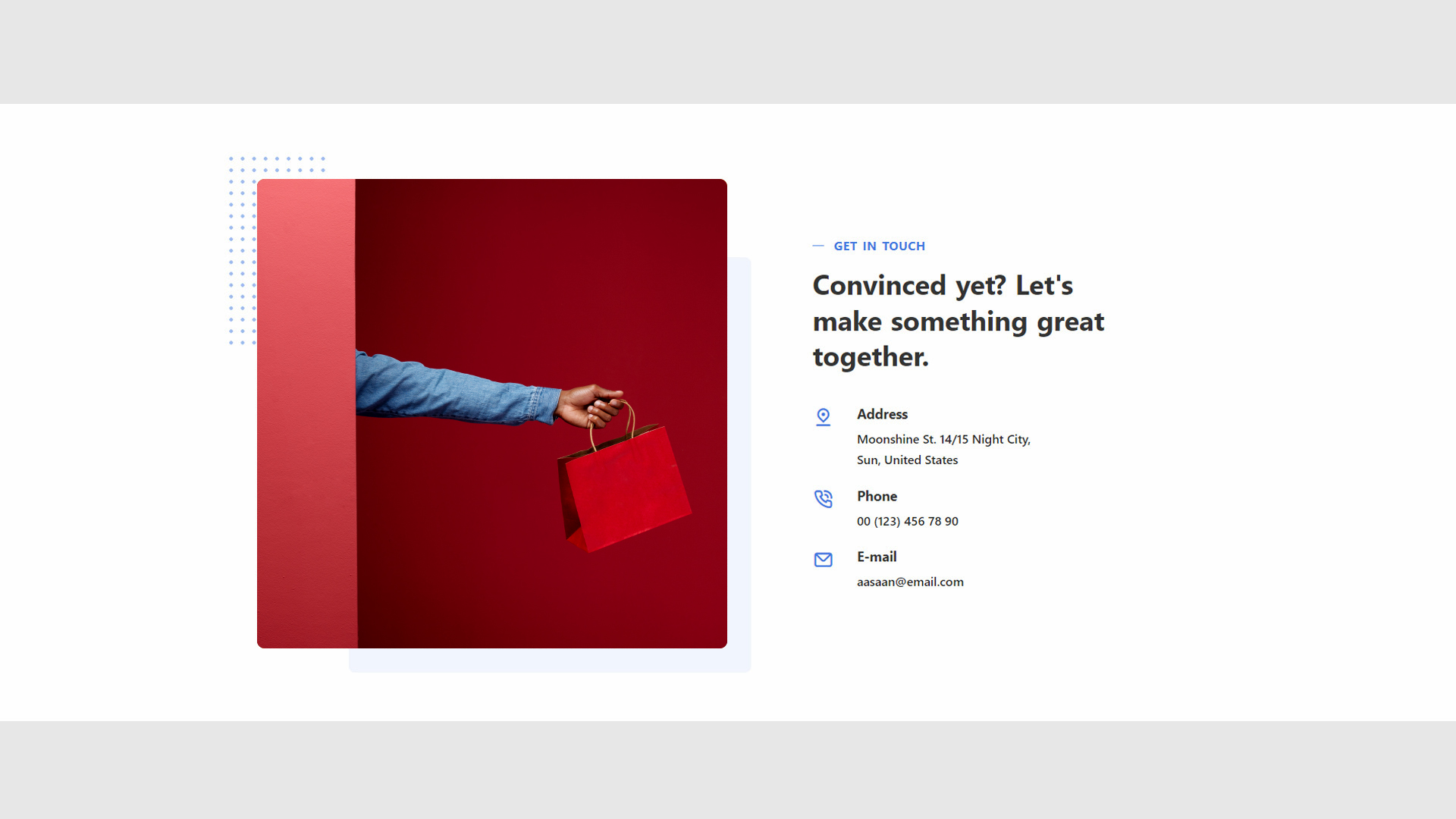
- Information: Lists essential contact details, facilitating communication with visitors.
- Accessibility: Ensures that users can easily find contact information for customer support or inquiries.
- Goto
- Models
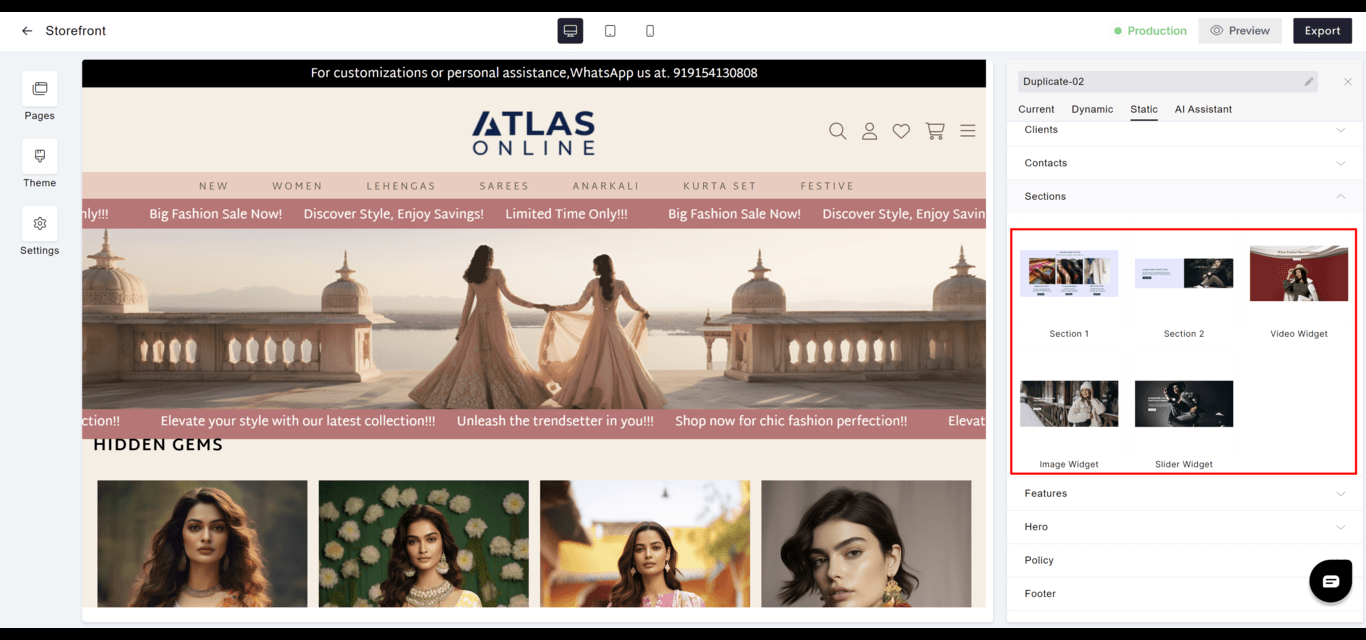
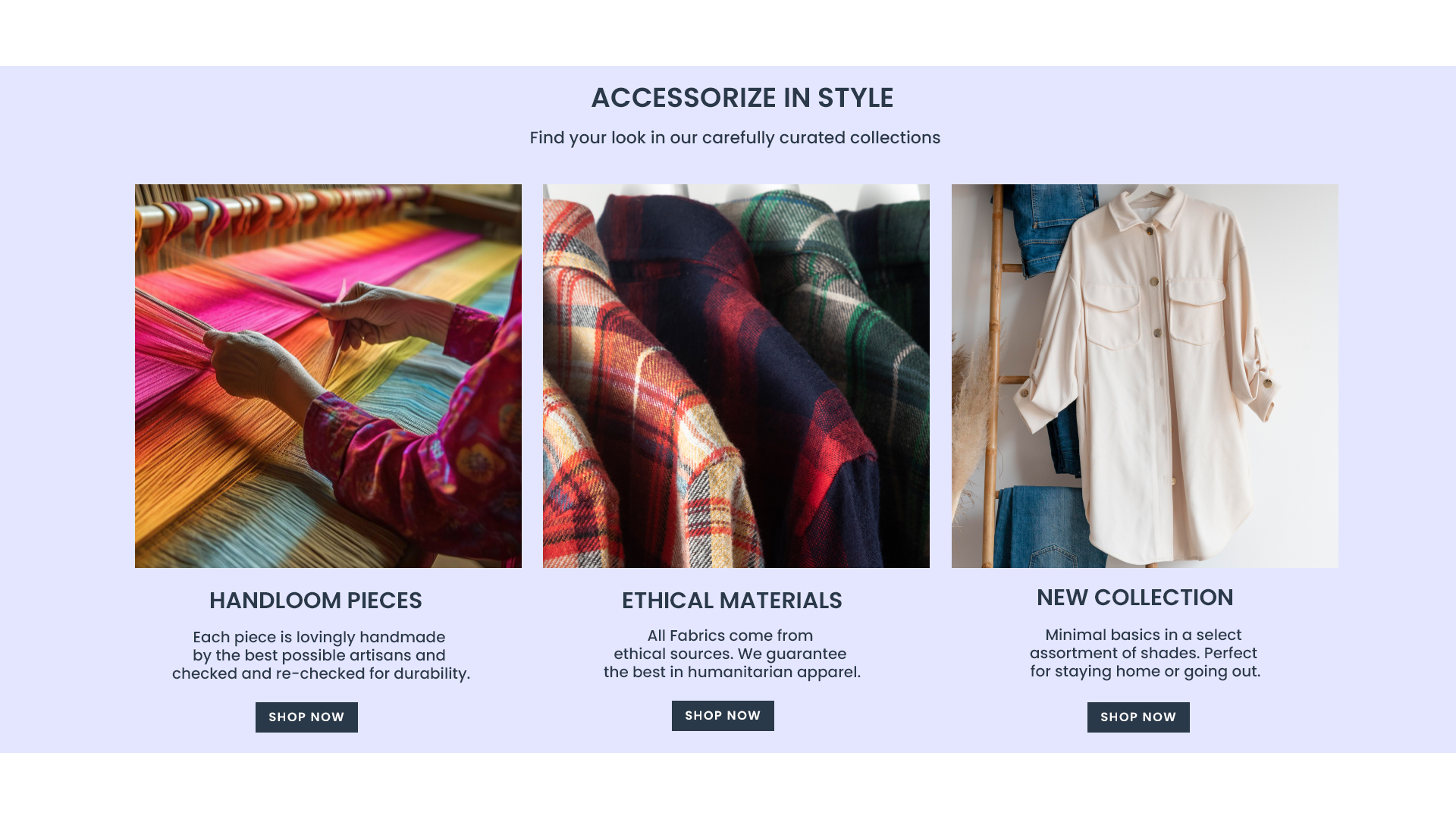
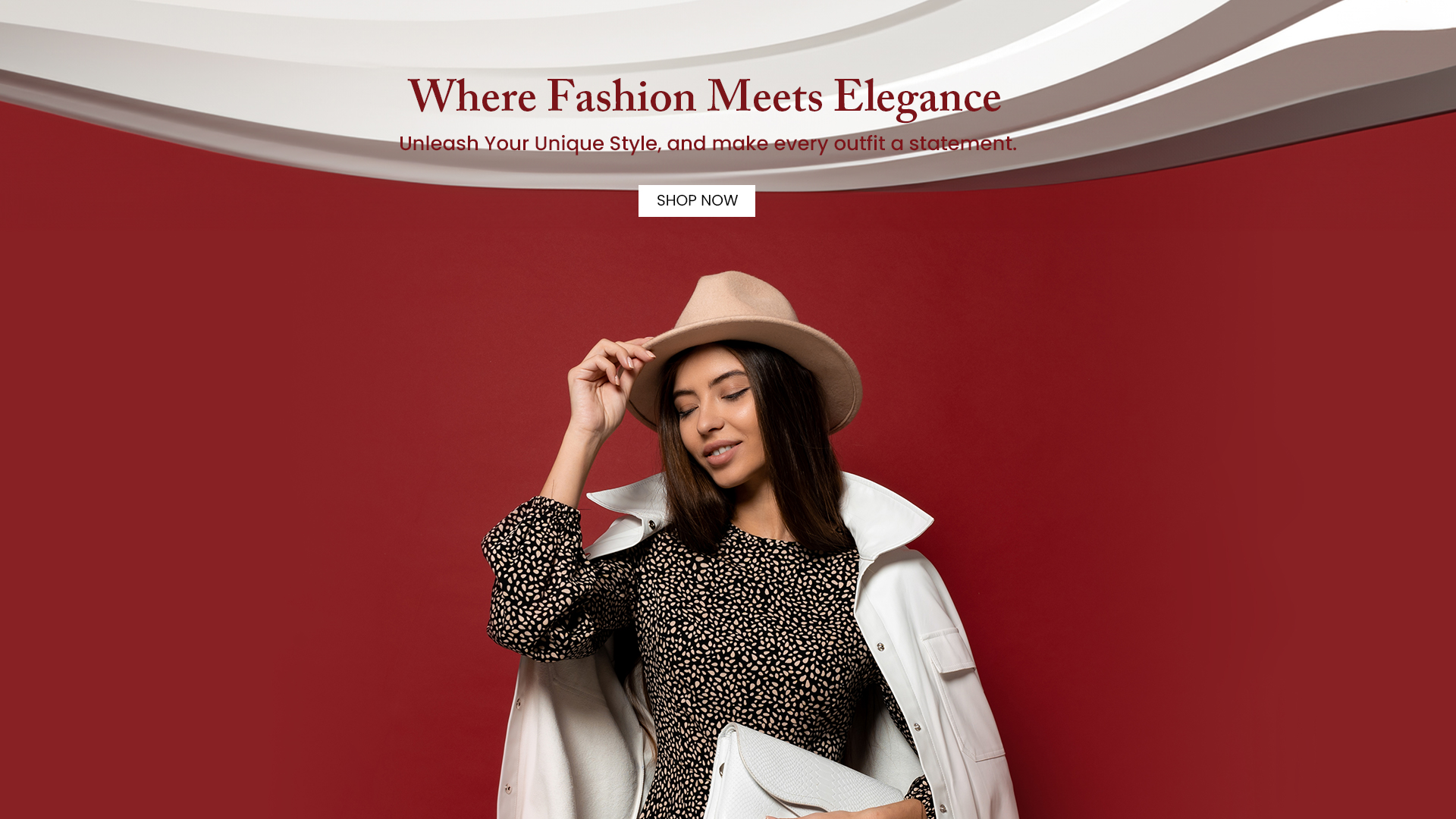
Sections
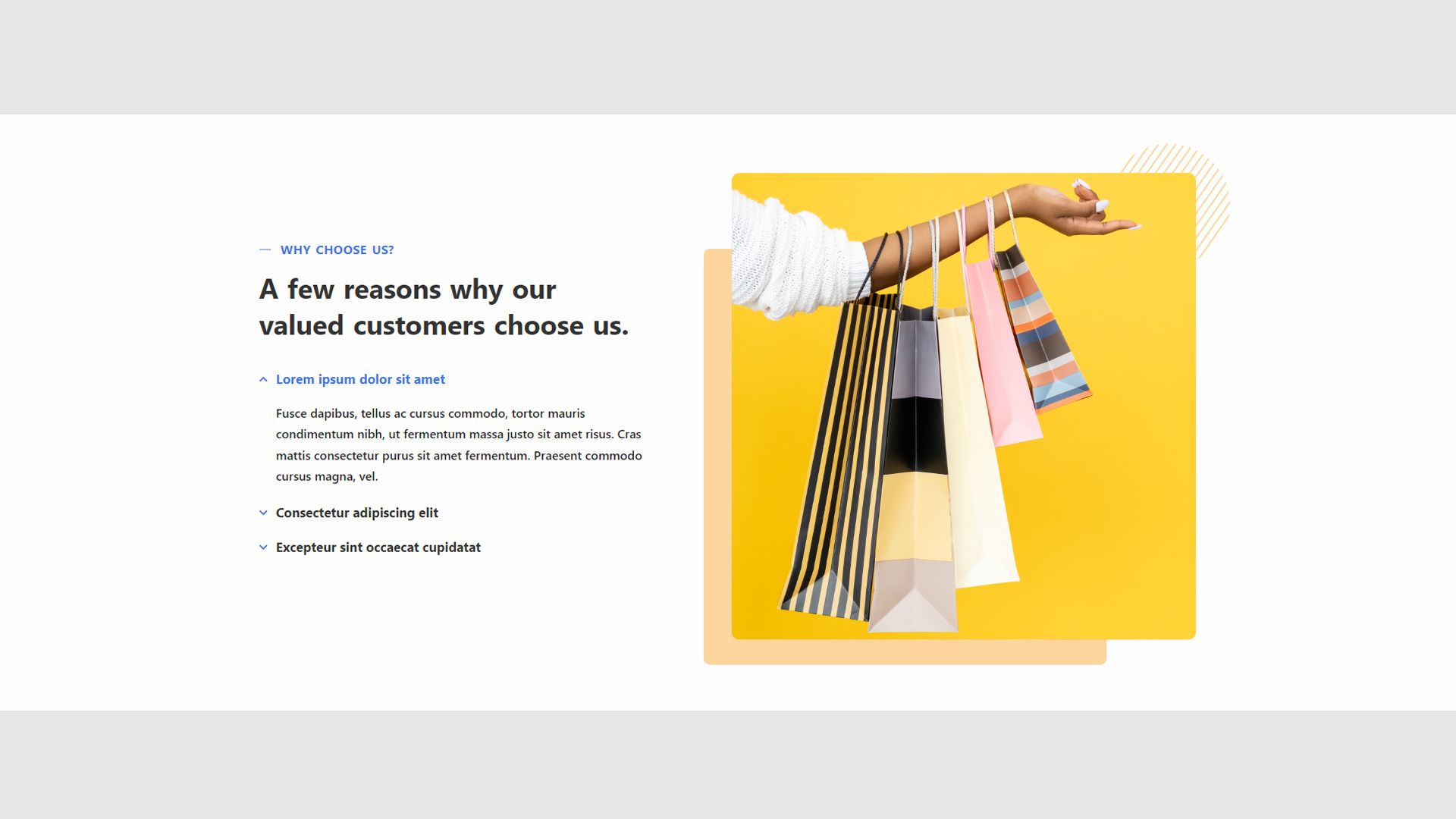
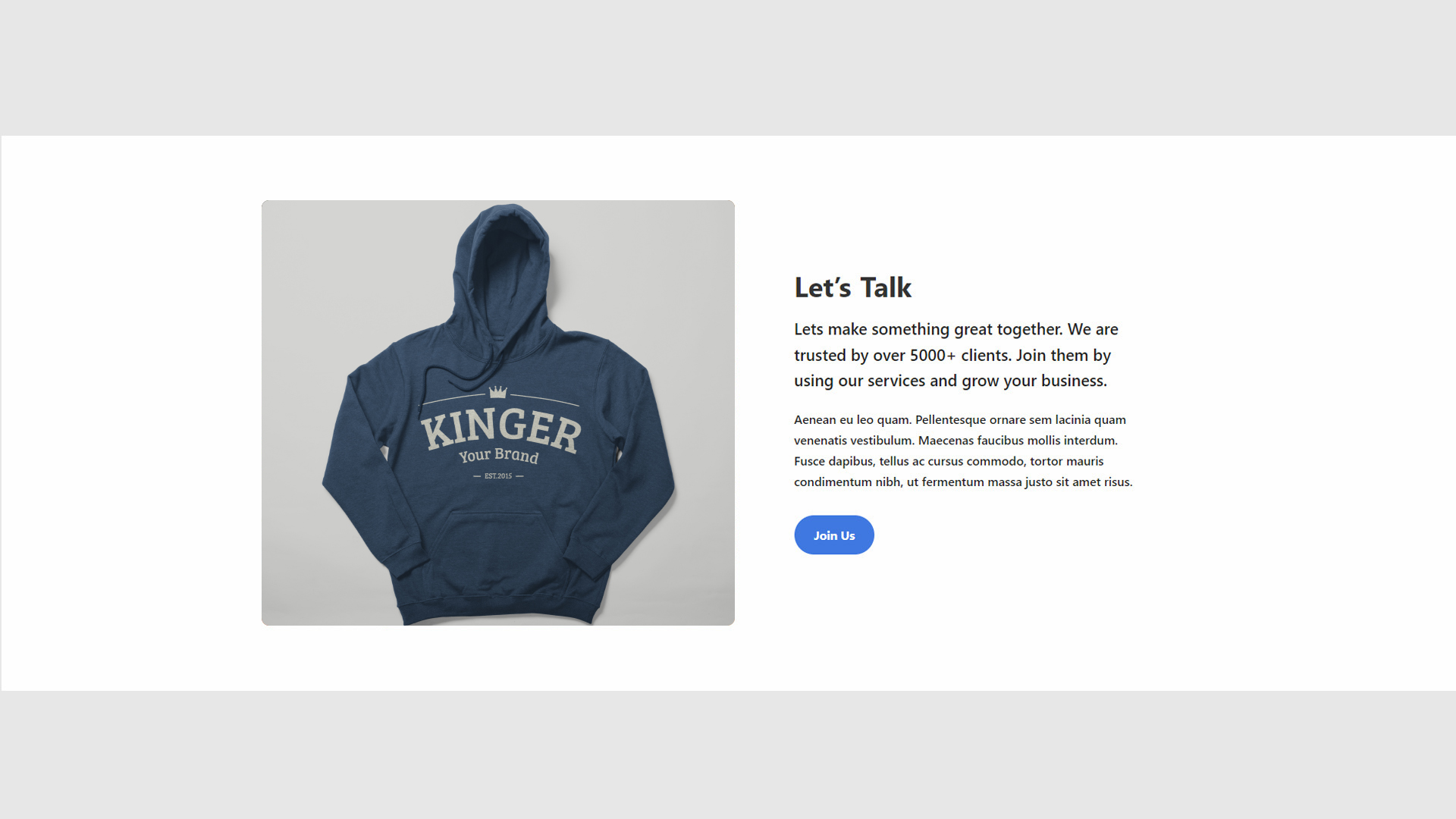
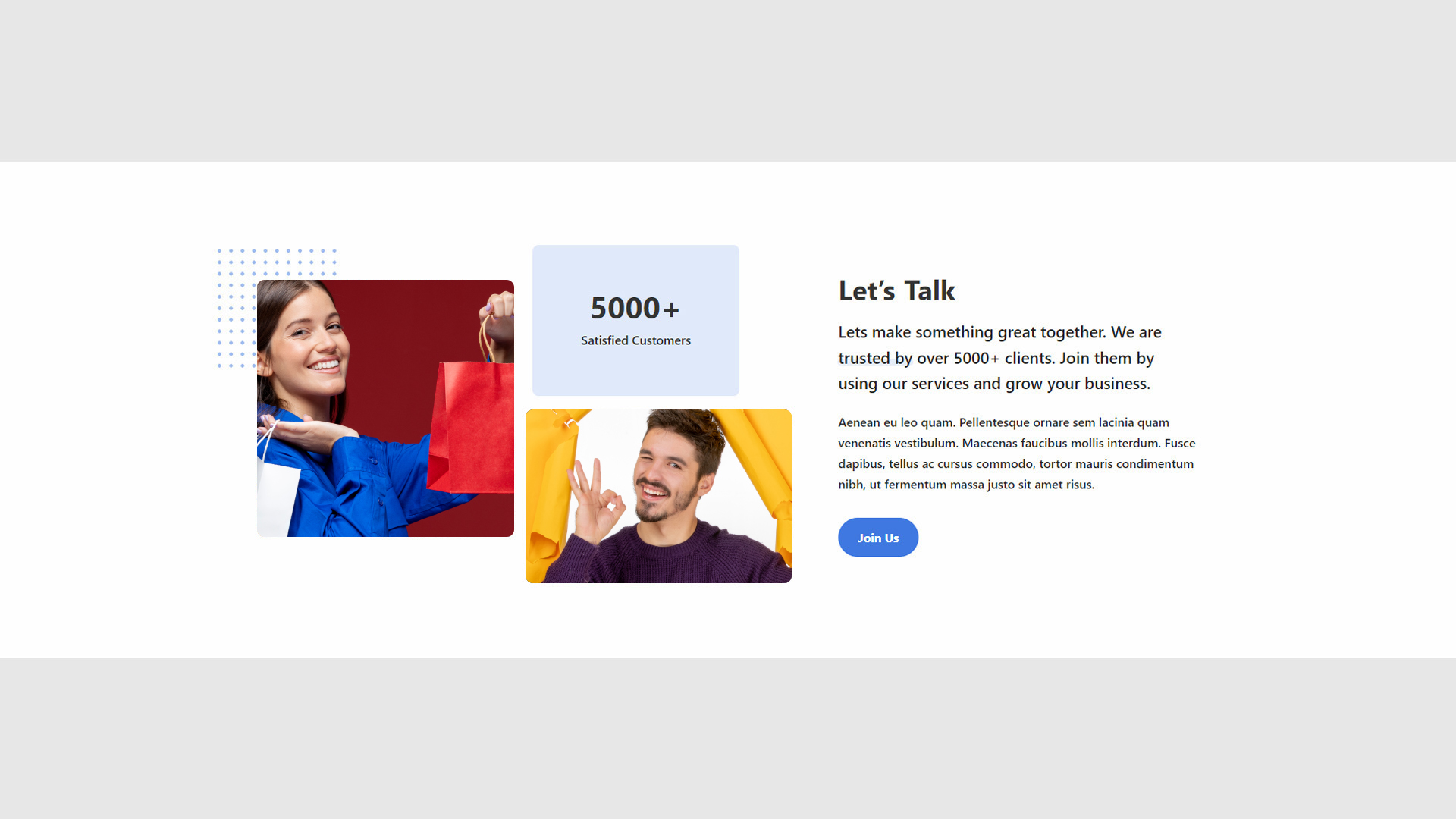
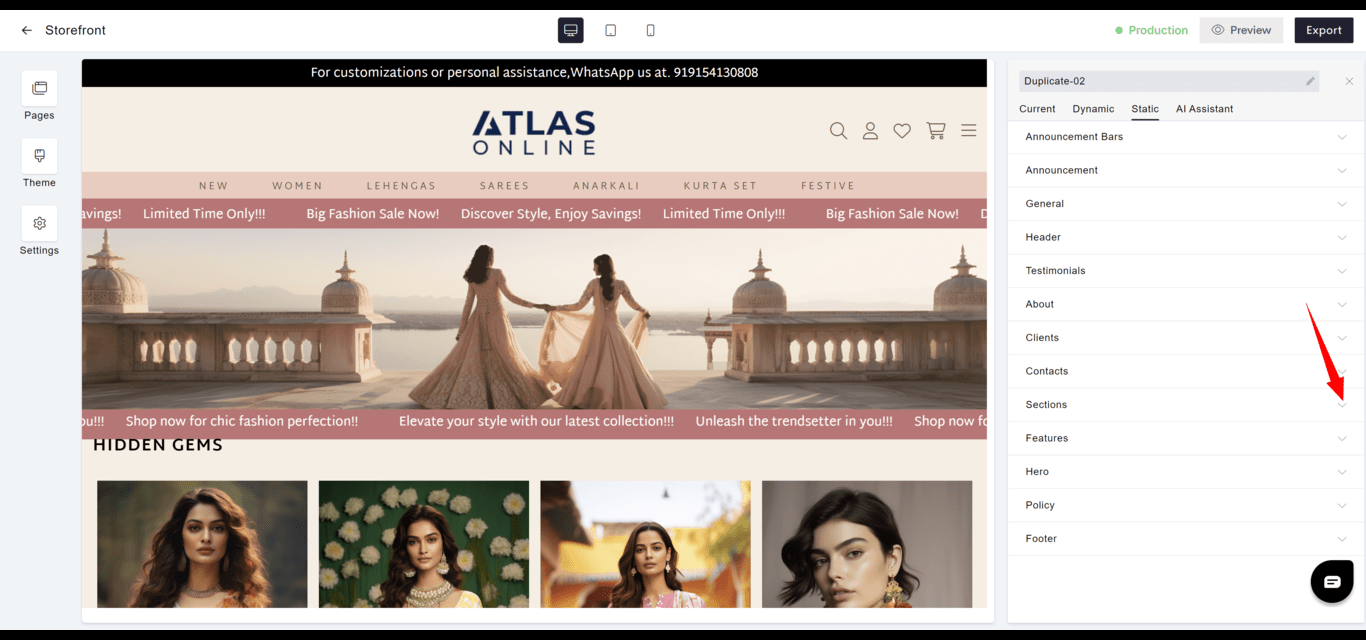
- Versatility: Provides predefined sections for diverse content presentation needs.
- Flexibility: Each section can be used for different purposes such as highlighting services, team members, or features.
- Goto
- Models



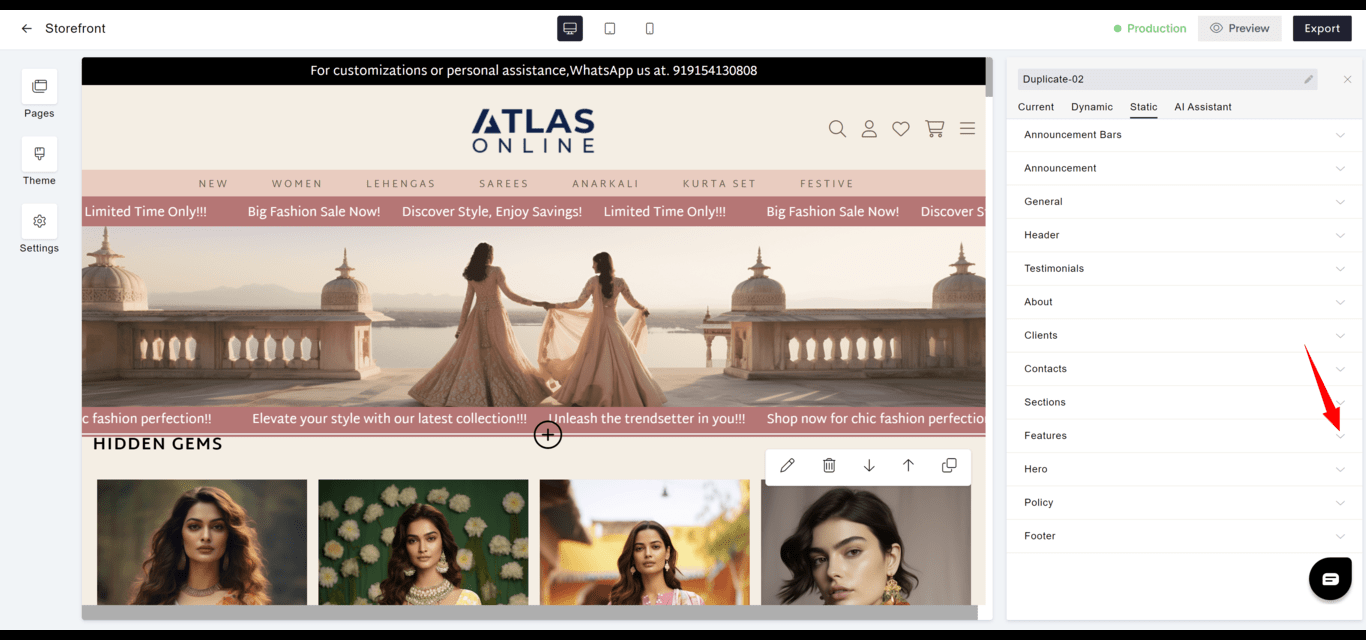
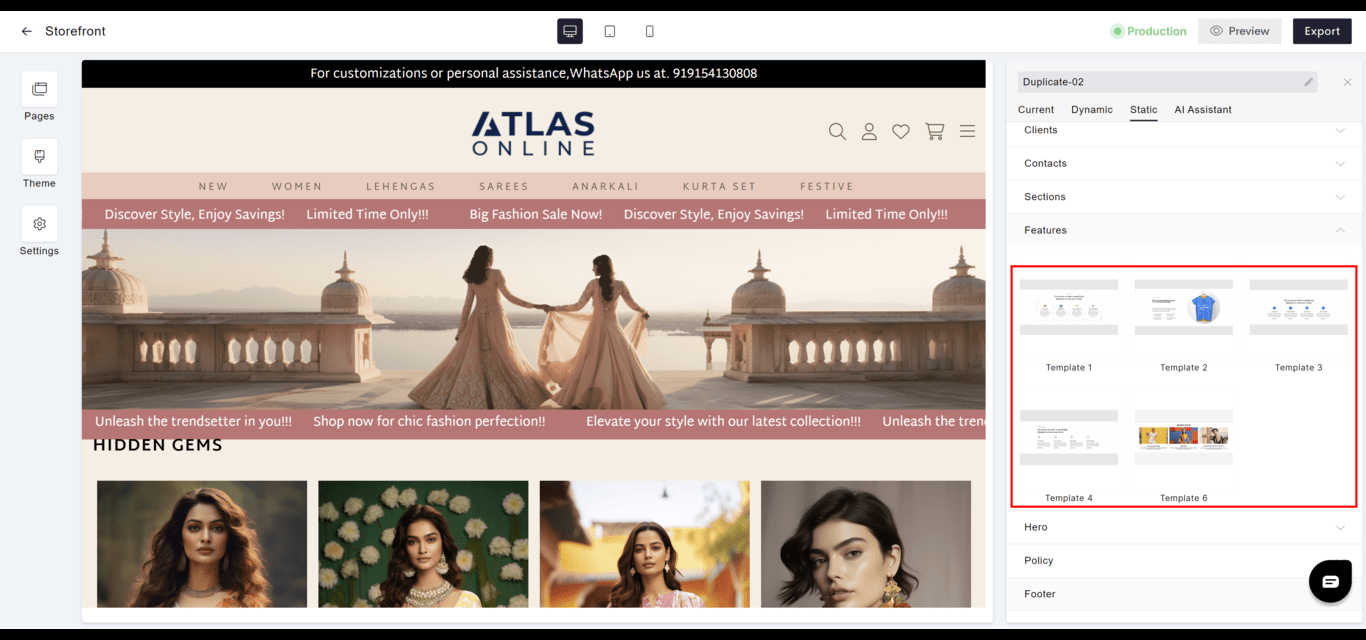
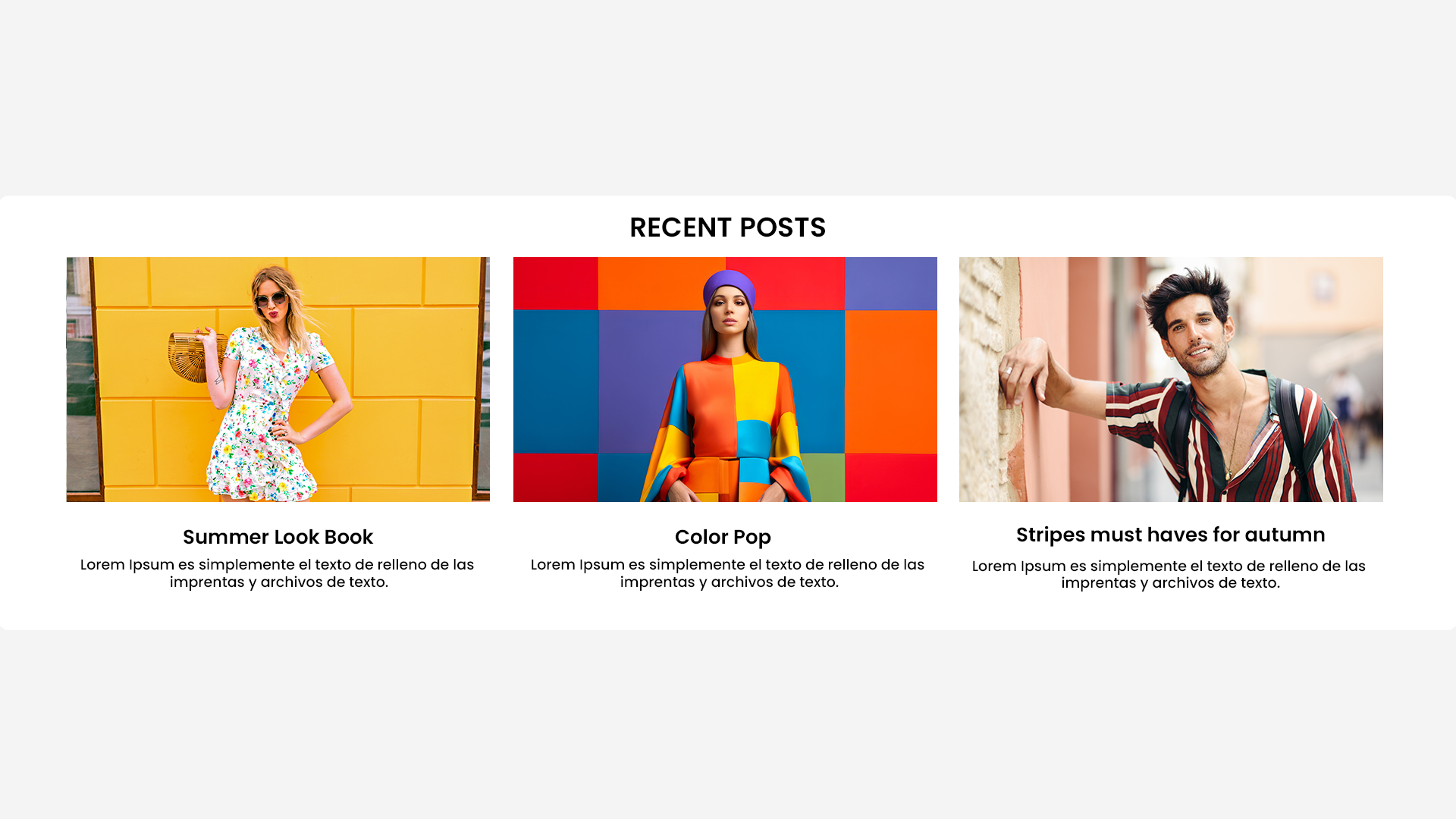
Features
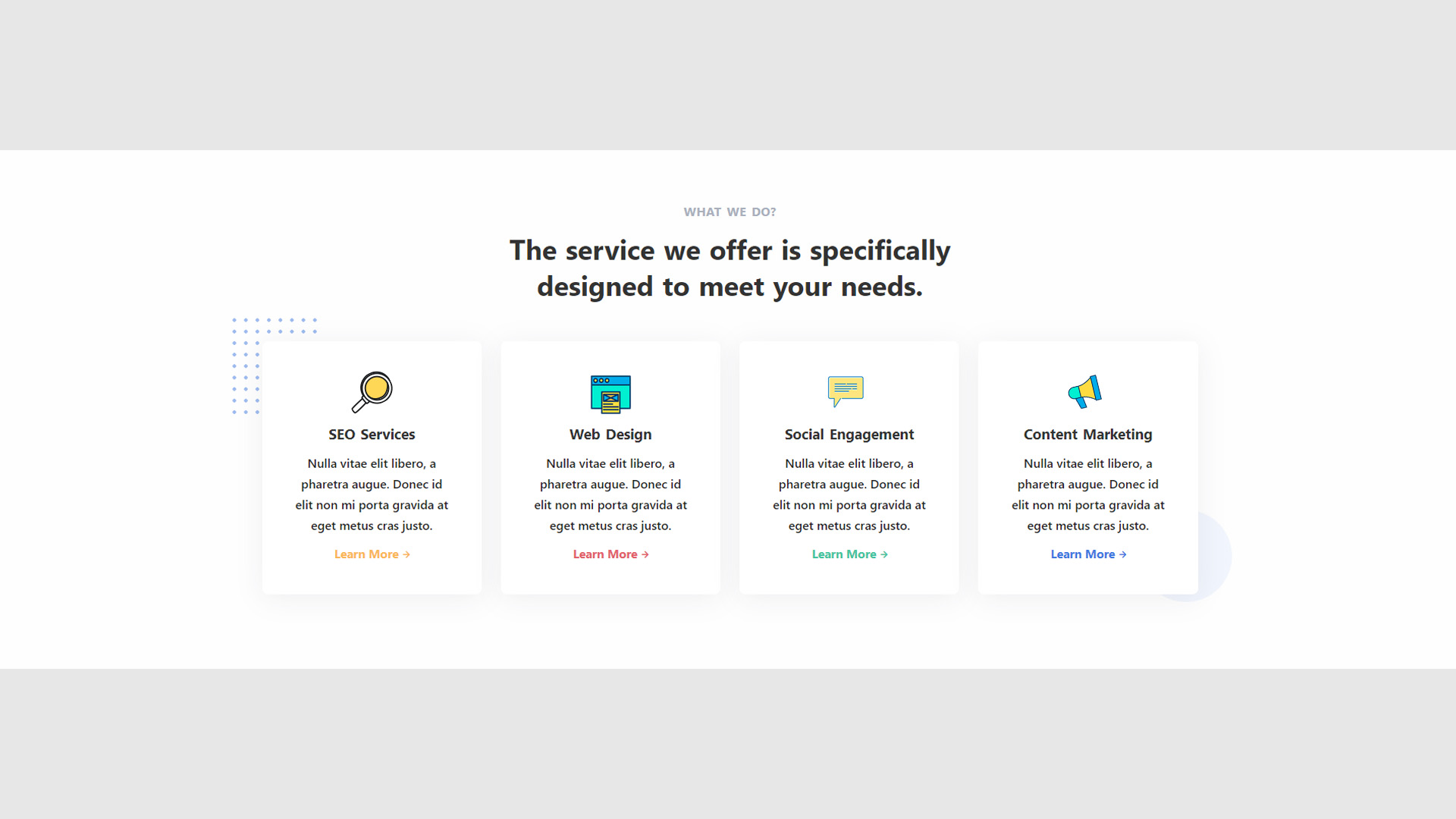
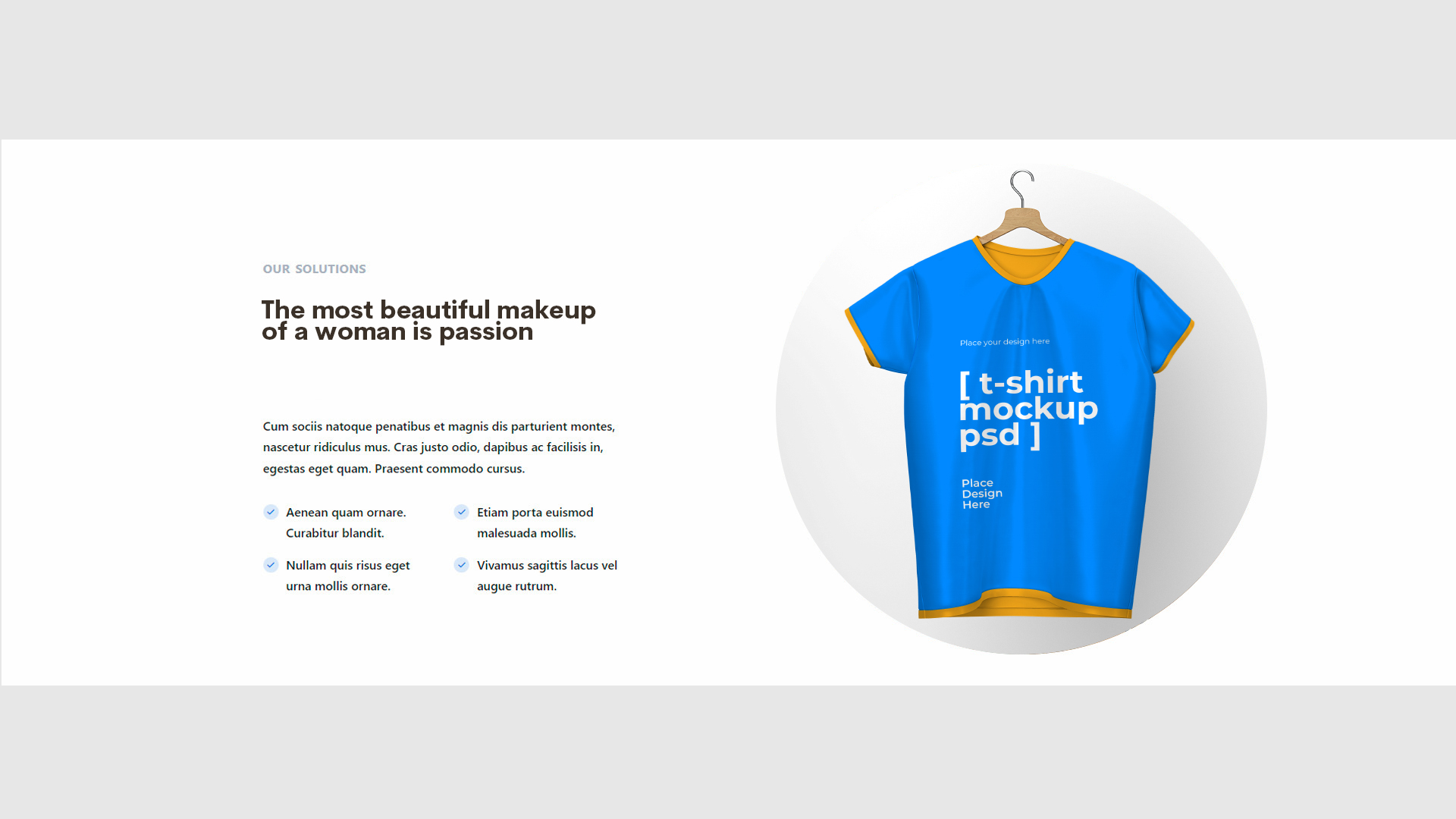
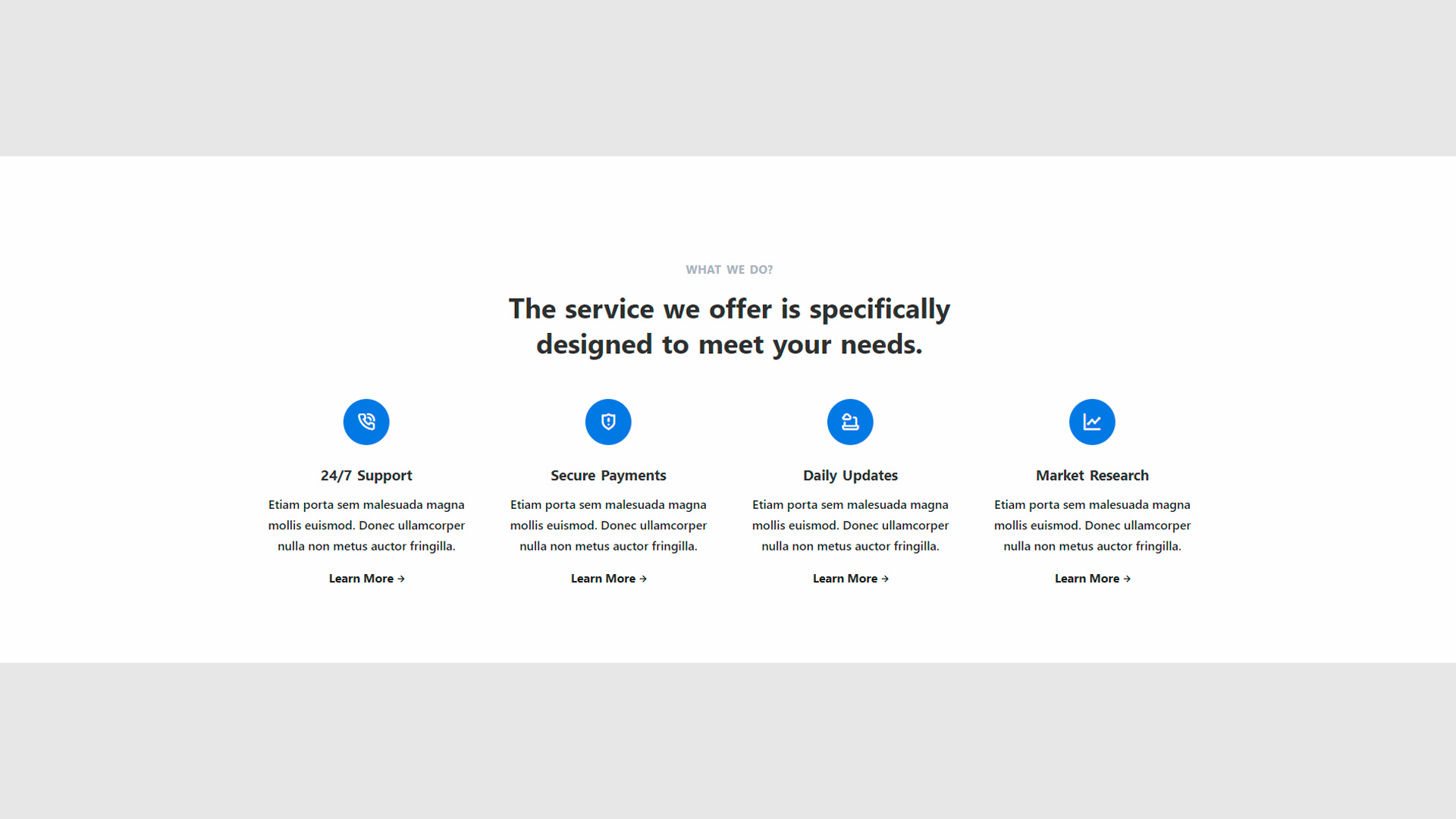
- Highlight: Emphasizes the main features or benefits of products or services offered.
- Strategy: Can be leveraged to focus on selling points that differentiate the brand in the market.
- Goto
- Models
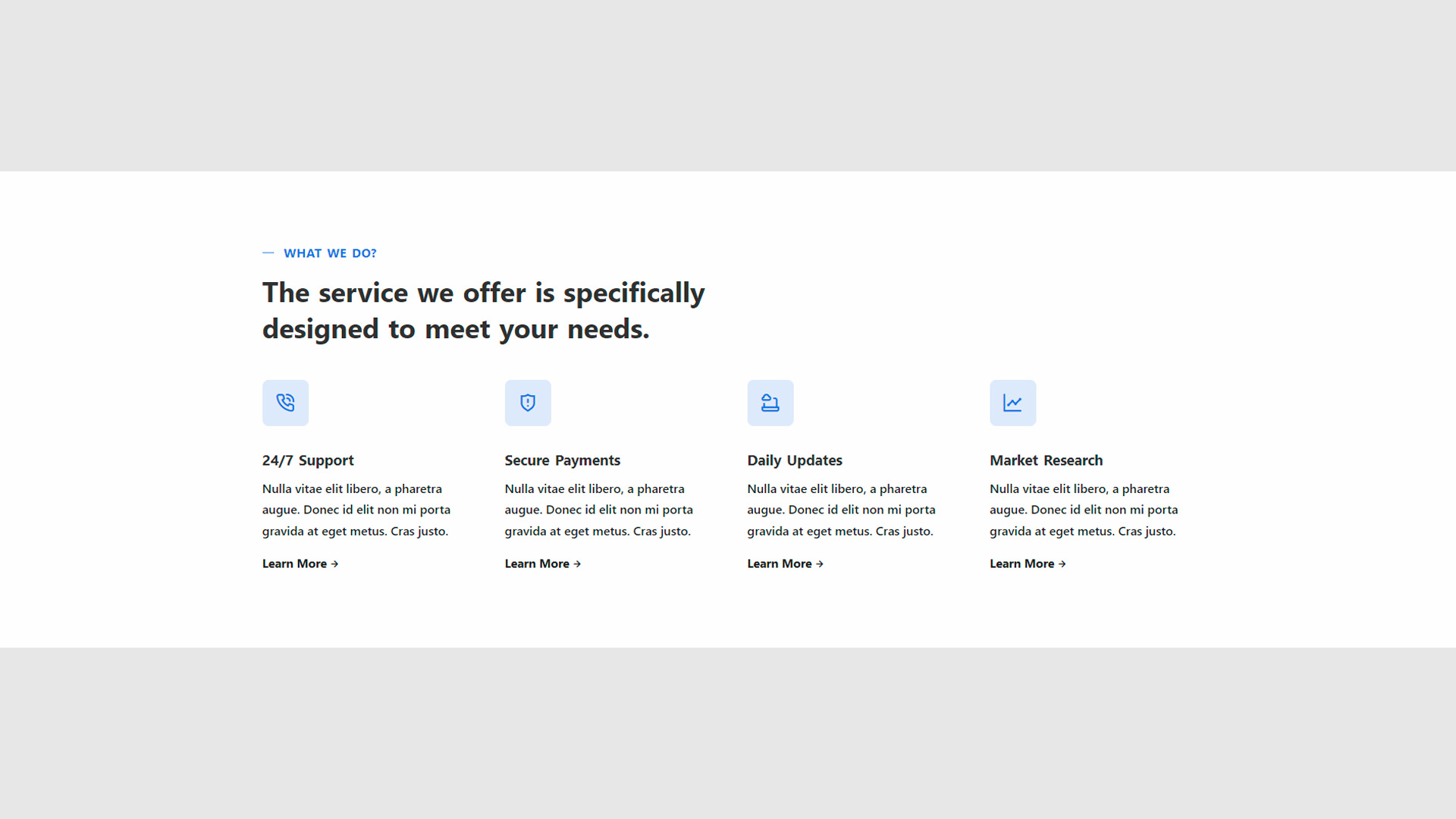
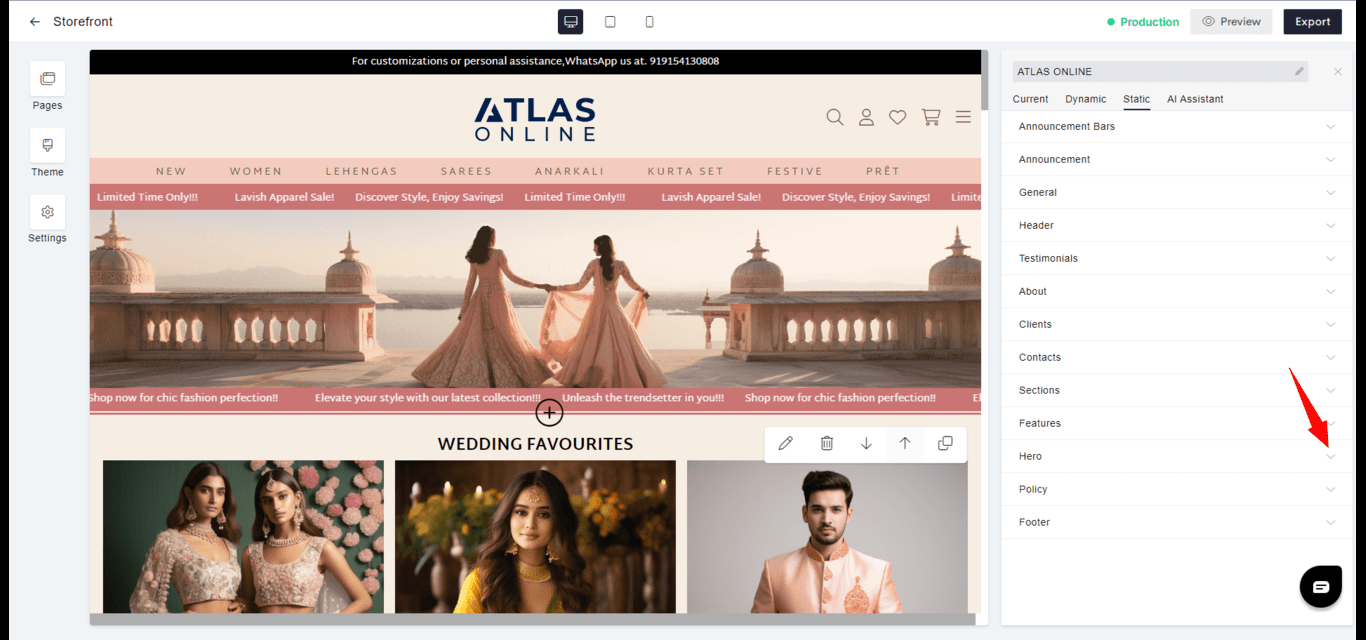
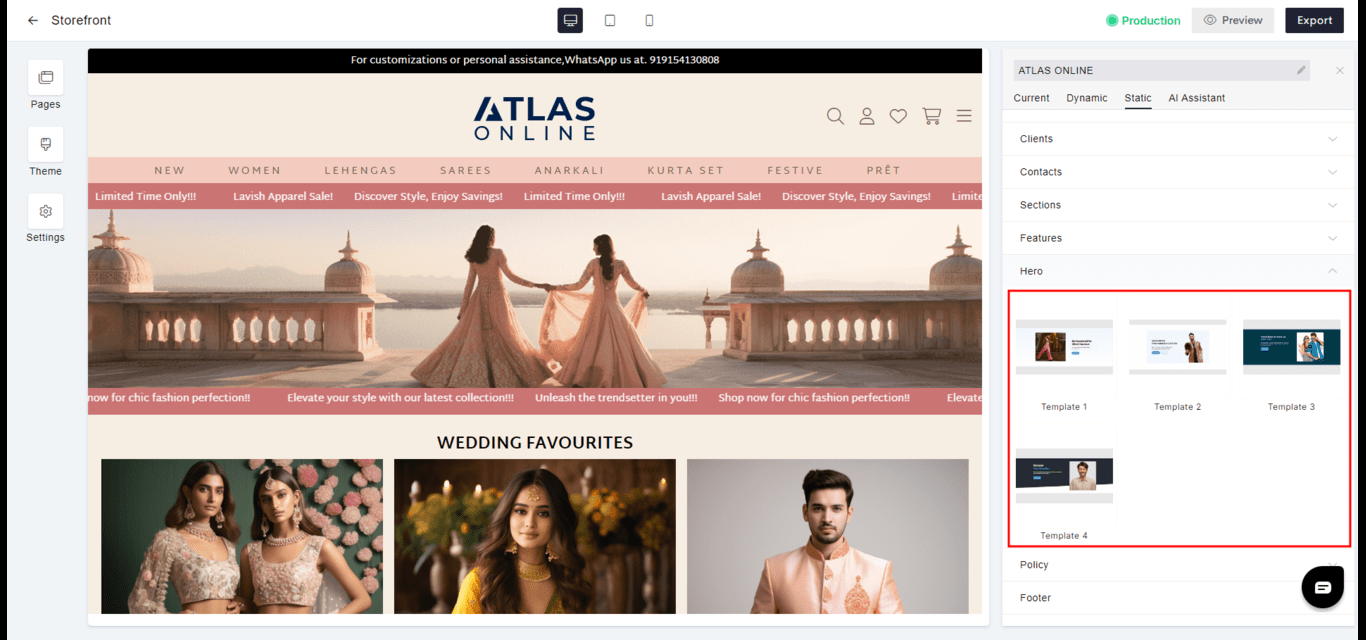
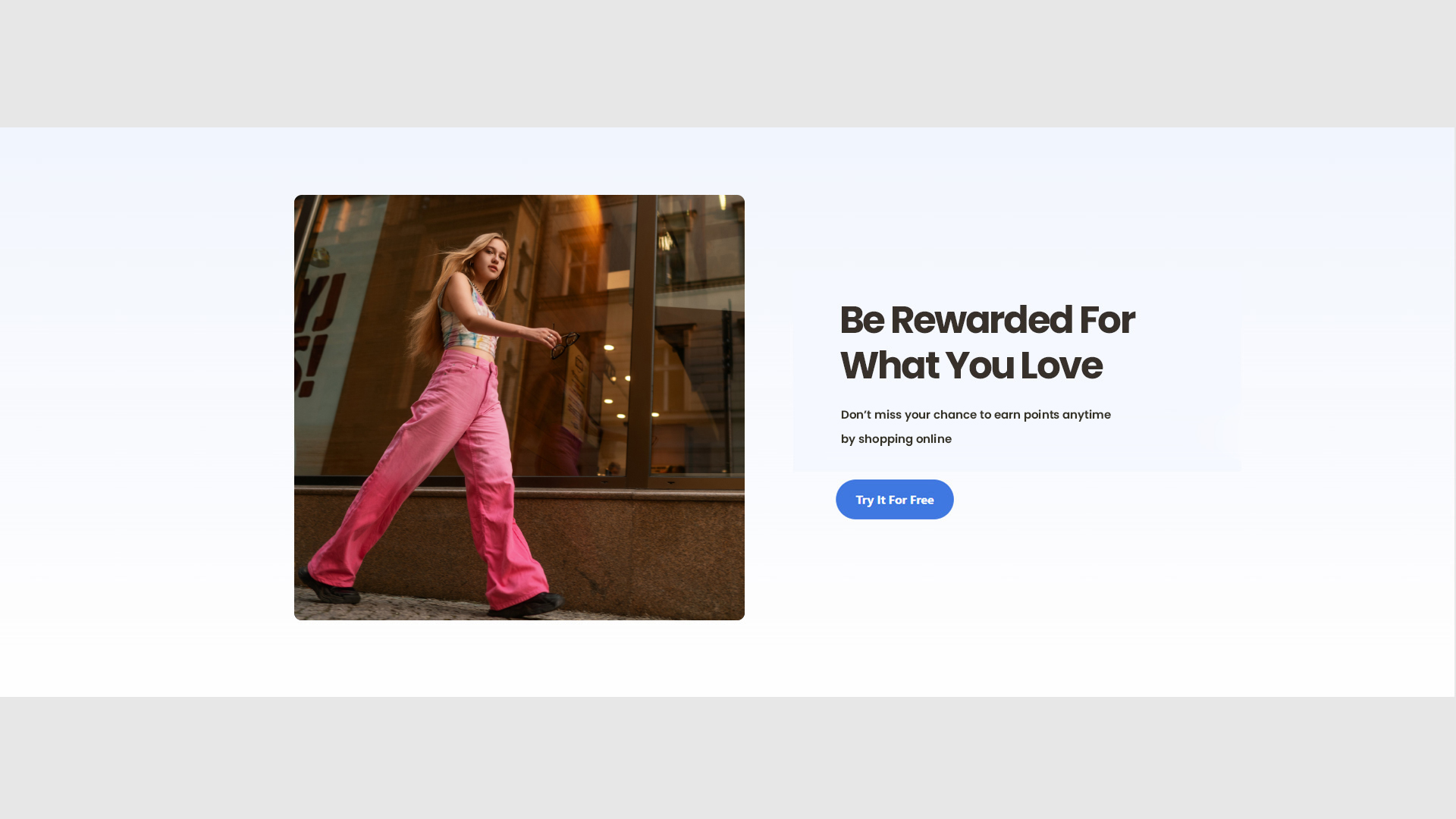
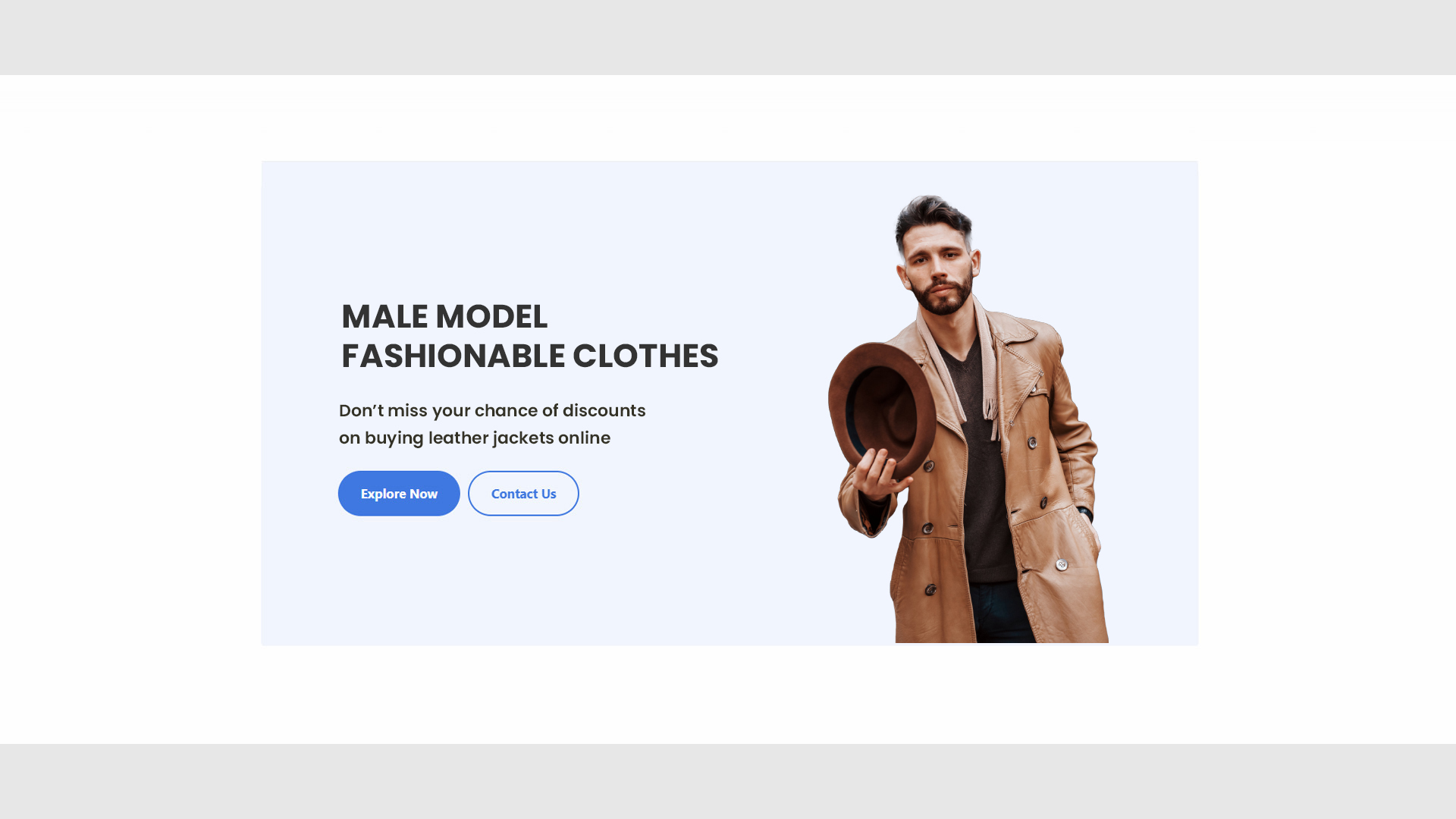
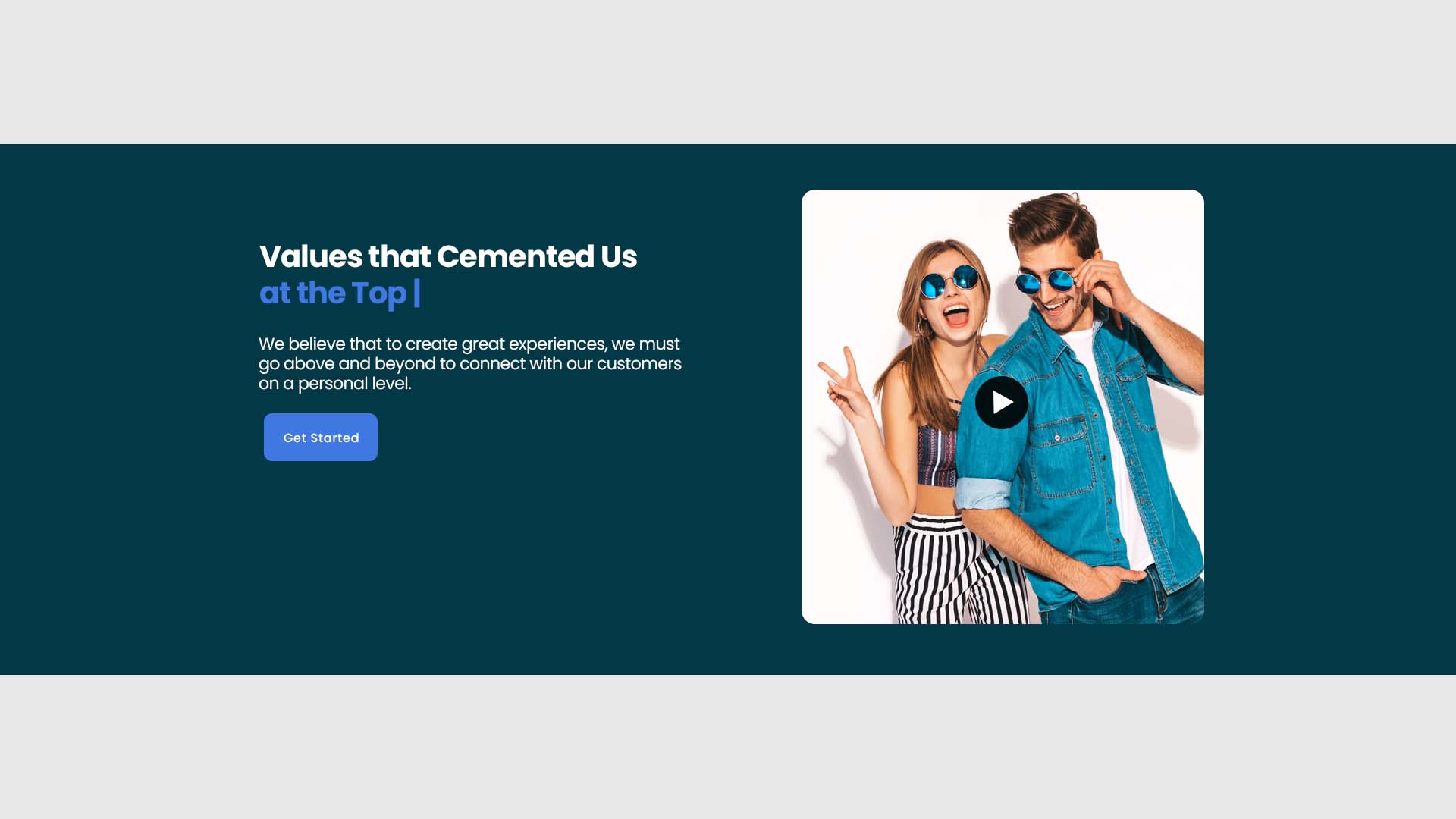
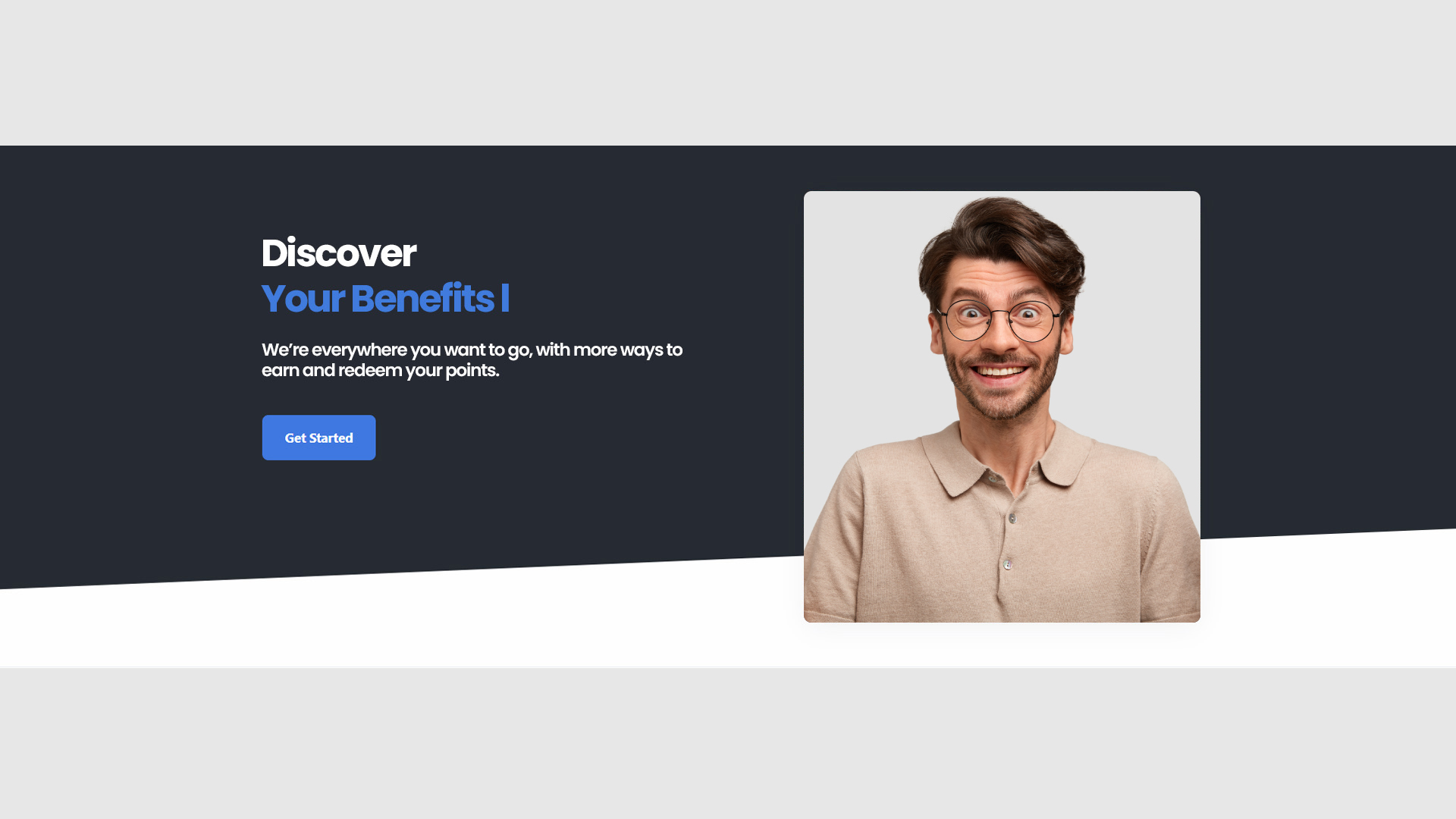
Hero
- Impact: The prominent display area often featuring a strong call-to-action to engage visitors immediately.
- Design: Typically includes high-quality images or videos with overlaid text and buttons.
- Goto
- Models
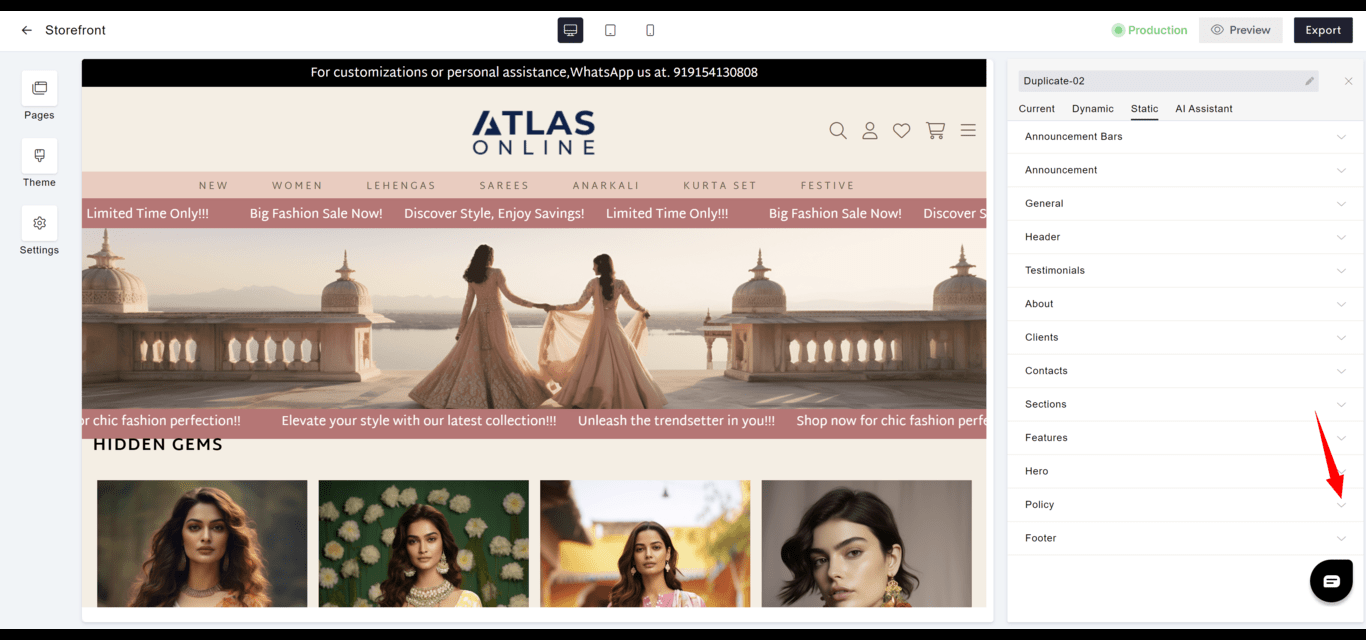
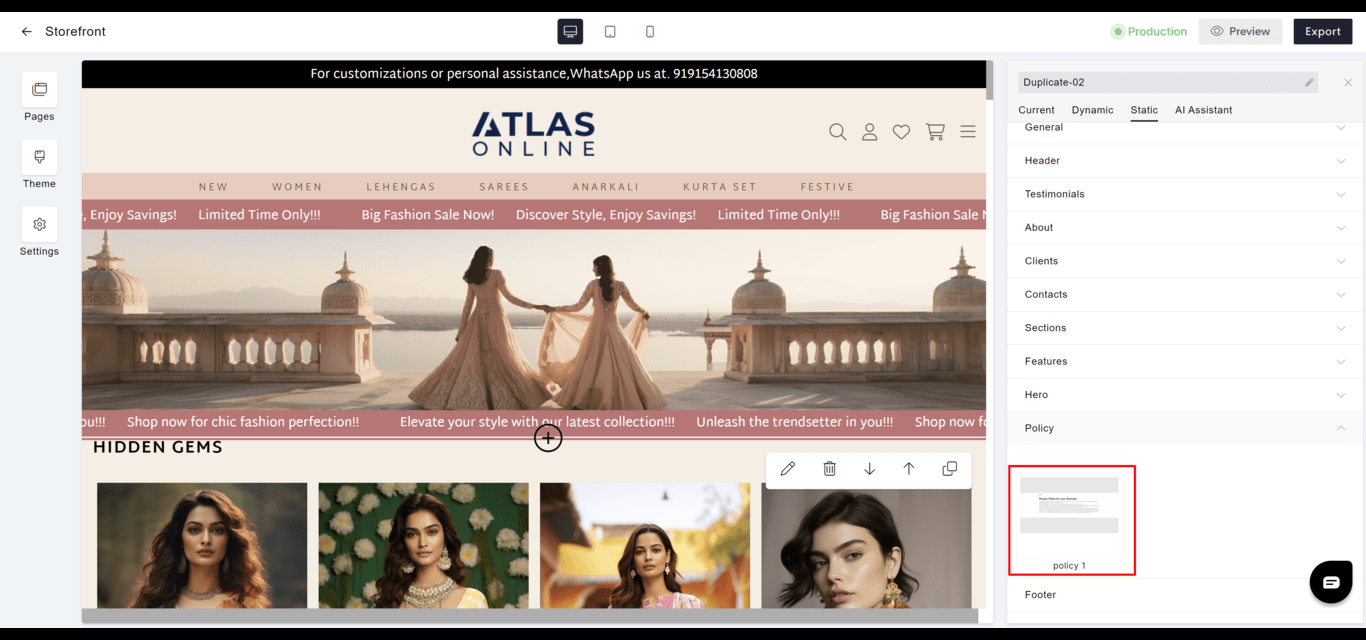
Policy
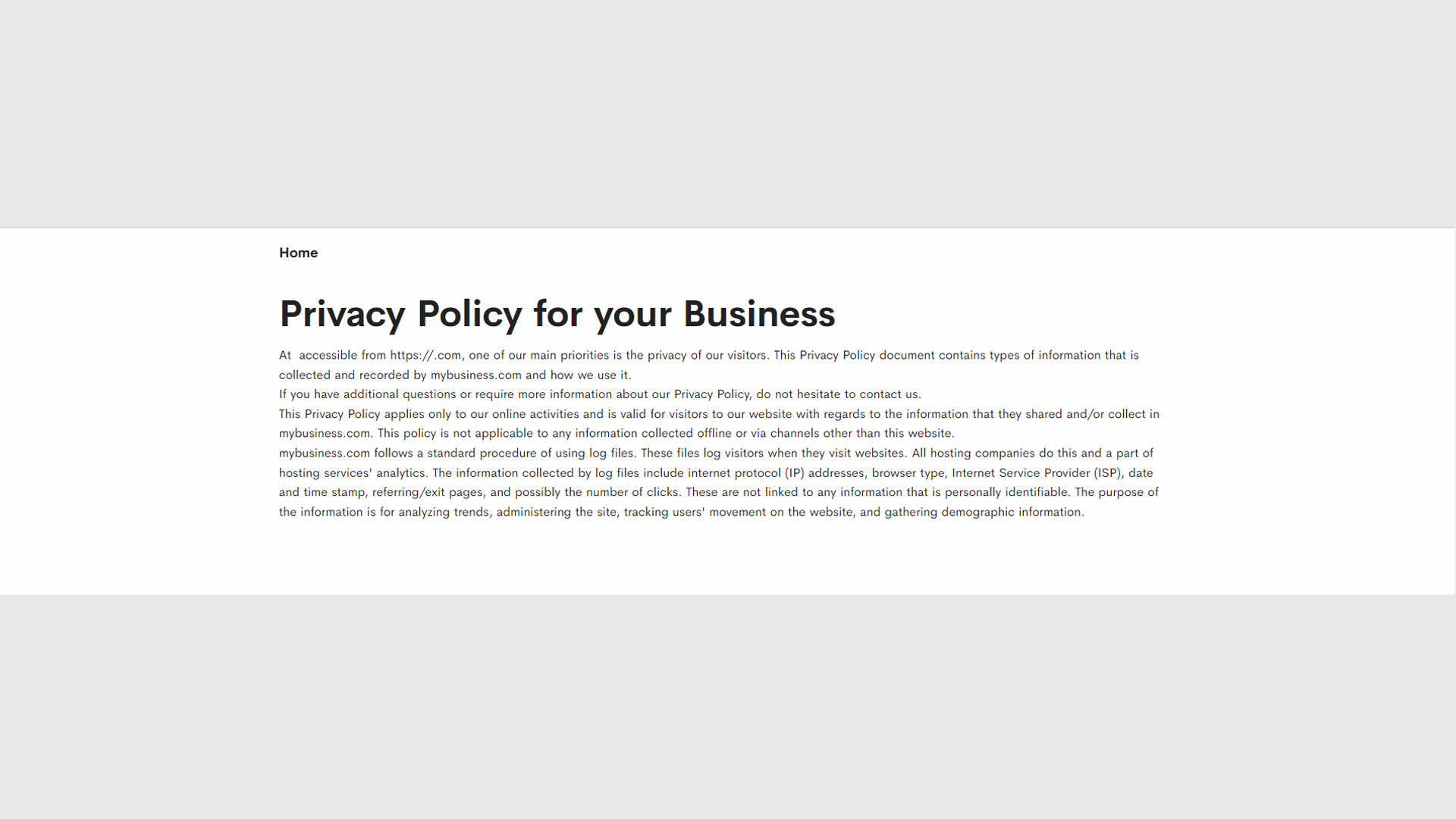
- Compliance: Details legal and policy information including terms of service, privacy policy, and returns.
- Transparency: Promotes trust by clearly stating policies and practices.
- Goto
- Models
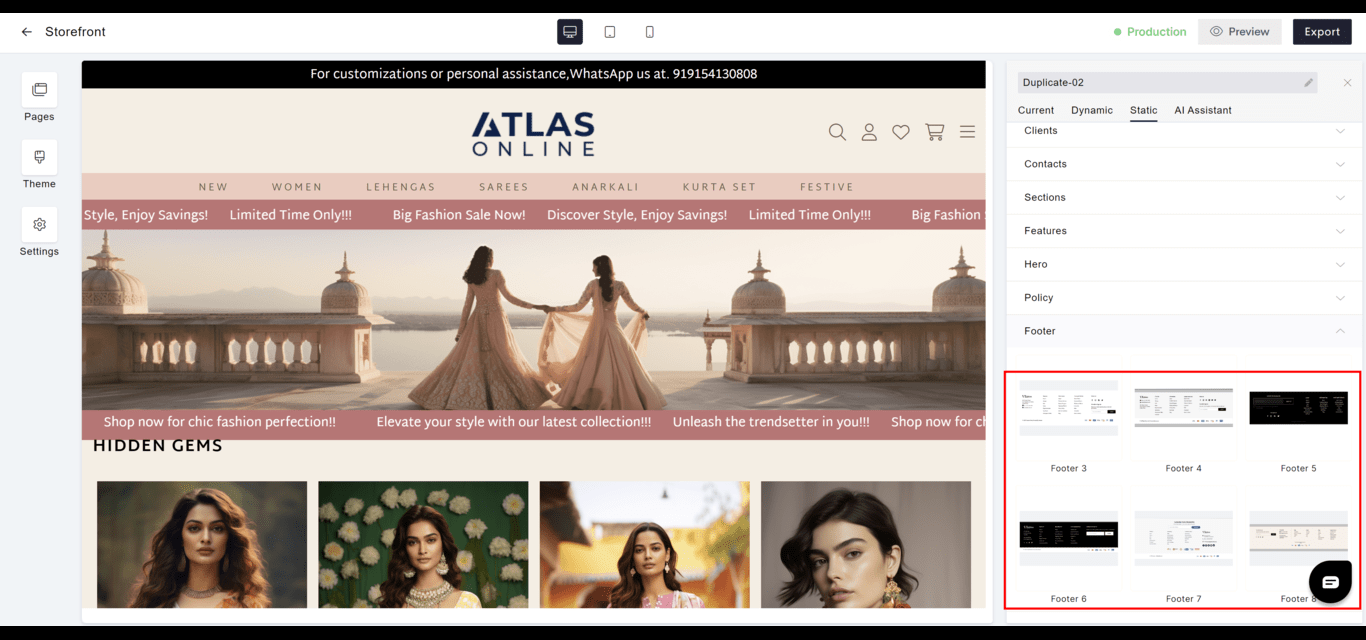
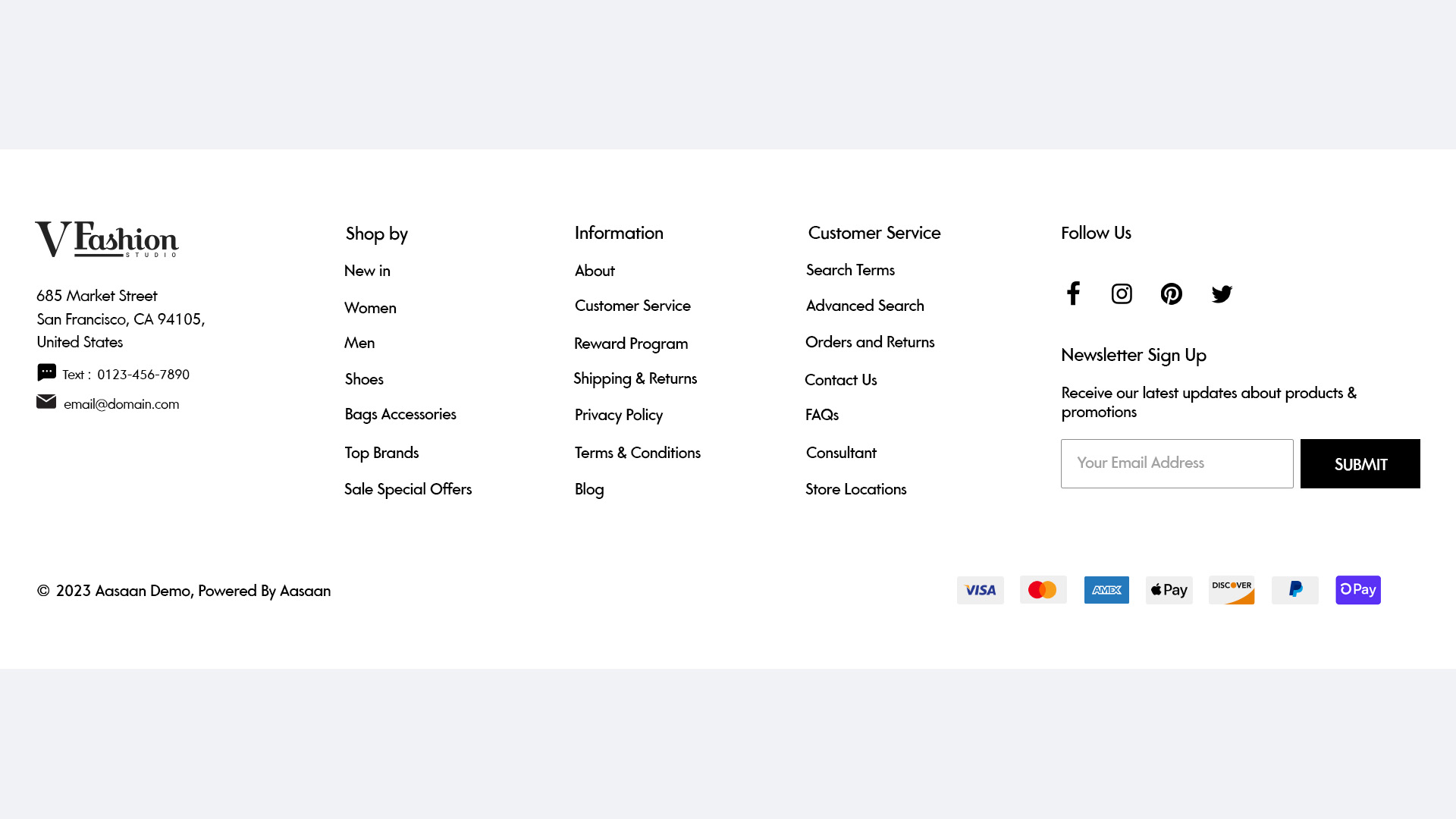
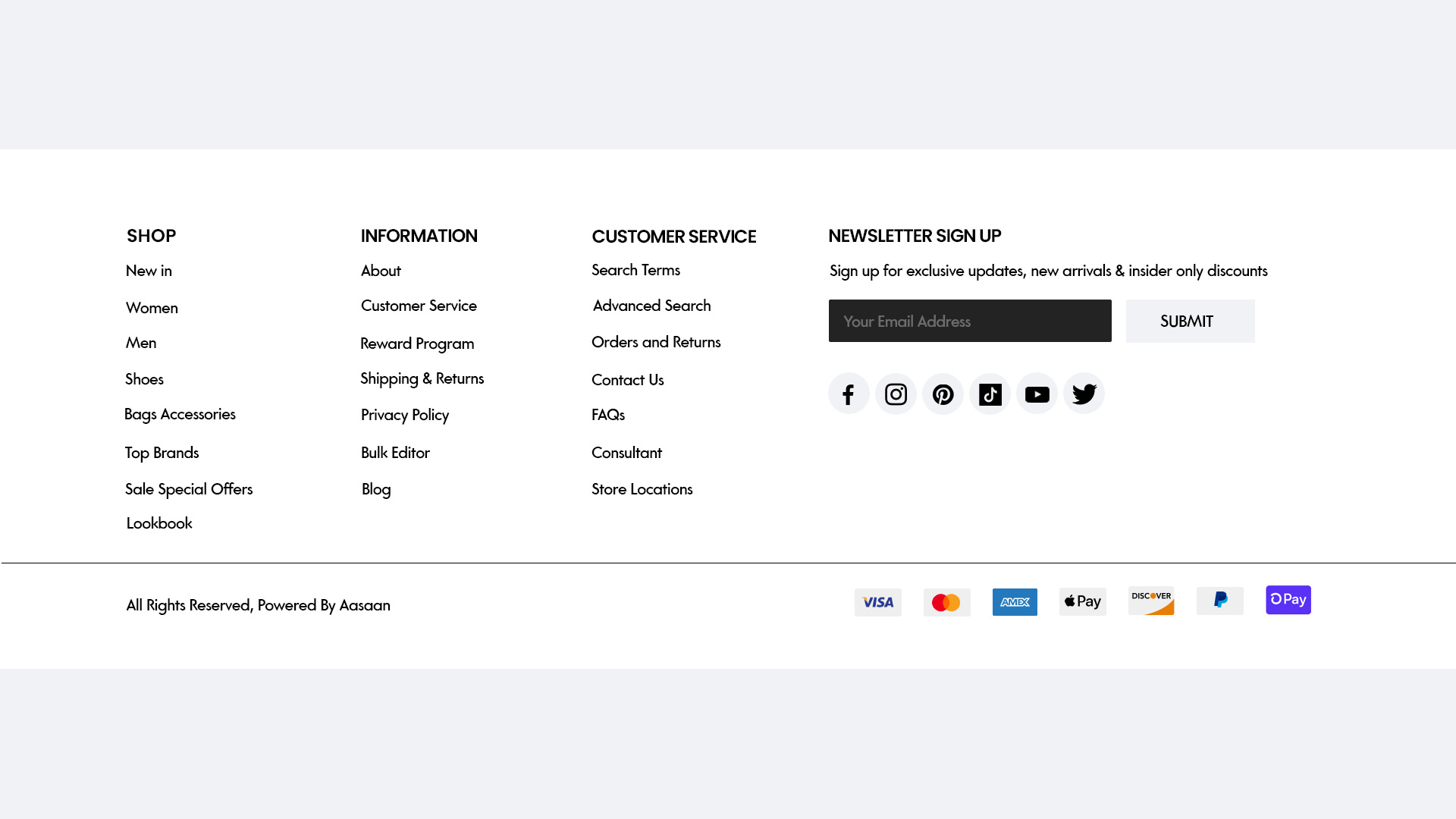
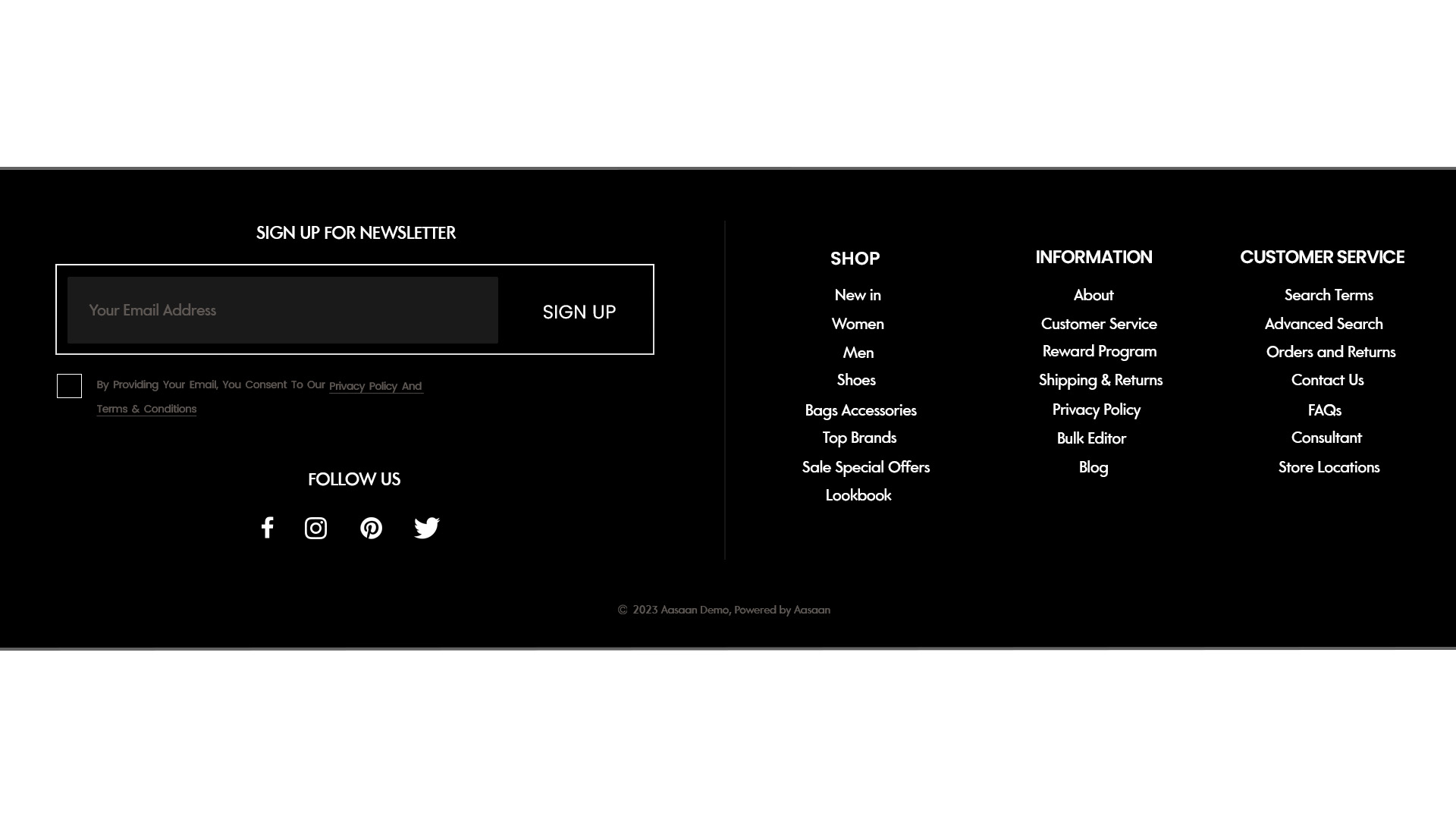
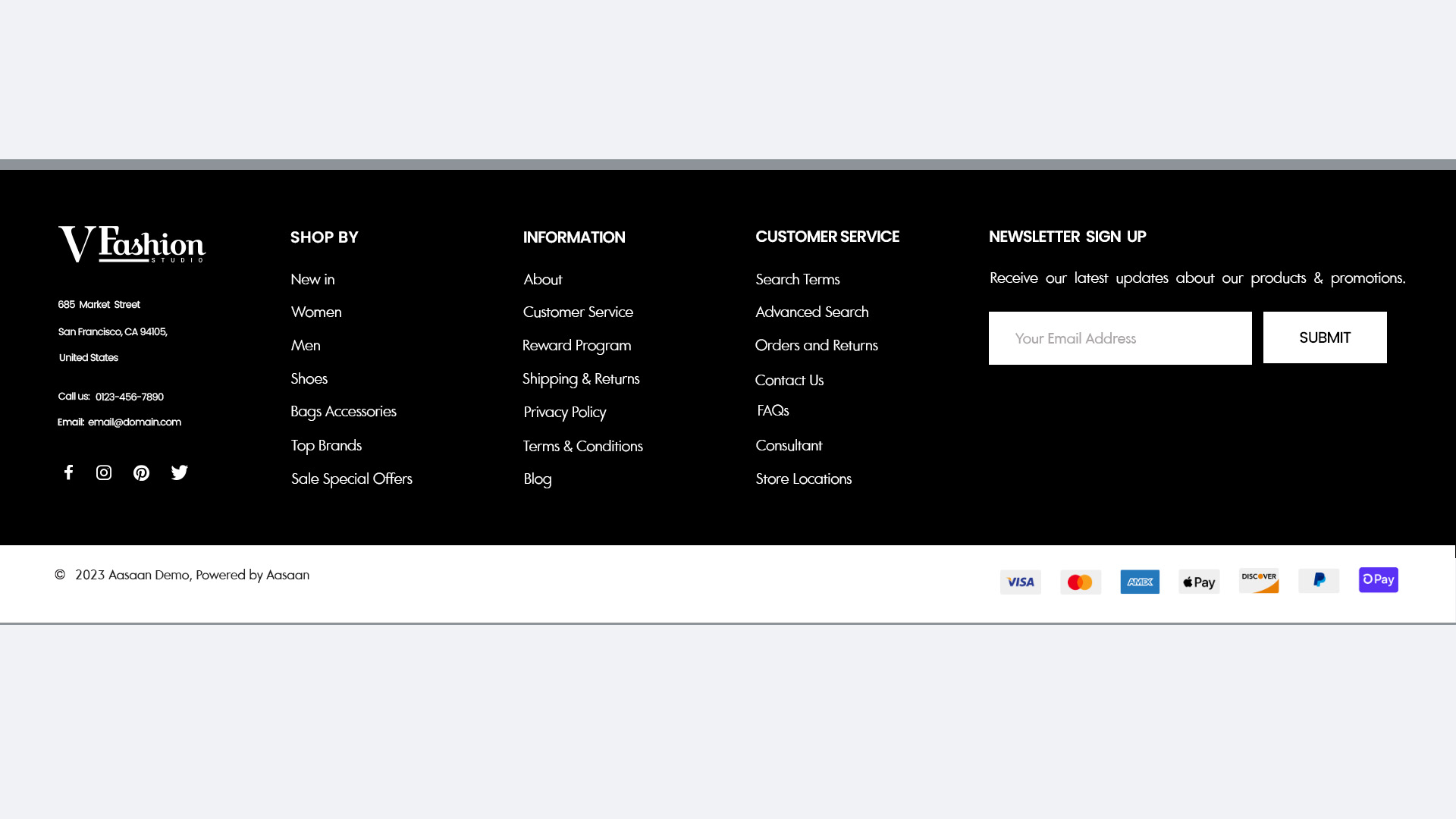
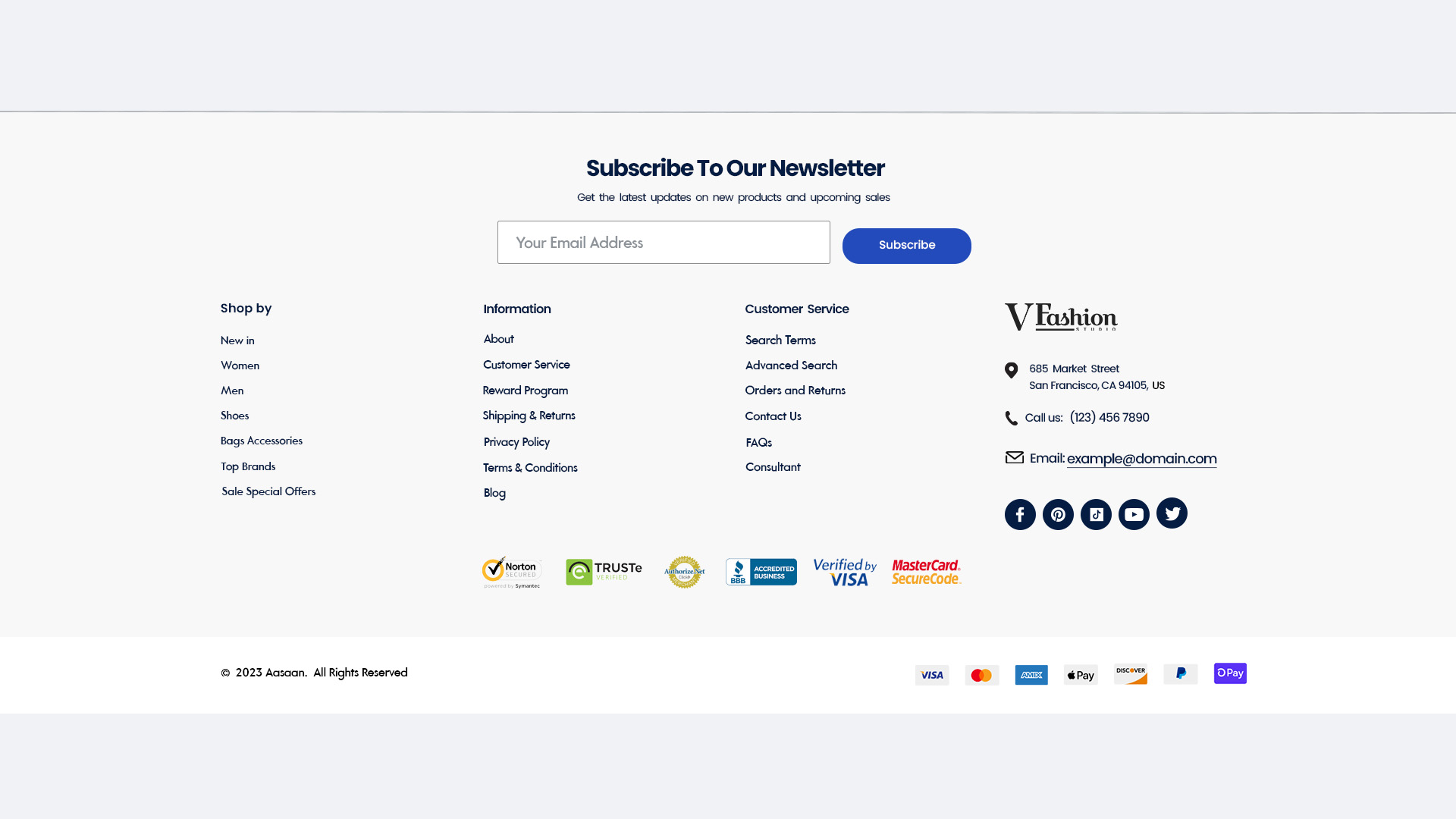
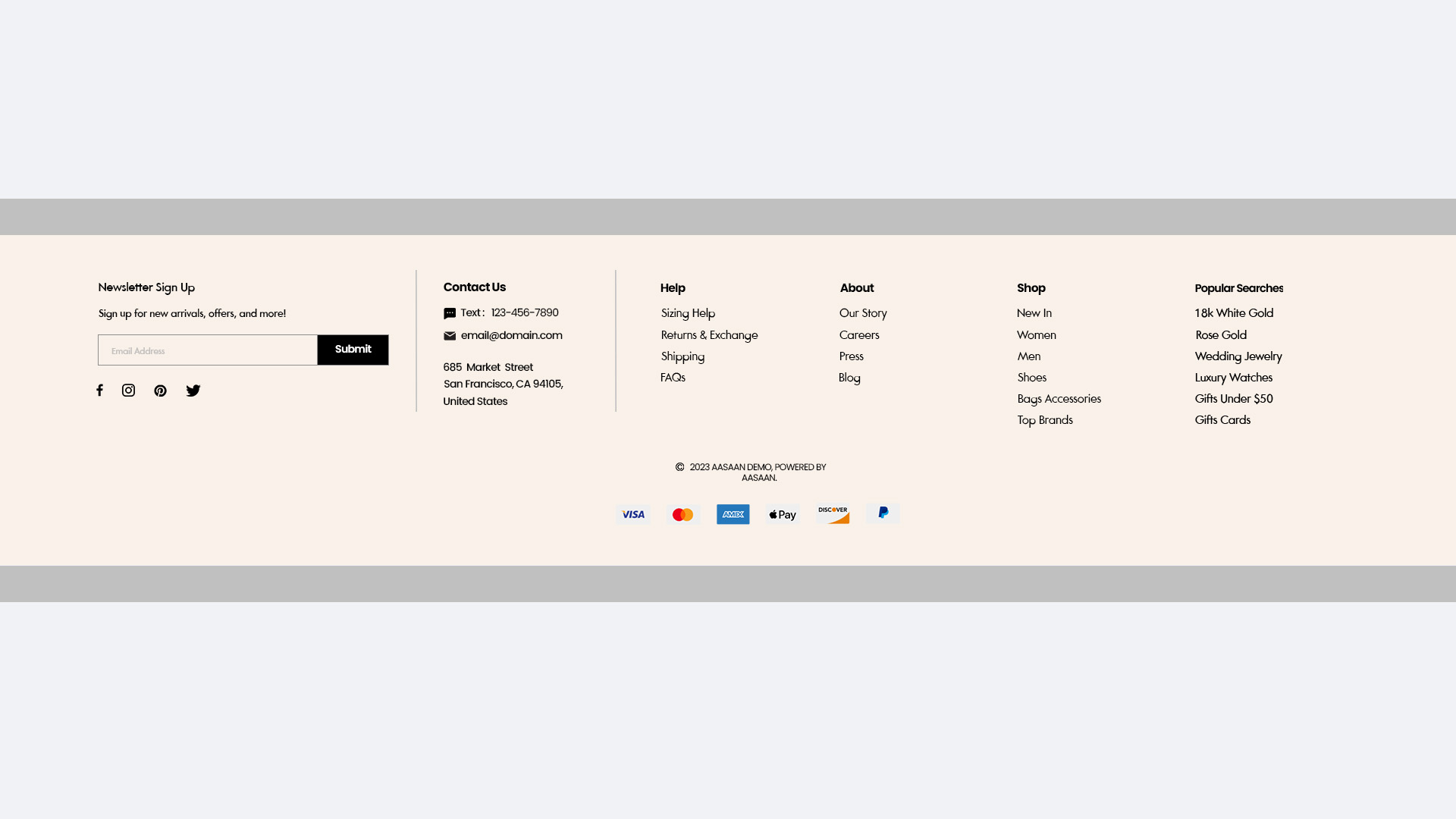
Footer
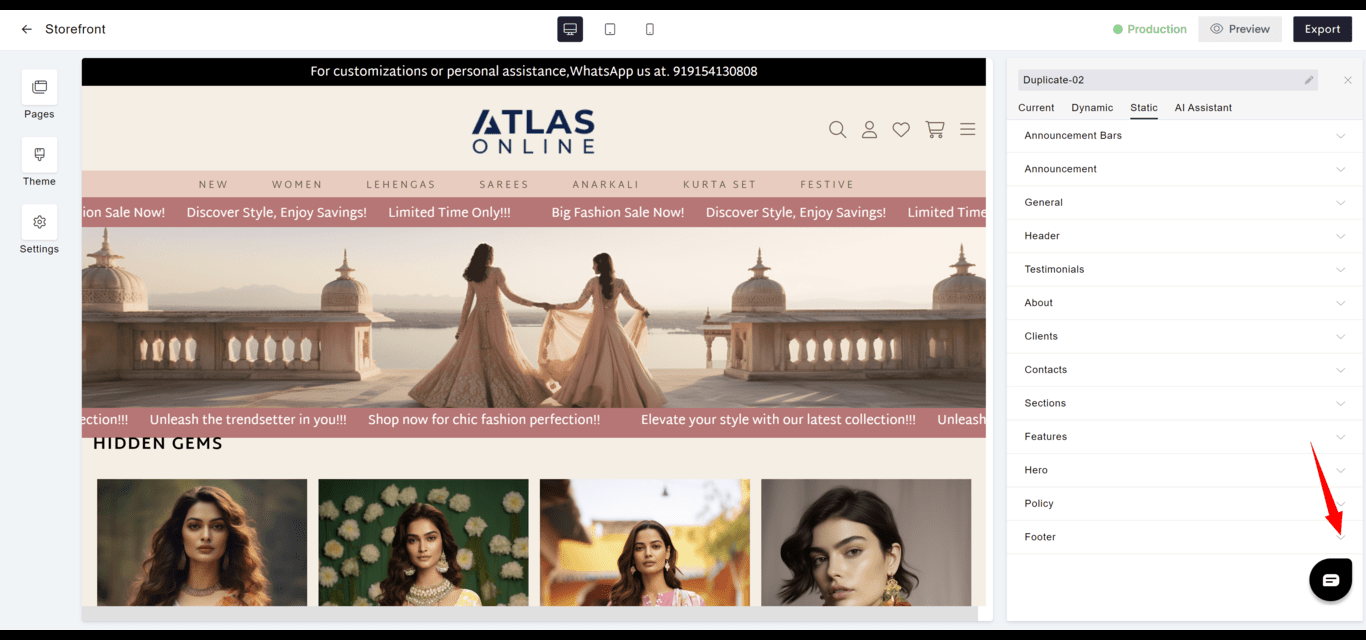
- Navigation: Contains secondary navigation and vital links like contact information, social media, and certifications.
- Consistency: Should be consistent across all pages for familiarity and ease of access.
- Goto
- Models
Dynamic Widgets
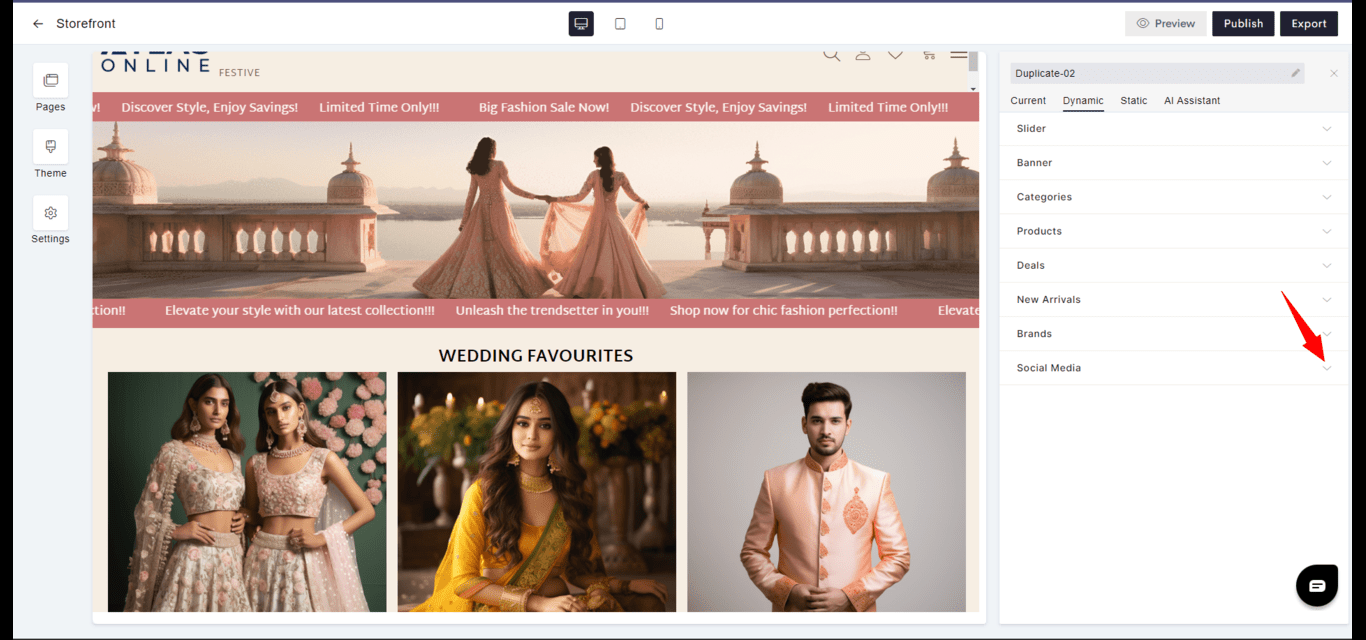
Dynamic widgets adapt content in real-time based on user interactions or backend updates.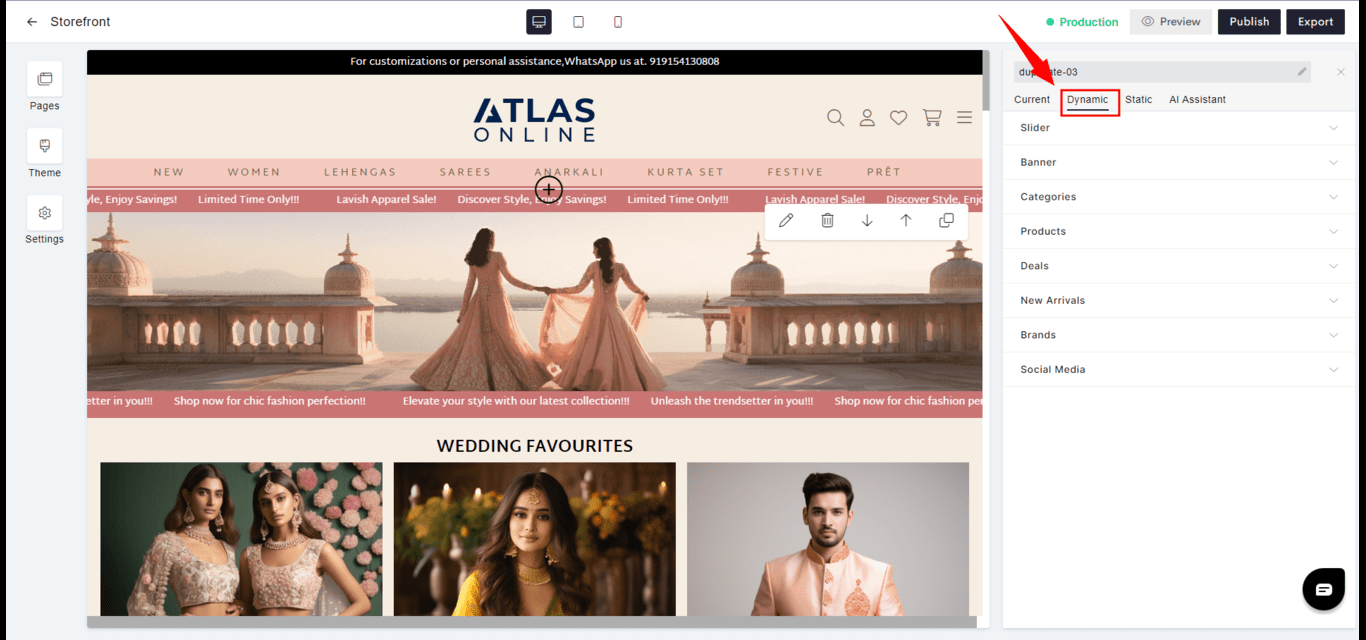
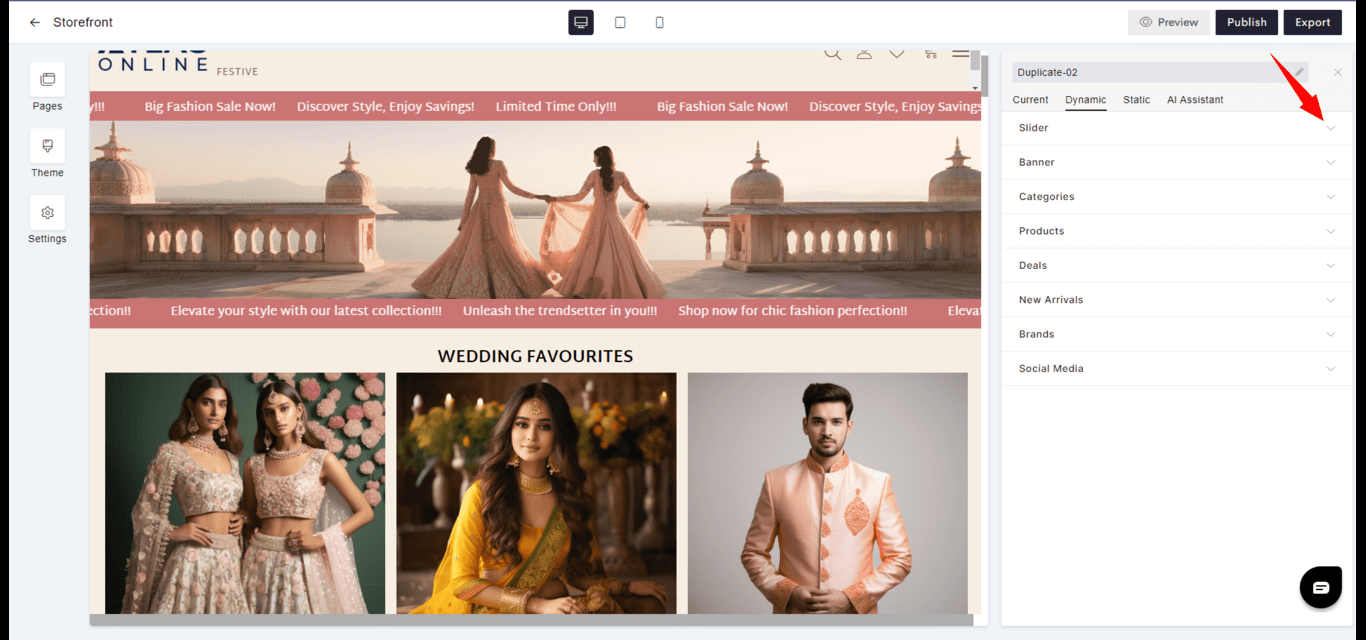
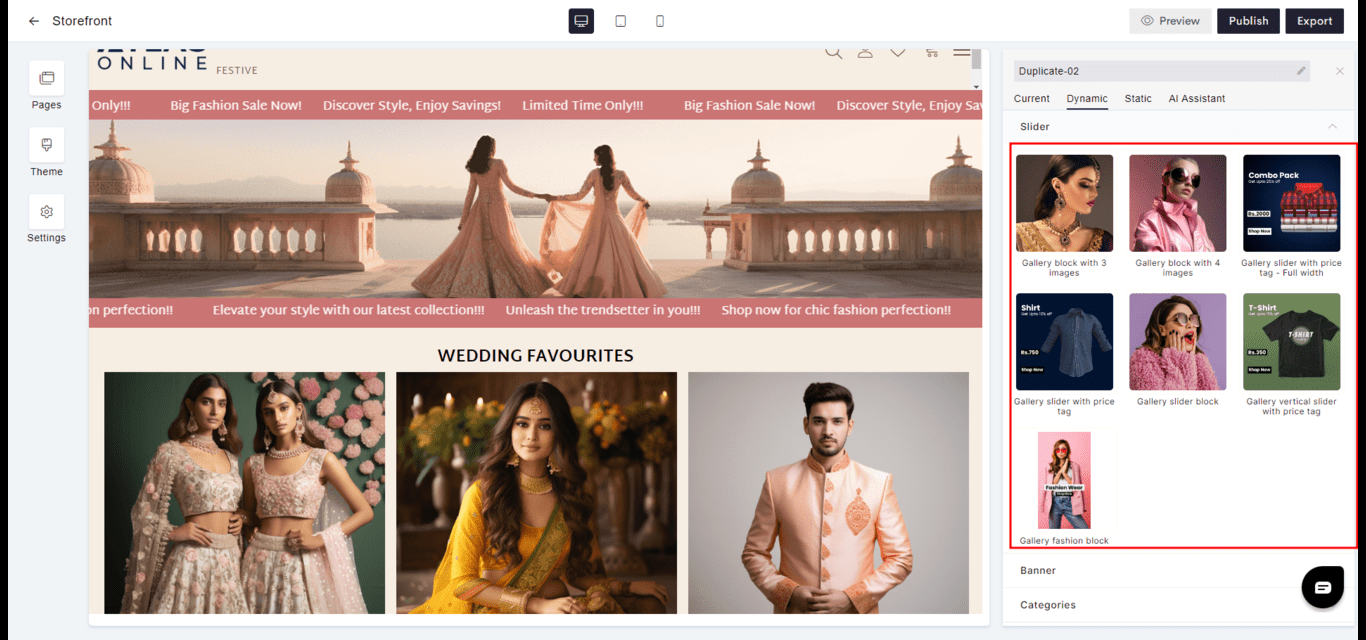
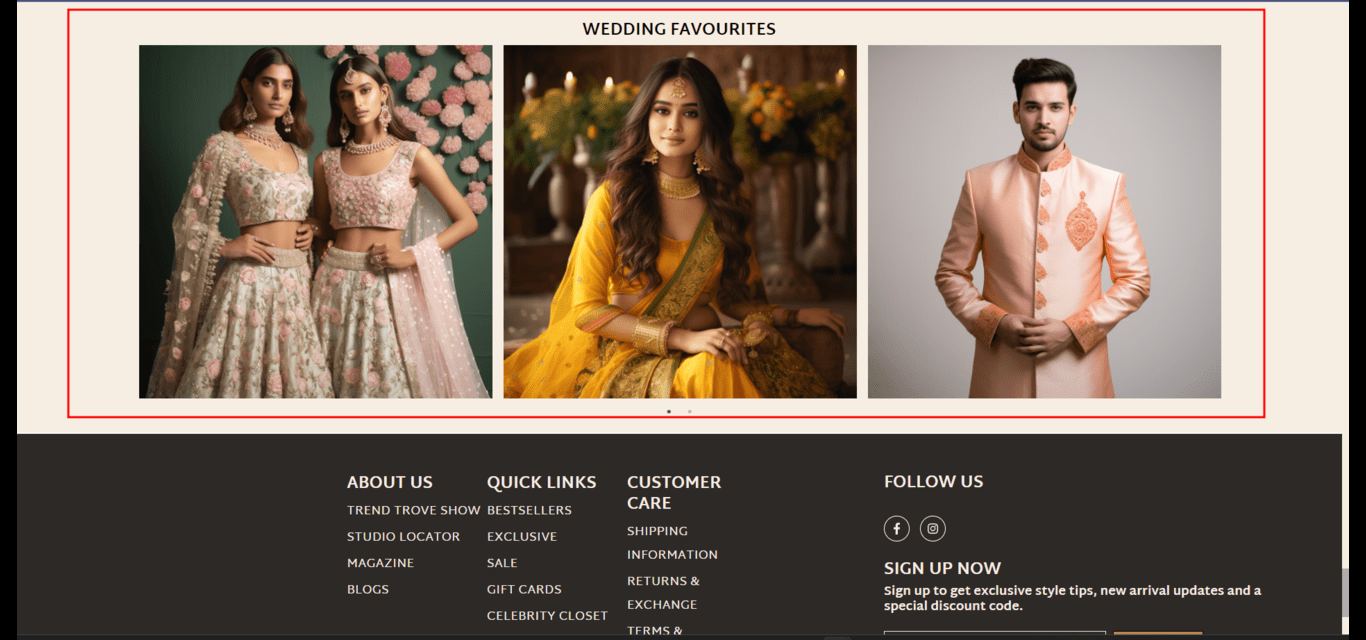
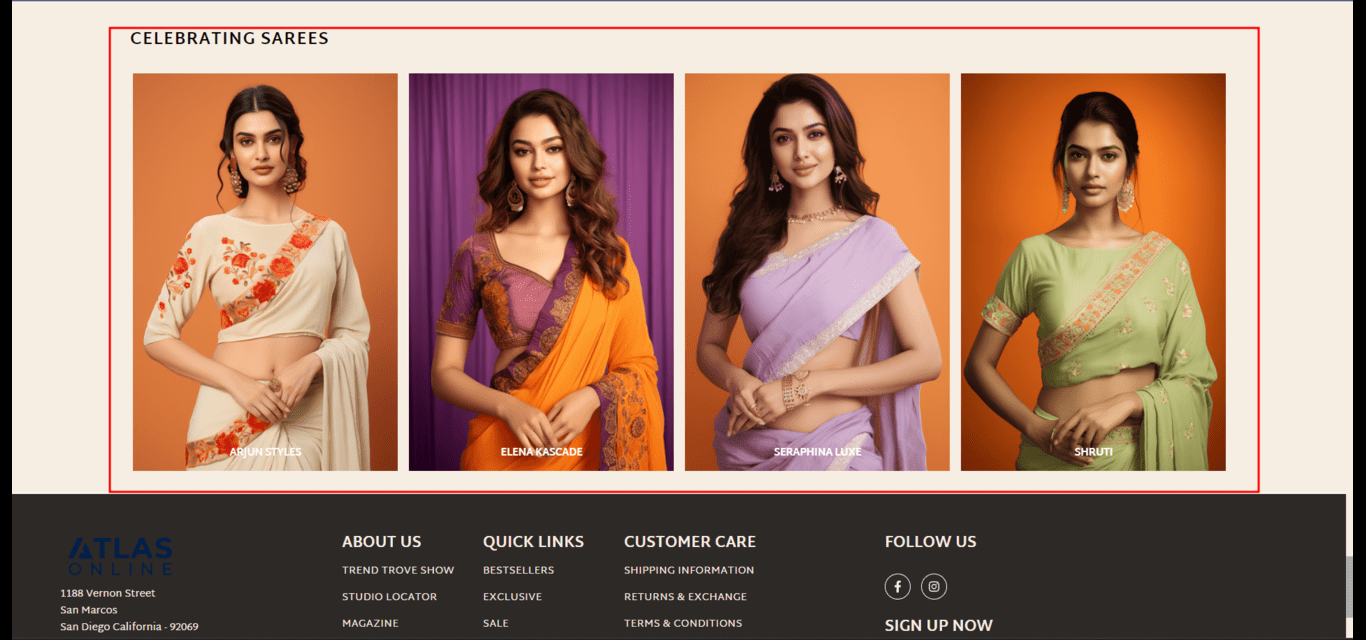
Slider
- Function: Cycles through images or content, often used to feature products, news, or events.
- Interactivity: Can be set to auto-rotate or change on user input, such as a click or swipe.
- Goto
- Models
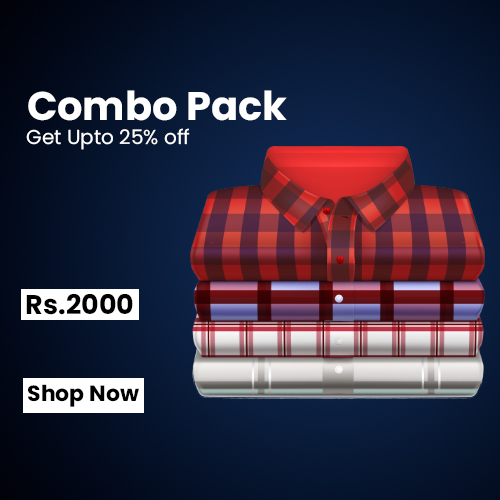


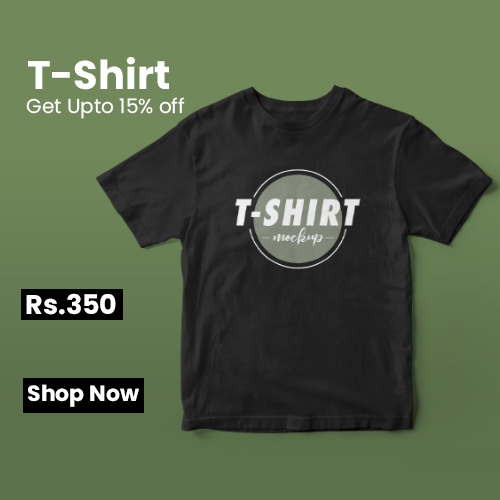

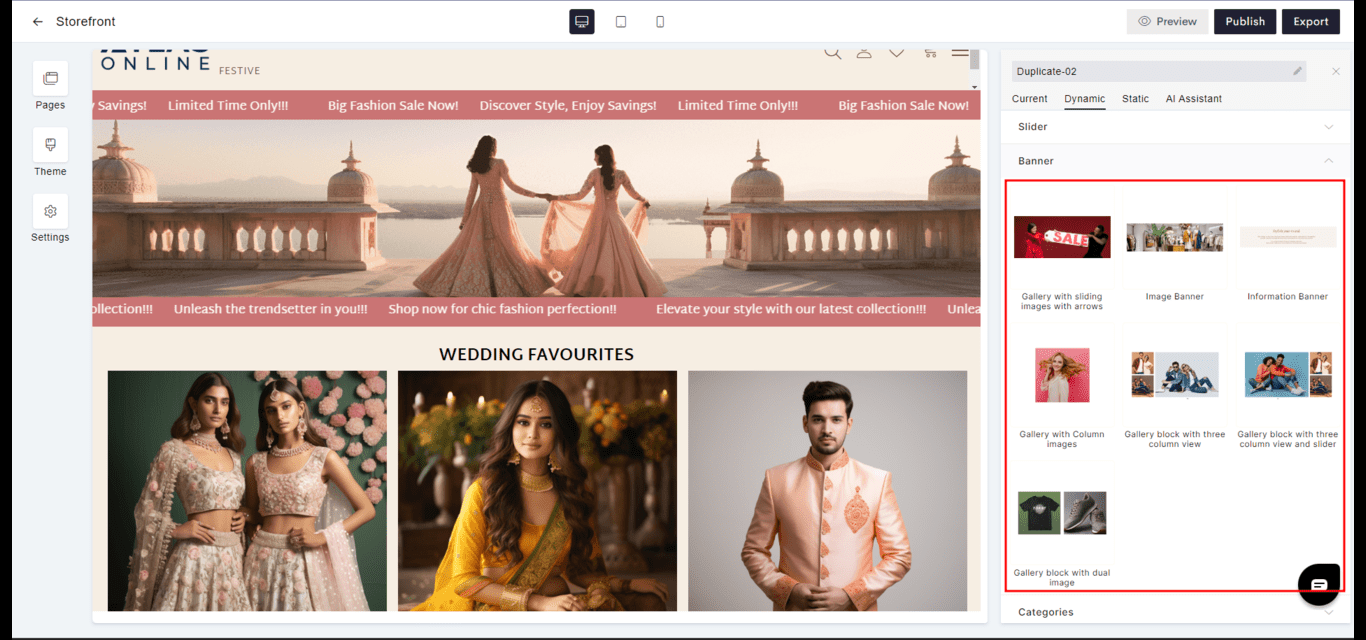
Banner
- Purpose: Captures attention with a large, bold visual, often used for major announcements or calls-to-action.
- Visibility: Placed strategically to ensure maximum impact upon visitor arrival.
- Goto
- Models
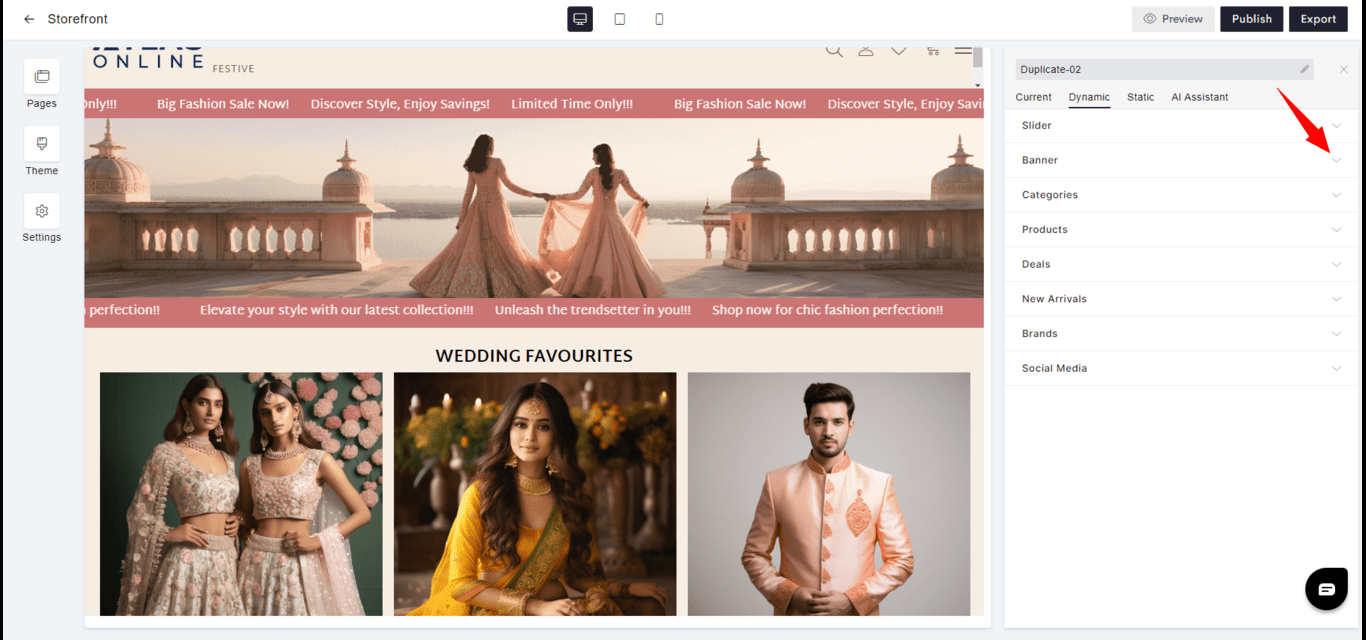






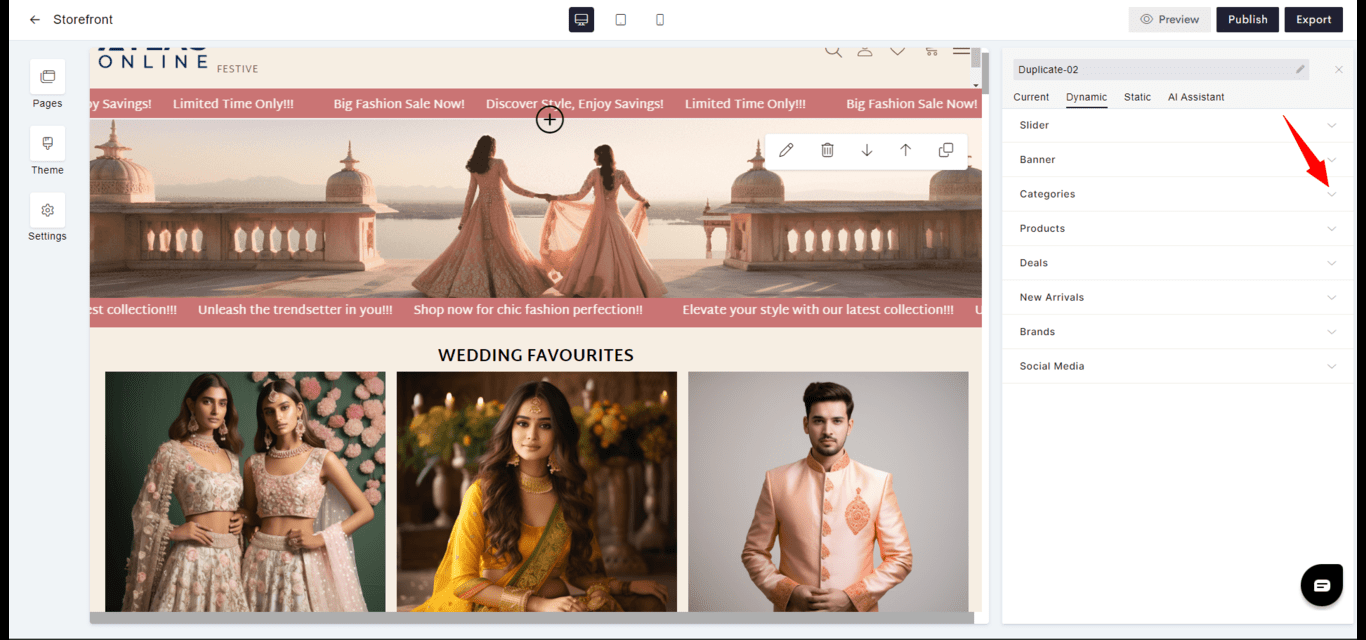
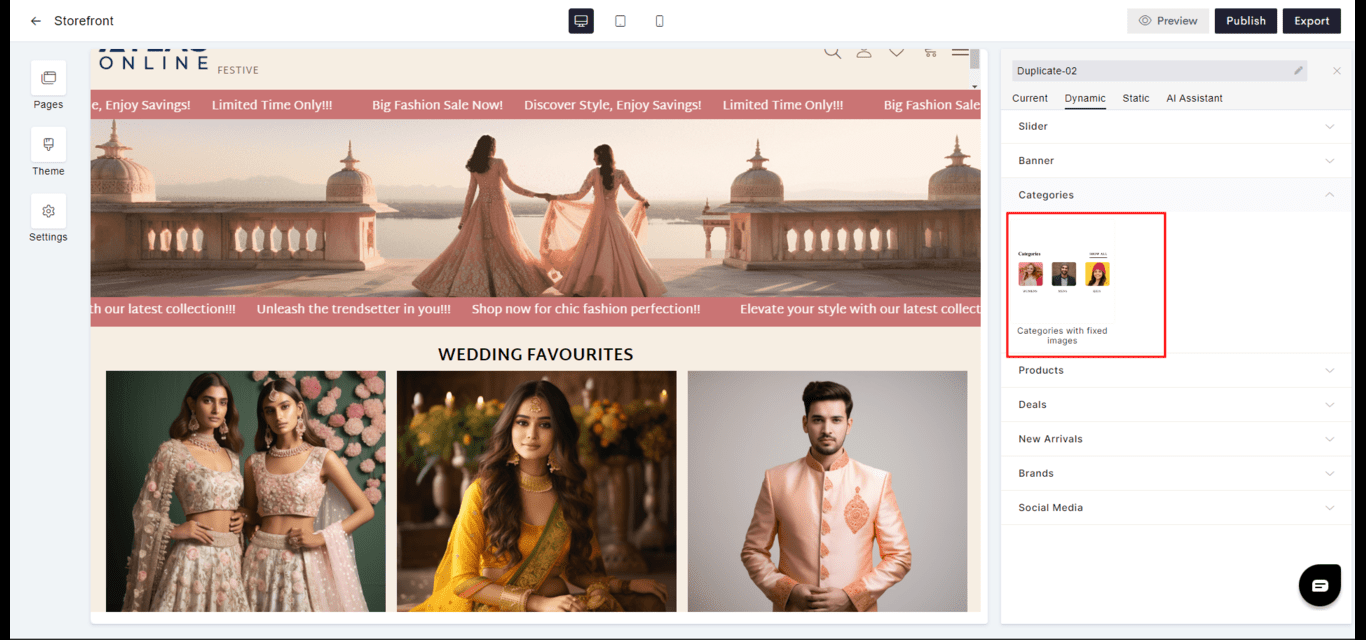
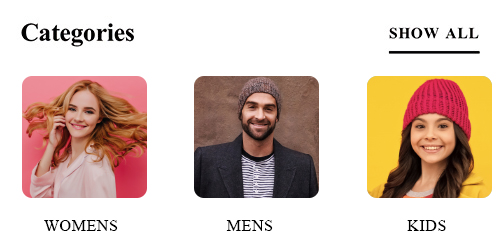
Categories
- Organization: Dynamically presents product or content categories, allowing users to navigate the site’s offerings.
- Customization: Categories can be arranged or highlighted according to business priorities.
- Goto
- Models
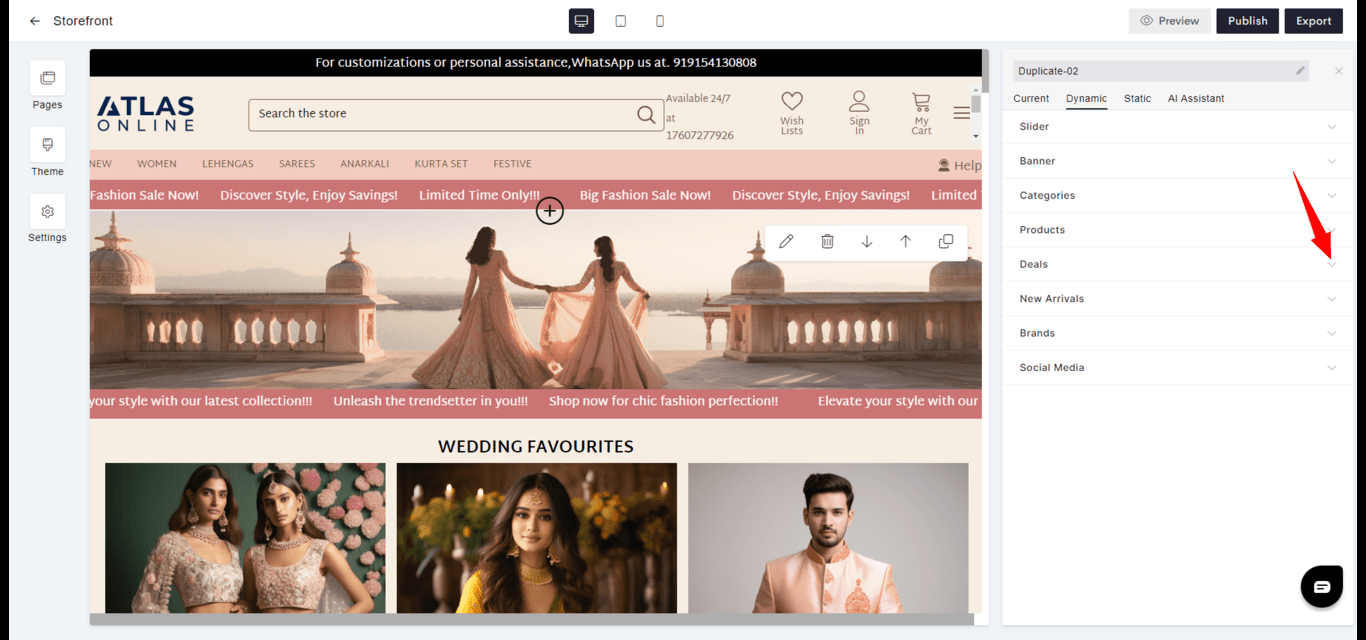
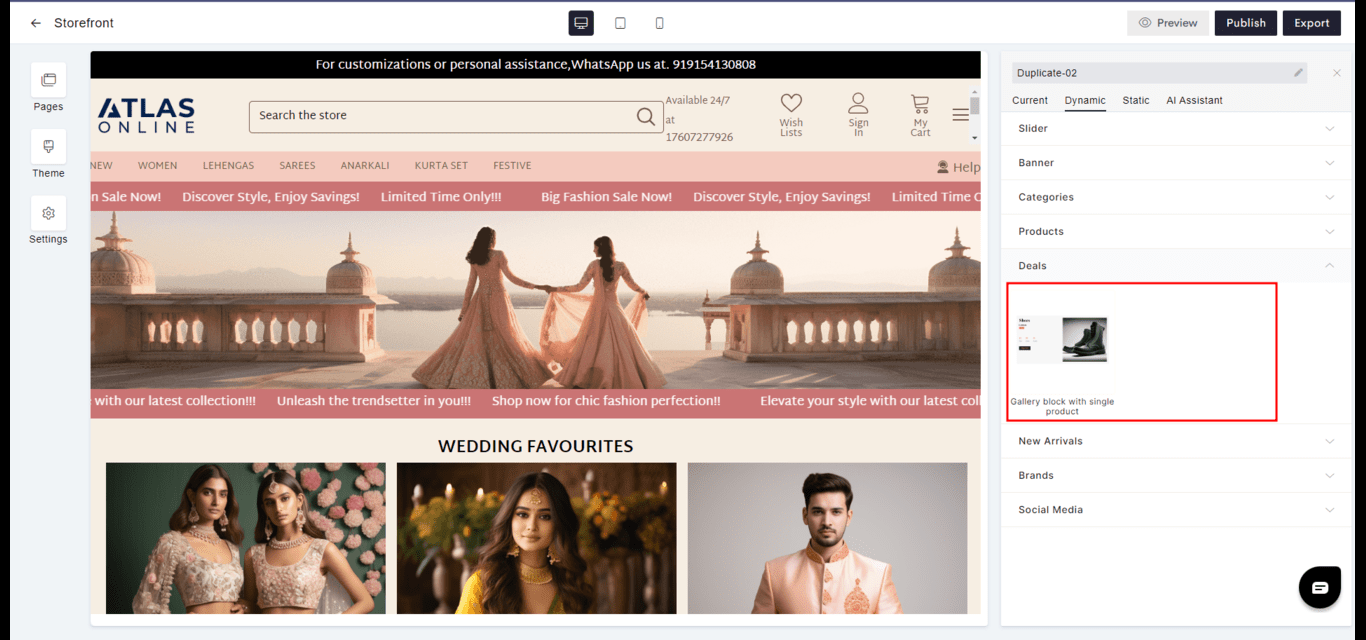
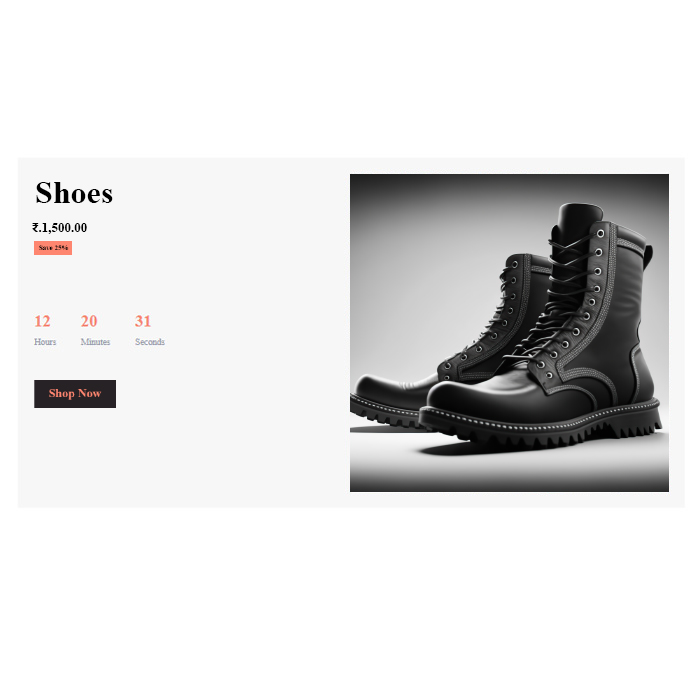
Deals
- Promotion: Features special offers or discounts, sometimes with a countdown for limited-time deals.
- Urgency: Encourages quick decision-making by highlighting the temporary nature of the deals.
- Goto
- Models
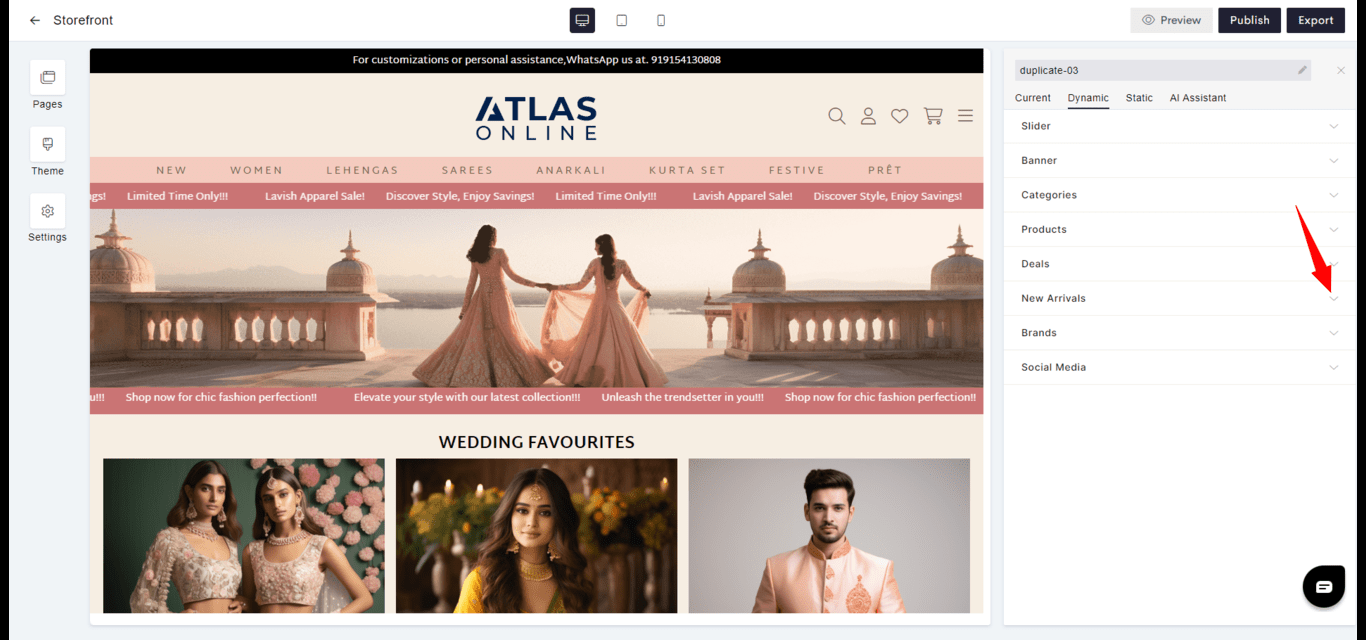
New Arrivals
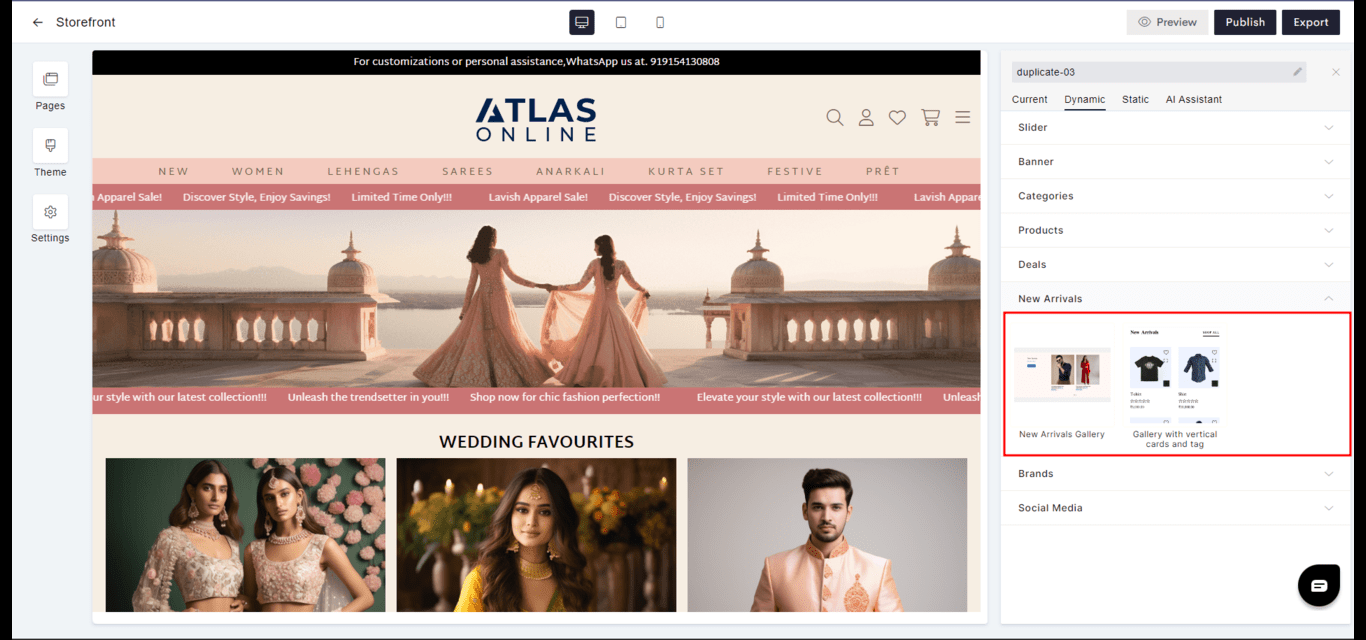
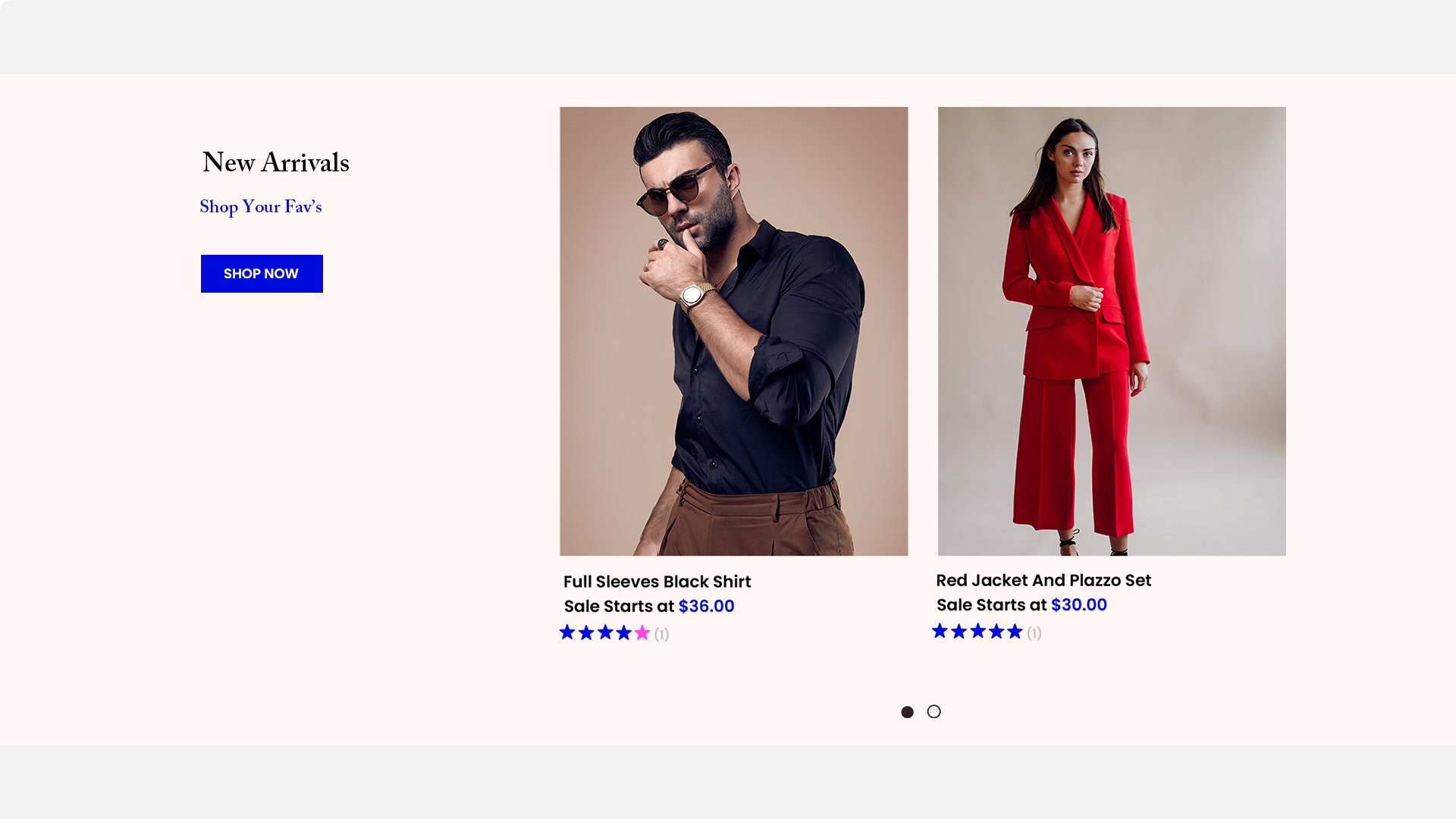
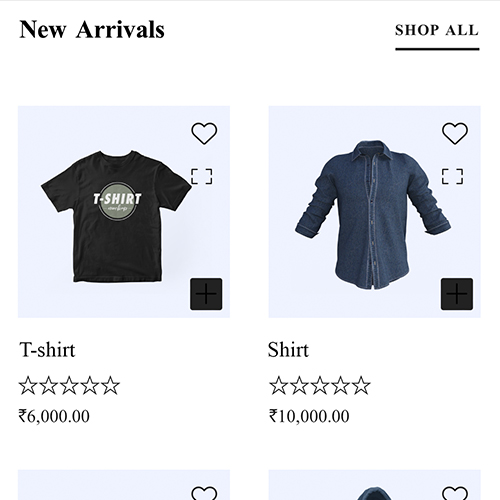
- Freshness: Introduces the latest products or content to keep the site current and engaging.
- Discovery: Helps visitors discover what’s new quickly and efficiently.
- Goto
- Models
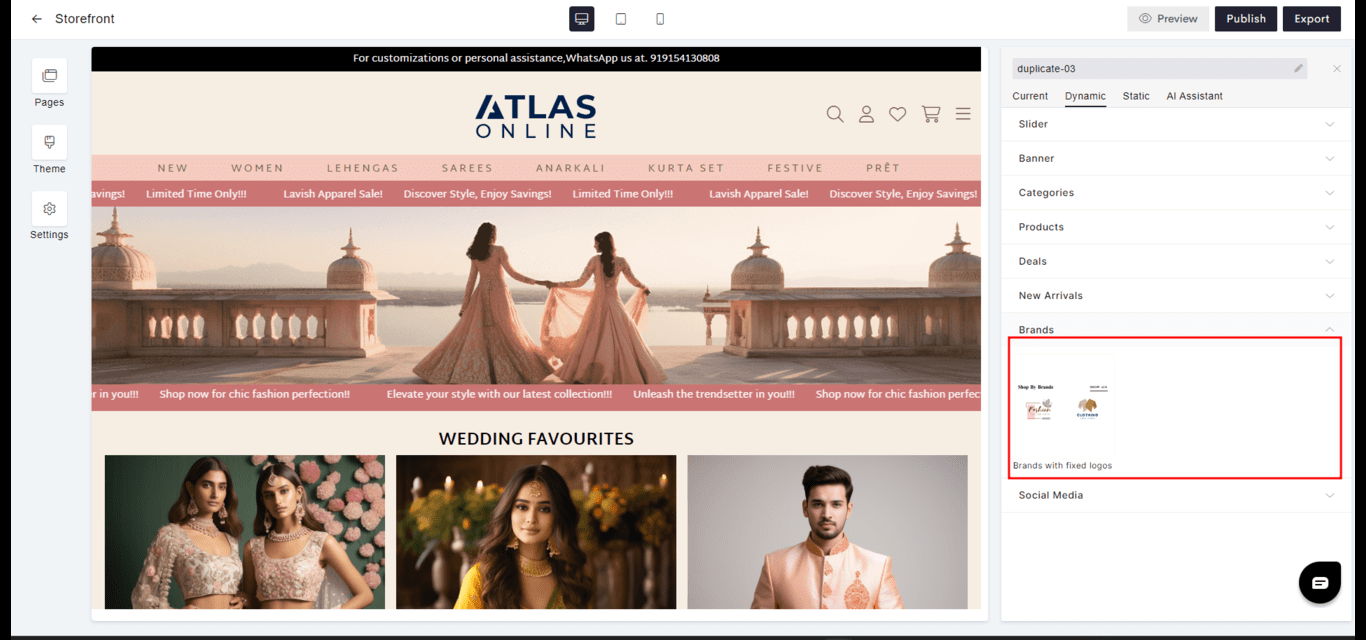
Brands
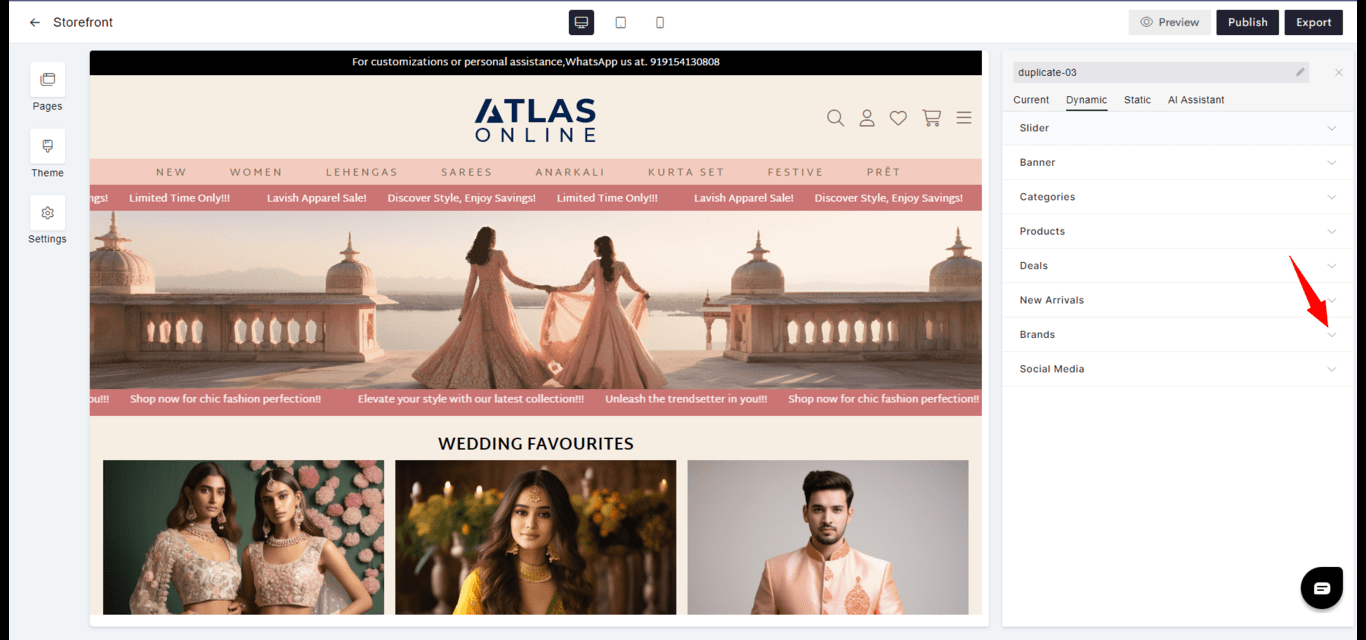
- Selection: Groups products by brand for customers who have brand loyalty or preferences.
- Navigation: Facilitates easier browsing for customers looking for specific brands.
- Goto
- Models

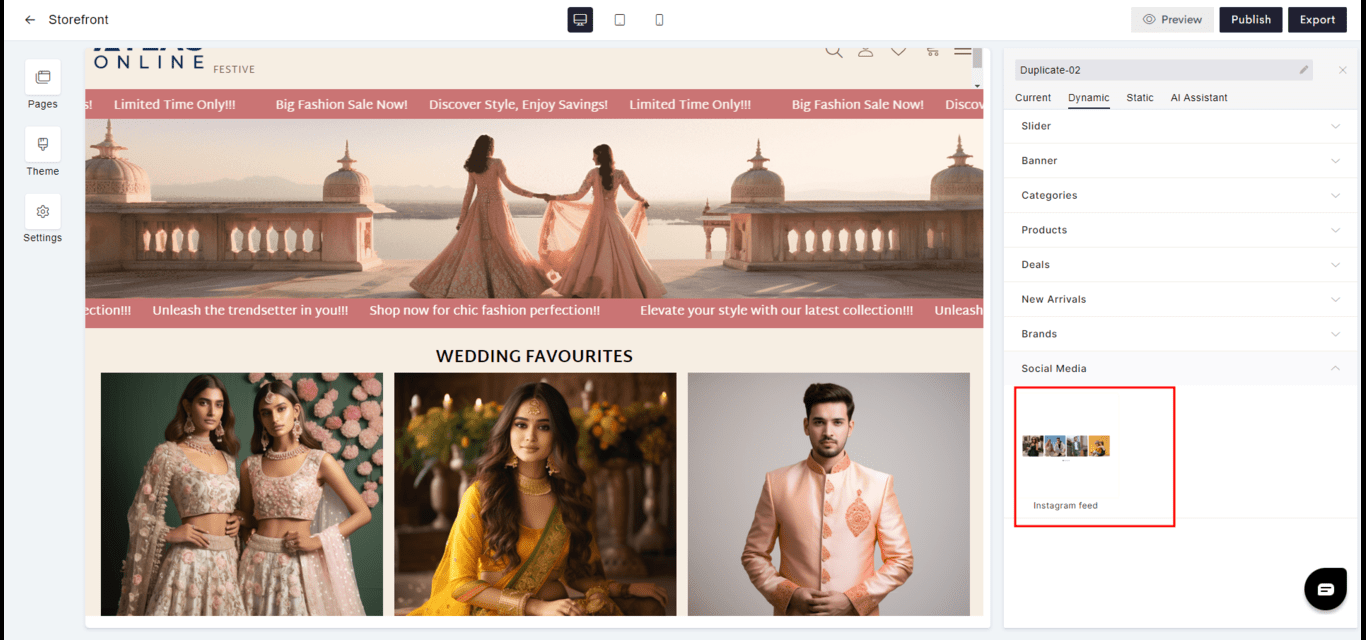
Social Media
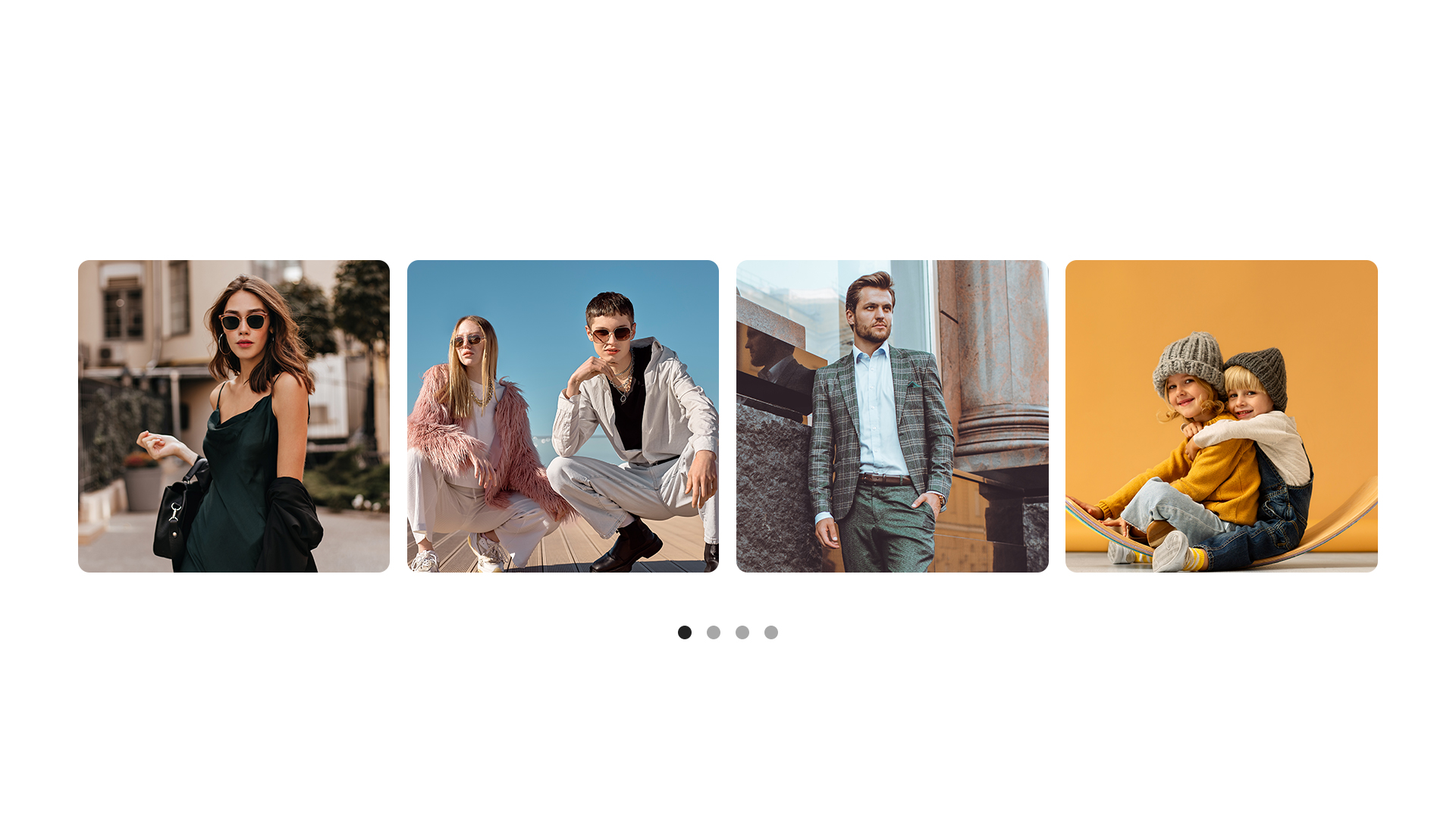
- Integration: Connects social media content directly to the website to extend engagement channels.
- Updates: Keeps content fresh with the latest posts or updates from linked social media accounts.
- Goto
- Models