> ## Documentation Index
> Fetch the complete documentation index at: https://help.aasaan.app/llms.txt
> Use this file to discover all available pages before exploring further.
# Widgets
> Comprehensive Guide to Using Widgets for Website Customization in Aasaan
## Widgets
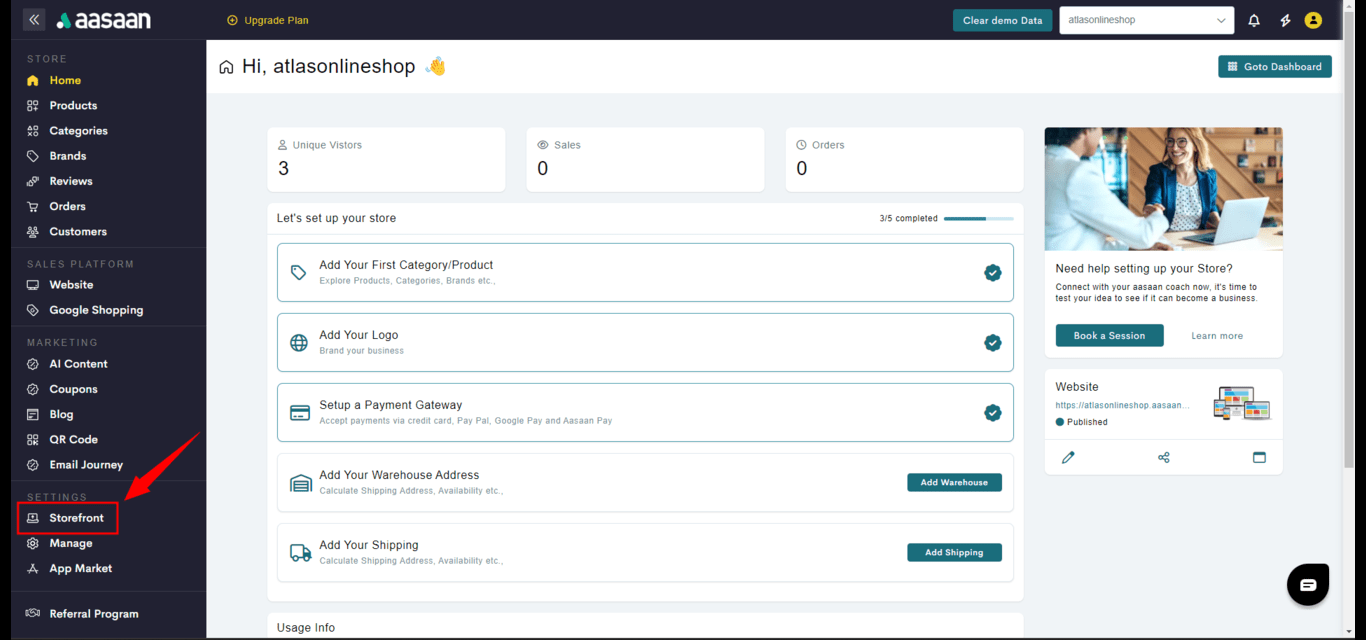
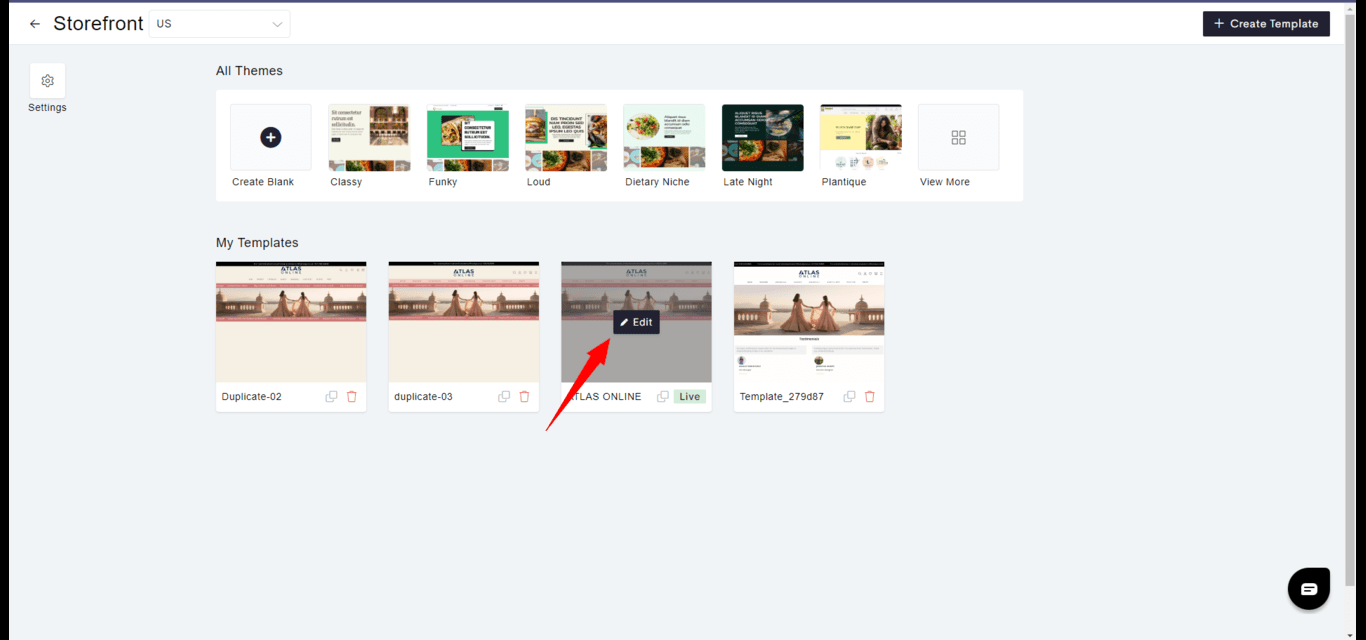
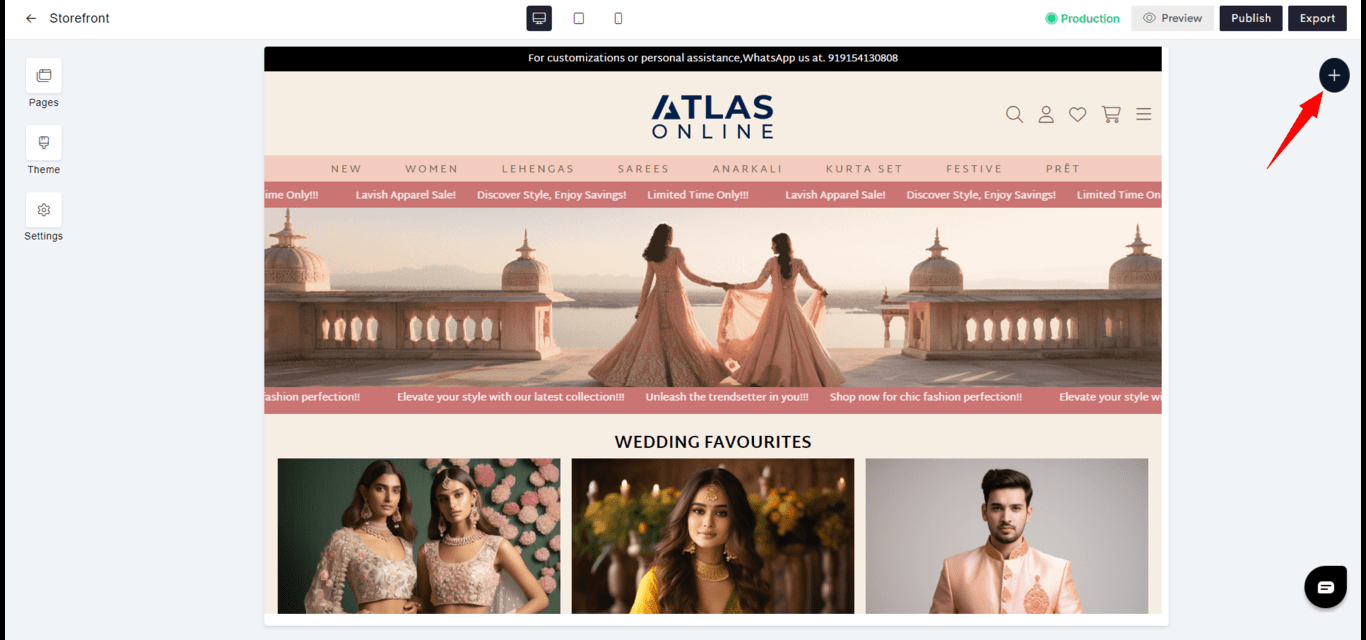
Widgets in Aasaan are integral components that enhance the user interface and interactivity of your website. Each widget, whether static or dynamic, is designed to serve a distinct purpose, contributing to a rich and engaging user experience.
 ### Static Widgets
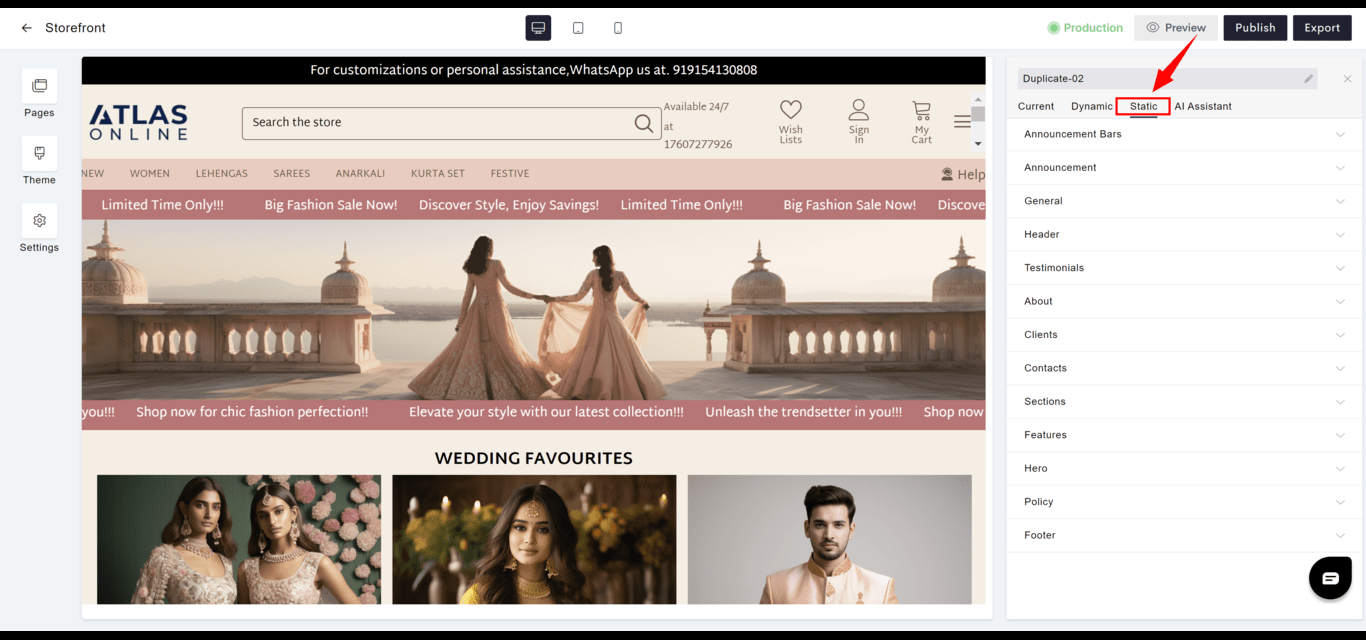
Static widgets incorporate fixed content without the need for user interaction or data updates.
### Static Widgets
Static widgets incorporate fixed content without the need for user interaction or data updates.
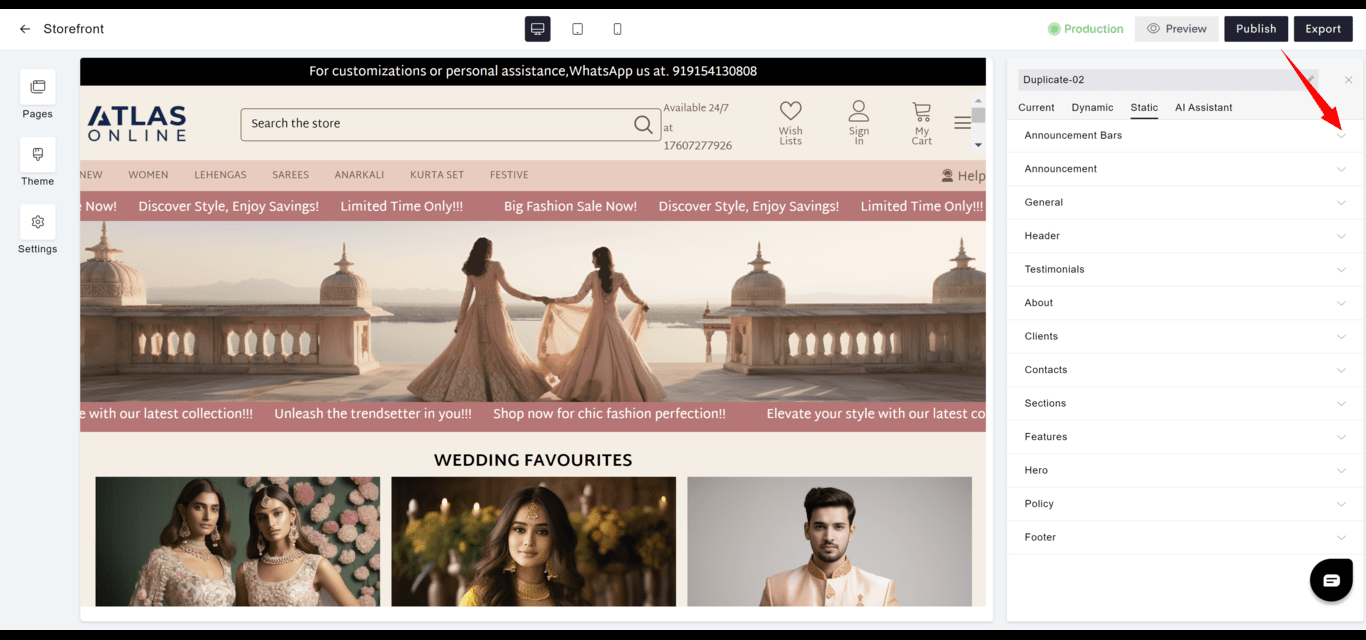
 #### Announcement Bars
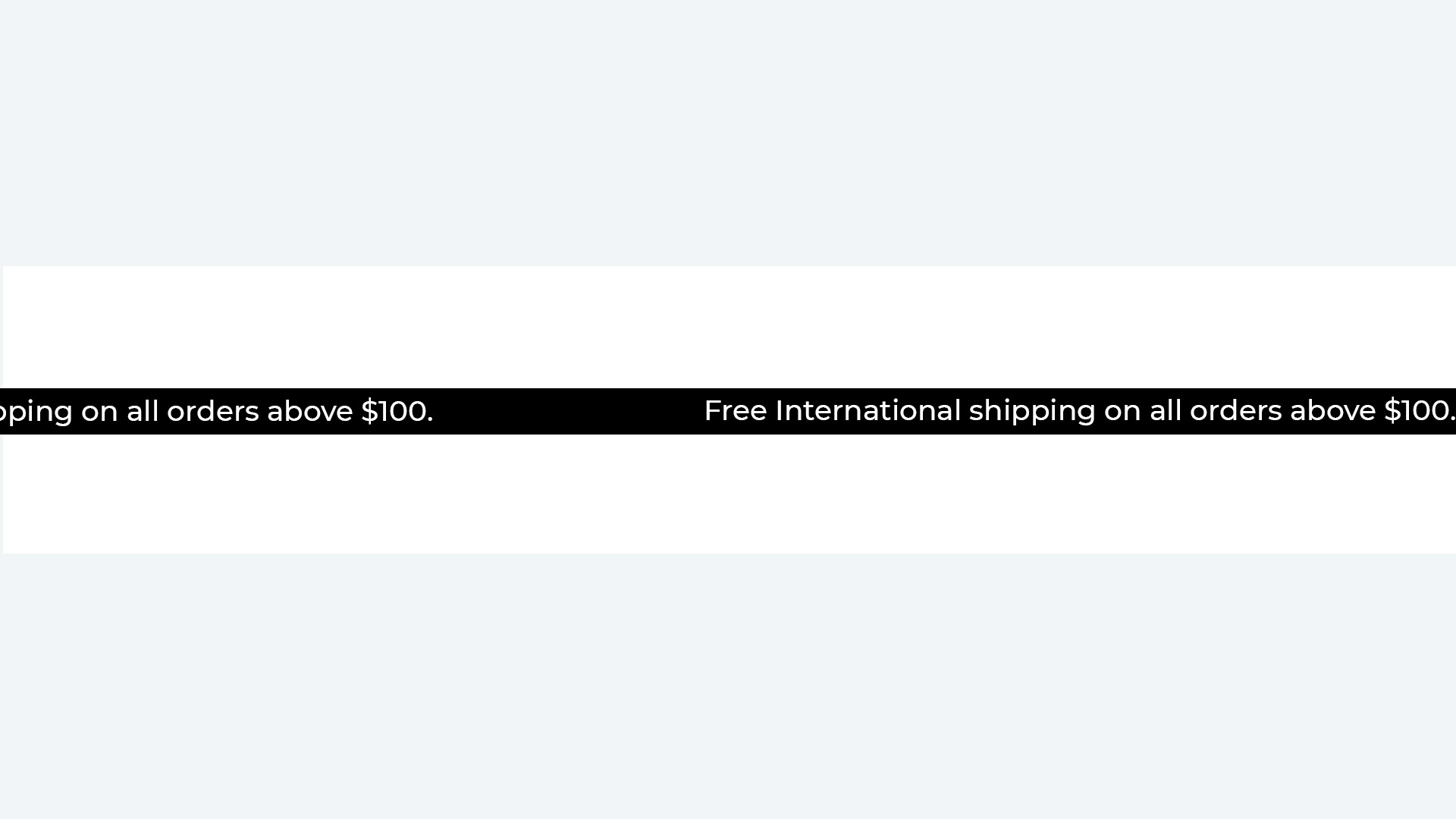
* **Purpose**: Display timely notices like promotions, sales, or shipping policies prominently at the top of your site.
* **Usage**: Typically used for important, short-term messages to visitors.
#### Announcement Bars
* **Purpose**: Display timely notices like promotions, sales, or shipping policies prominently at the top of your site.
* **Usage**: Typically used for important, short-term messages to visitors.
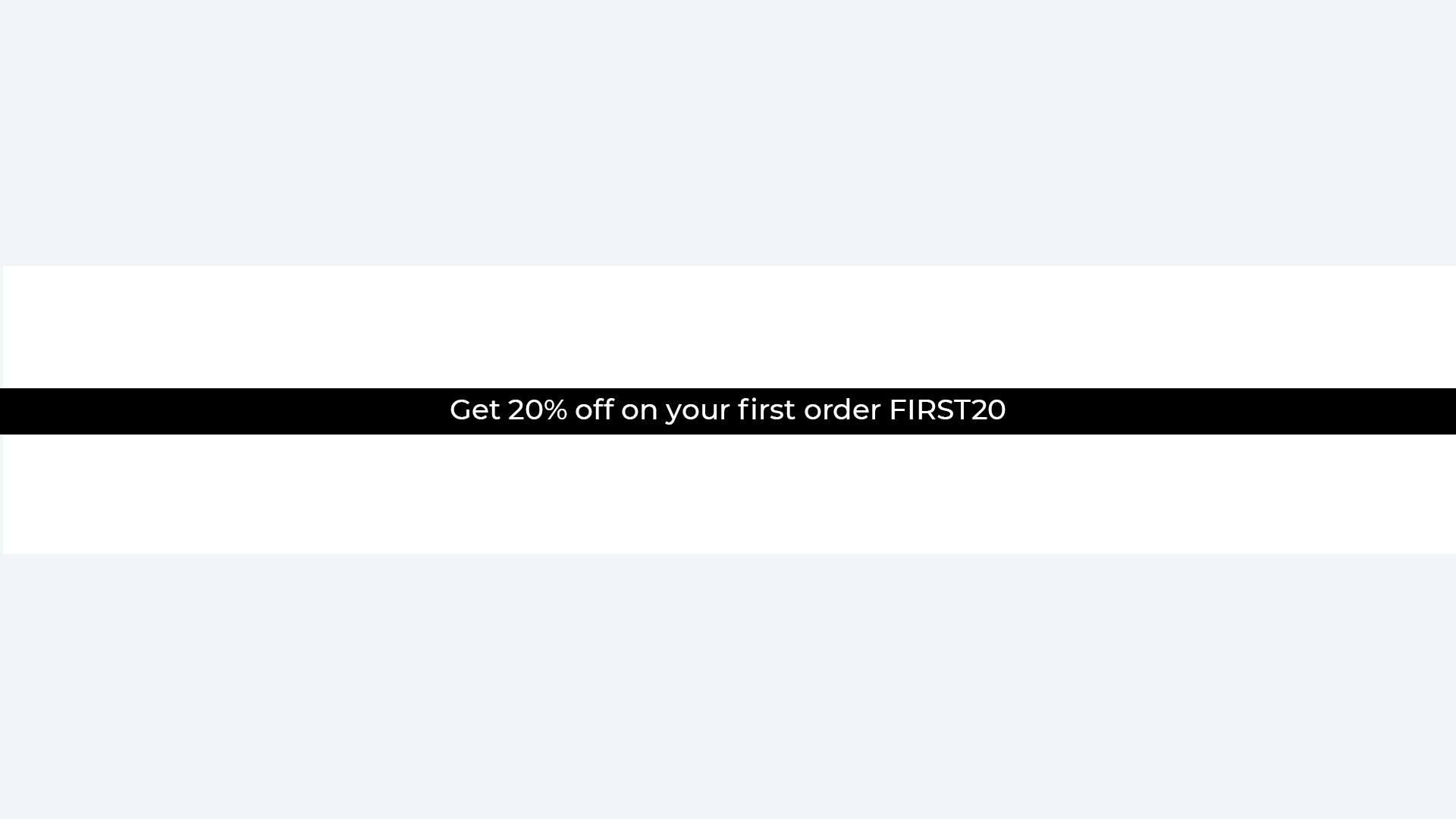
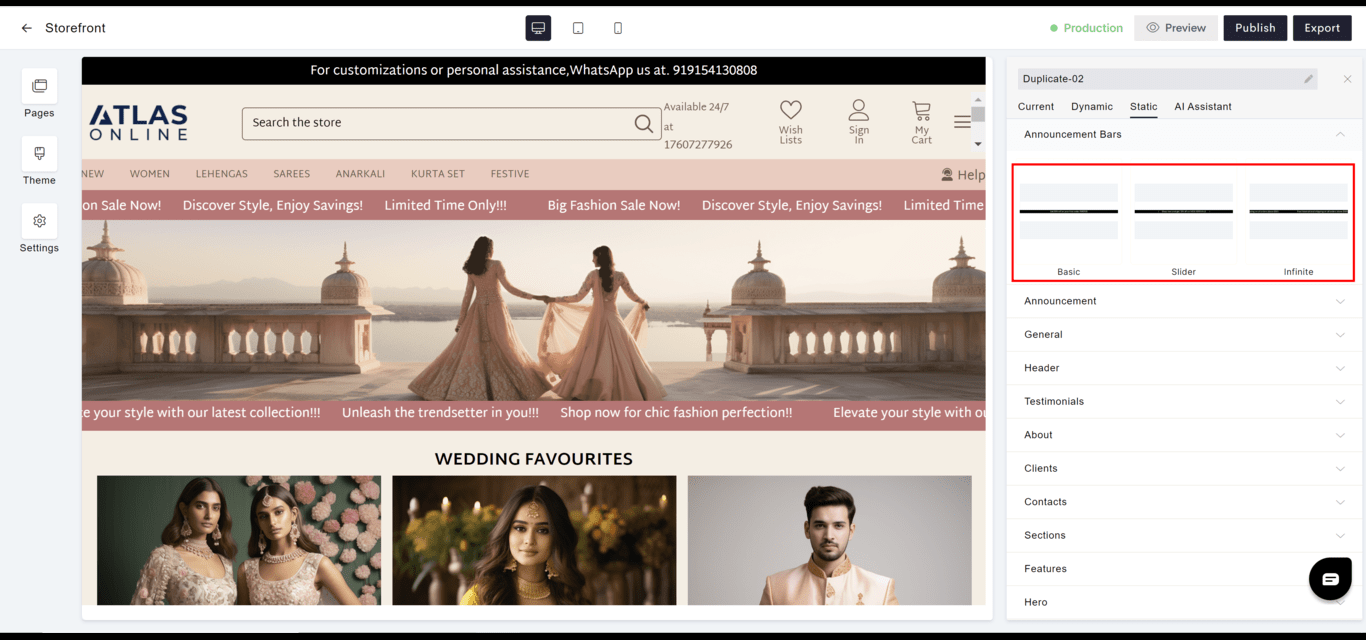 **Basic**
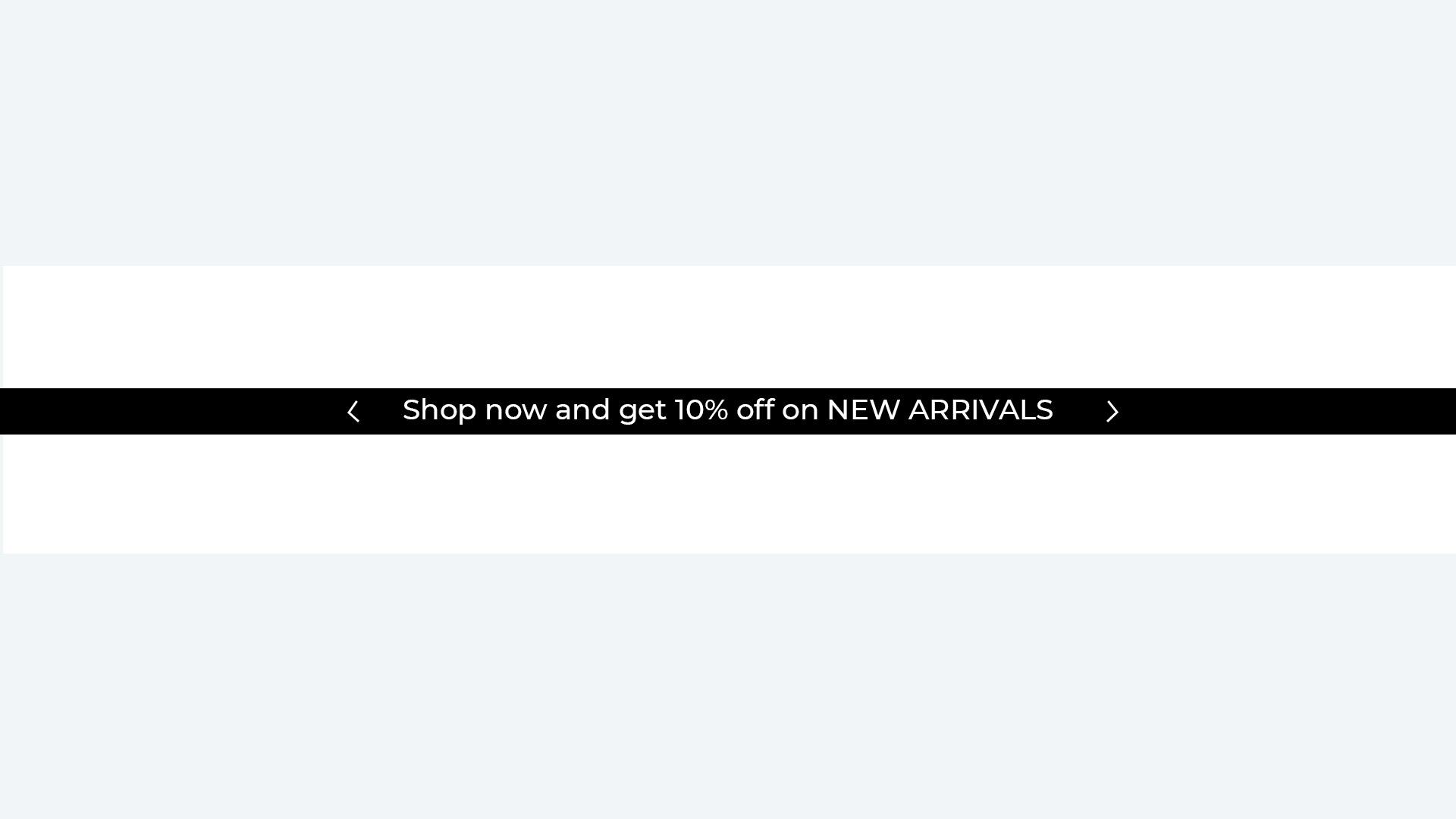
 **Slider**
 **Infinite**
 #### Header
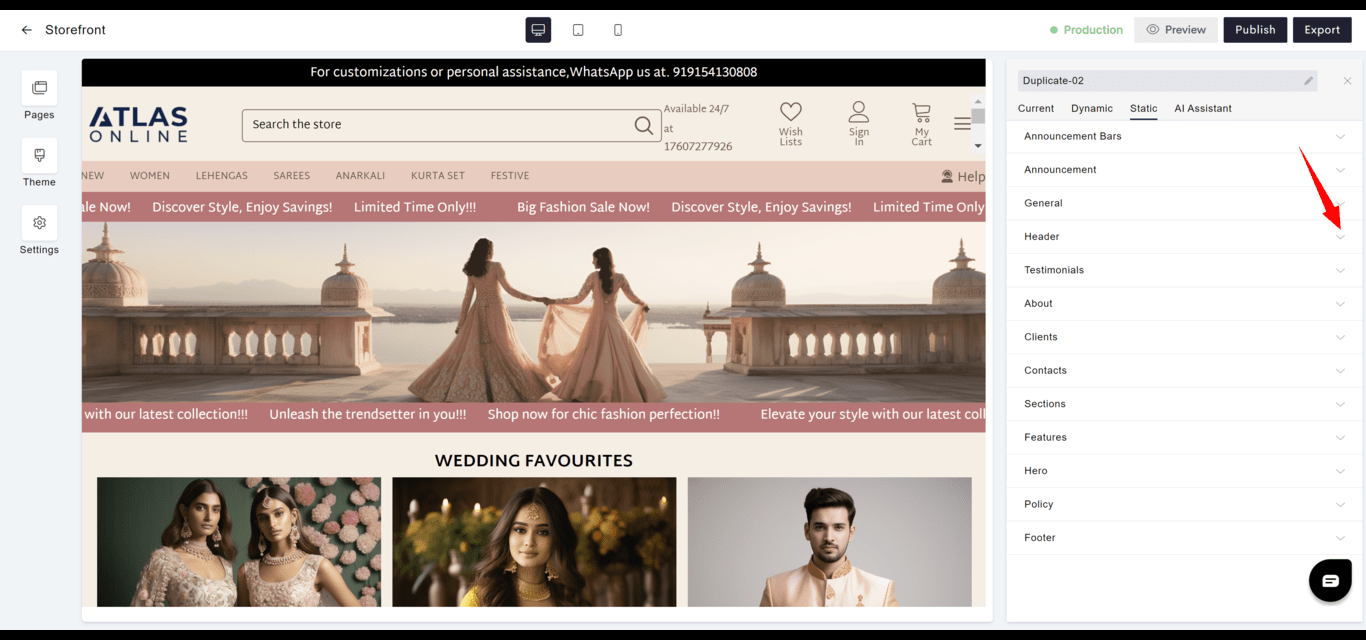
* **Layout**: Contains the primary navigation elements including the logo, menu, and possibly contact information.
* **Customization**: Can be styled to match the overall theme and branding of the website.
#### Header
* **Layout**: Contains the primary navigation elements including the logo, menu, and possibly contact information.
* **Customization**: Can be styled to match the overall theme and branding of the website.
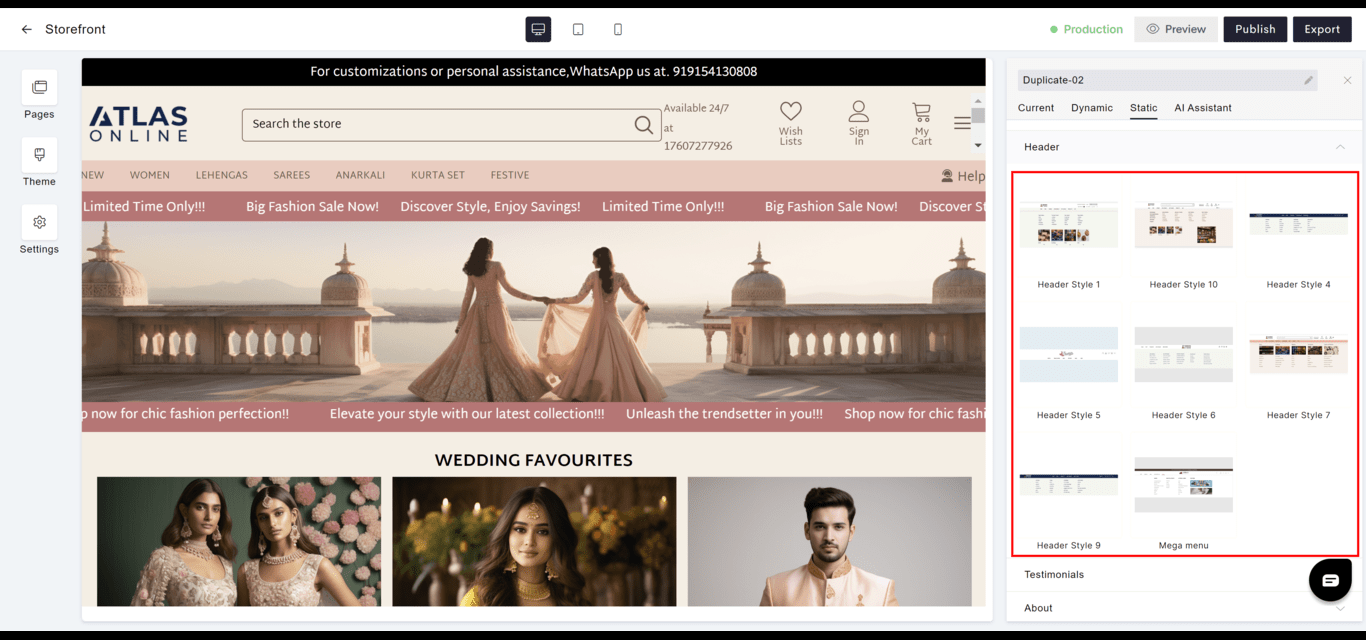 **Header Style 1**
 **Header Style 4**
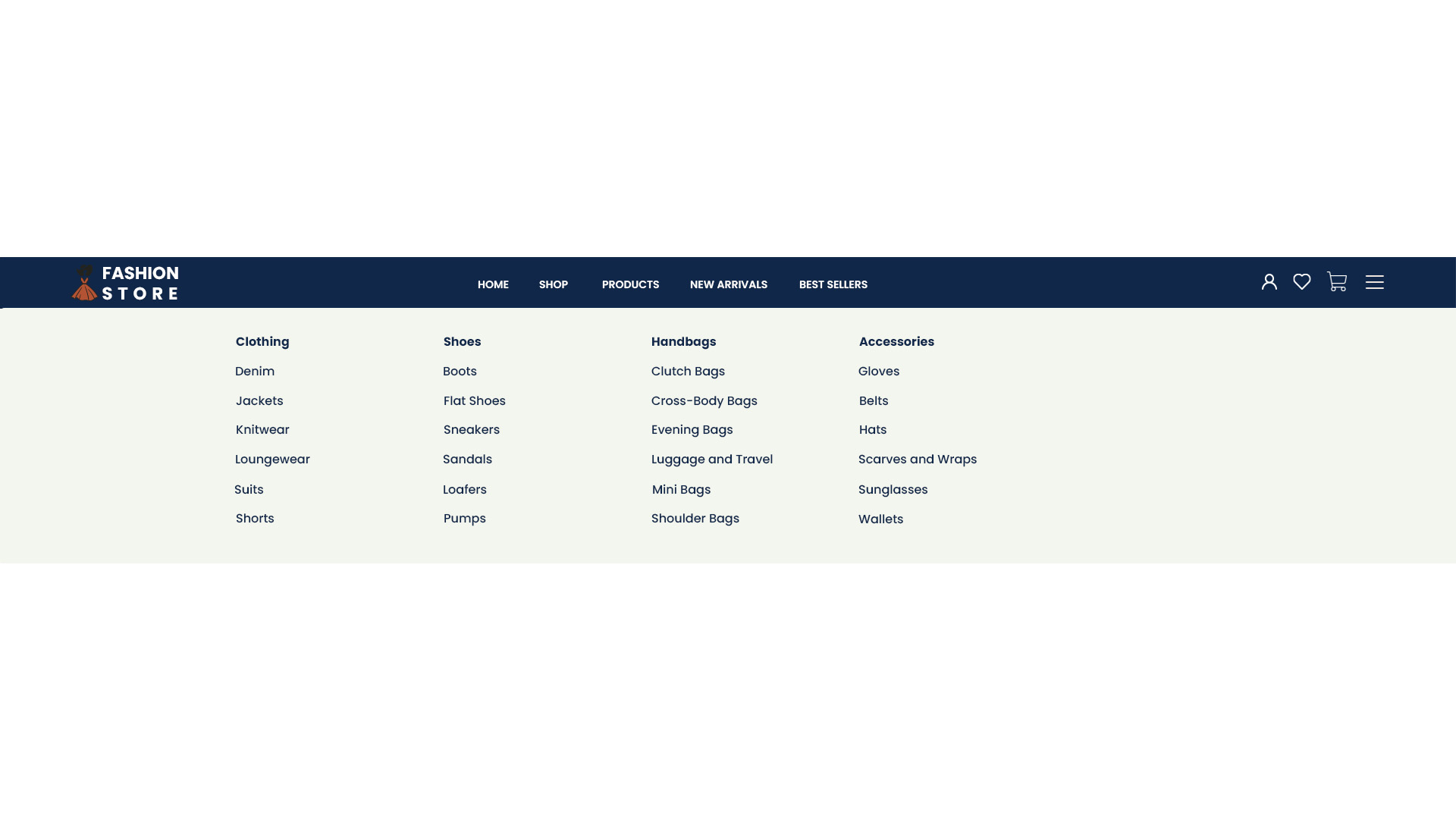 **Header Style 5**
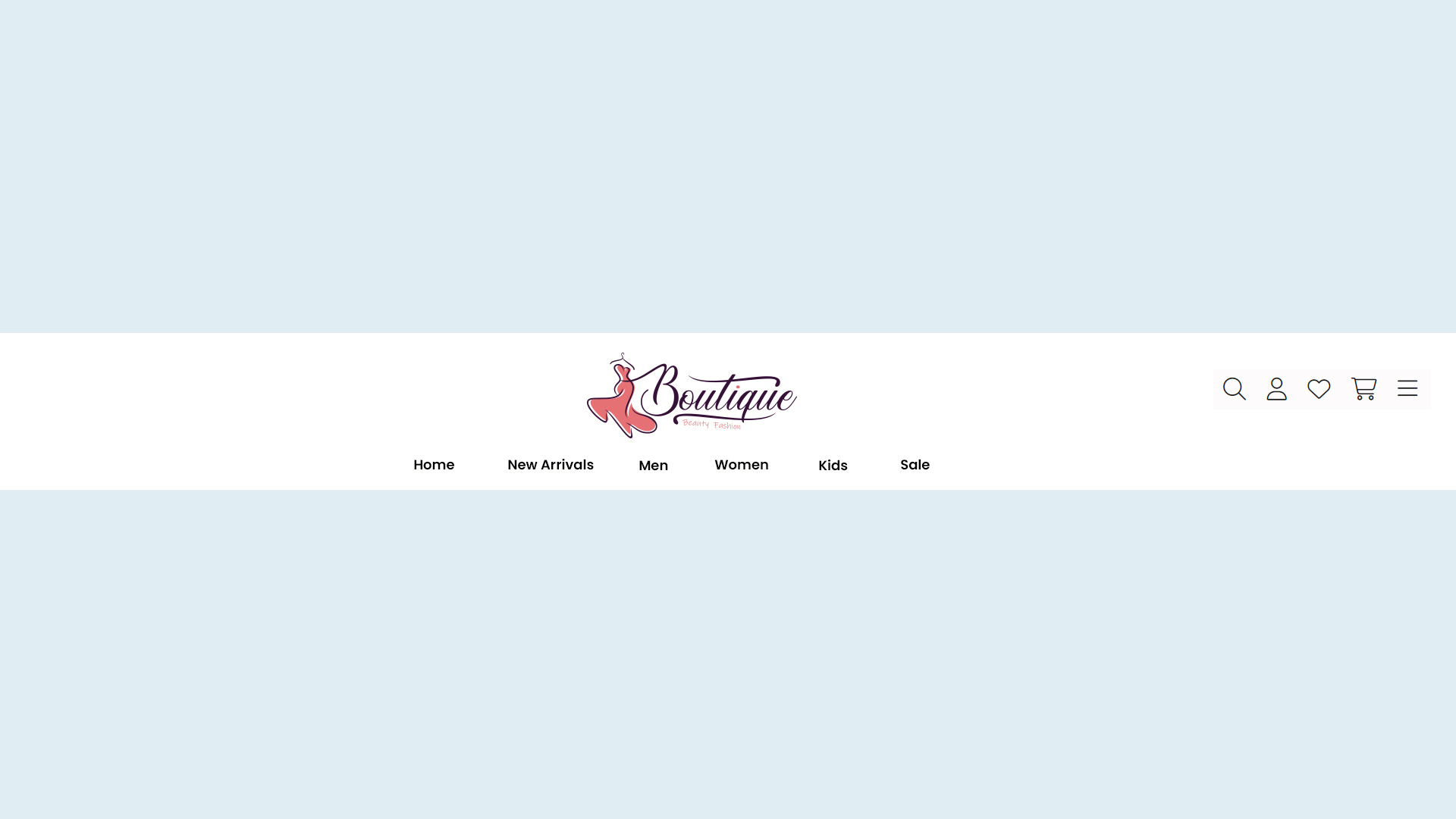 **Header Style 6**
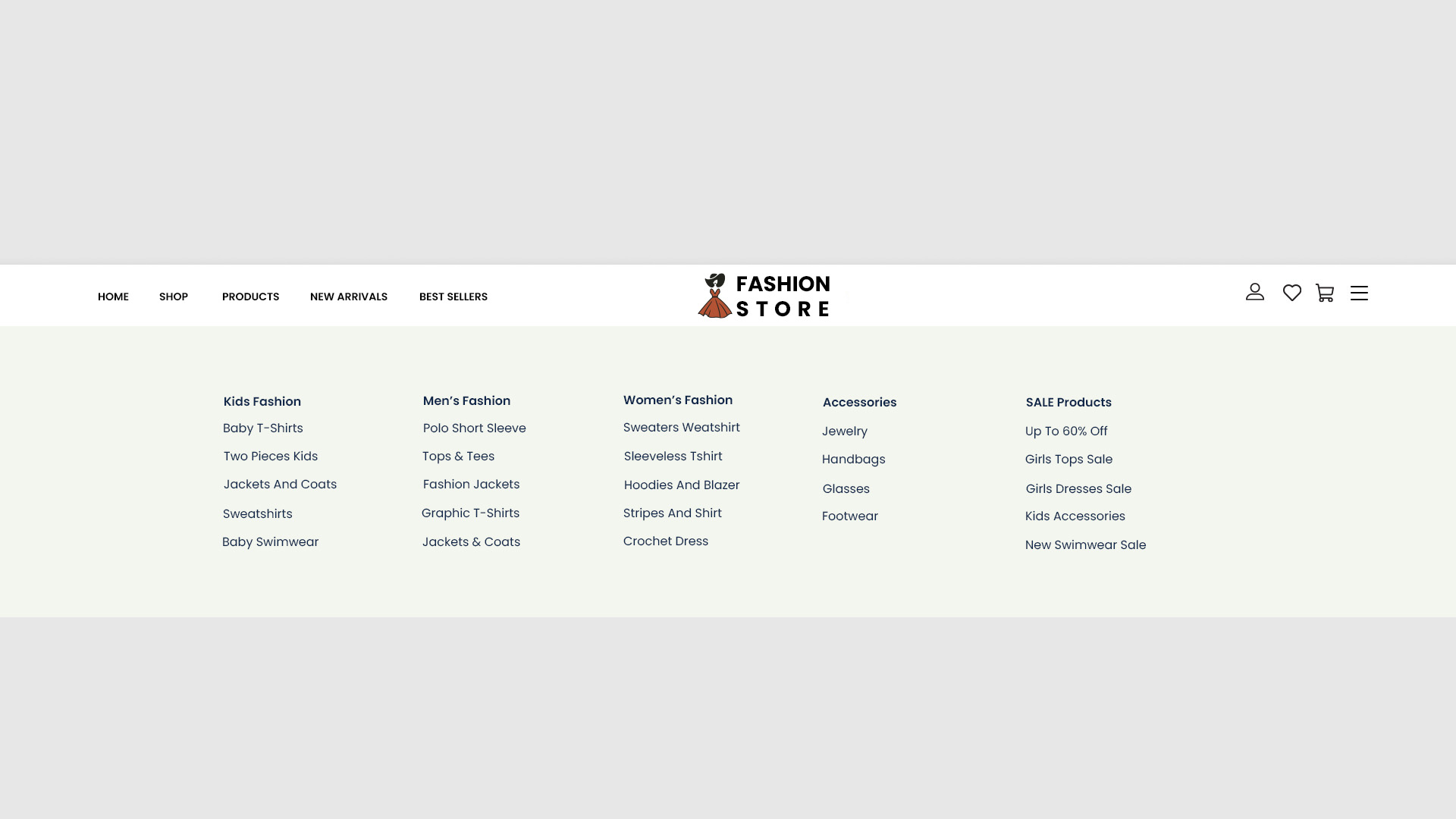 **Header Style 7**
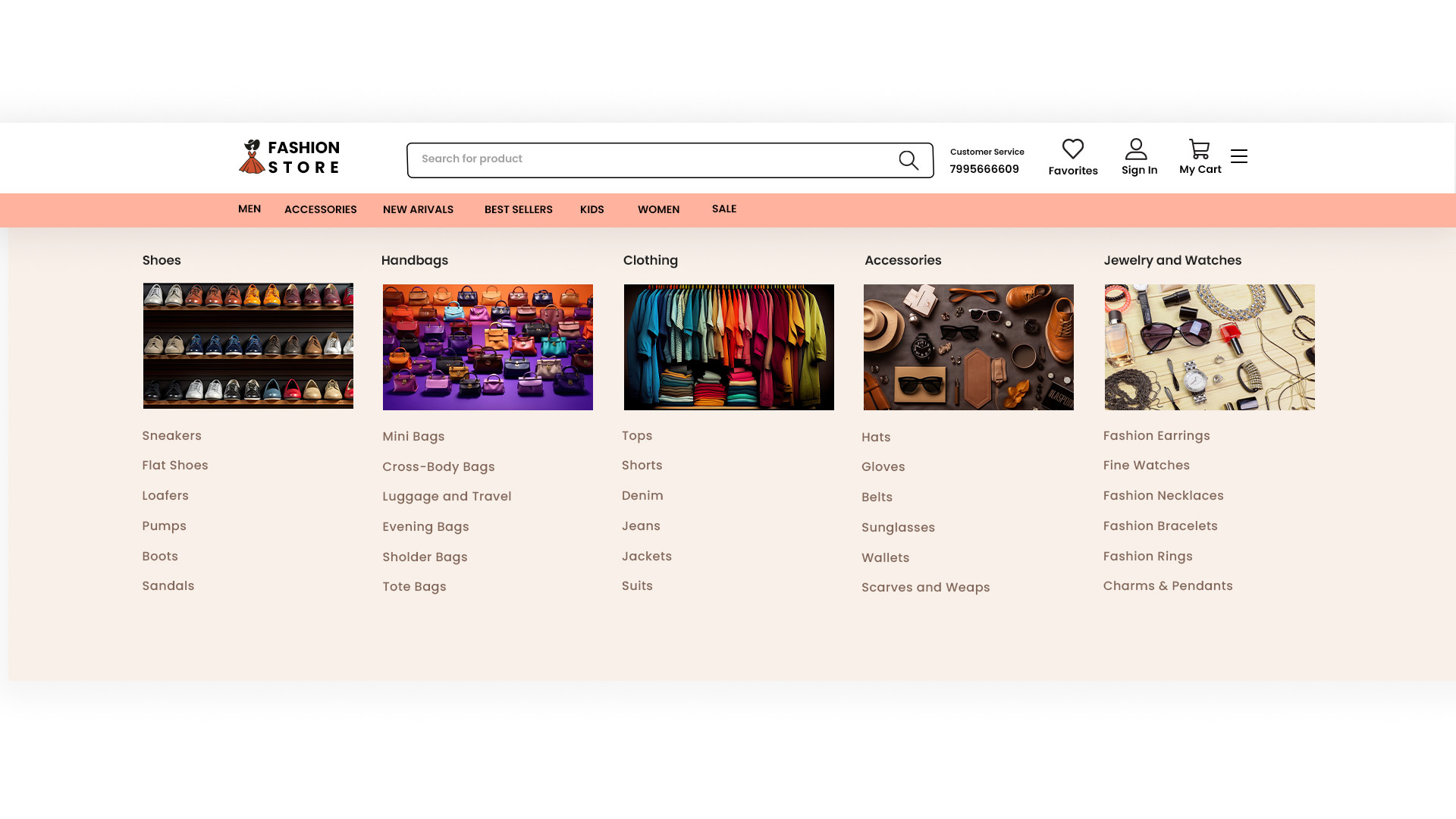 **Header Style 9**
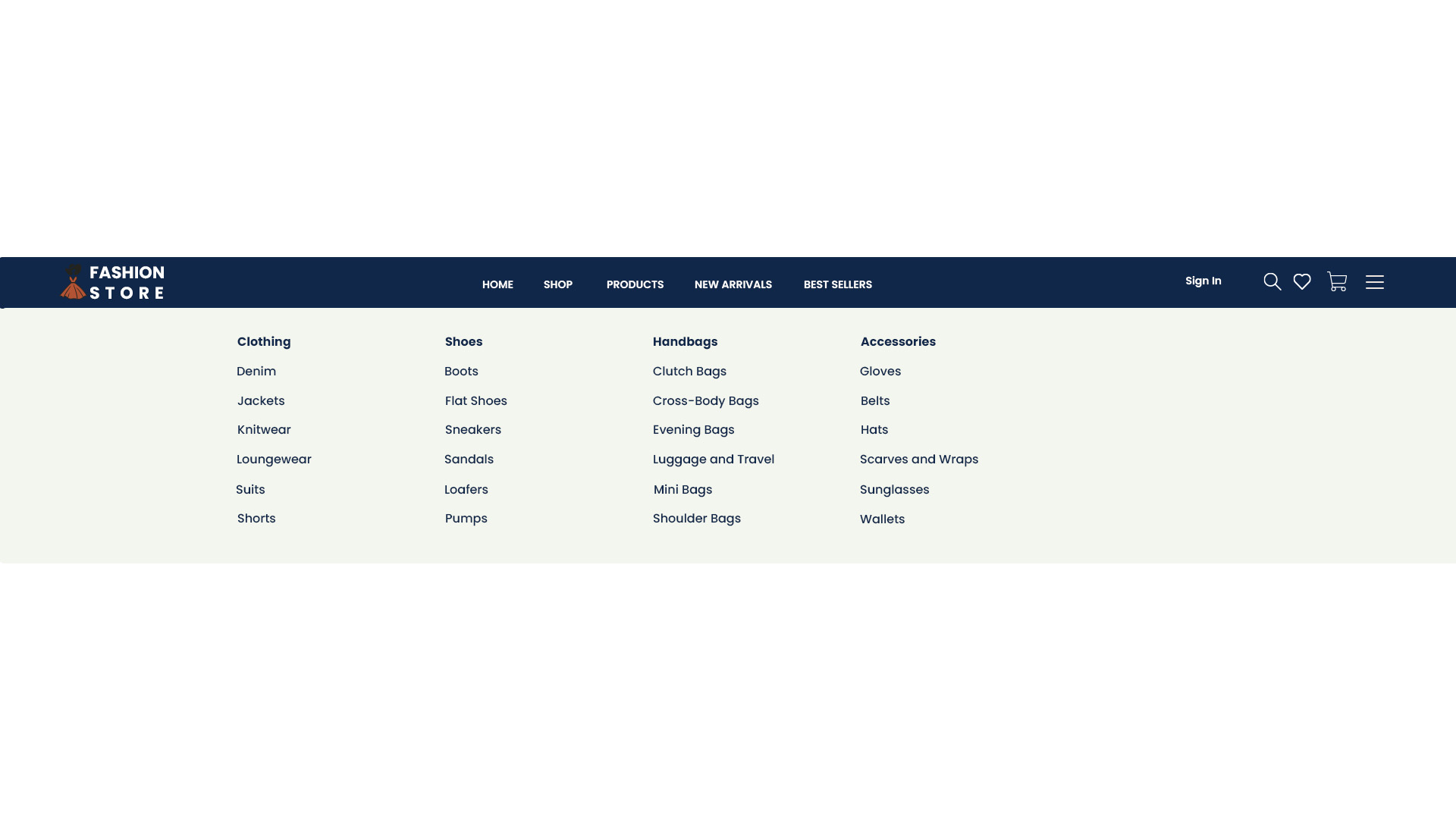 **Header Style 10**
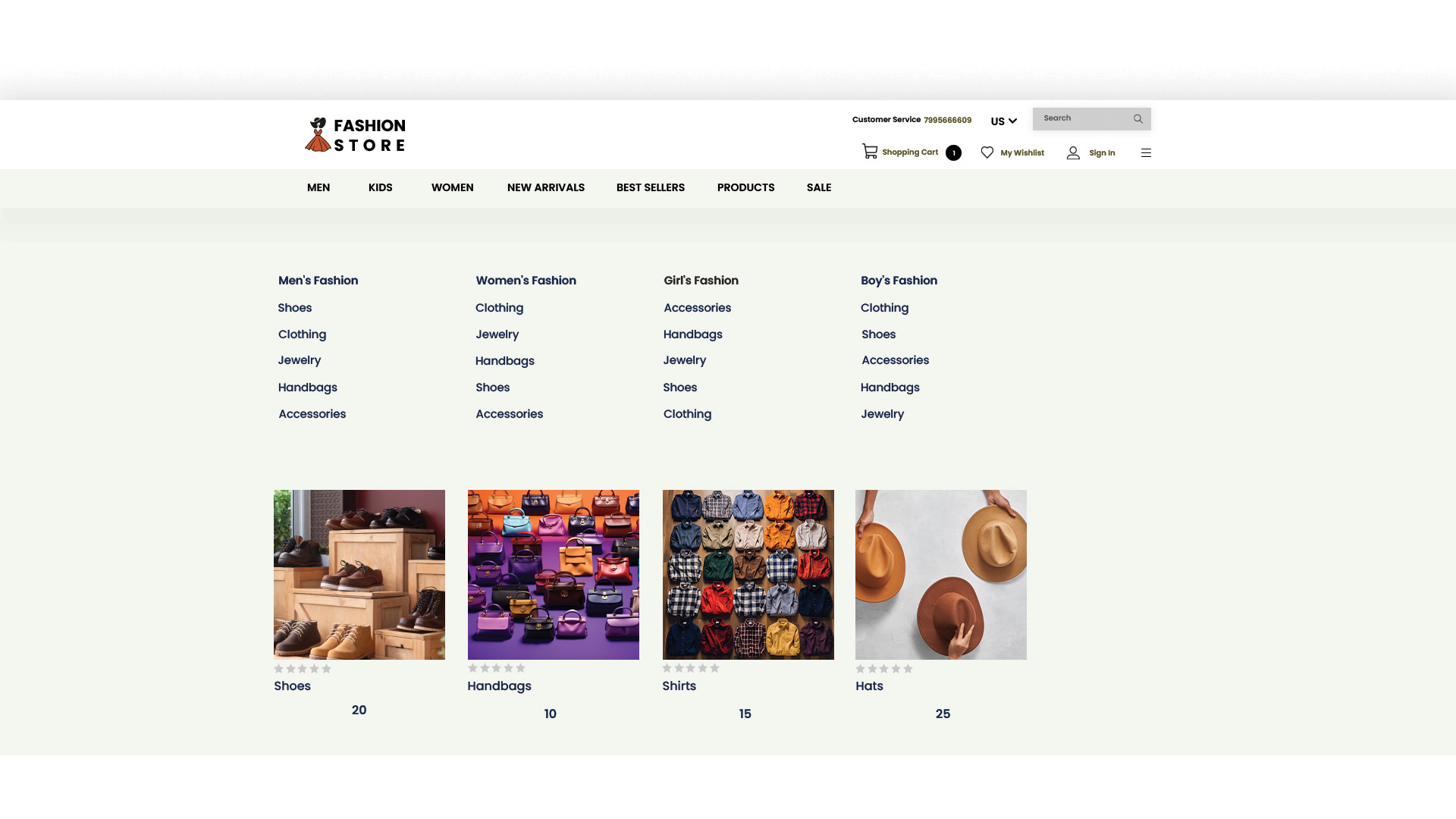
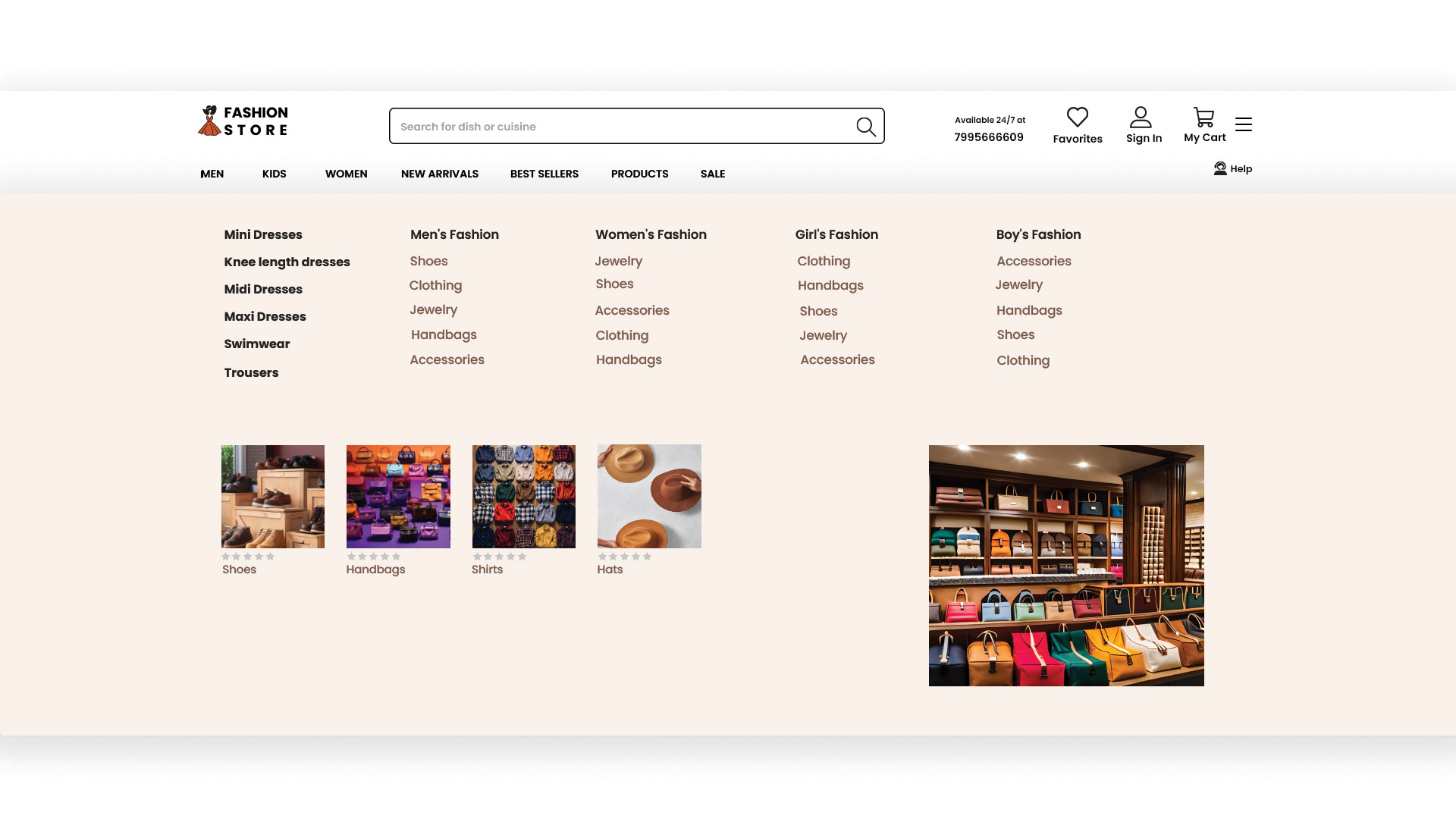 **Megamenu**
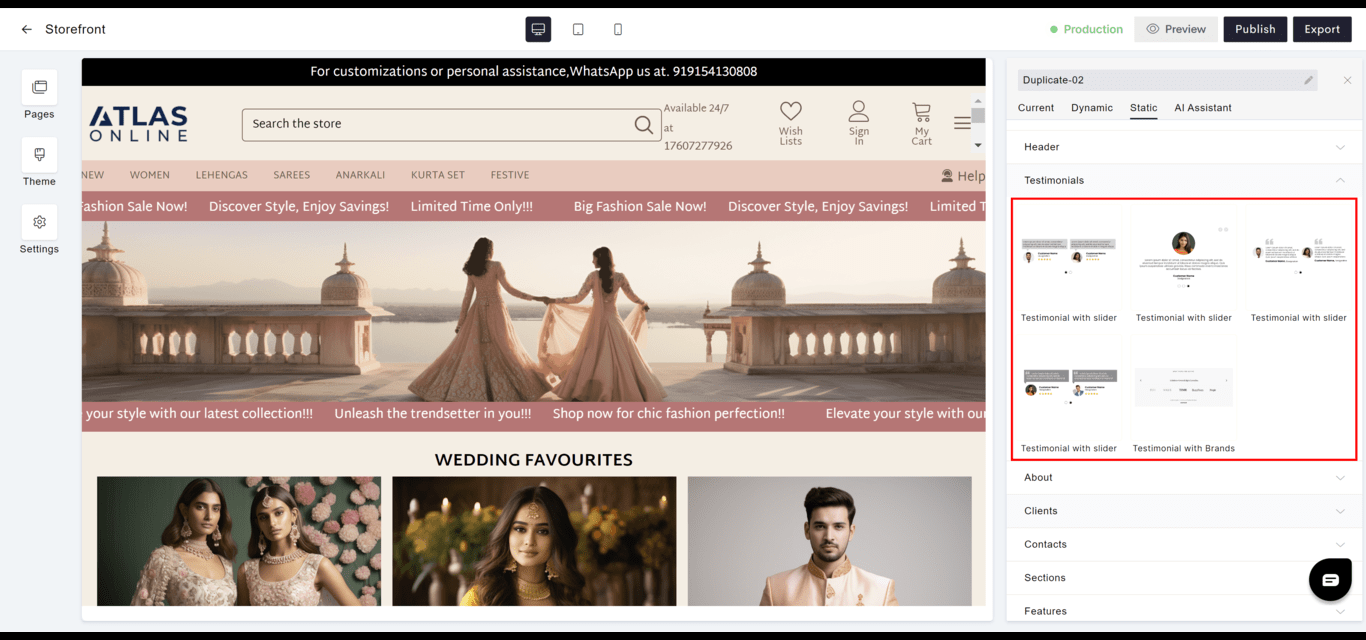
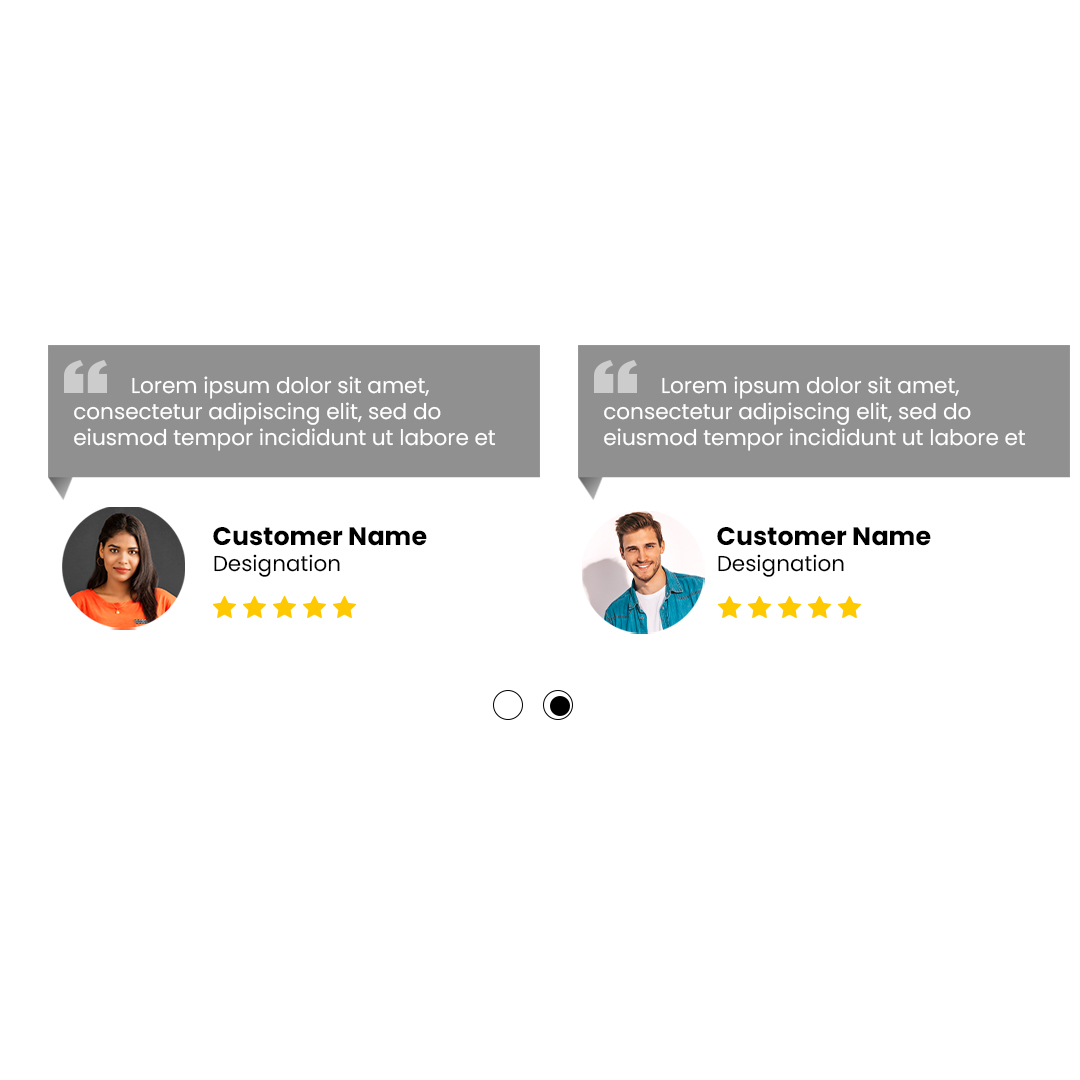
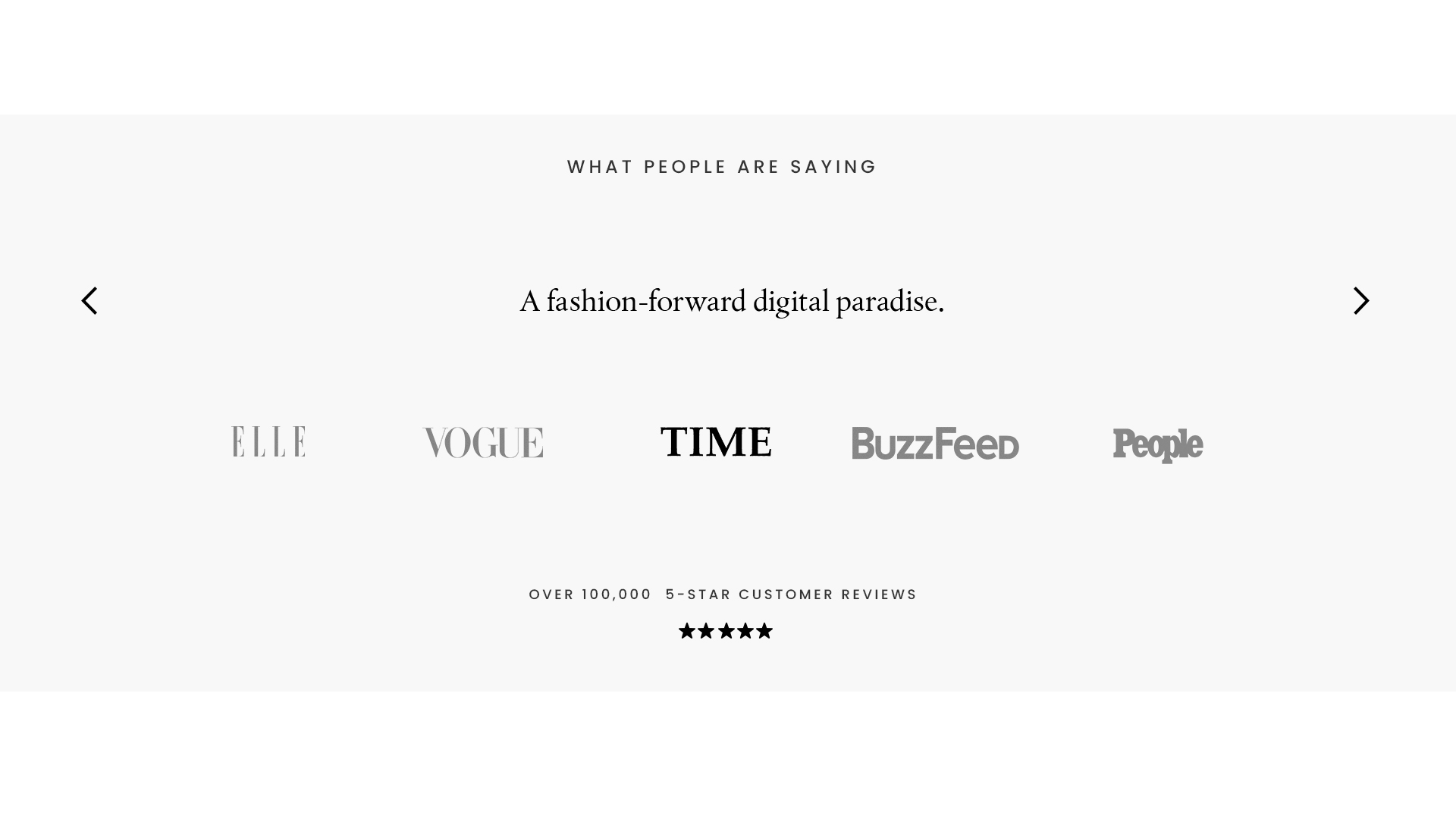
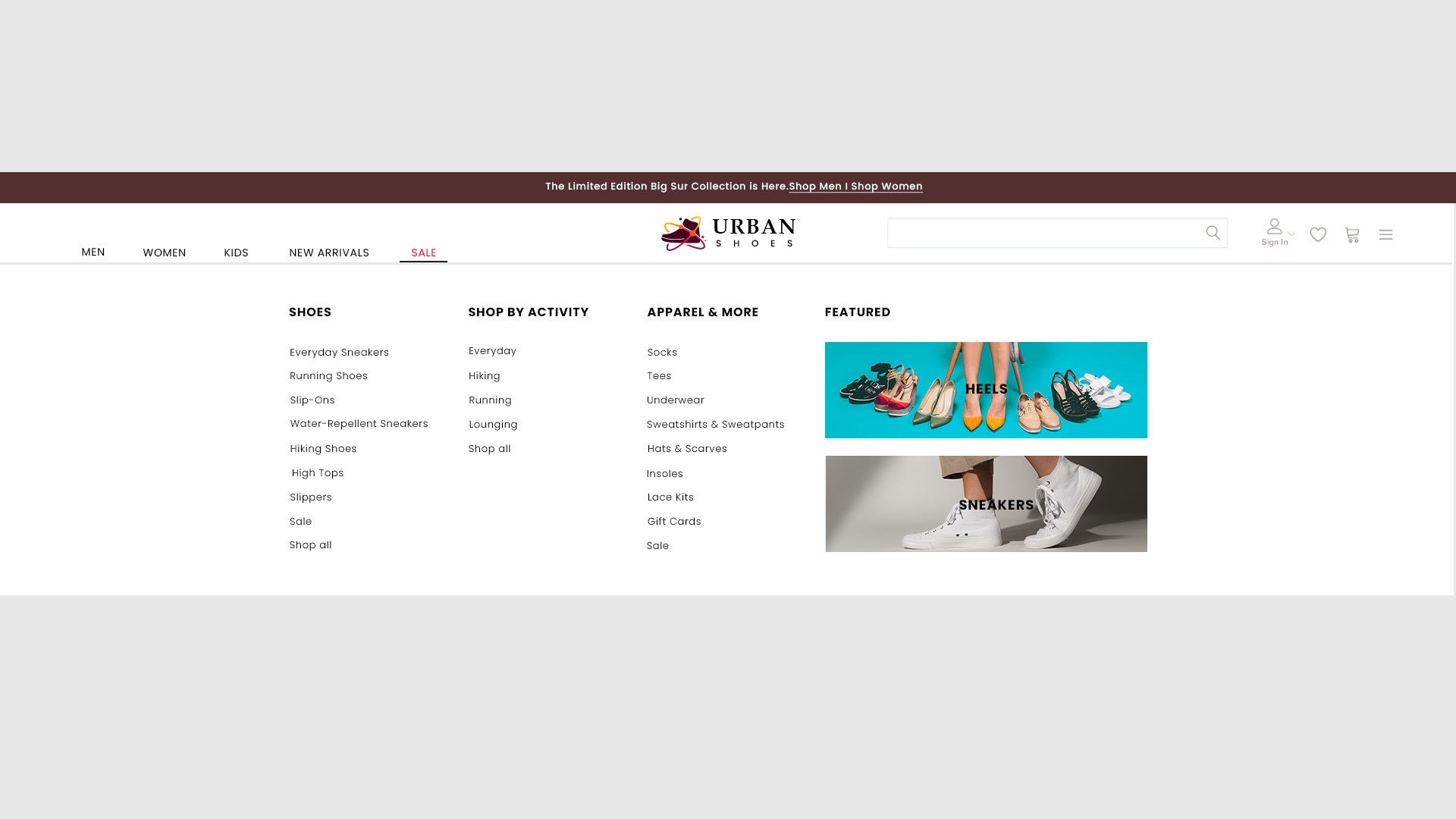 #### Testimonials
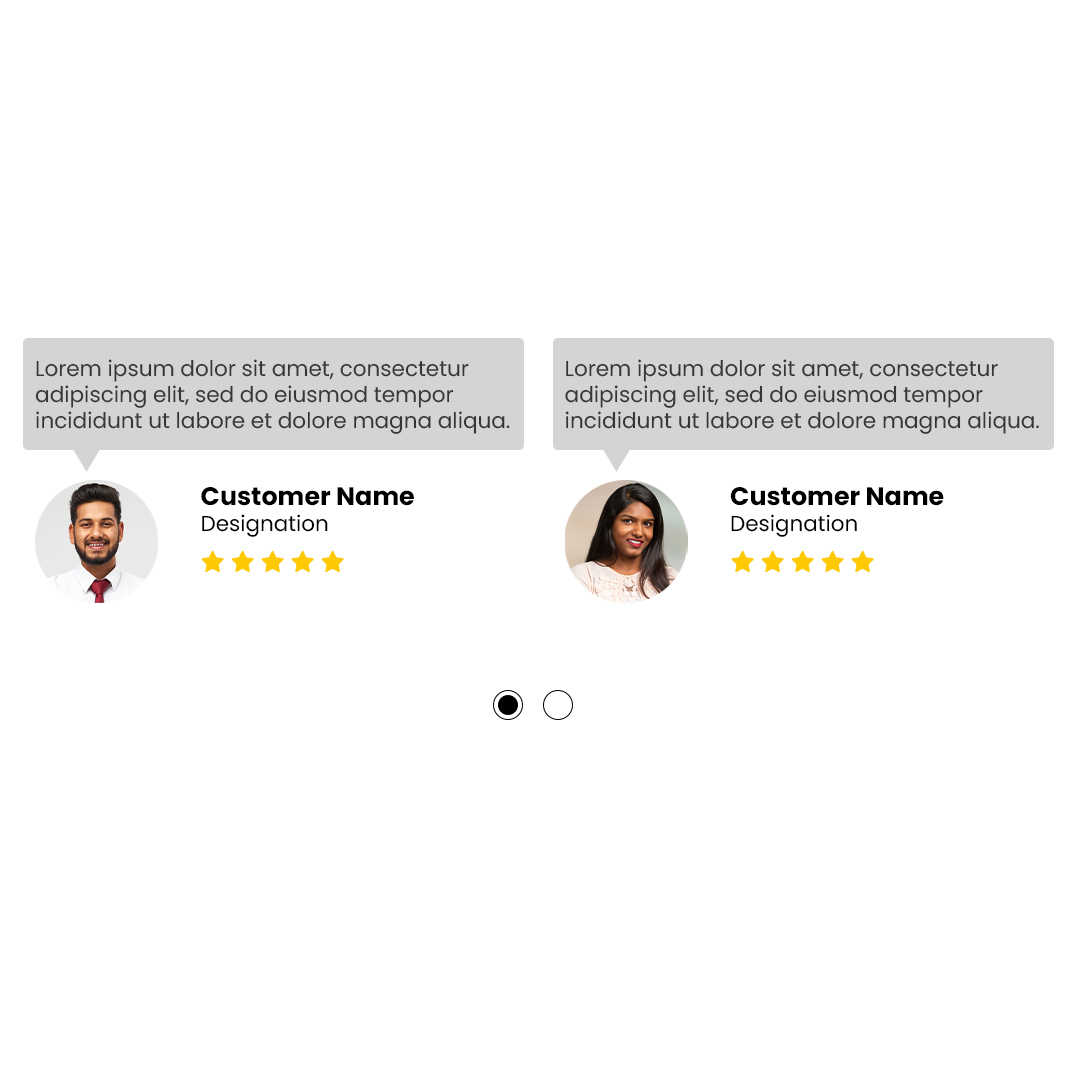
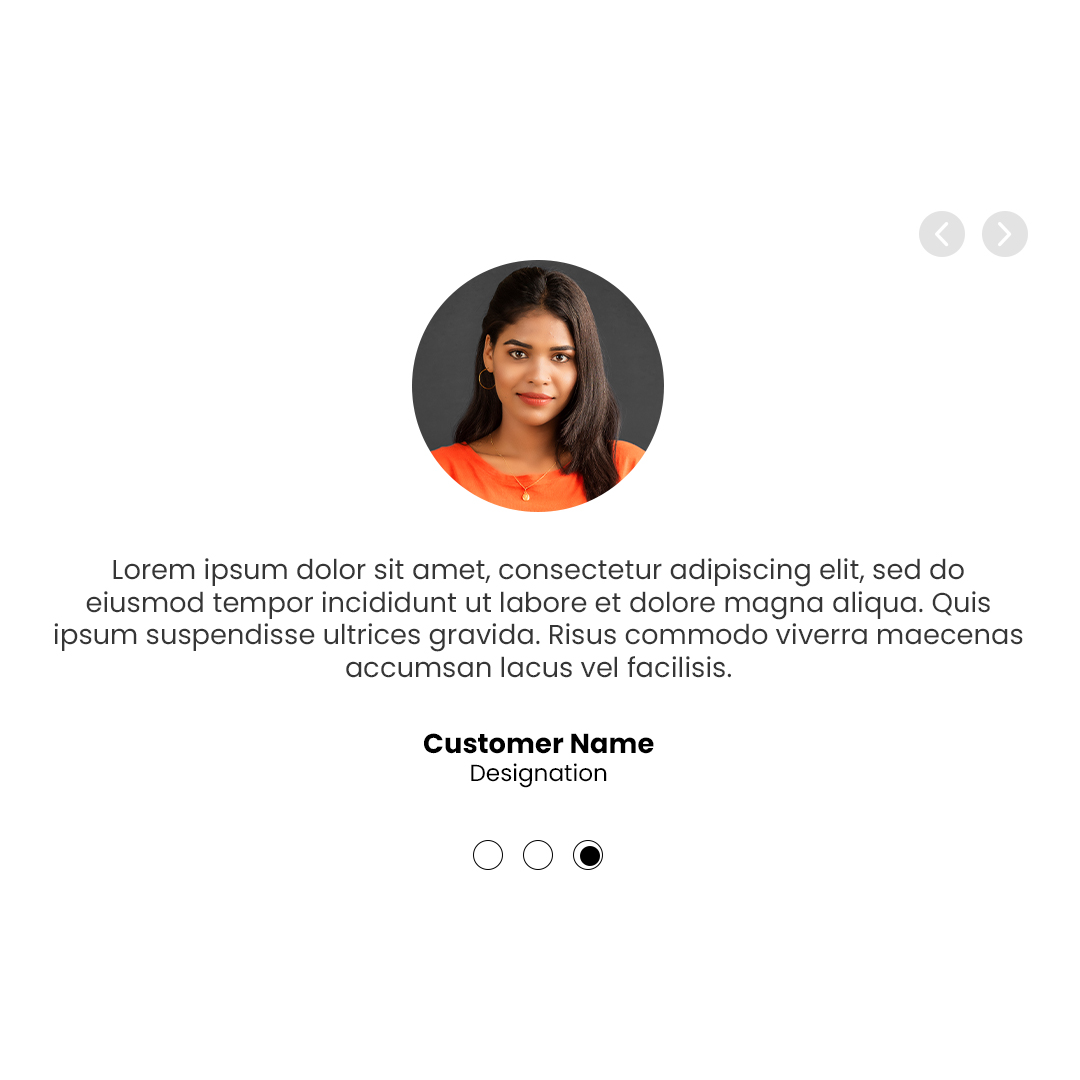
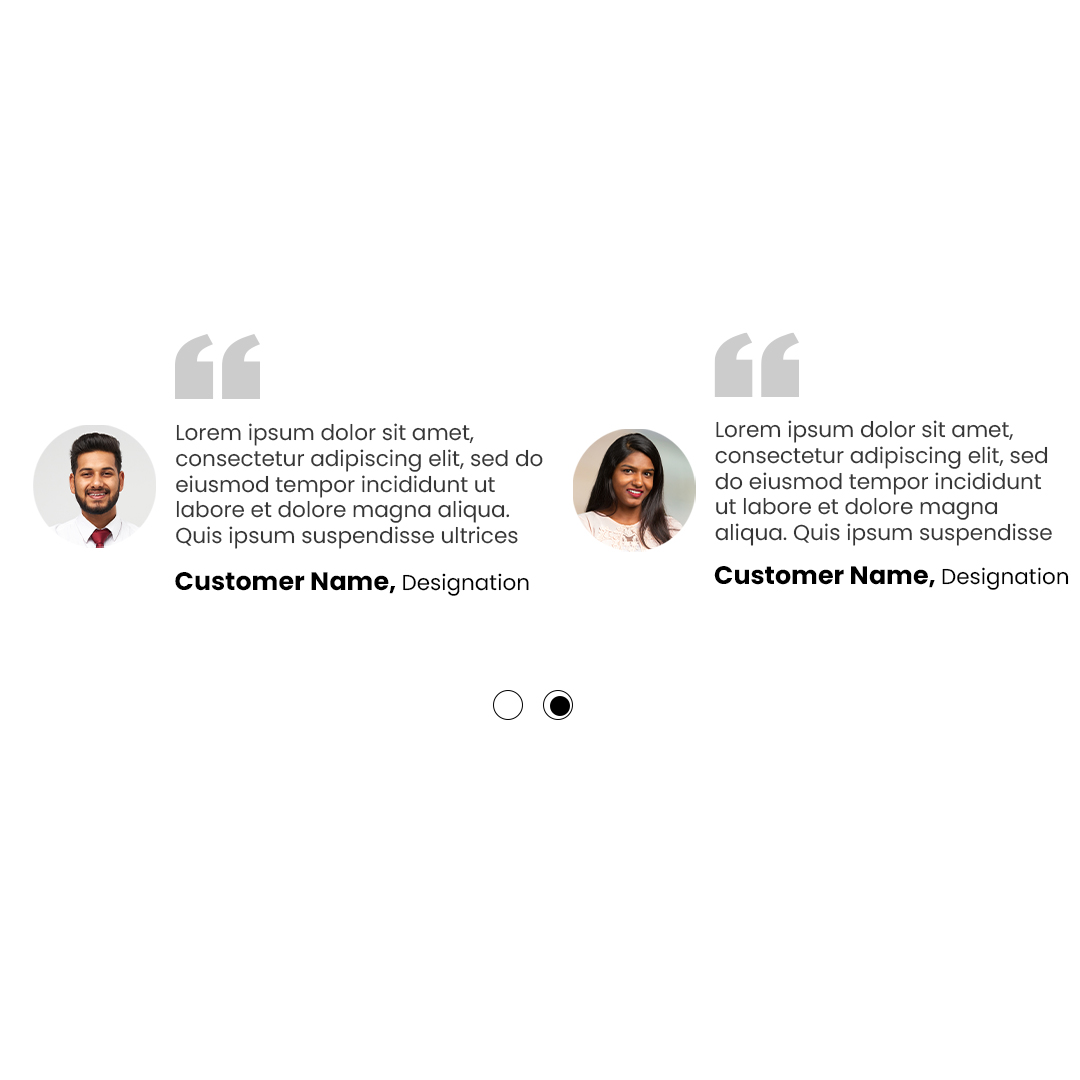
* **Engagement**: Showcases customer feedback and endorsements to establish trust and credibility.
* **Display**: Often presented in a carousel or grid layout for visual appeal.
#### Testimonials
* **Engagement**: Showcases customer feedback and endorsements to establish trust and credibility.
* **Display**: Often presented in a carousel or grid layout for visual appeal.
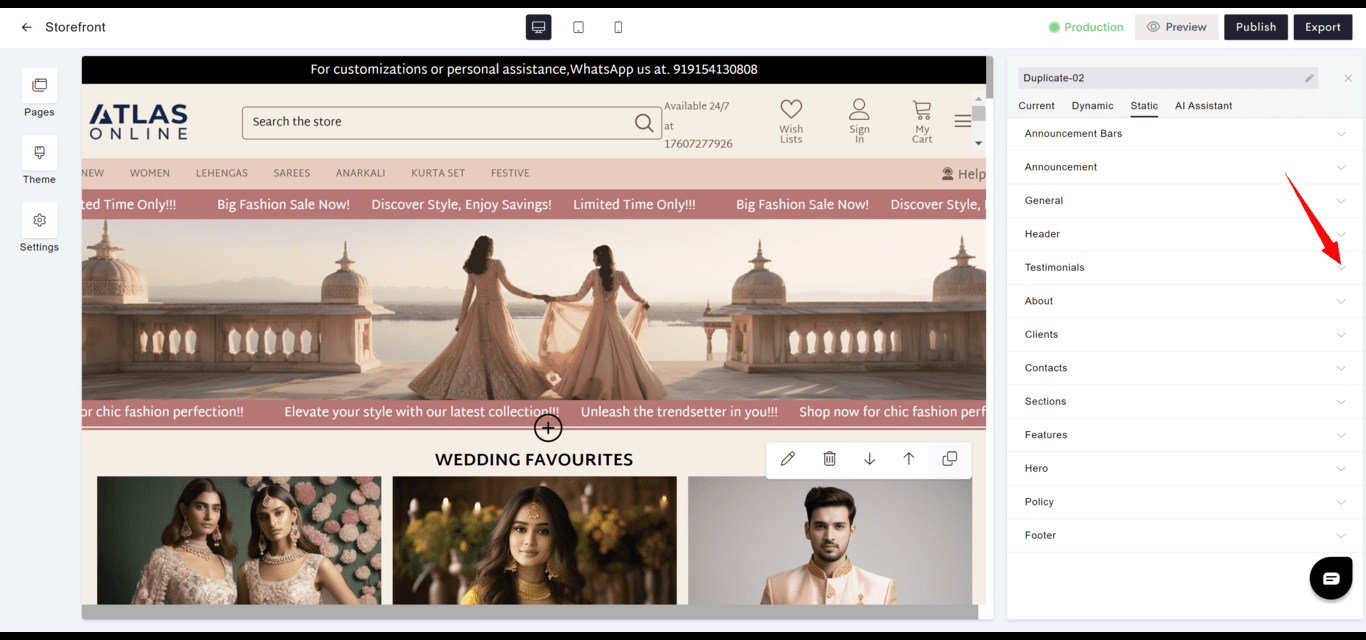
 **Testimonial with slider-1**
 **Testimonial with slider-2**
 **Testimonial with slider-3**
 **Testimonial with slider-4**
 **Testimonial with Brands**
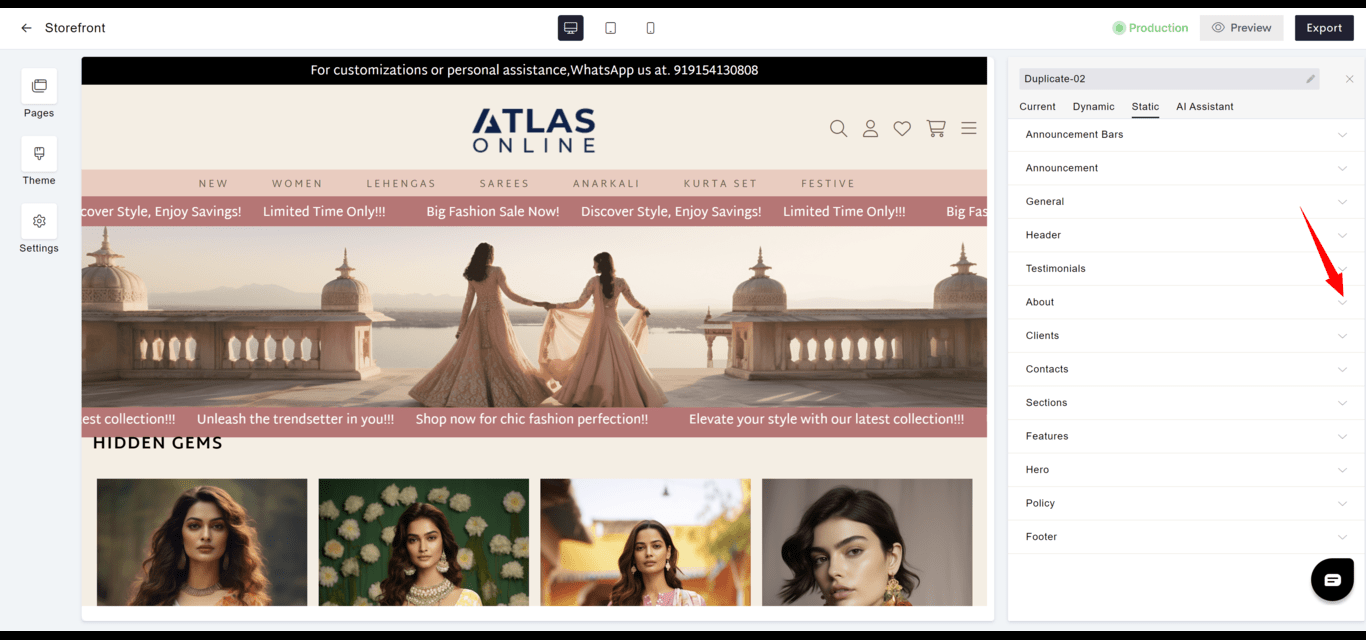
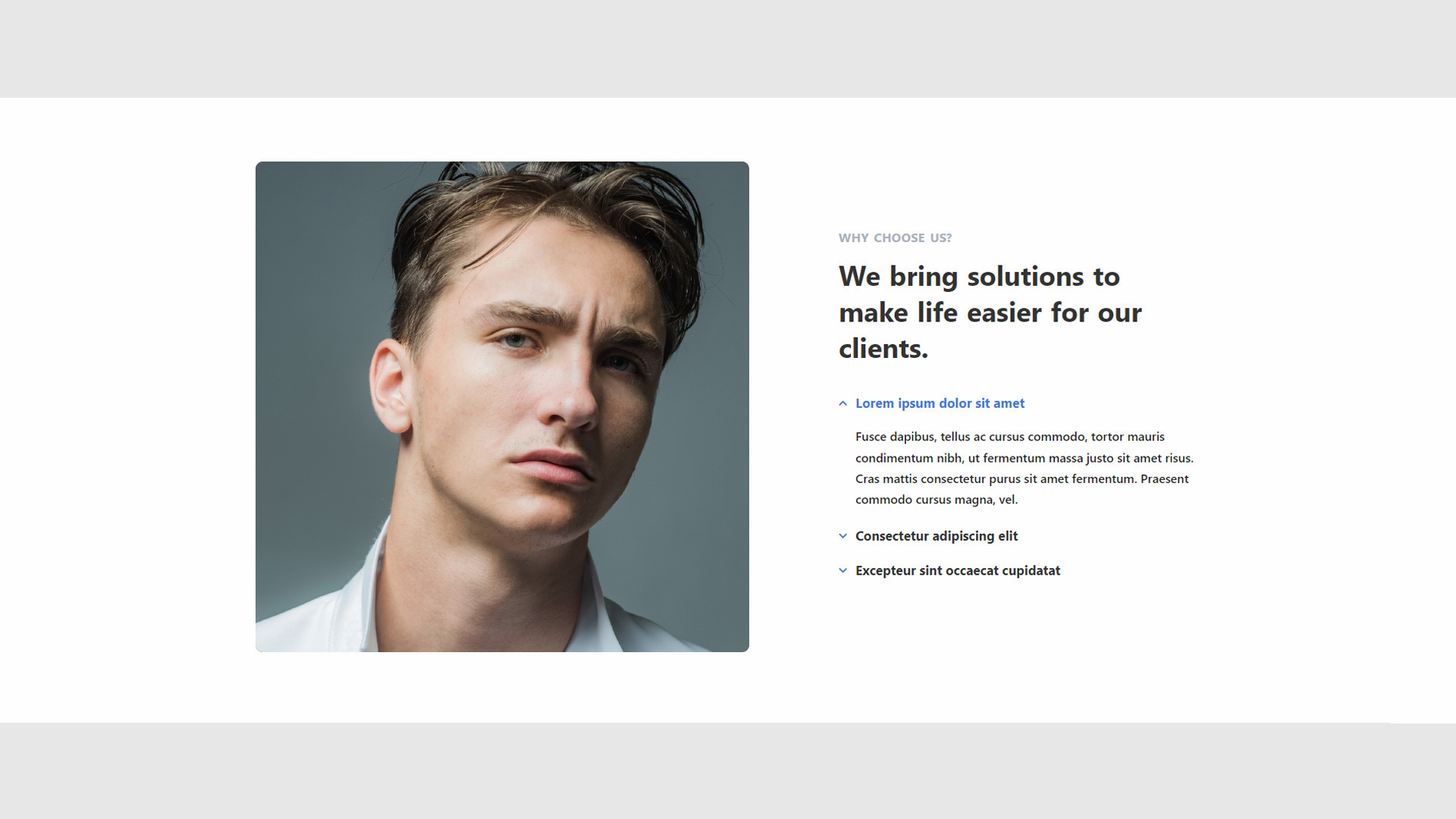
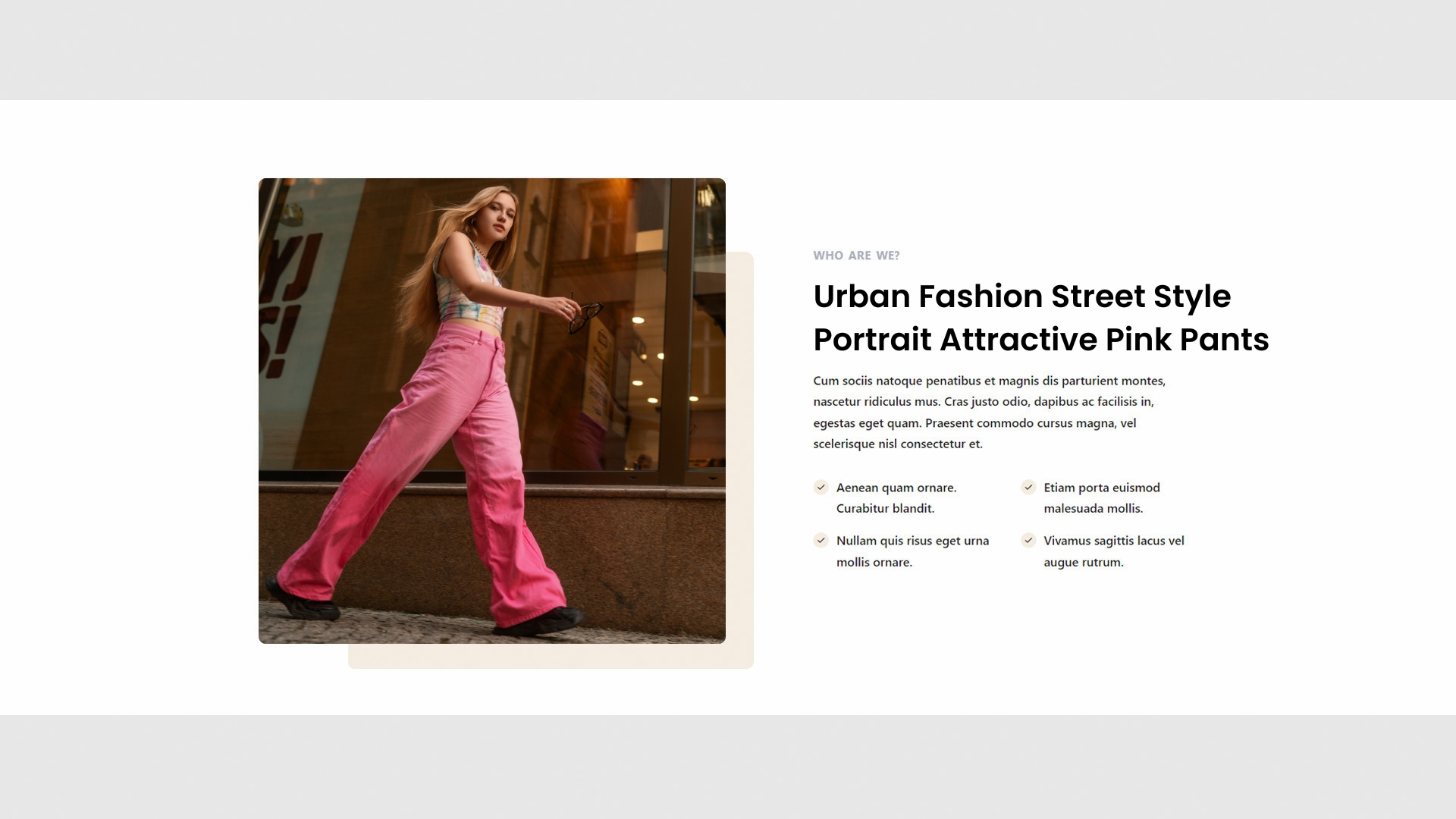
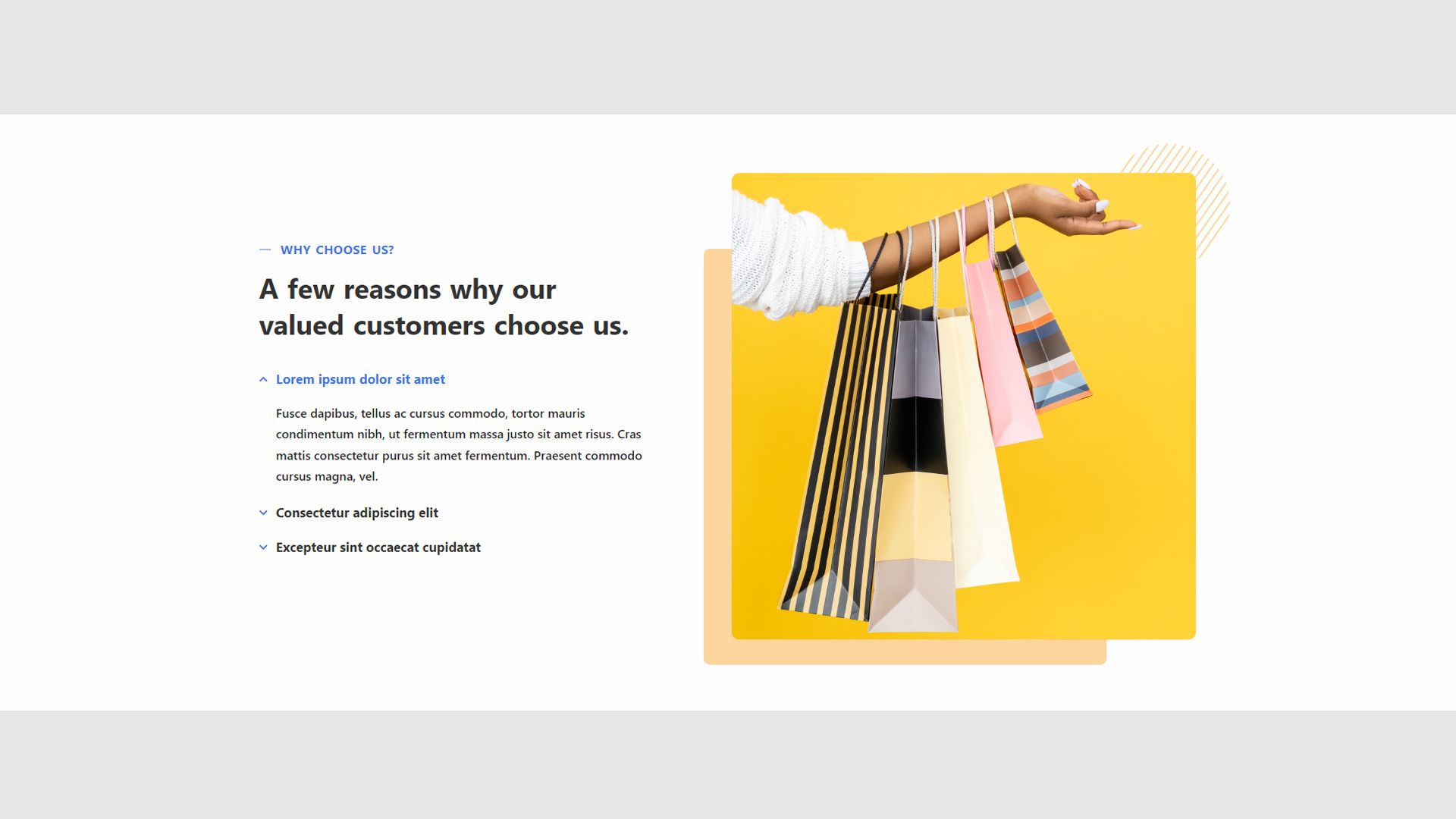
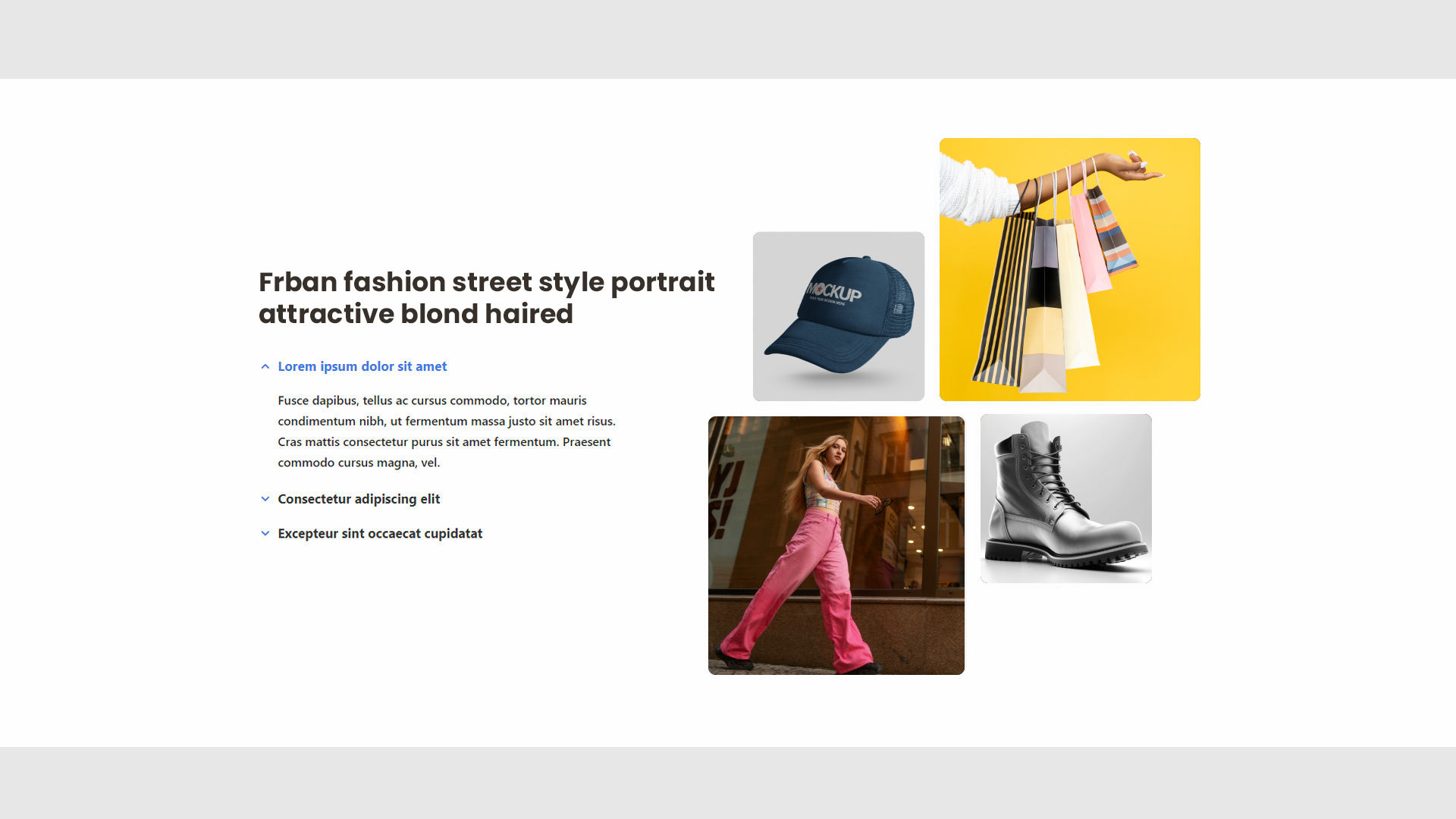
 #### About
* **Content**: Offers a narrative about the company, team, or individual, highlighting history, values, or mission.
* **Impact**: Helps to build a personal connection with the audience.
#### About
* **Content**: Offers a narrative about the company, team, or individual, highlighting history, values, or mission.
* **Impact**: Helps to build a personal connection with the audience.
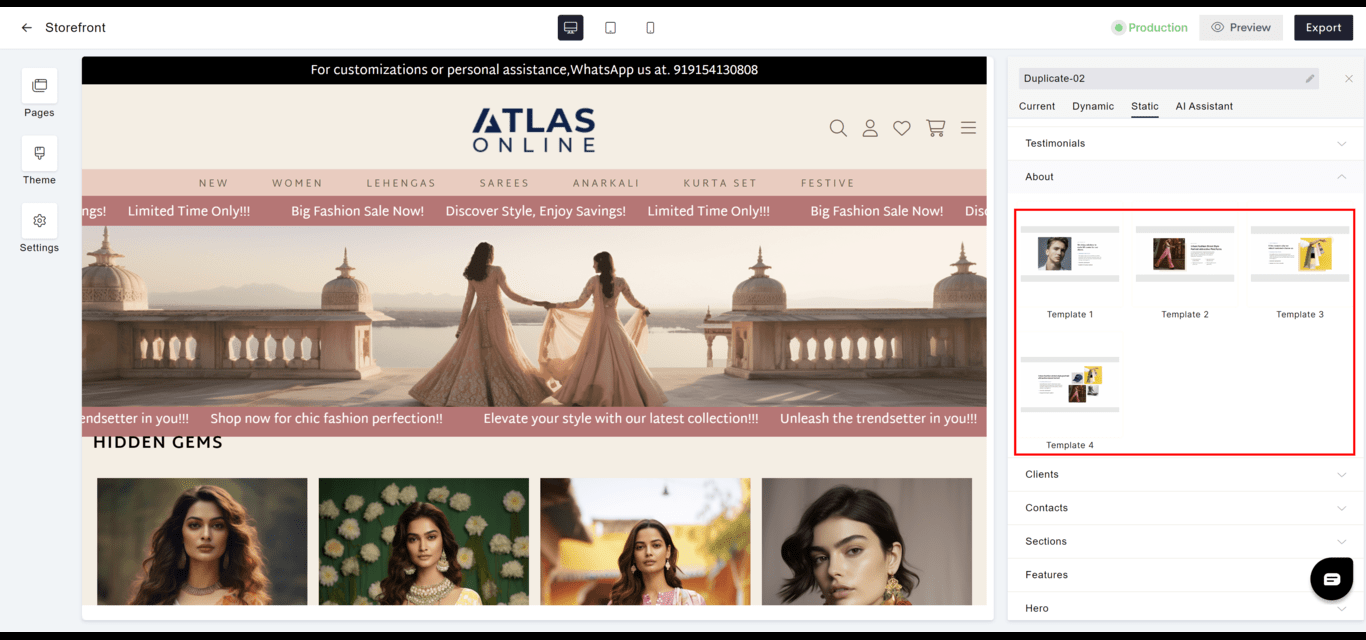 **Template 1**
 **Template 2**
 **Template 3**
 **Template 4**
 #### Clients
* **Showcase**: Features logos or testimonials from clients or partners, reinforcing brand reputation.
* **Design**: Can be displayed in various formats depending on the desired emphasis and website design.
#### Clients
* **Showcase**: Features logos or testimonials from clients or partners, reinforcing brand reputation.
* **Design**: Can be displayed in various formats depending on the desired emphasis and website design.
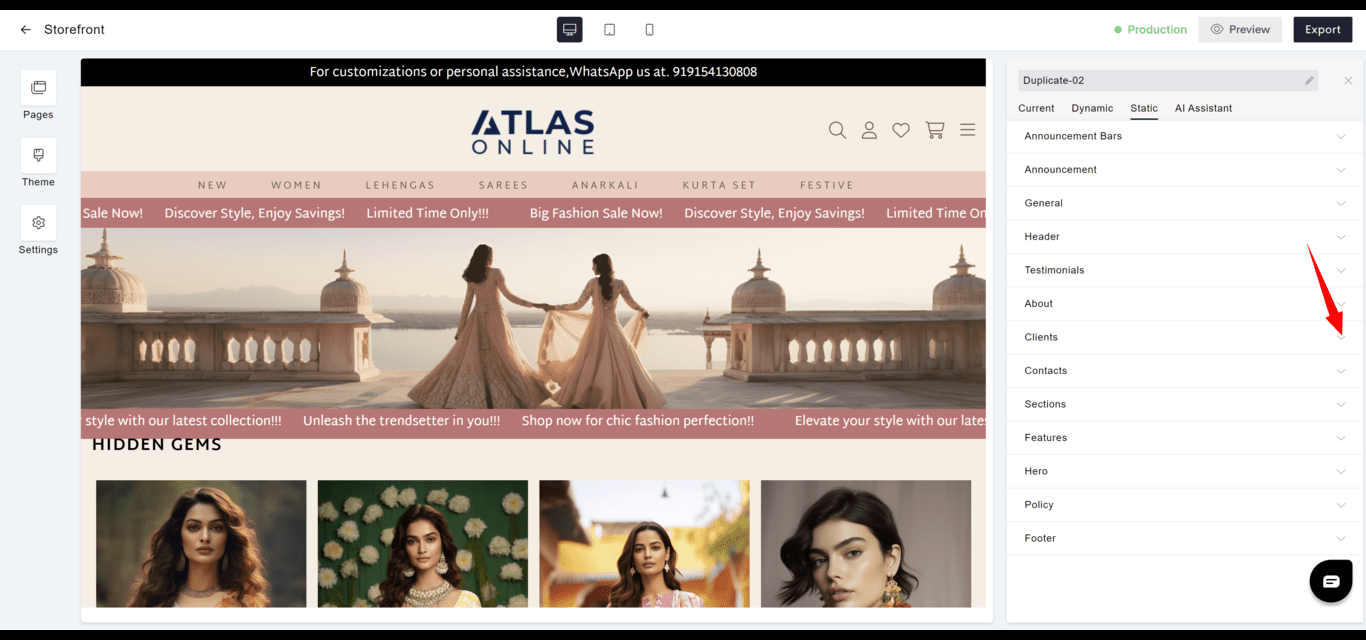
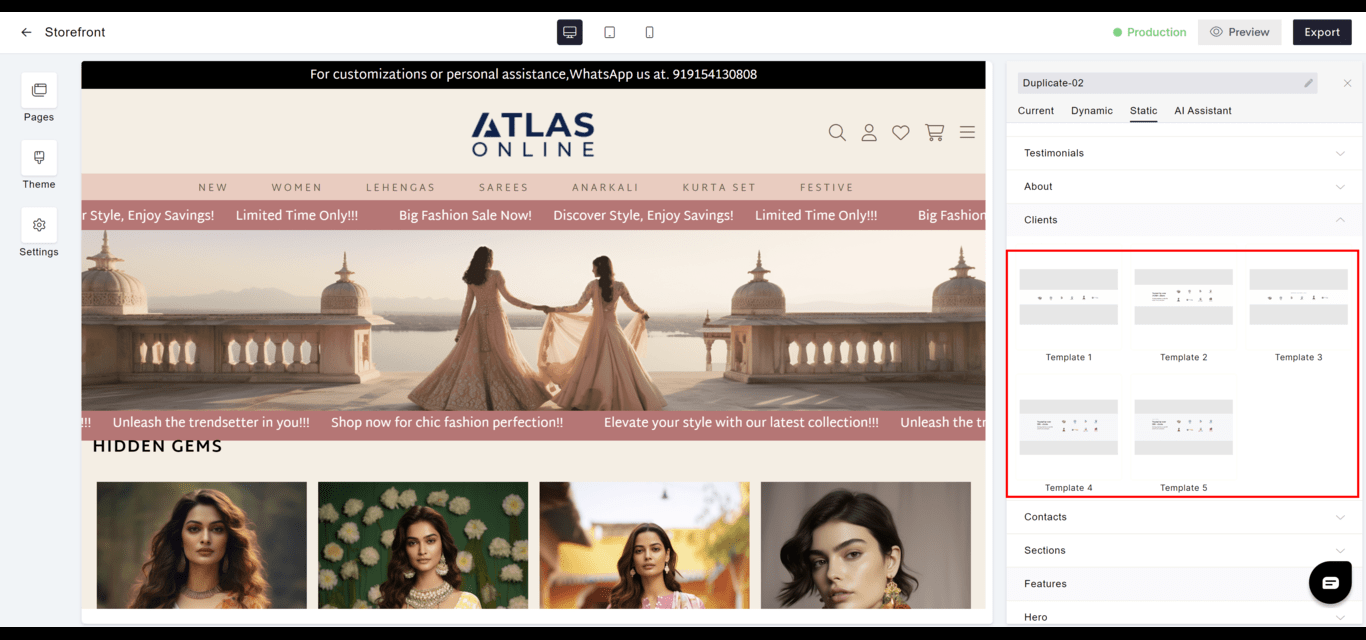 **Template 1**
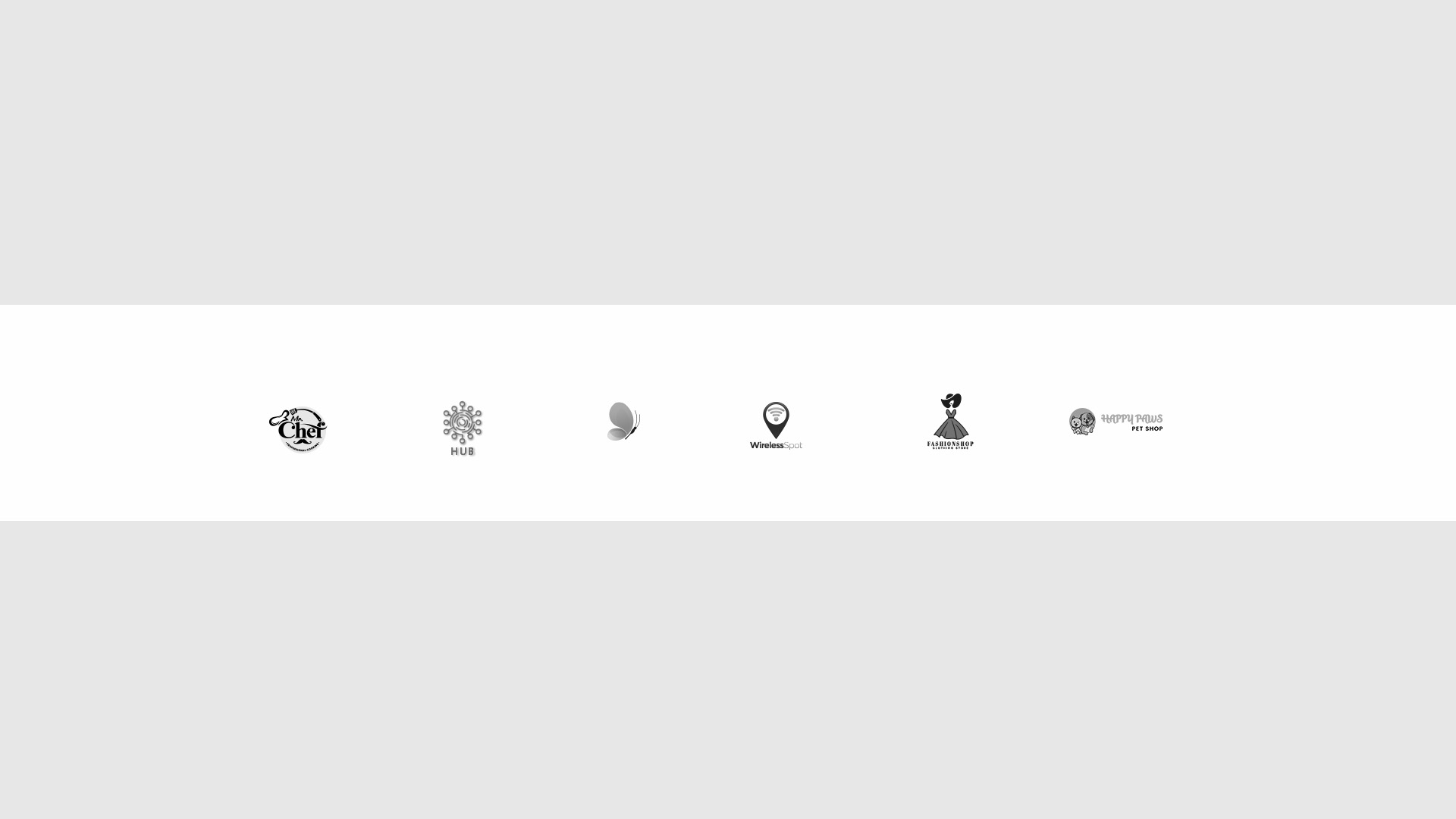 **Template 2**
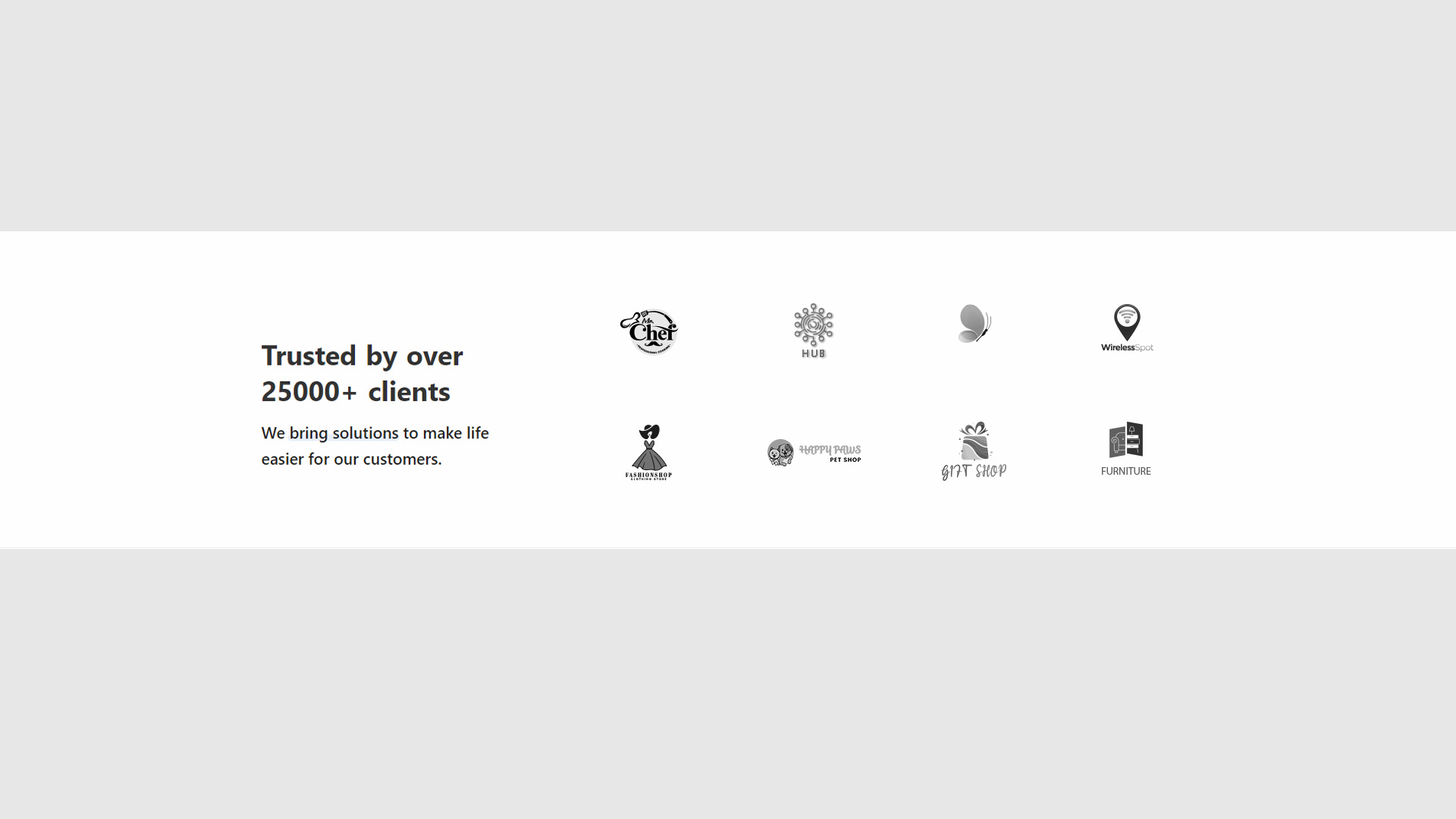 **Template 3**
 **Template 4**
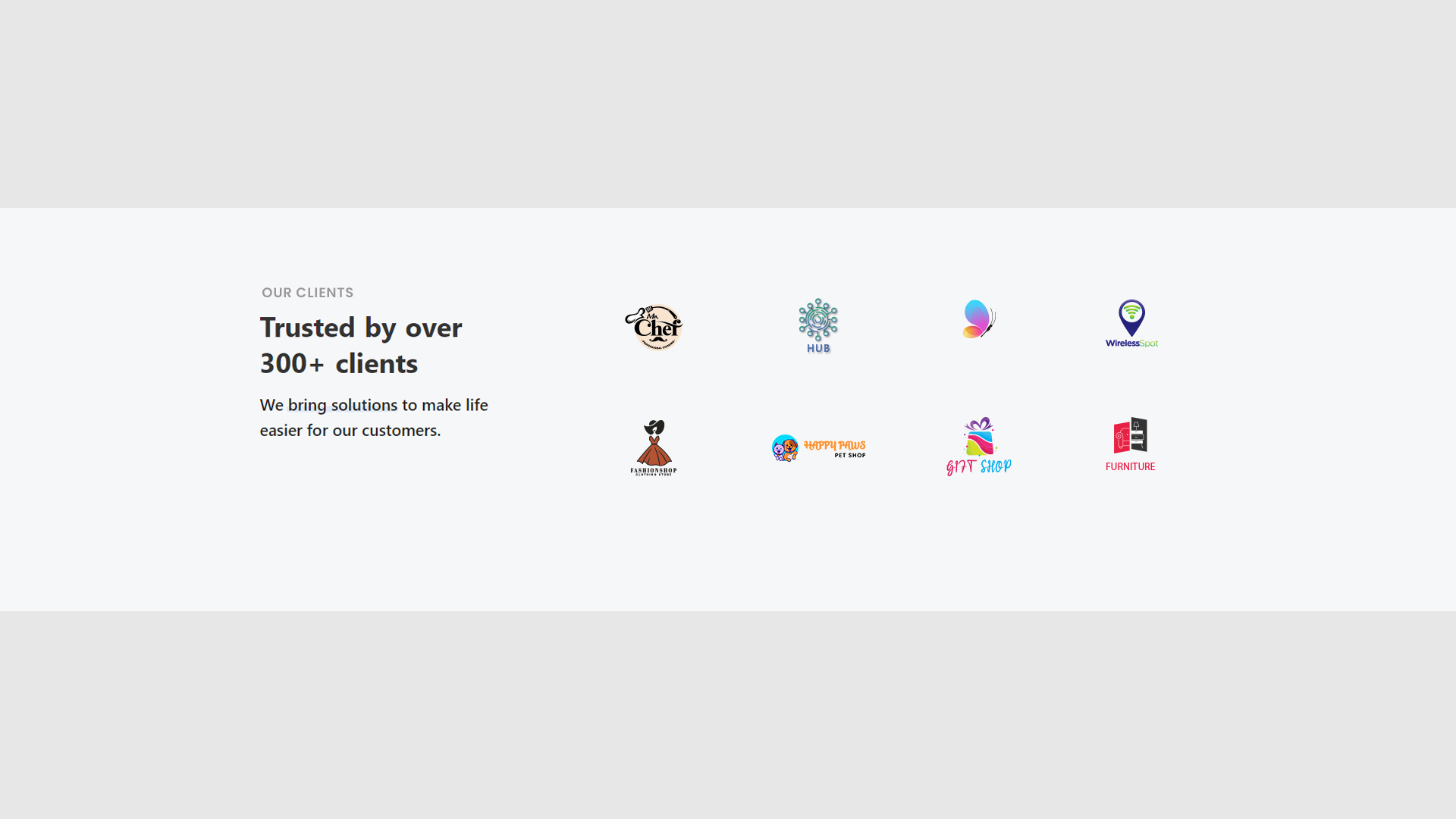
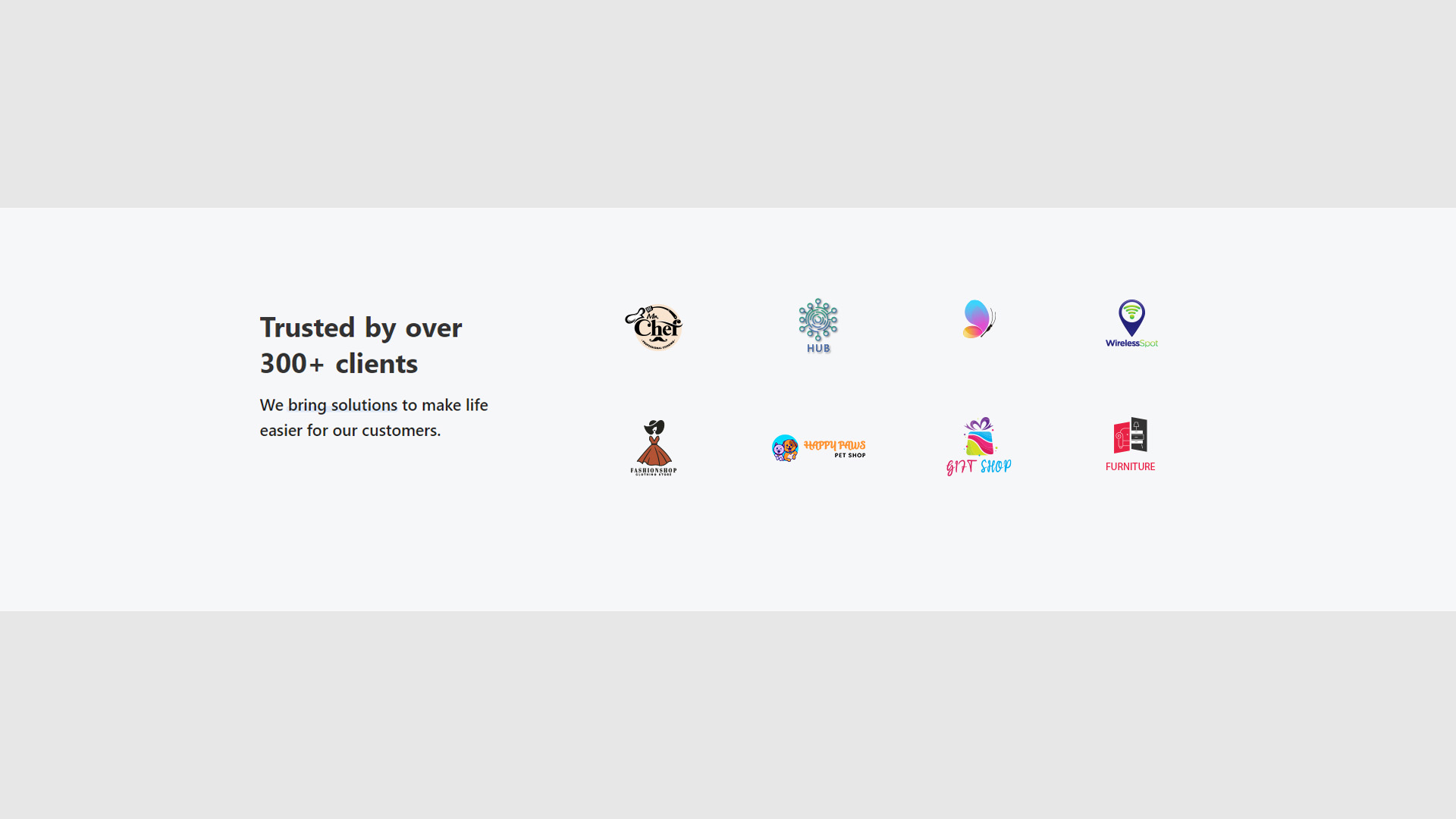 **Template 5**
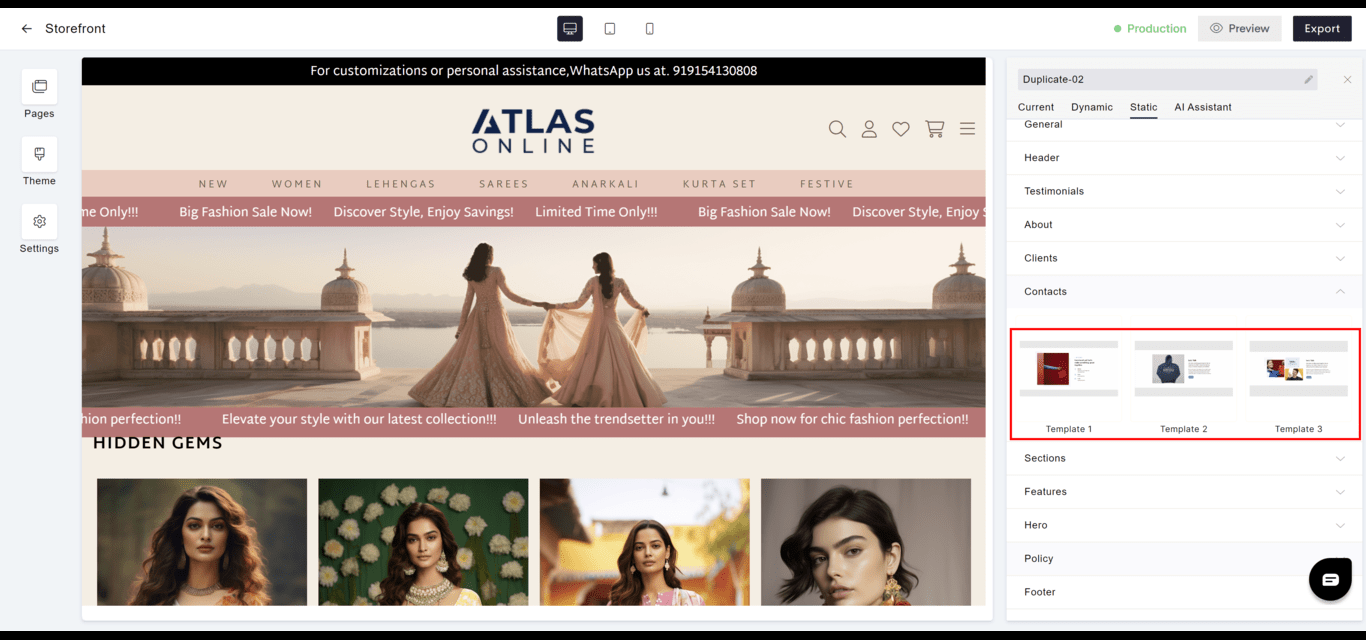
 #### Contacts
* **Information**: Lists essential contact details, facilitating communication with visitors.
* **Accessibility**: Ensures that users can easily find contact information for customer support or inquiries.
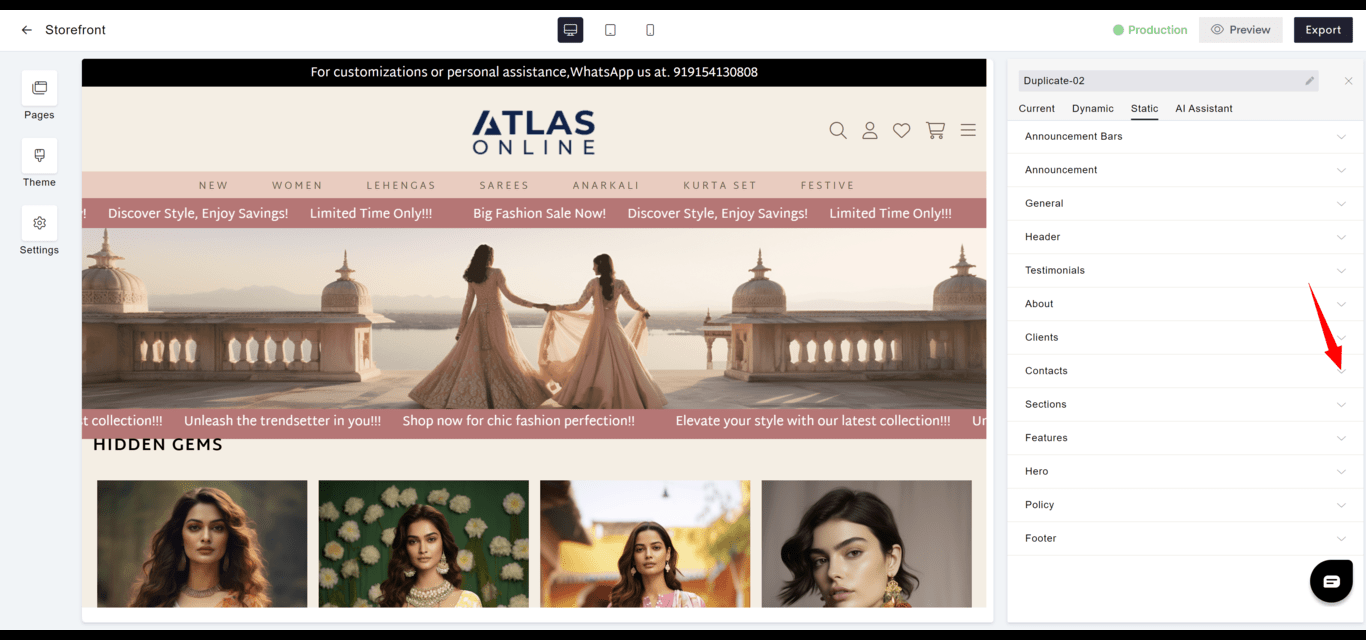
#### Contacts
* **Information**: Lists essential contact details, facilitating communication with visitors.
* **Accessibility**: Ensures that users can easily find contact information for customer support or inquiries.
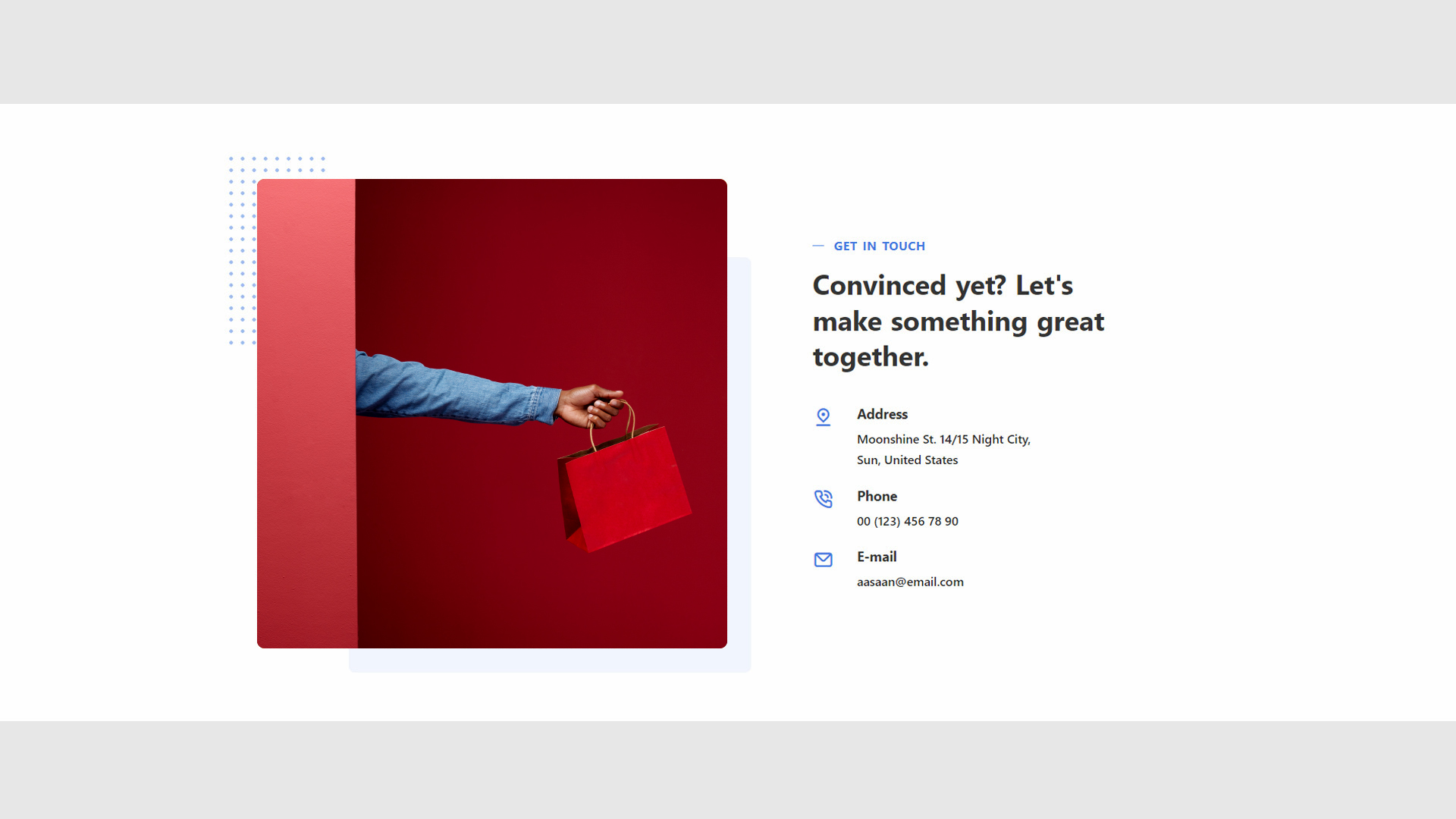
 **Template 1**
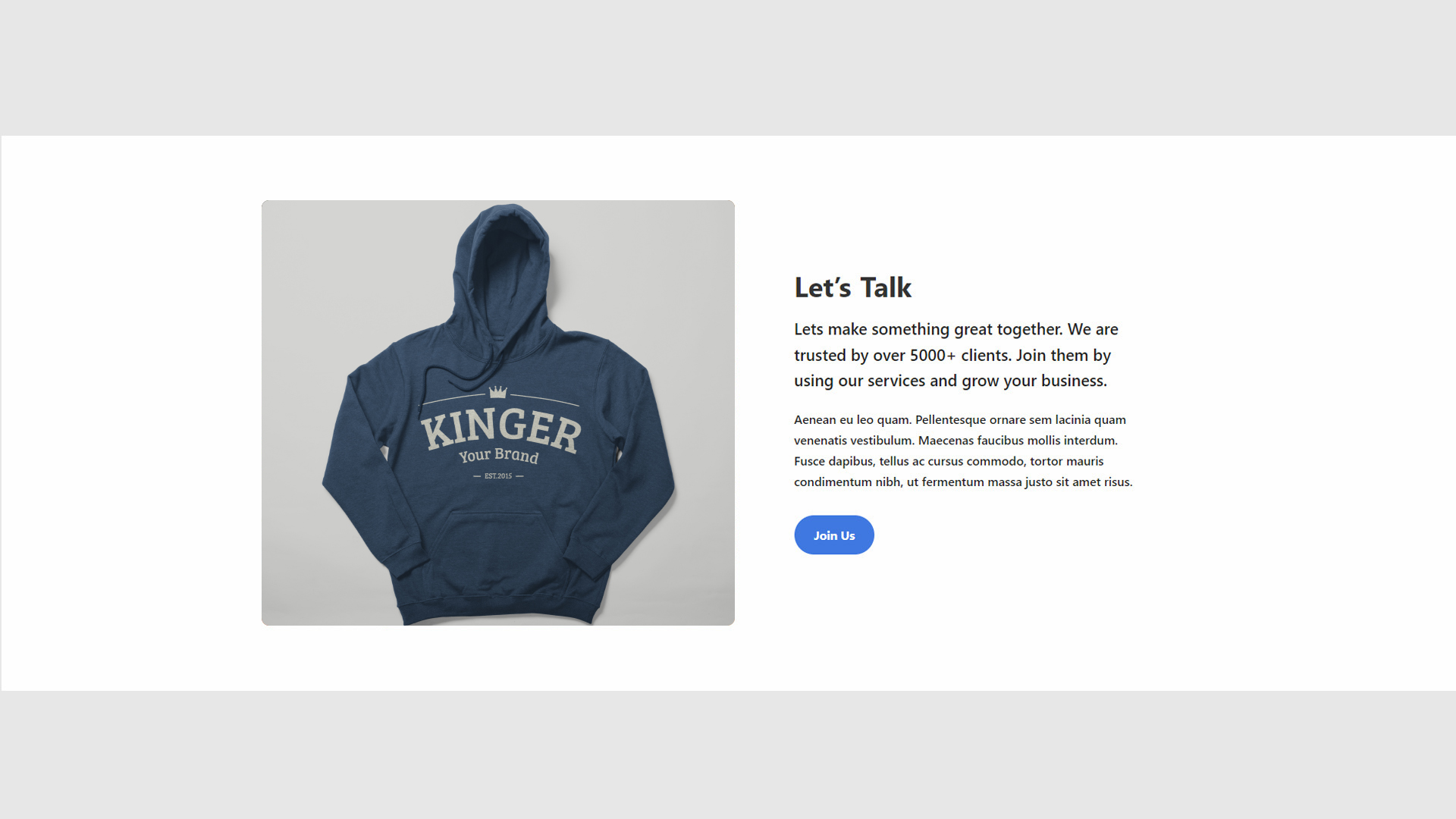
 **Template 2**
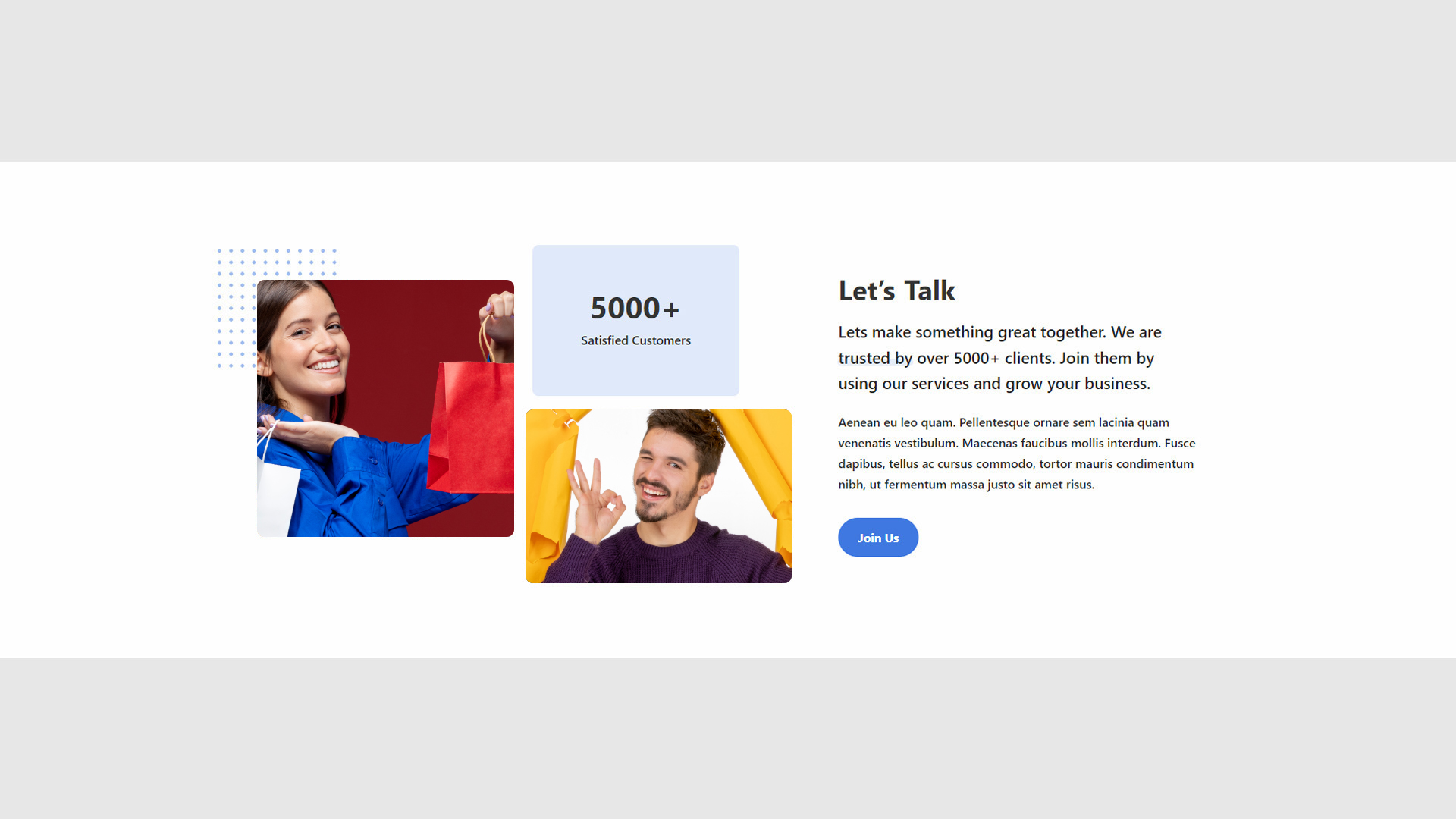
 **Template 3**
 #### Sections
* **Versatility**: Provides predefined sections for diverse content presentation needs.
* **Flexibility**: Each section can be used for different purposes such as highlighting services, team members, or features.
#### Sections
* **Versatility**: Provides predefined sections for diverse content presentation needs.
* **Flexibility**: Each section can be used for different purposes such as highlighting services, team members, or features.
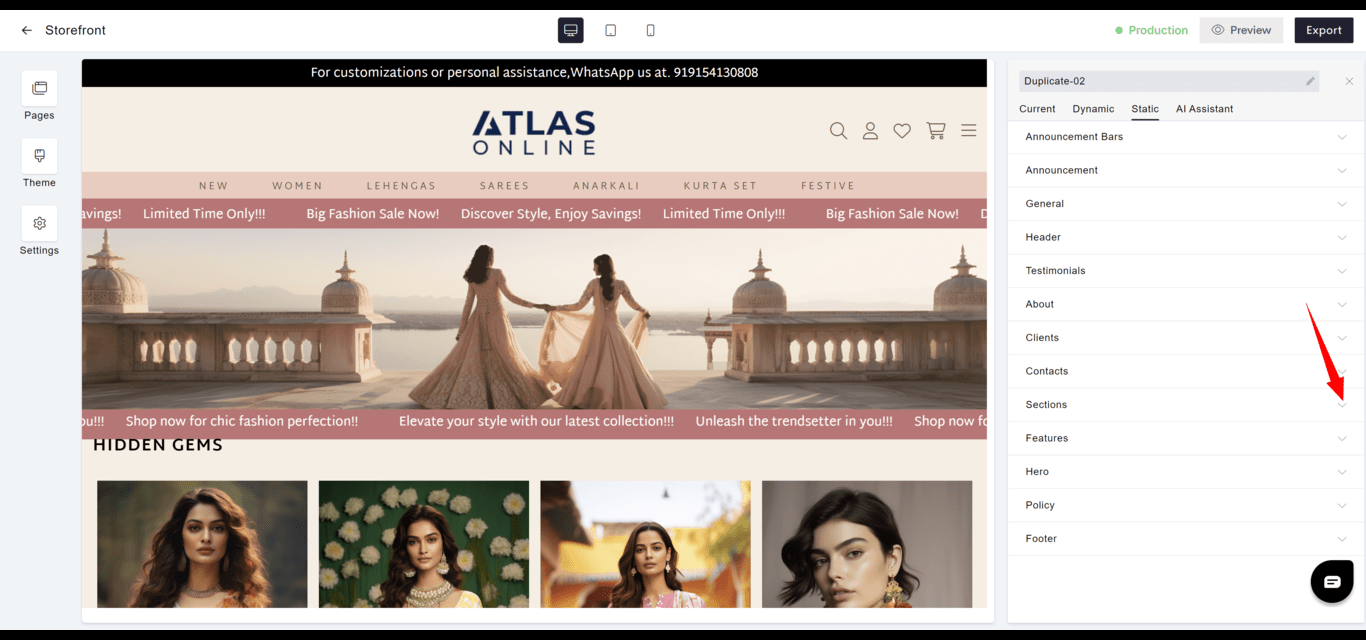
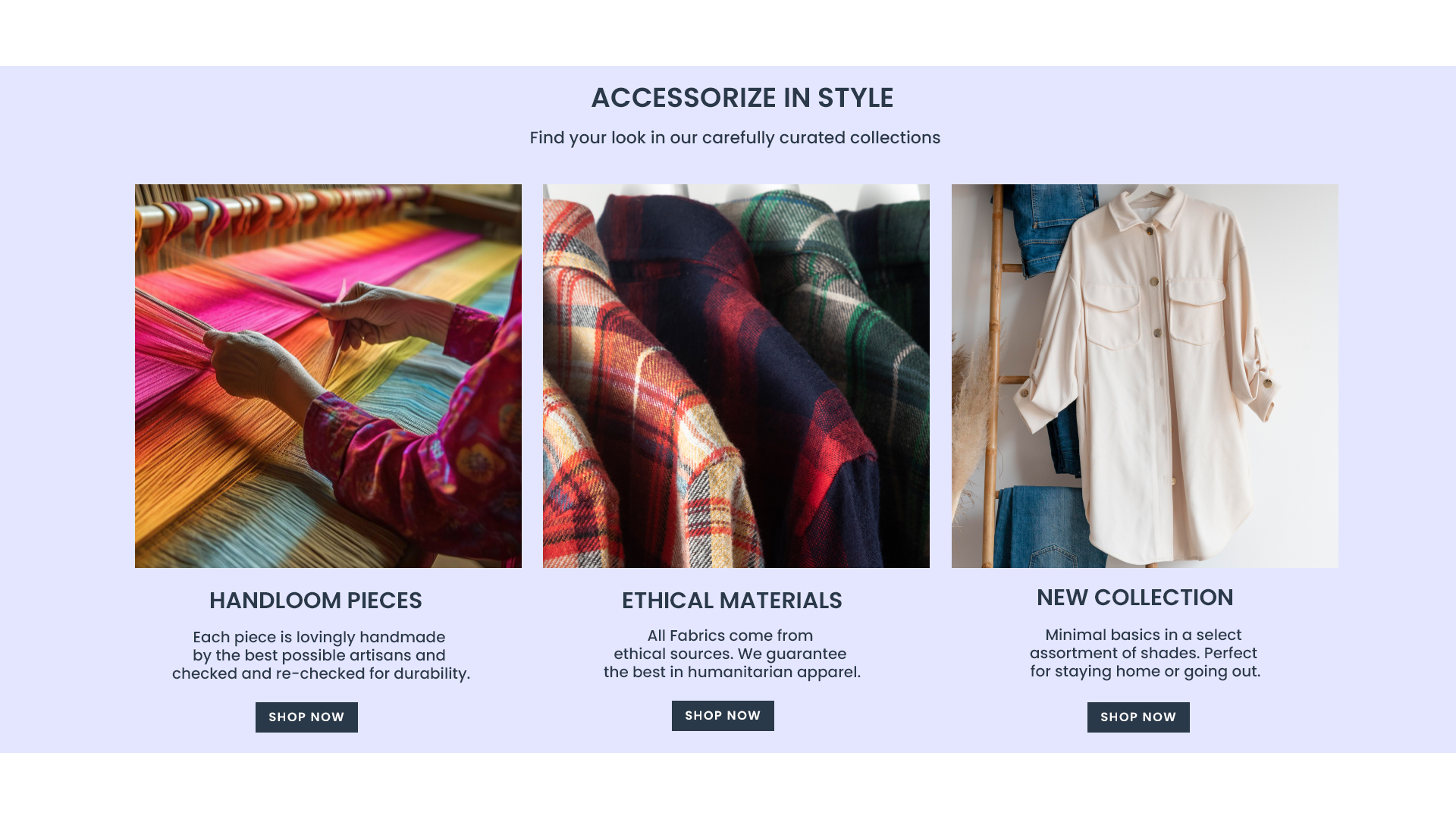
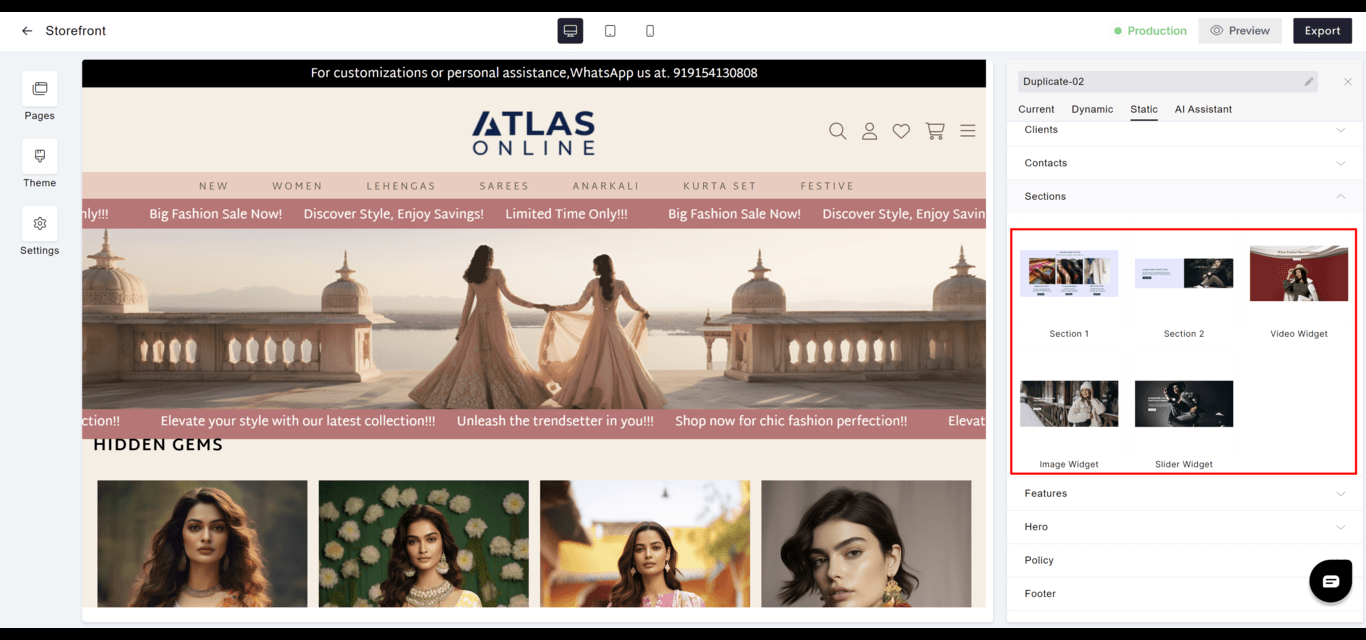 **Section 1**
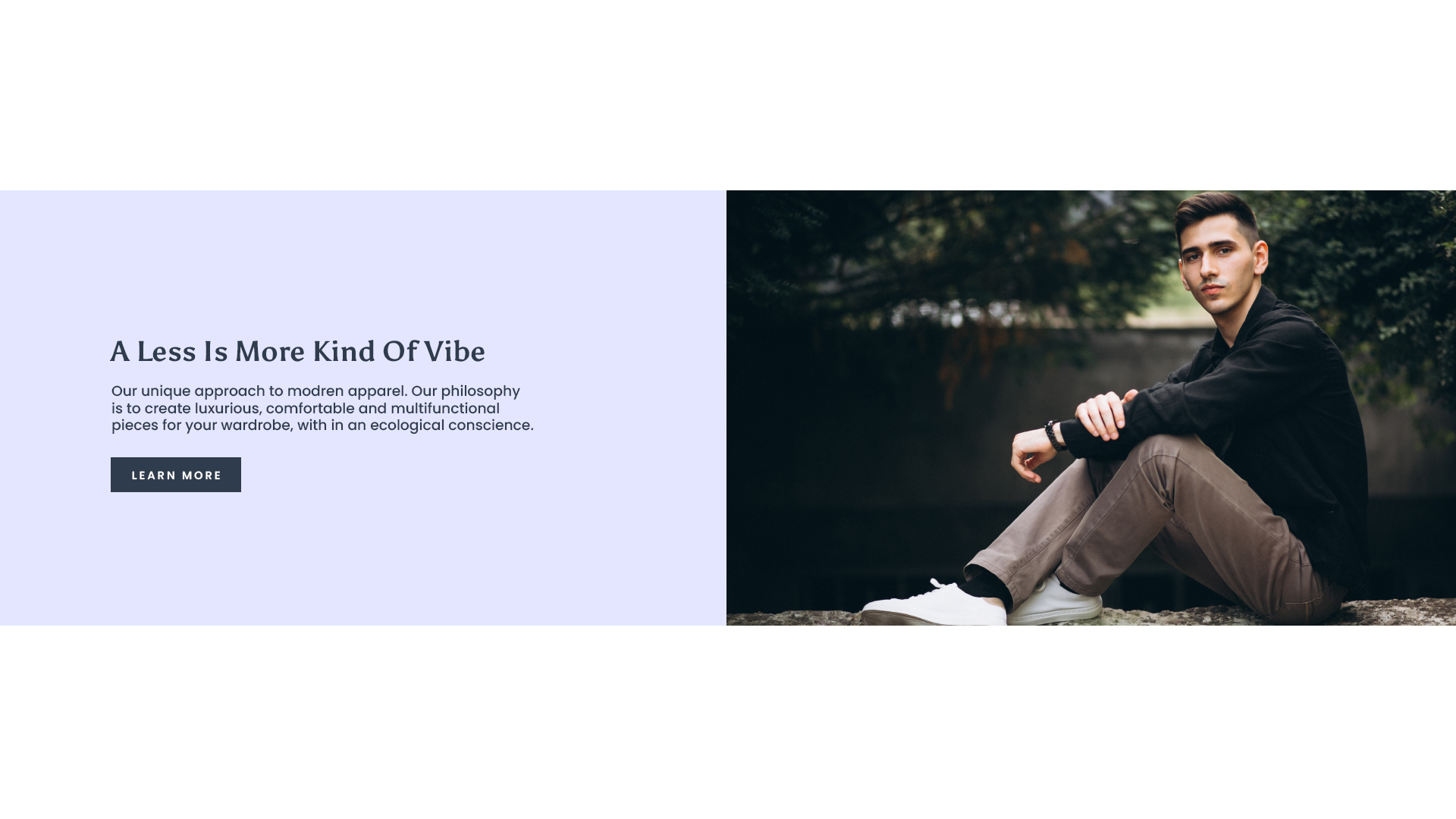
 **Section 2**
 **Video Widget**
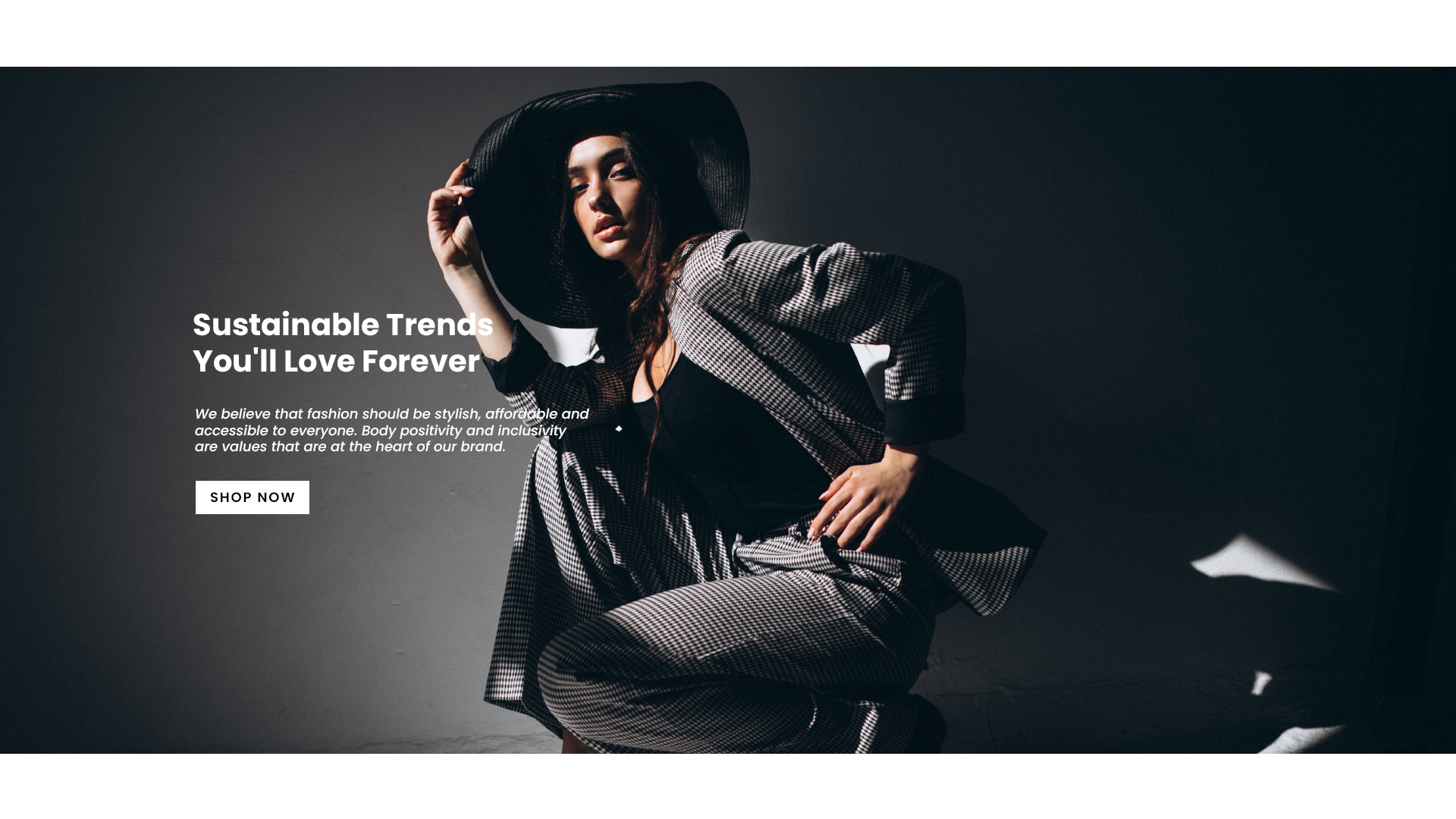
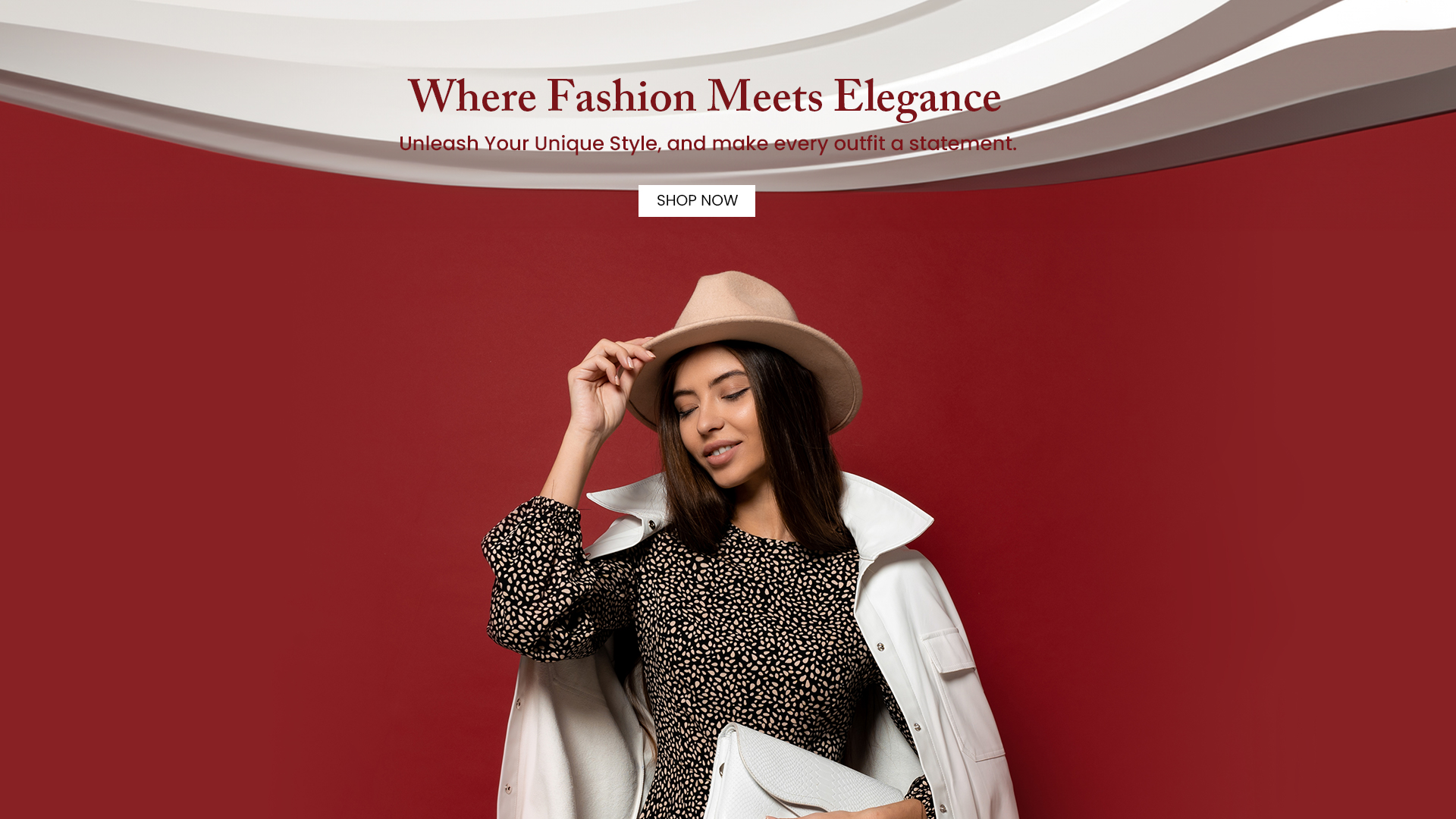 **Image Widget**
 **Slider Widget**
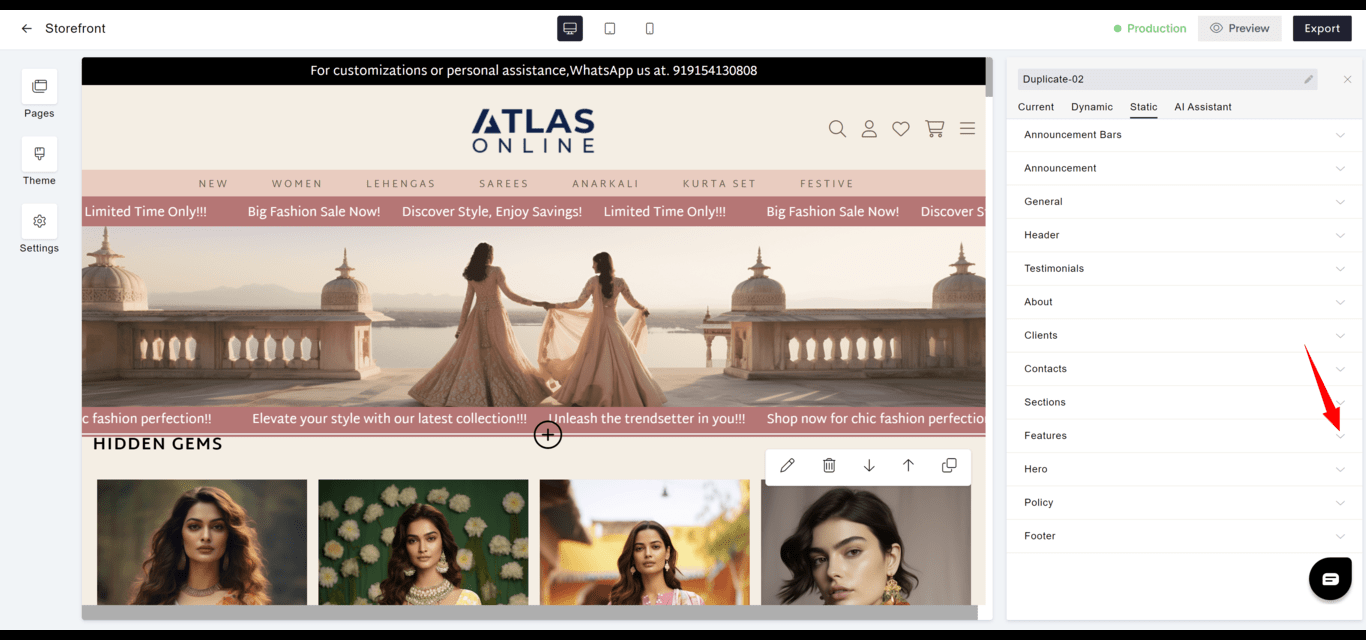
 #### Features
* **Highlight**: Emphasizes the main features or benefits of products or services offered.
* **Strategy**: Can be leveraged to focus on selling points that differentiate the brand in the market.
#### Features
* **Highlight**: Emphasizes the main features or benefits of products or services offered.
* **Strategy**: Can be leveraged to focus on selling points that differentiate the brand in the market.
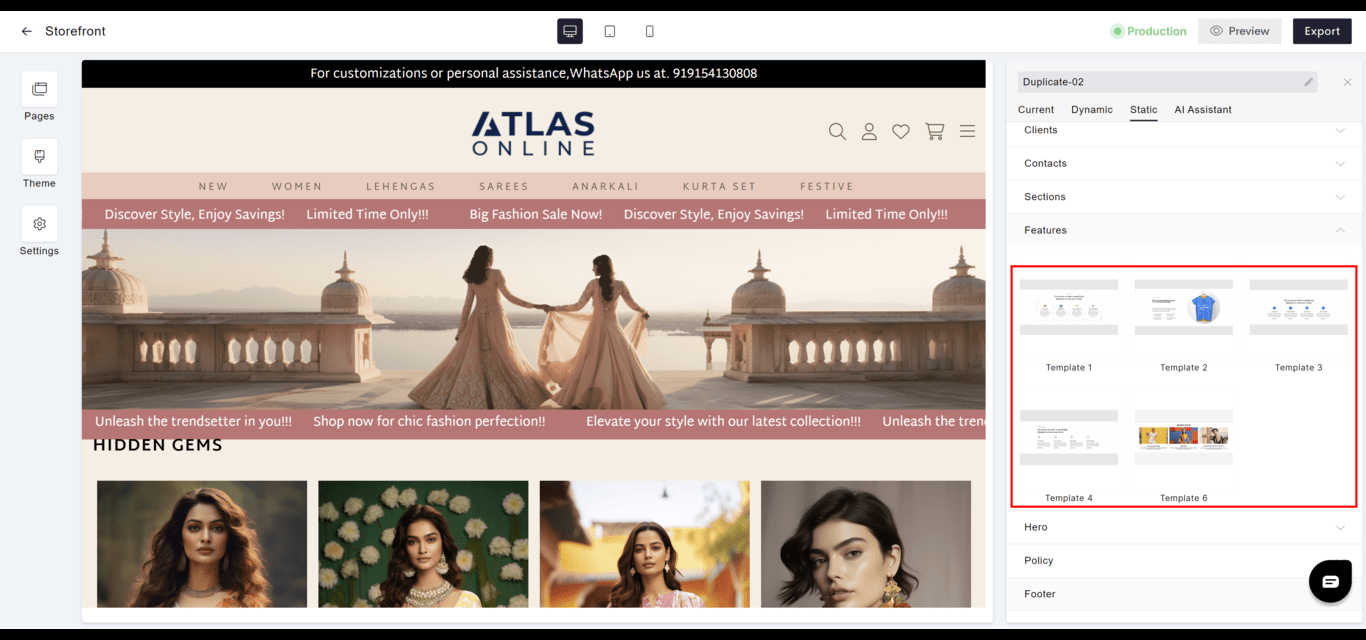 **Template 1**
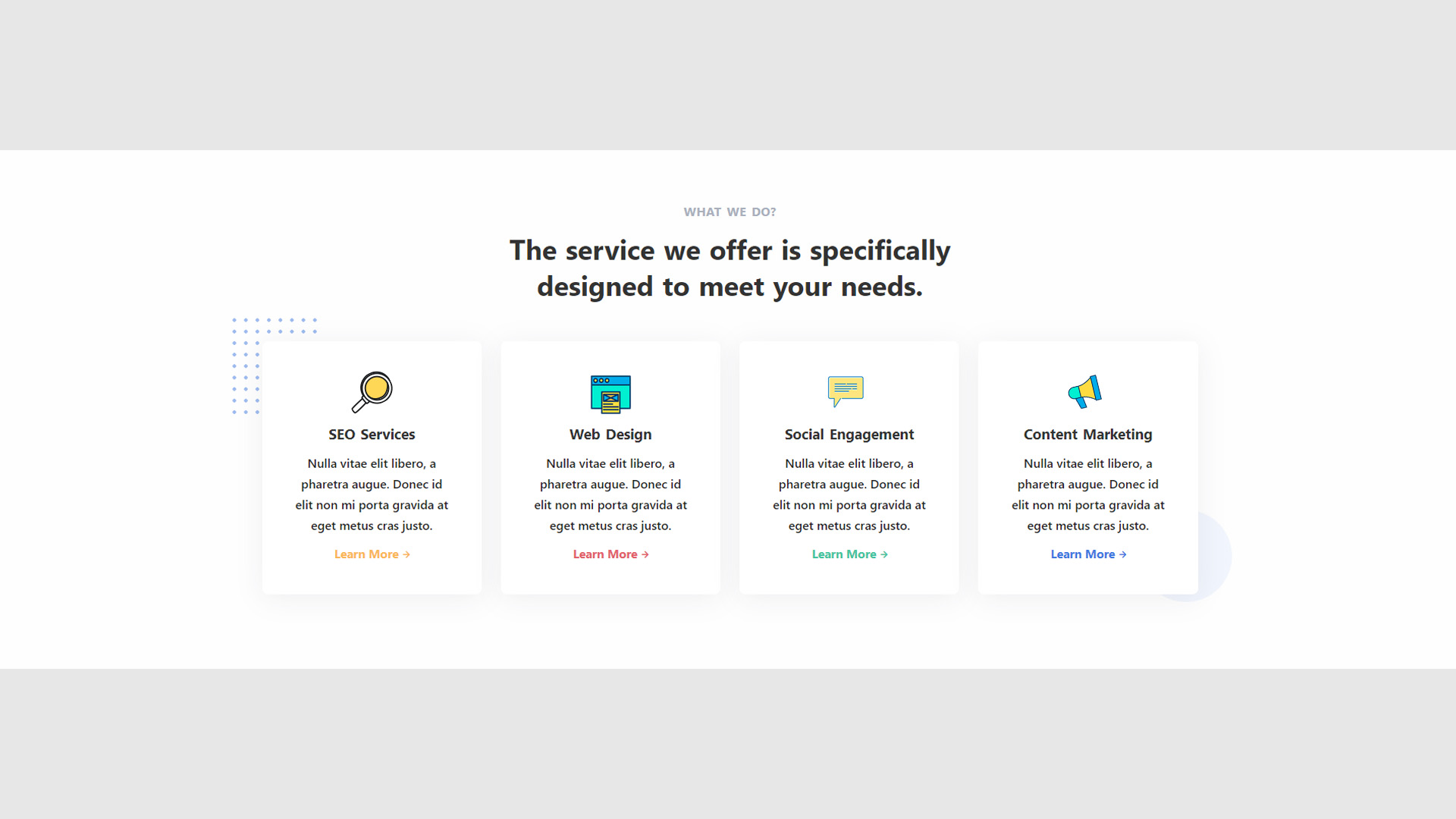 **Template 2**
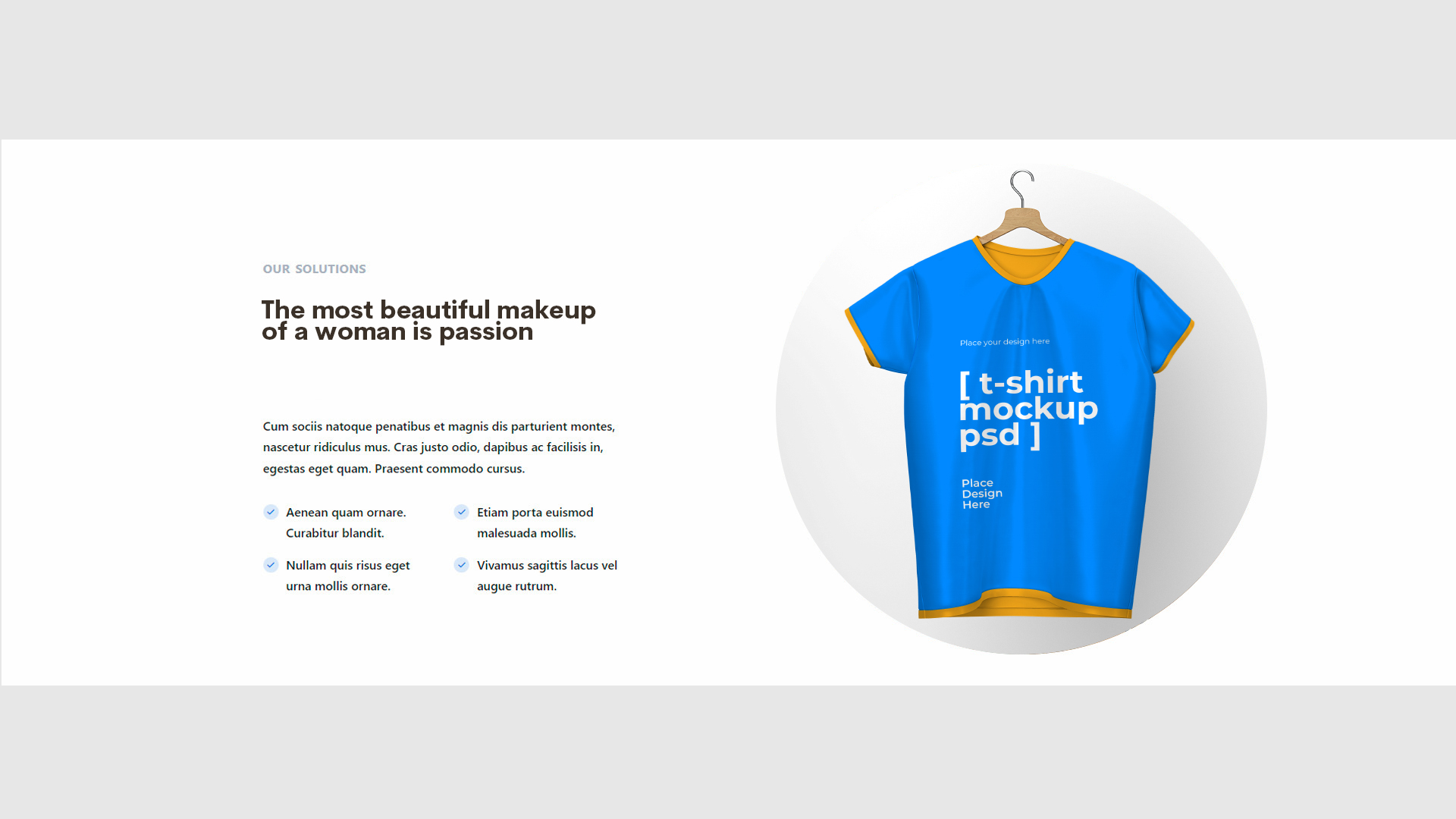 **Template 3**
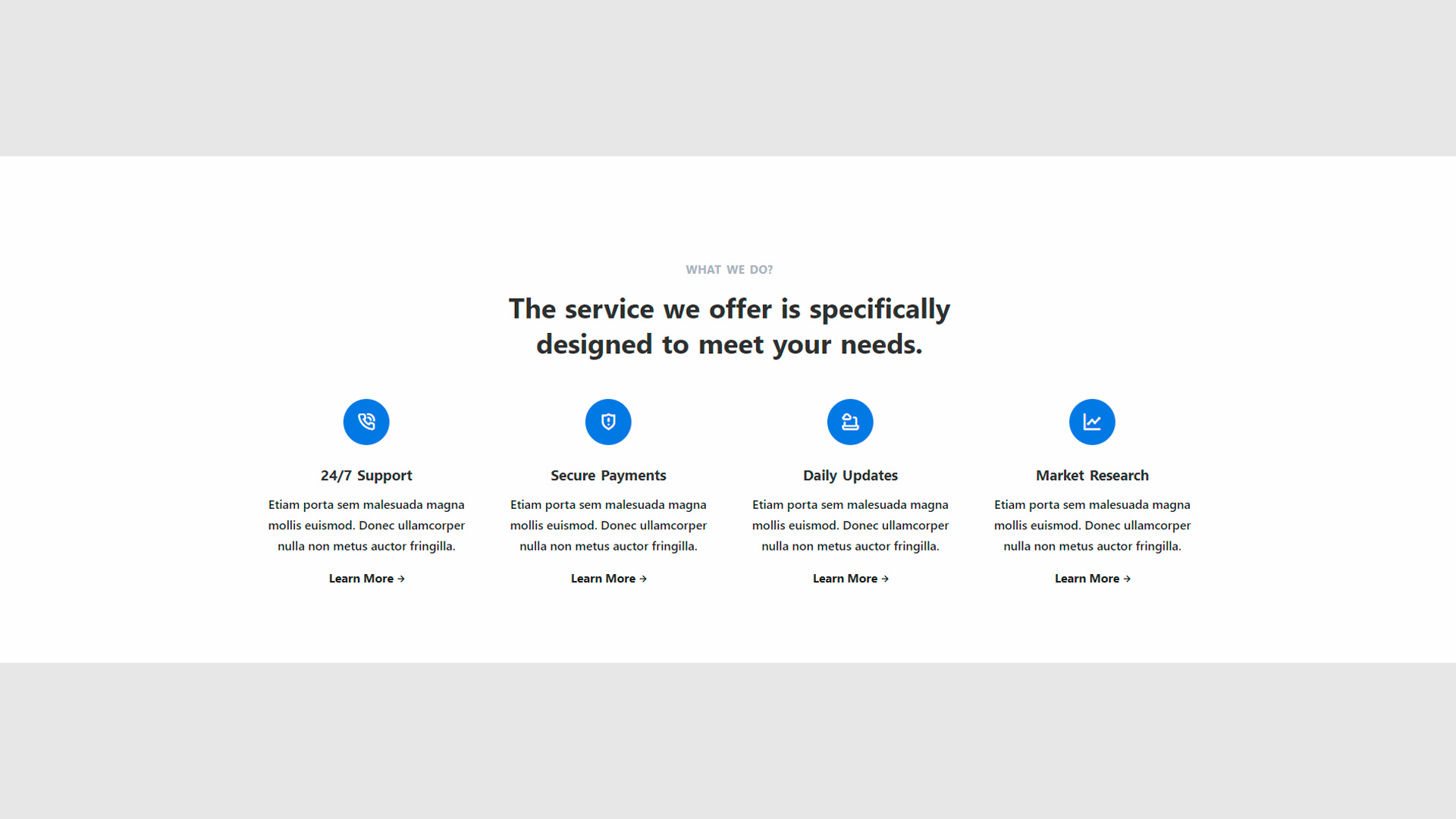 **Template 4**
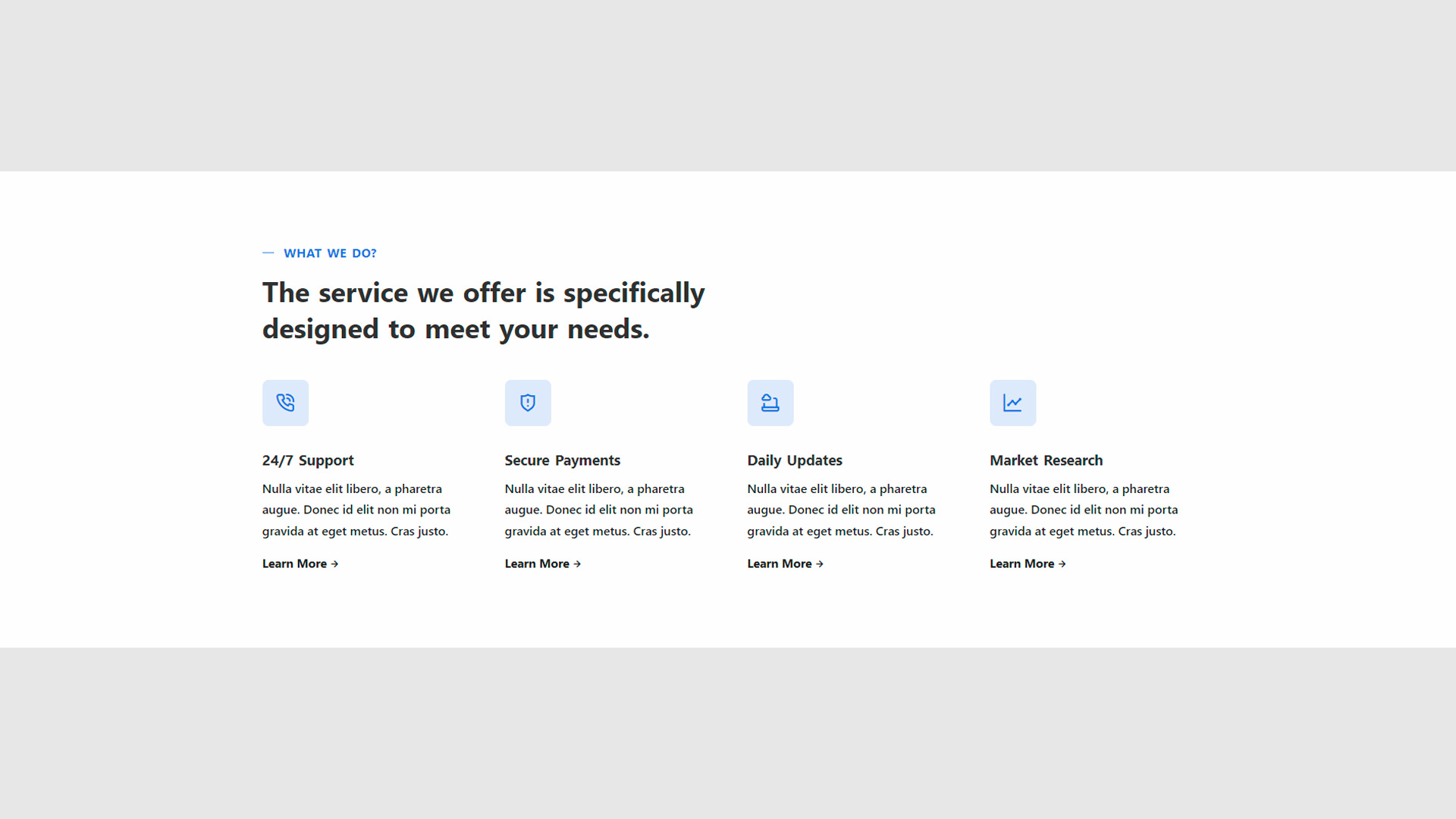 **Template 6**
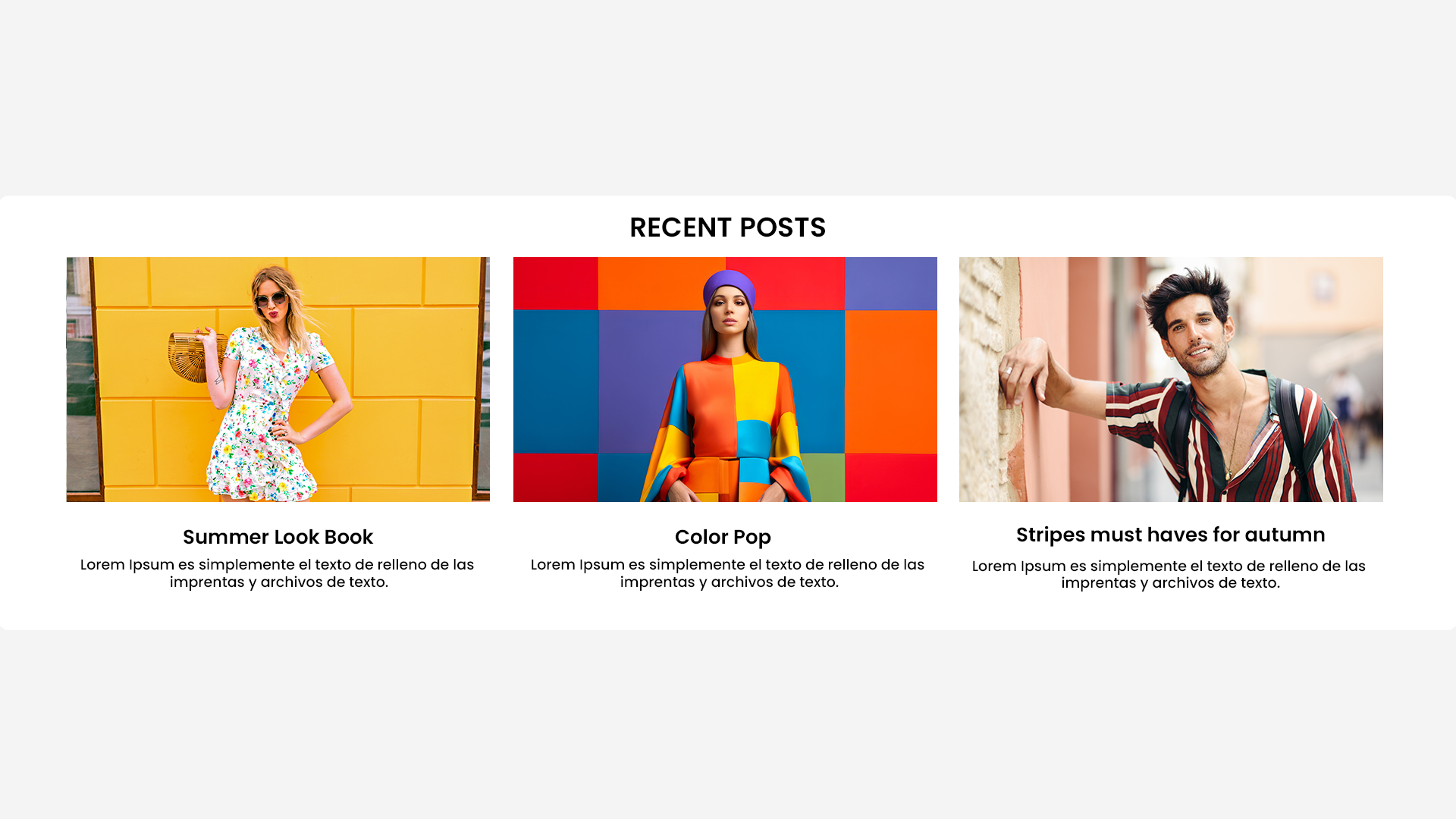 #### Hero
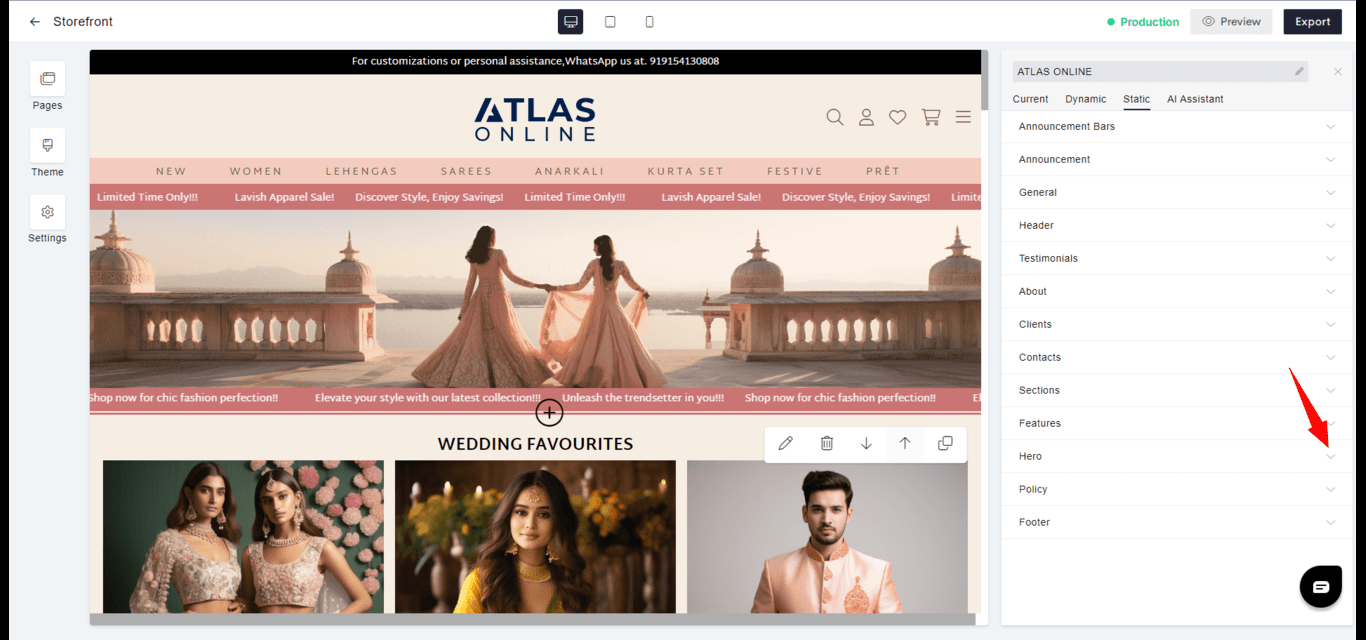
* **Impact**: The prominent display area often featuring a strong call-to-action to engage visitors immediately.
* **Design**: Typically includes high-quality images or videos with overlaid text and buttons.
#### Hero
* **Impact**: The prominent display area often featuring a strong call-to-action to engage visitors immediately.
* **Design**: Typically includes high-quality images or videos with overlaid text and buttons.
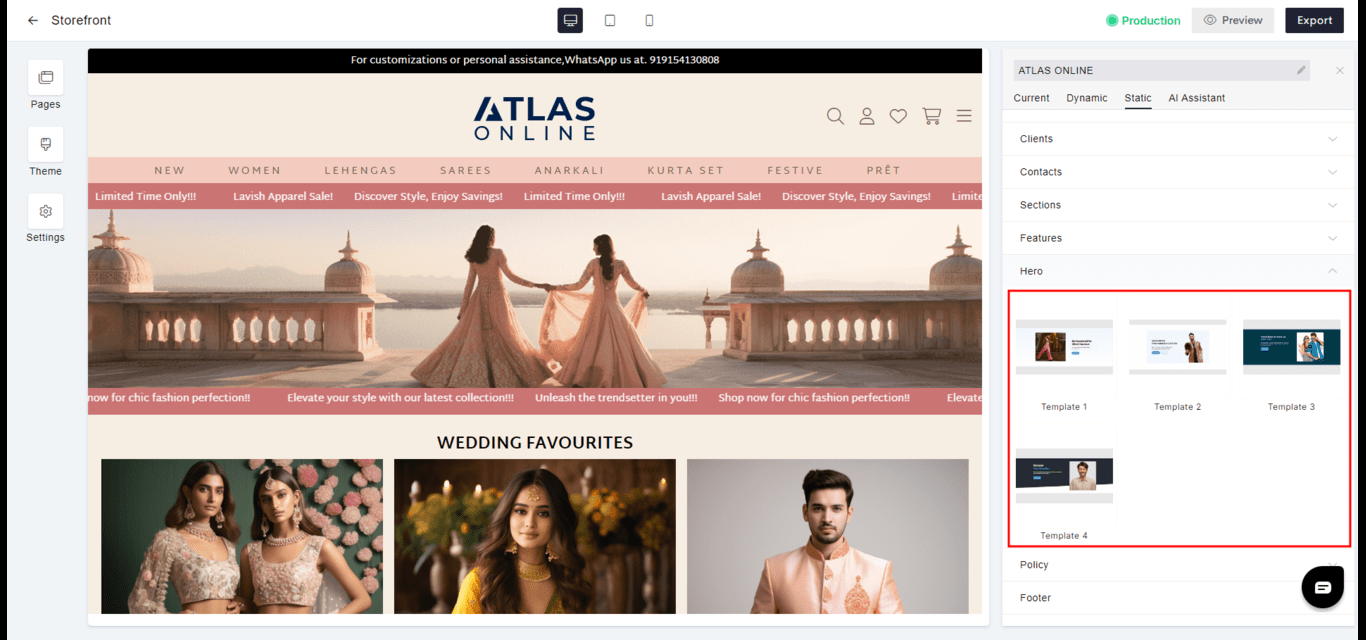 **Template 1**
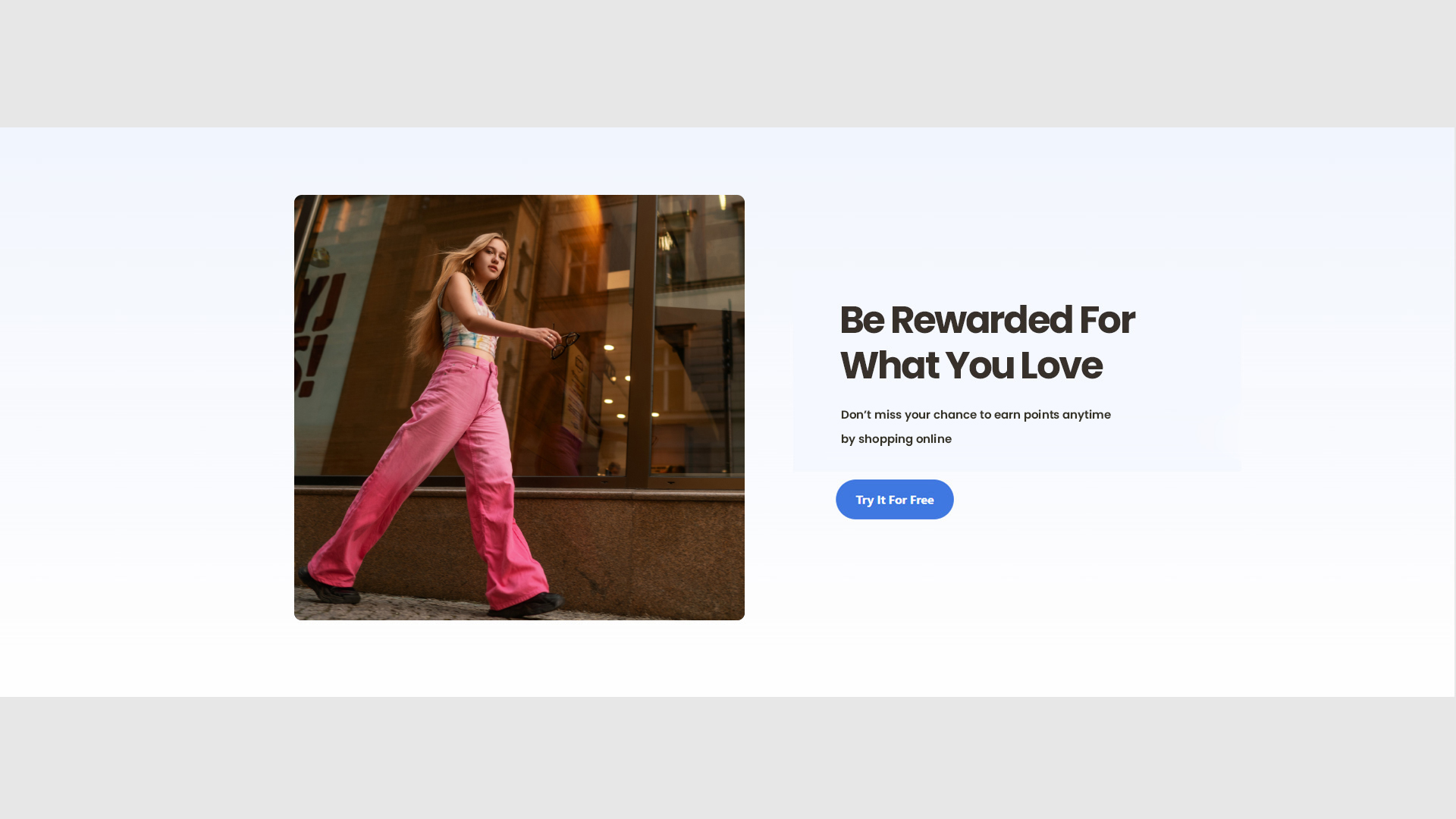 **Template 2**
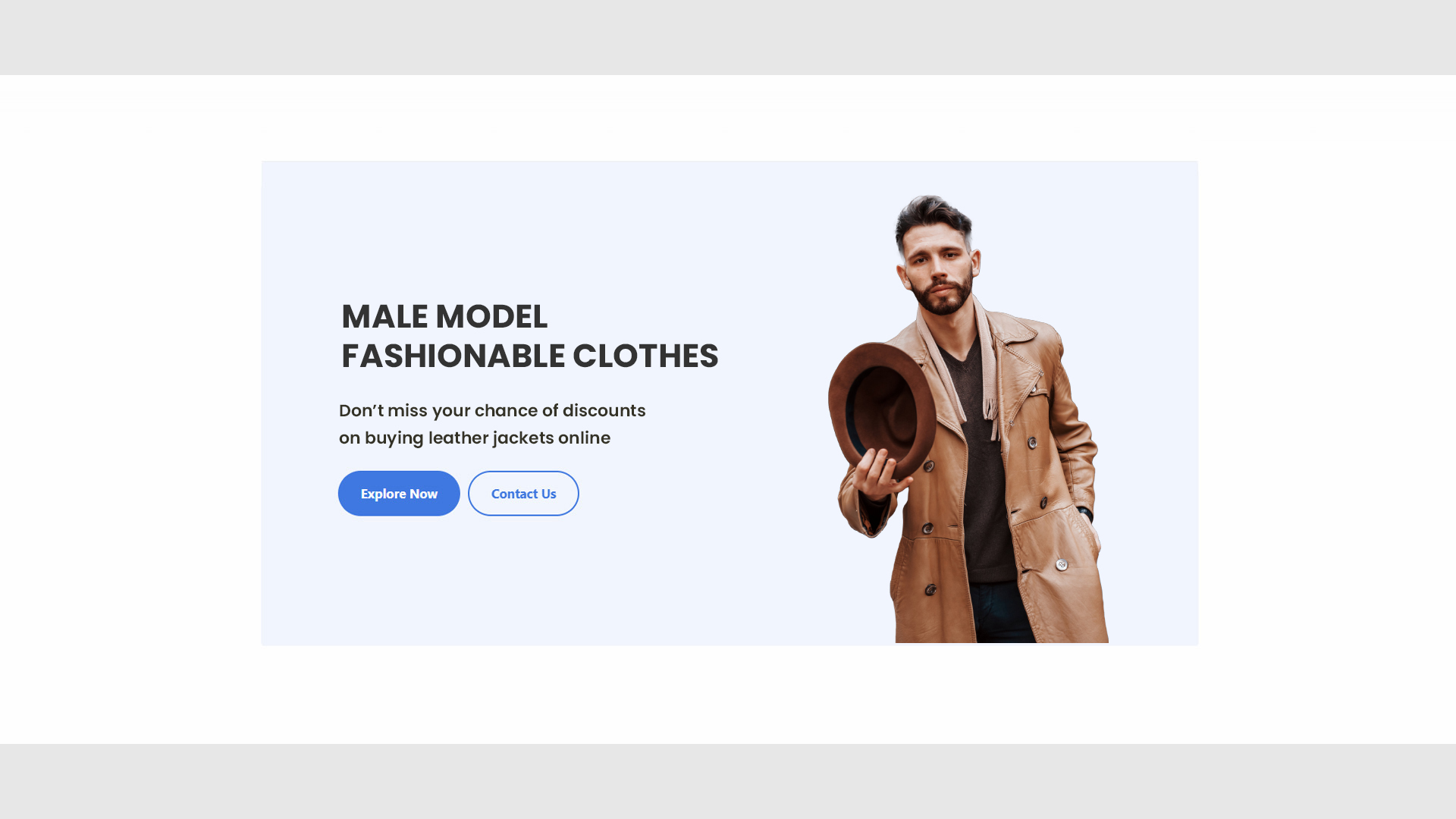 **Template 3**
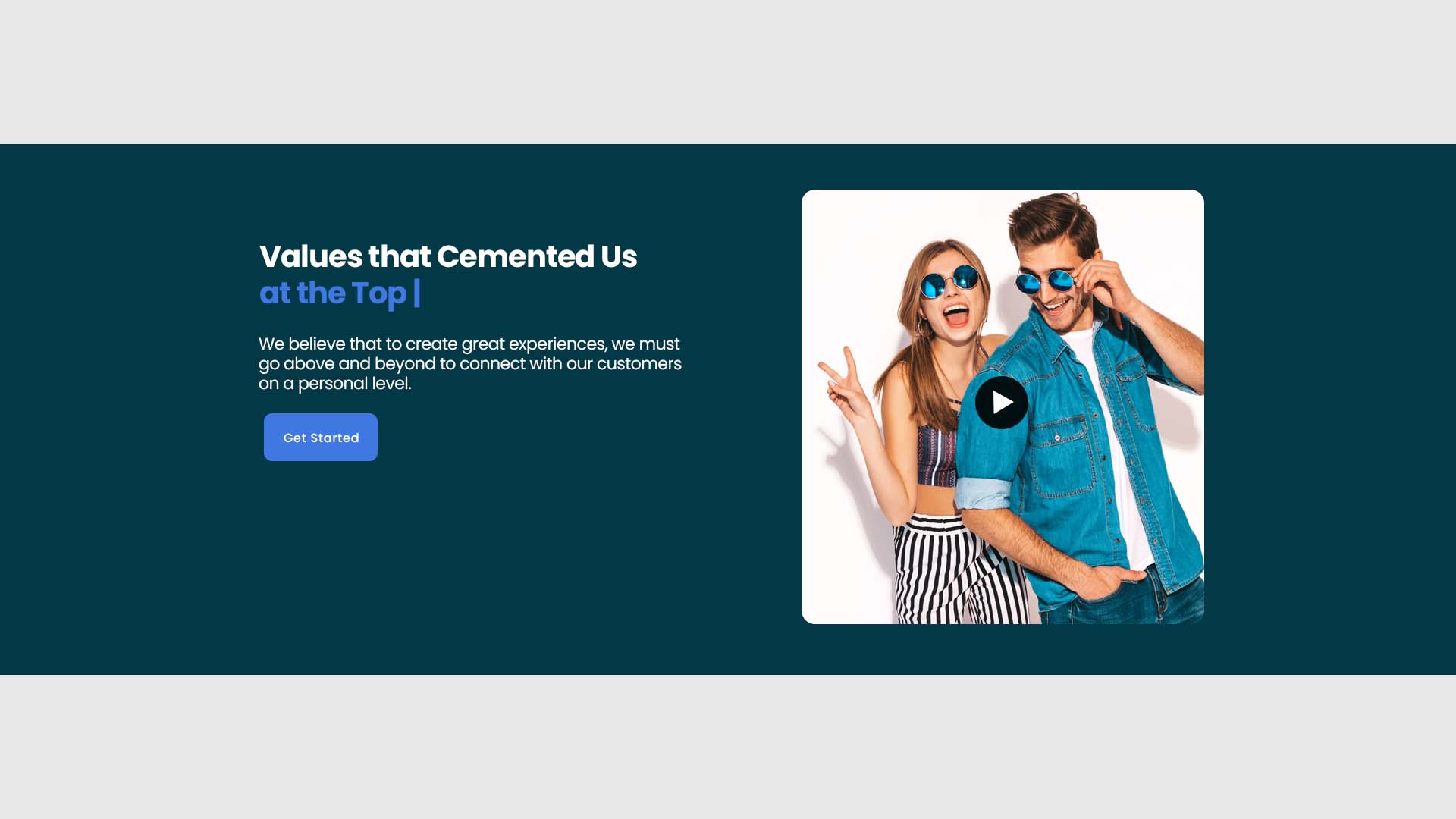 **Template 4**
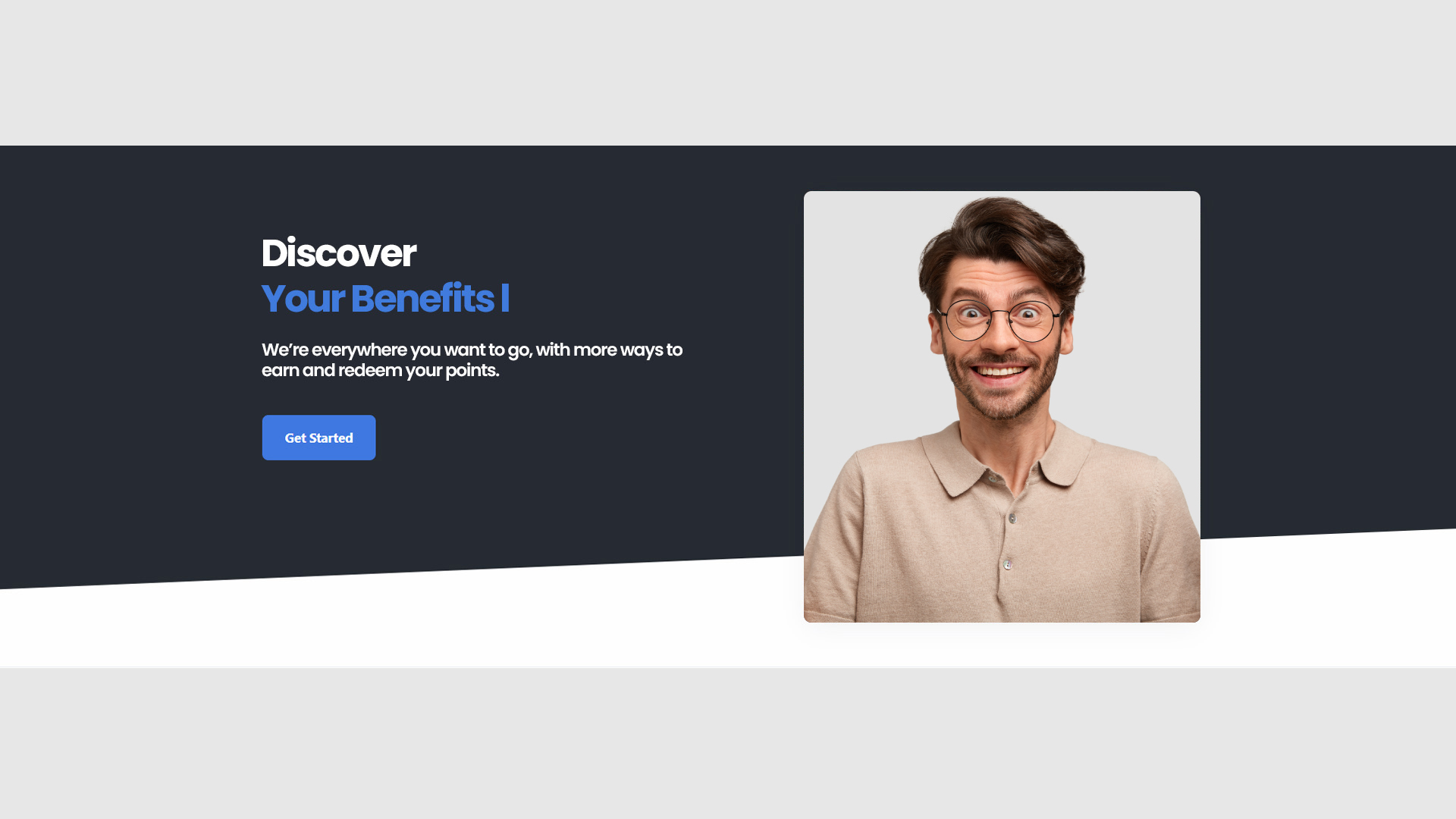 #### Policy
* **Compliance**: Details legal and policy information including terms of service, privacy policy, and returns.
* **Transparency**: Promotes trust by clearly stating policies and practices.
#### Policy
* **Compliance**: Details legal and policy information including terms of service, privacy policy, and returns.
* **Transparency**: Promotes trust by clearly stating policies and practices.
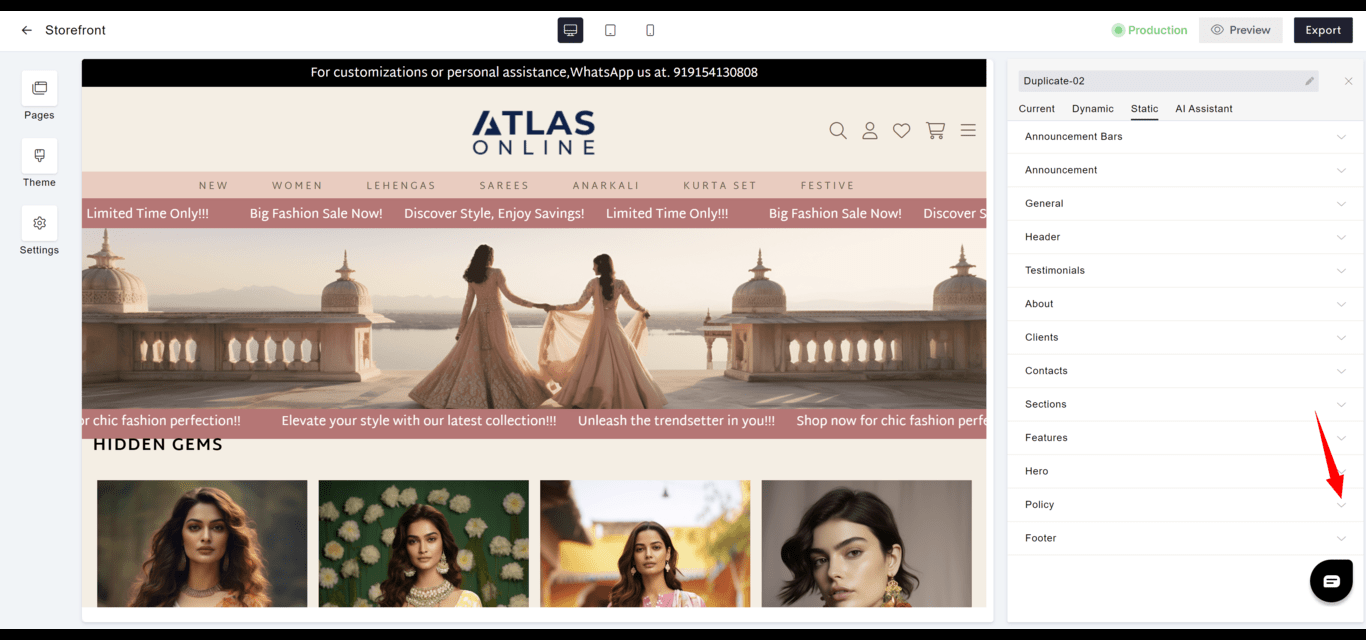
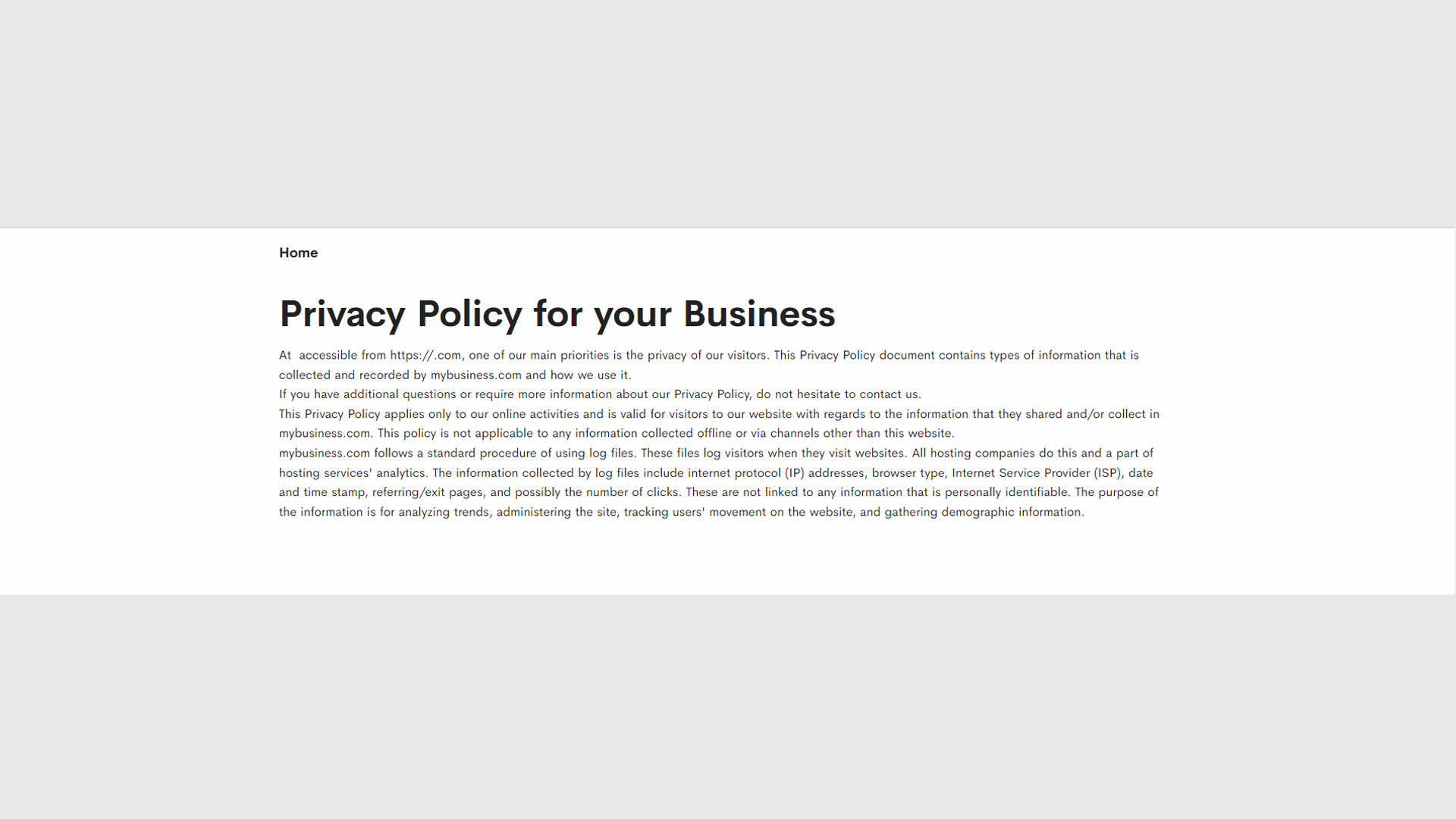
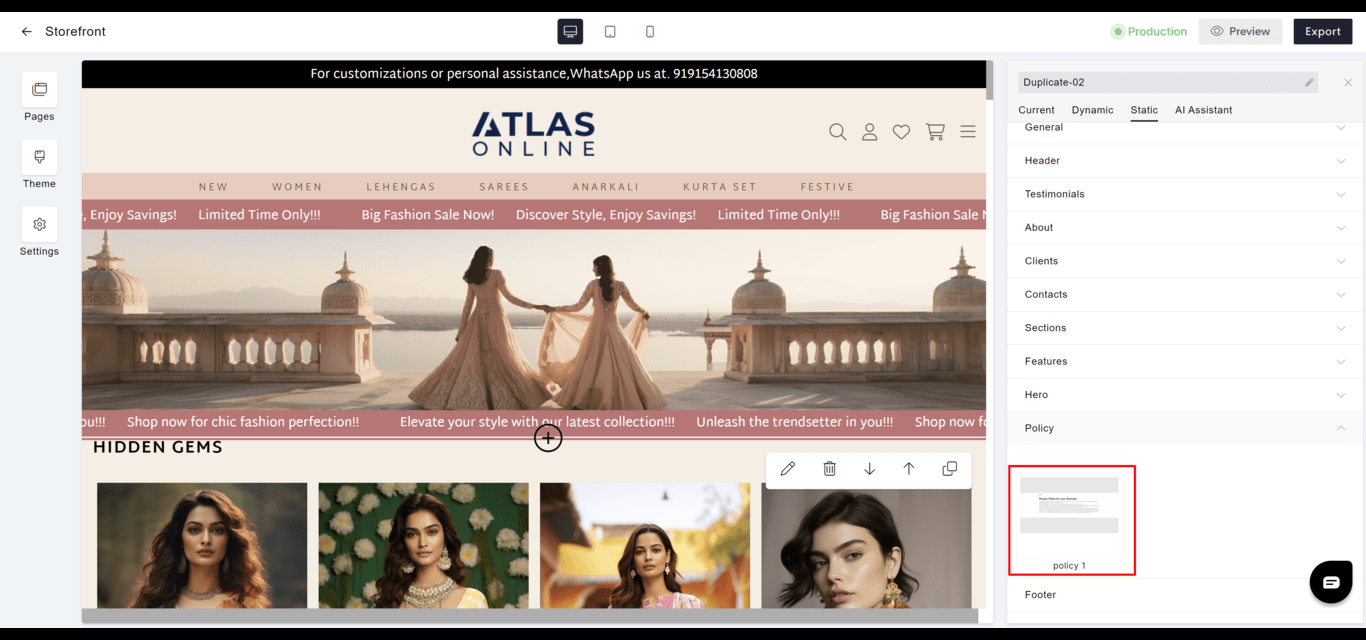 **Policy 1**
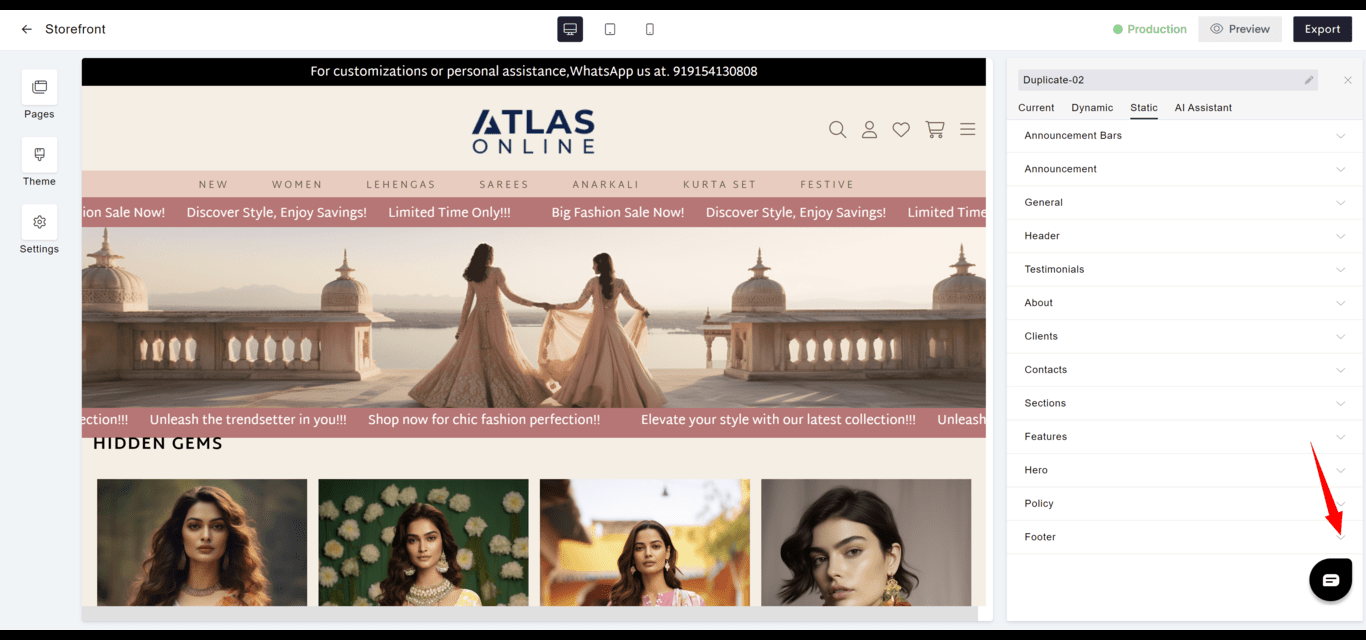
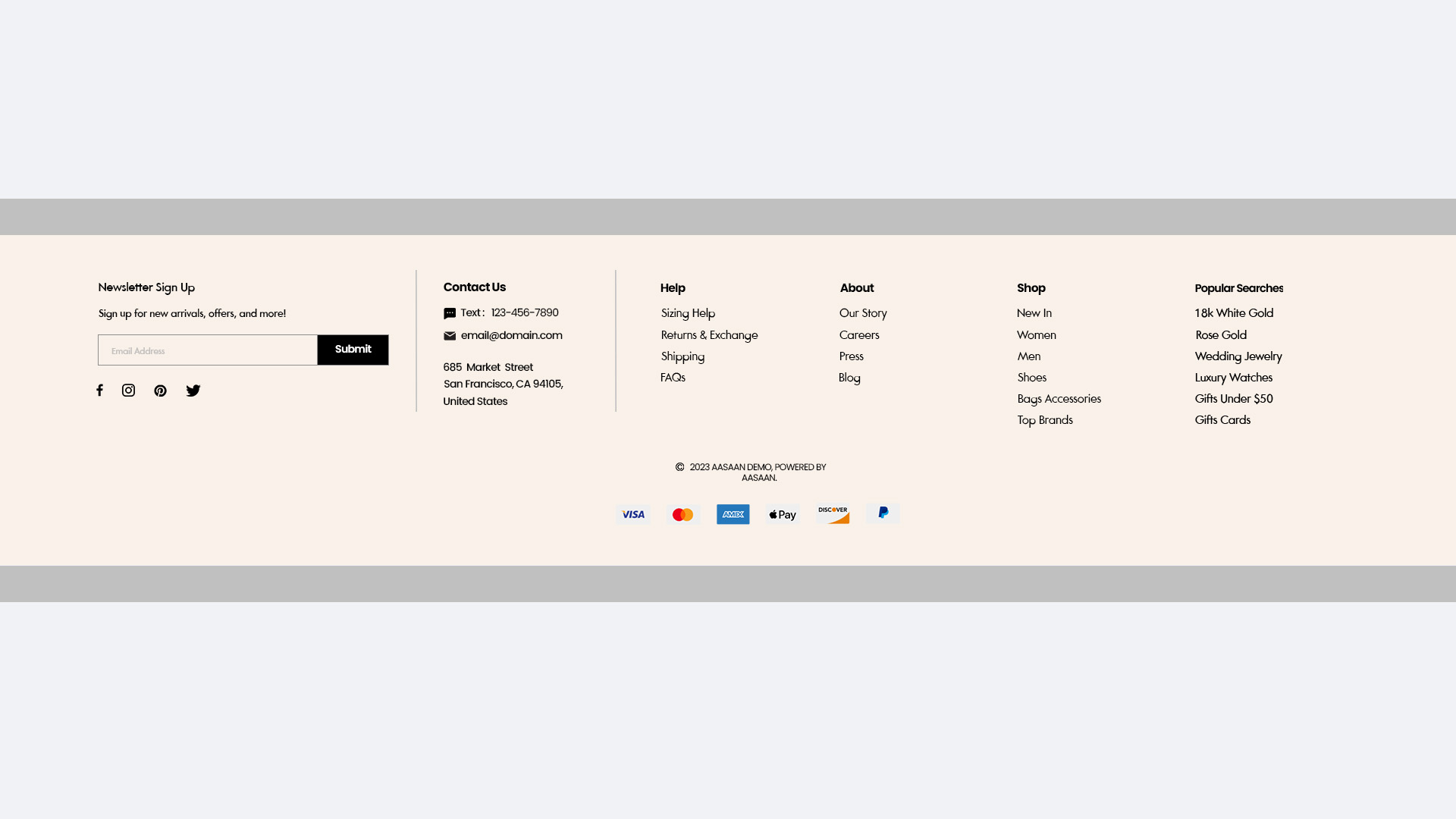
 #### Footer
* **Navigation**: Contains secondary navigation and vital links like contact information, social media, and certifications.
* **Consistency**: Should be consistent across all pages for familiarity and ease of access.
#### Footer
* **Navigation**: Contains secondary navigation and vital links like contact information, social media, and certifications.
* **Consistency**: Should be consistent across all pages for familiarity and ease of access.
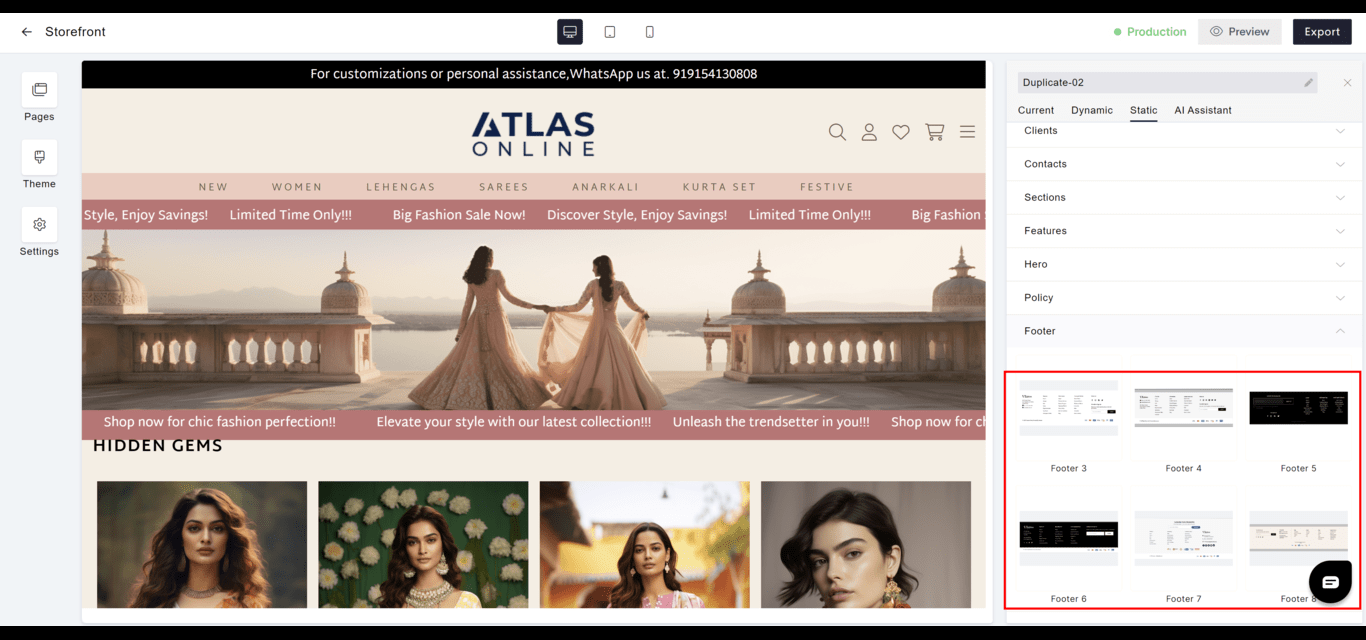 **Footer 3**
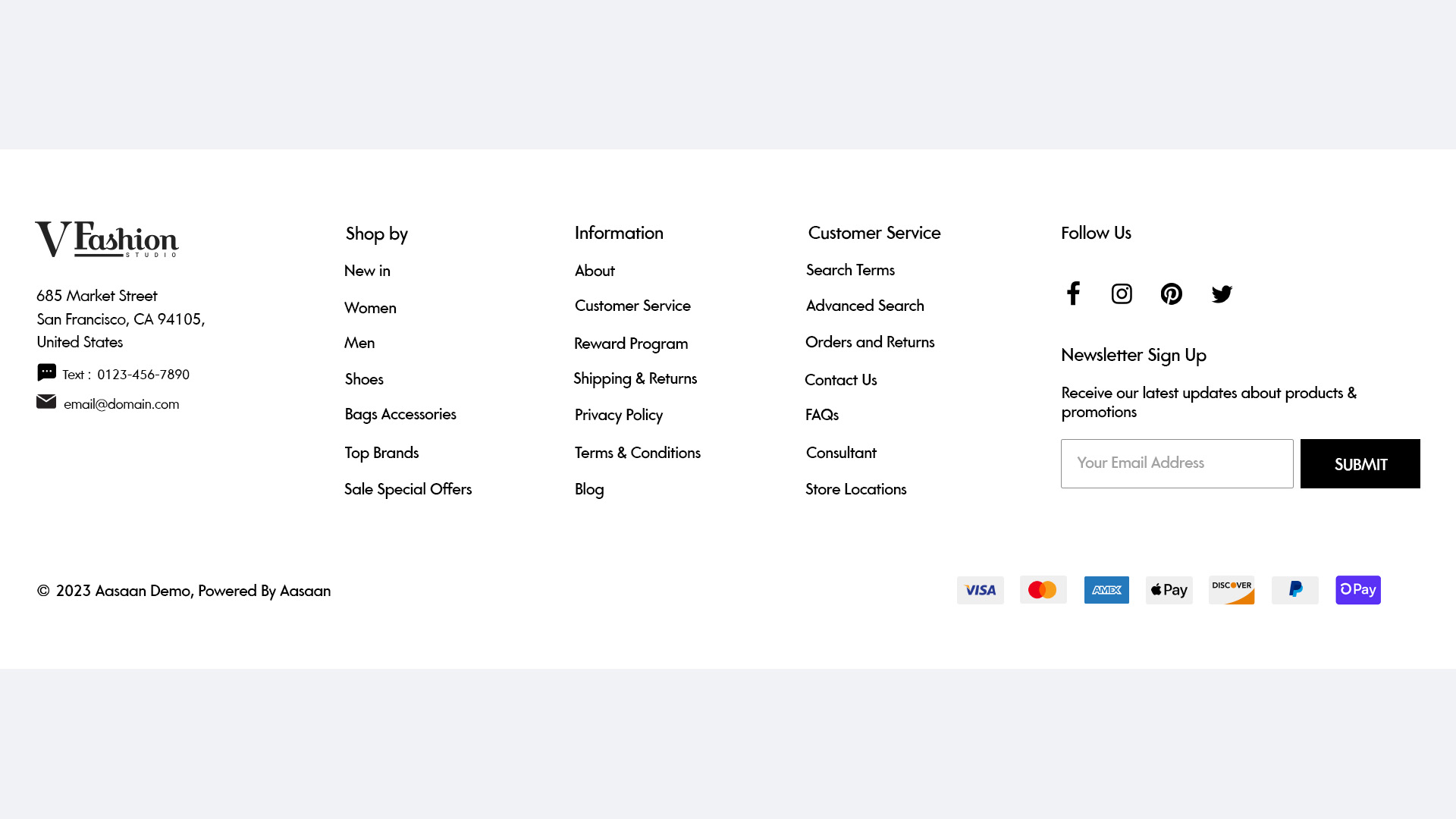 **Footer 4**
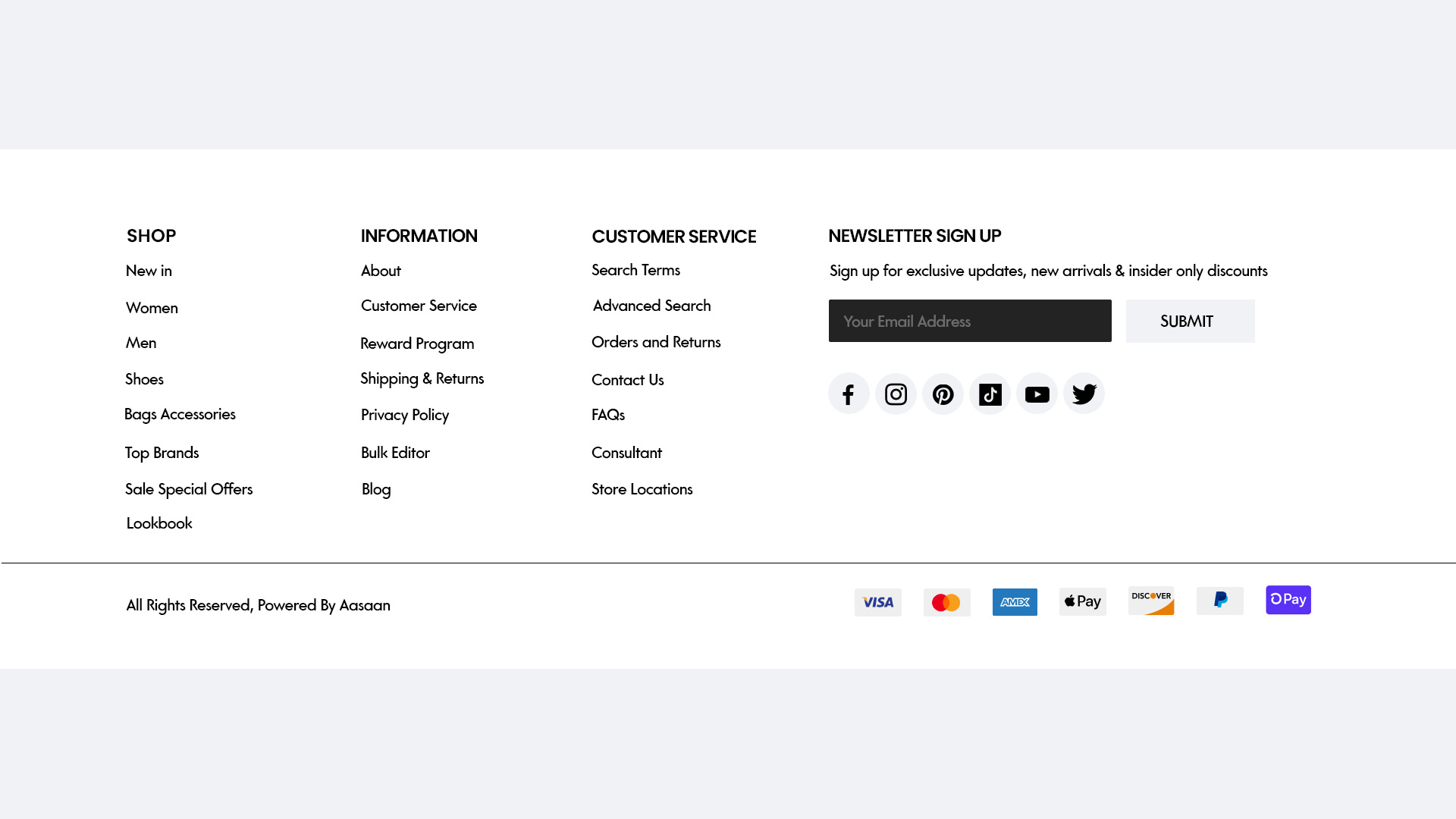 **Footer 5**
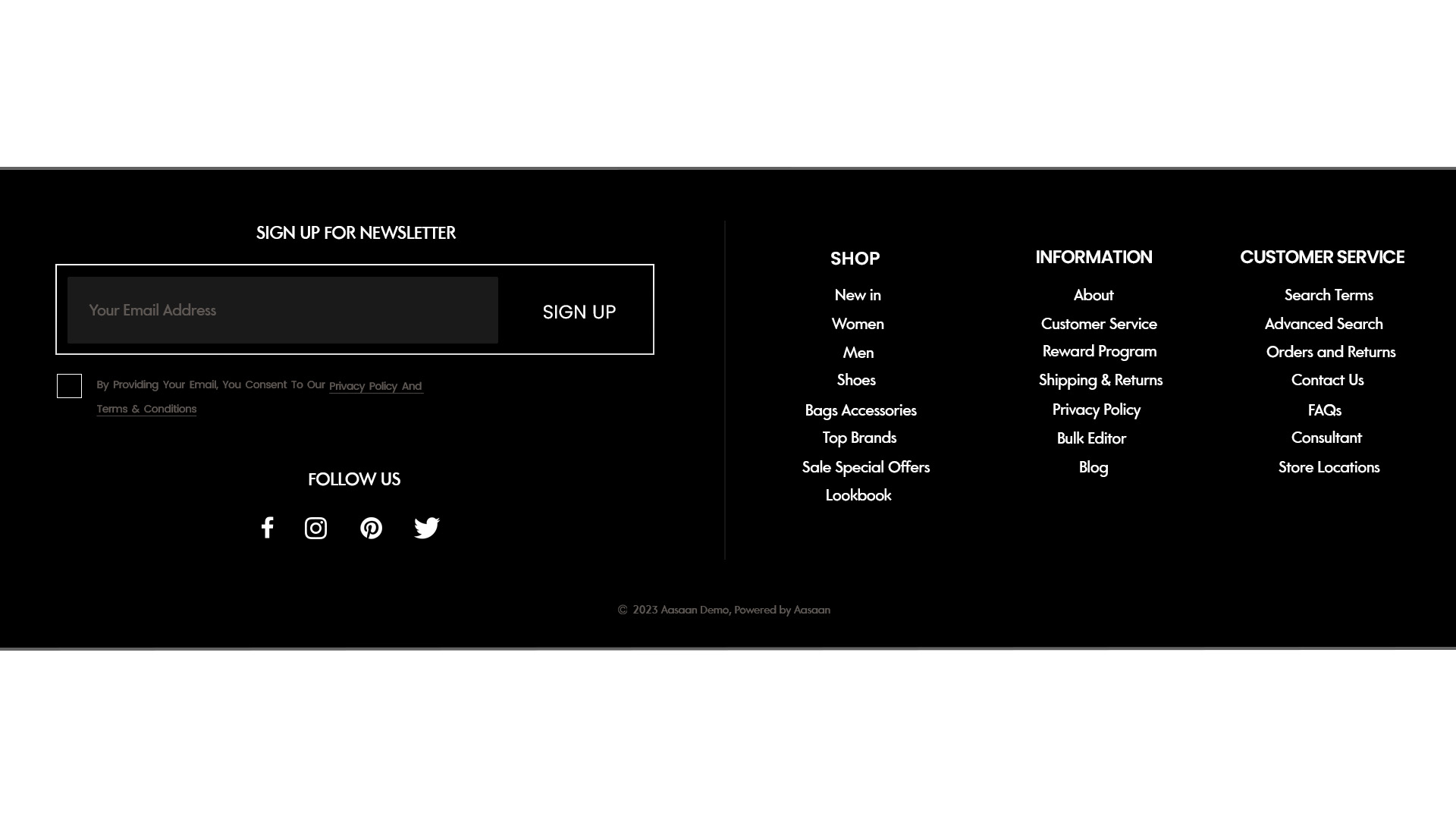 **Footer 6**
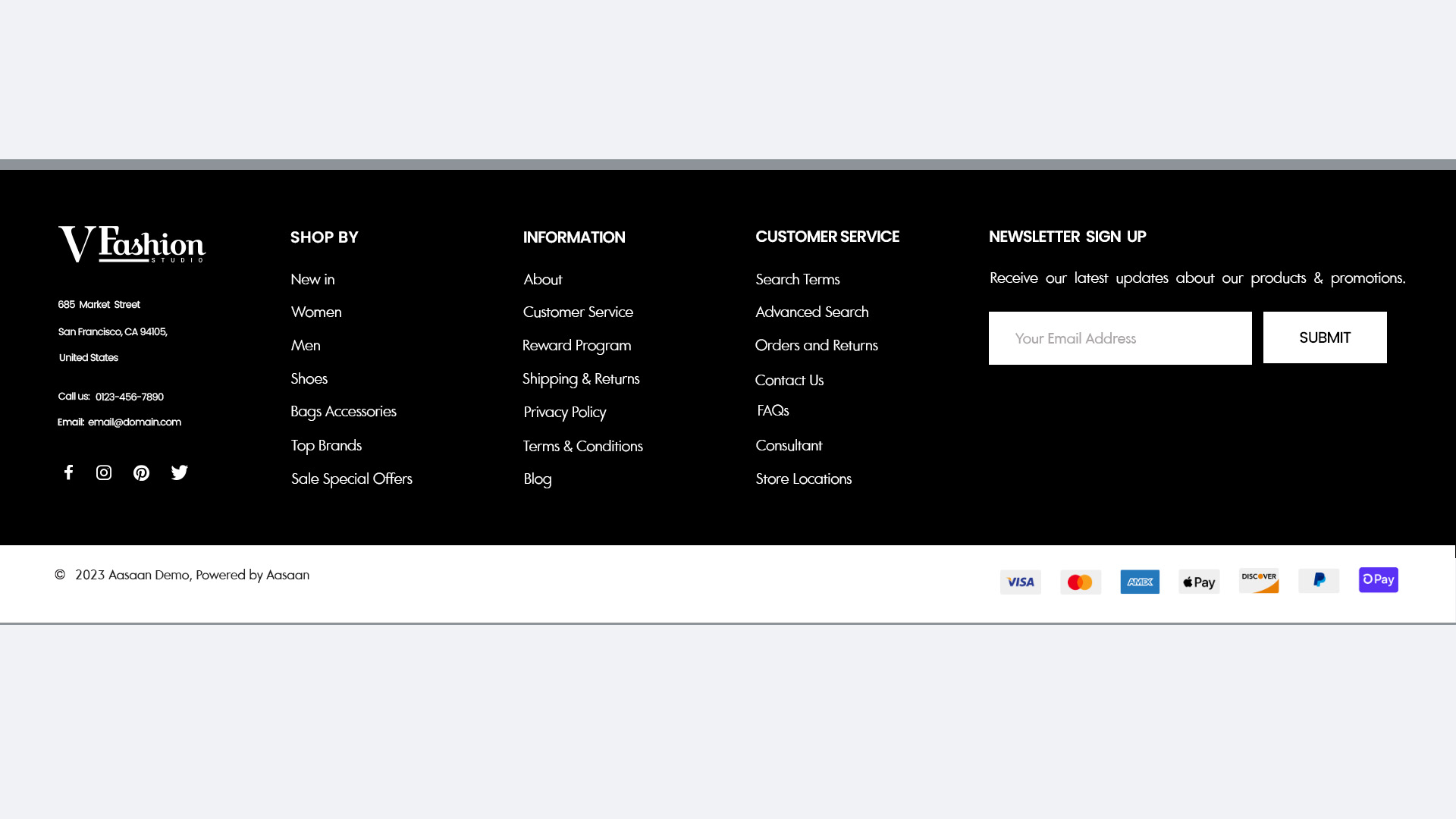 **Footer 7**
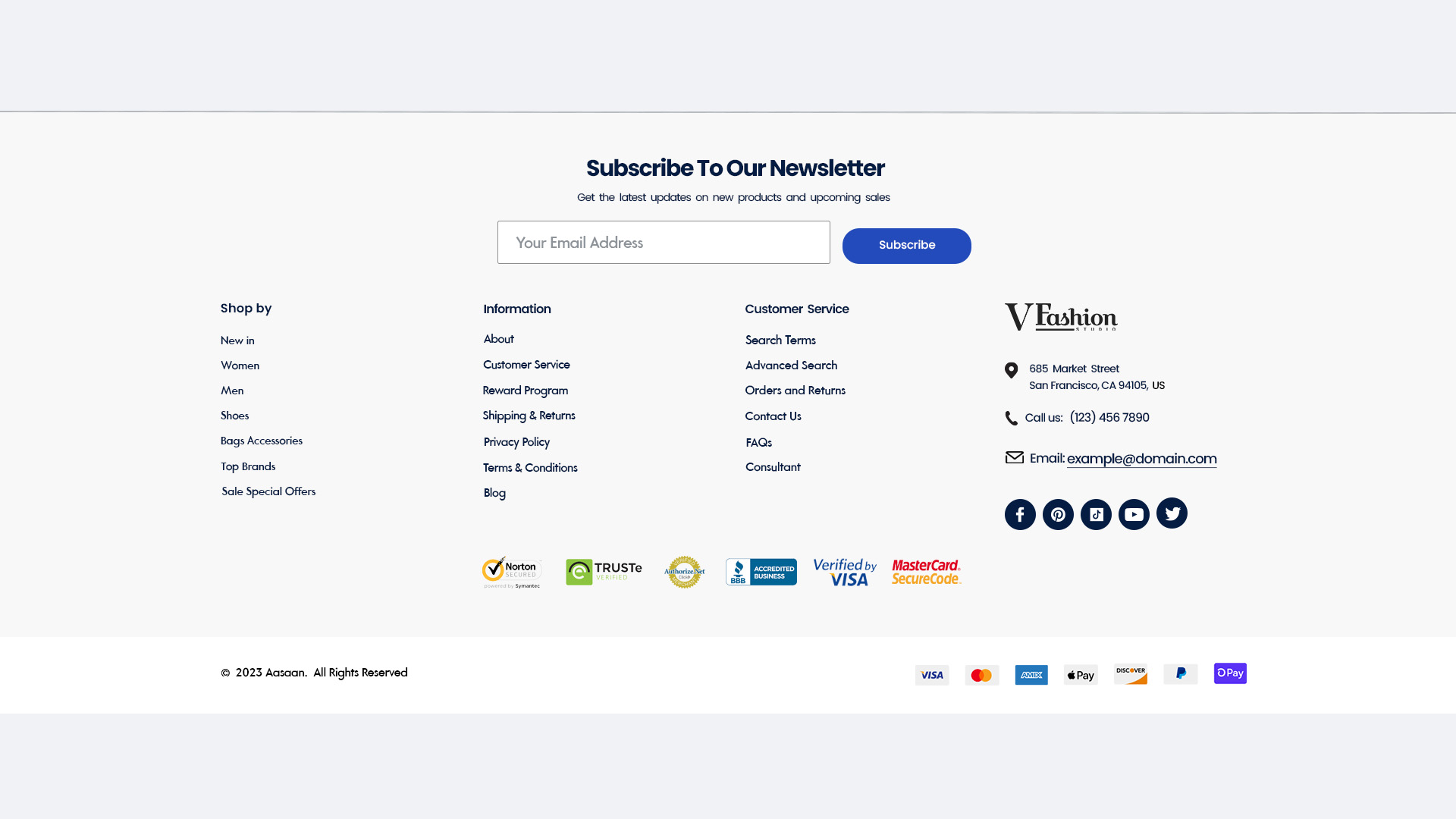 **Footer 8**
 ### Dynamic Widgets
Dynamic widgets adapt content in real-time based on user interactions or backend updates.
### Dynamic Widgets
Dynamic widgets adapt content in real-time based on user interactions or backend updates.
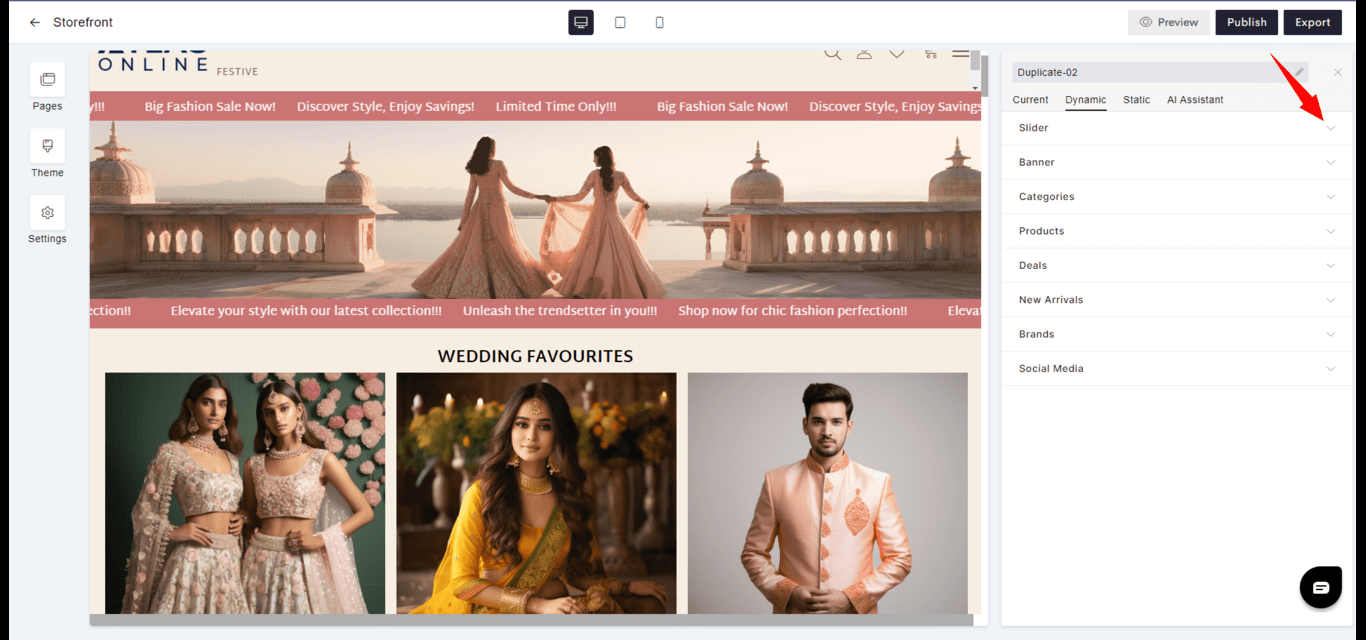
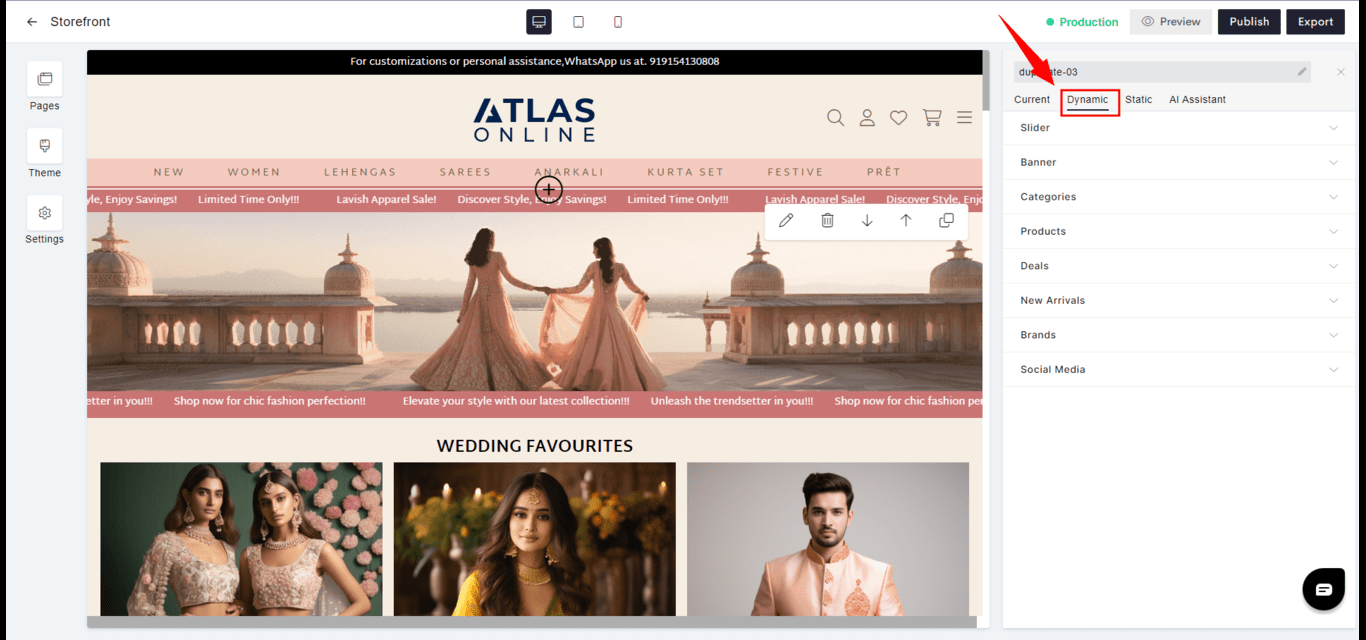 #### Slider
* **Function**: Cycles through images or content, often used to feature products, news, or events.
* **Interactivity**: Can be set to auto-rotate or change on user input, such as a click or swipe.
#### Slider
* **Function**: Cycles through images or content, often used to feature products, news, or events.
* **Interactivity**: Can be set to auto-rotate or change on user input, such as a click or swipe.
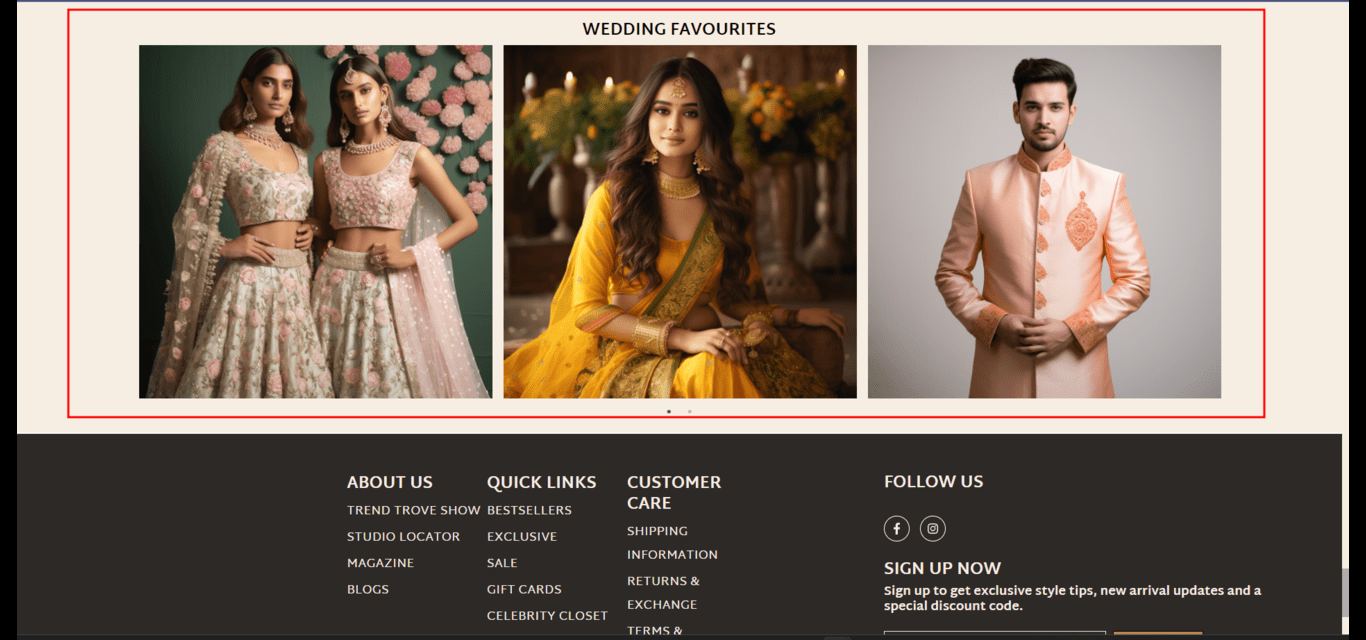
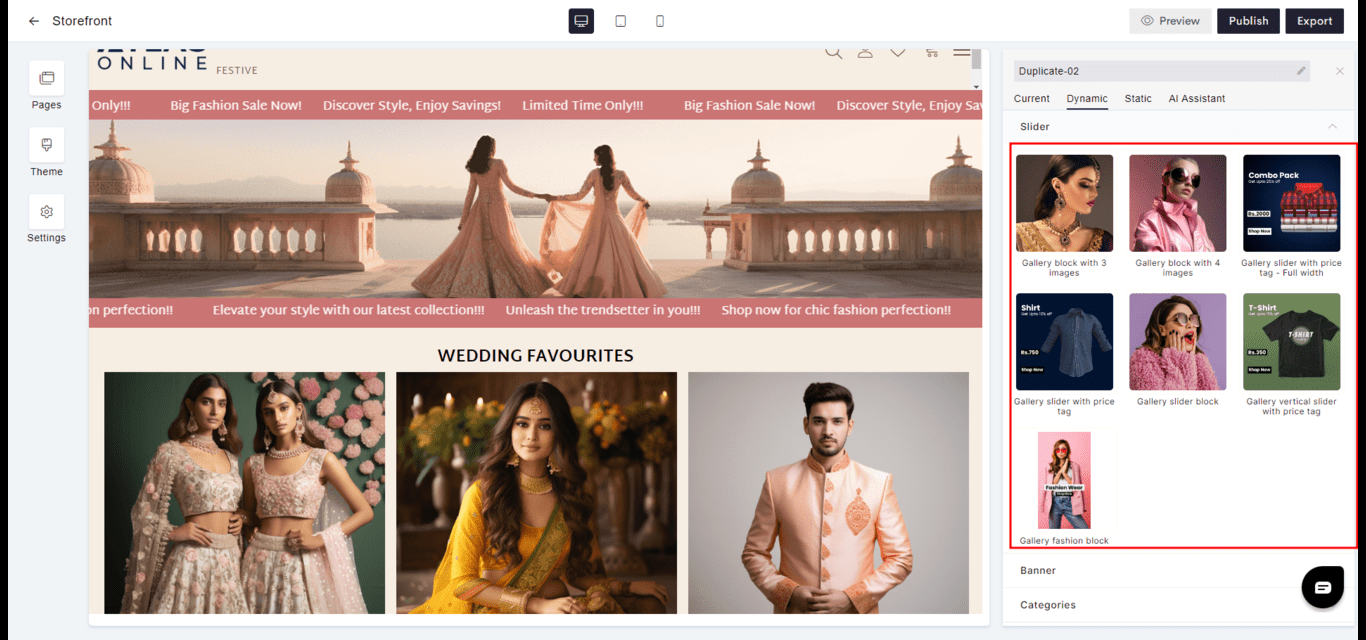 **Gallery block with 3 images**
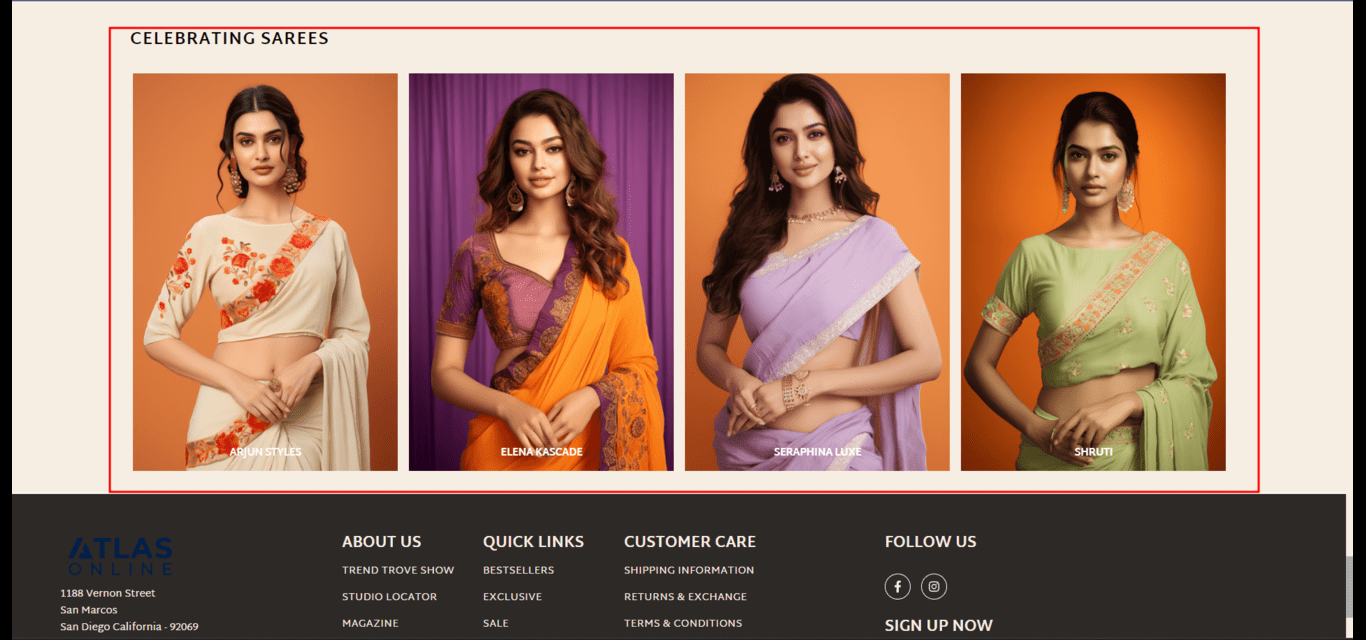
 **Gallery block with 4 images**
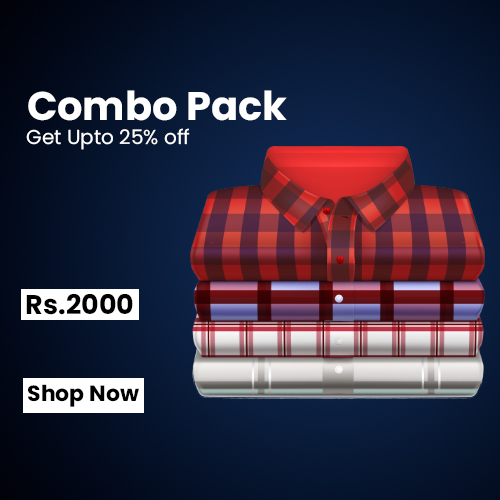
 **Gallery slider with price tag - Full width**
 **Gallery slider with price tag**
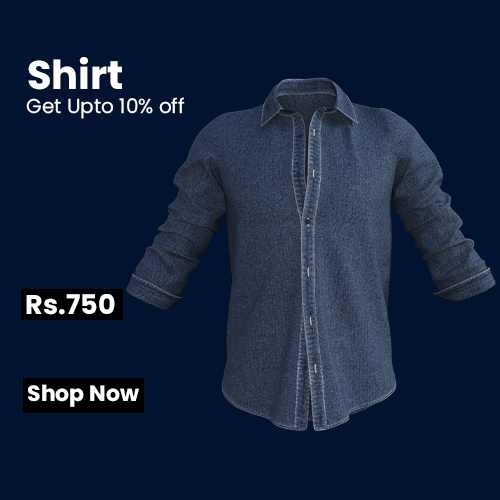 **Gallery slider block**
 **Gallery vertical slider with price tag**
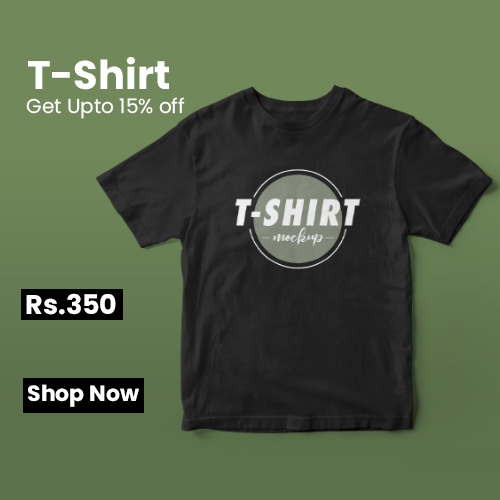 **Gallery fashion block**
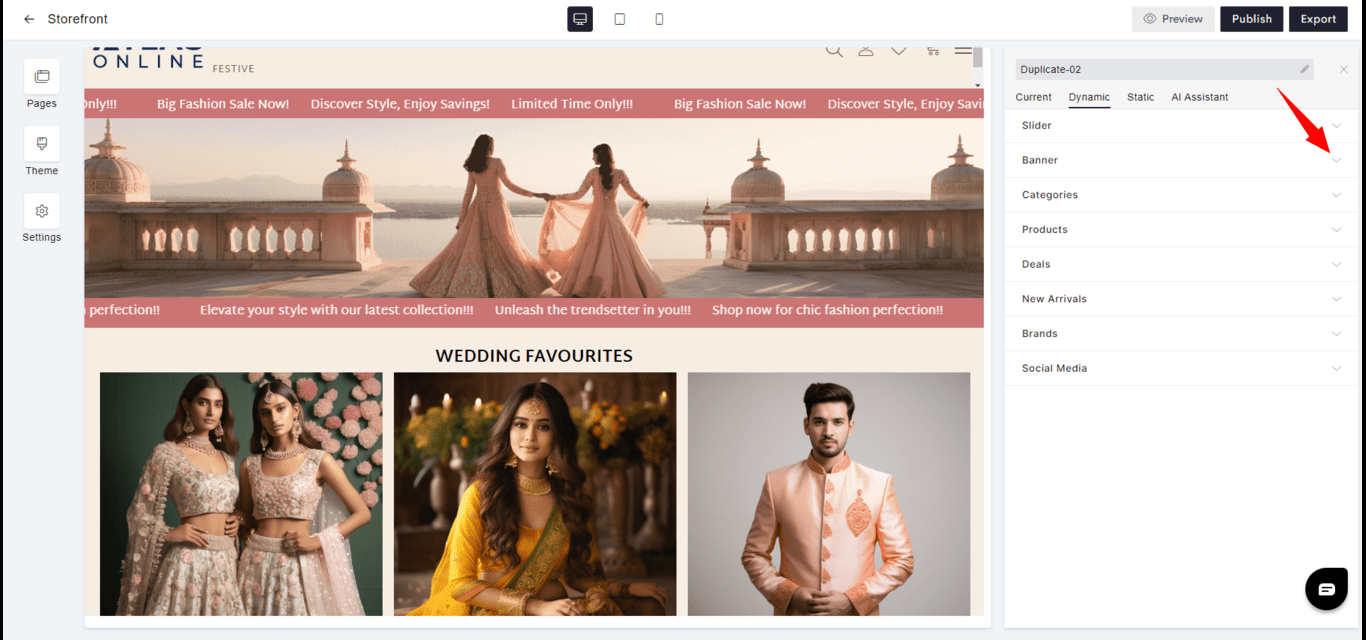
 #### Banner
* **Purpose**: Captures attention with a large, bold visual, often used for major announcements or calls-to-action.
* **Visibility**: Placed strategically to ensure maximum impact upon visitor arrival.
#### Banner
* **Purpose**: Captures attention with a large, bold visual, often used for major announcements or calls-to-action.
* **Visibility**: Placed strategically to ensure maximum impact upon visitor arrival.
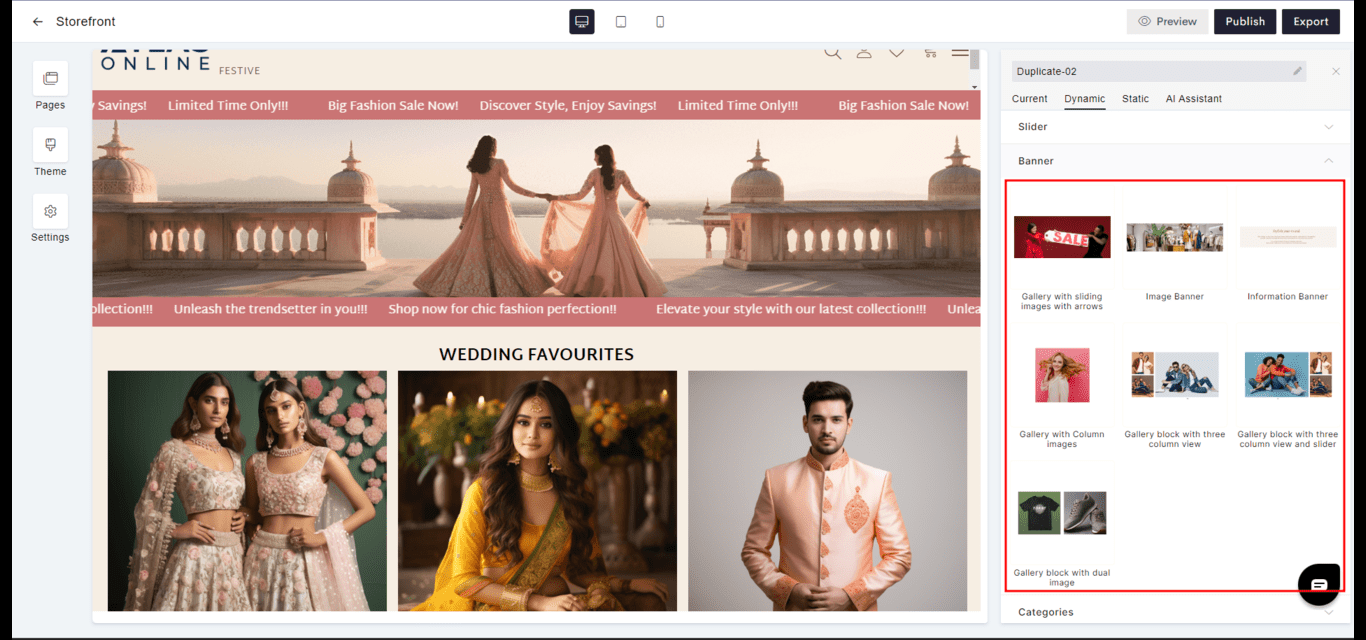 **Gallery with sliding images with arrows**
 **Image Banner**
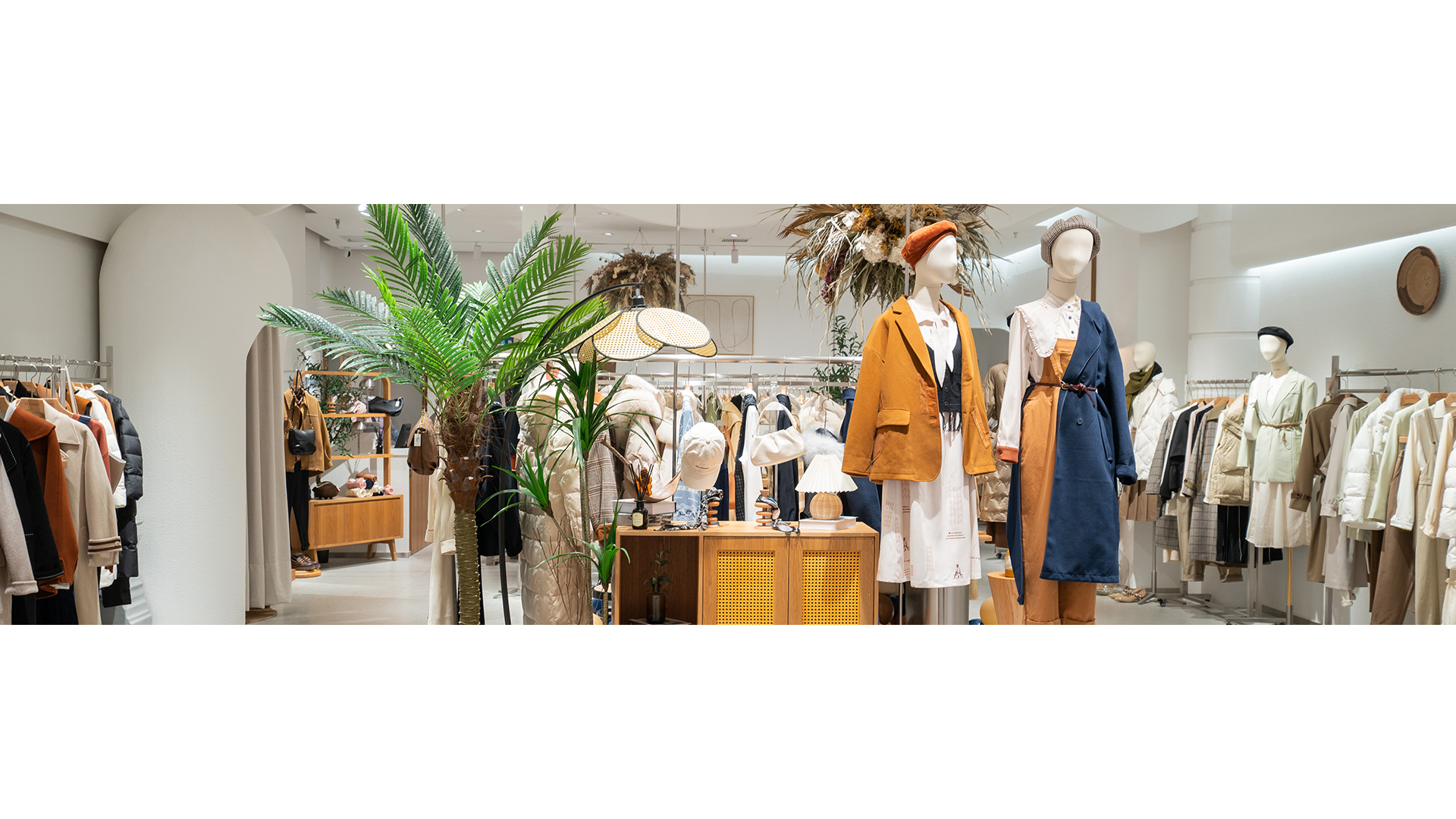 **Information Banner**
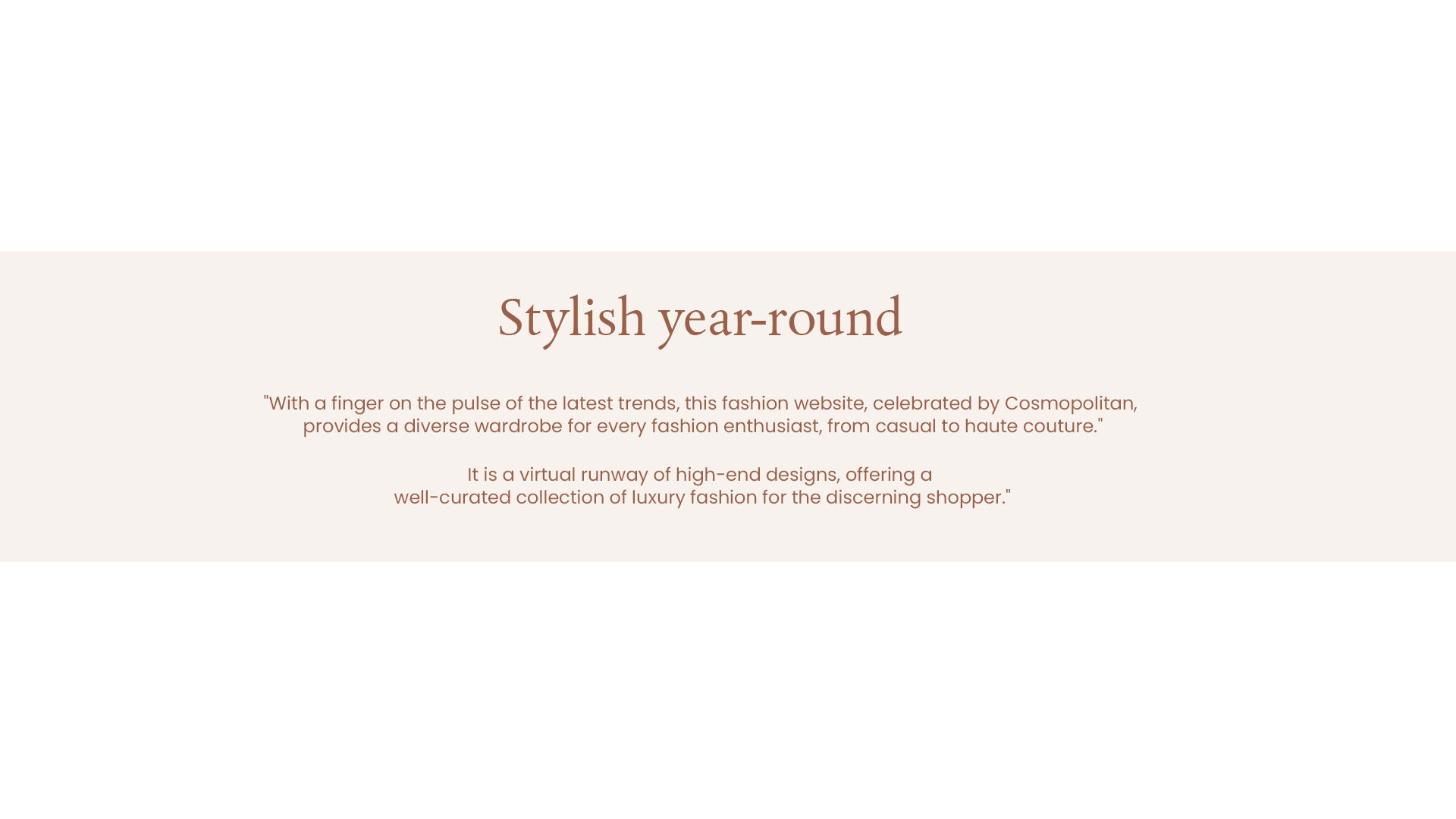 **Gallery with Column images**
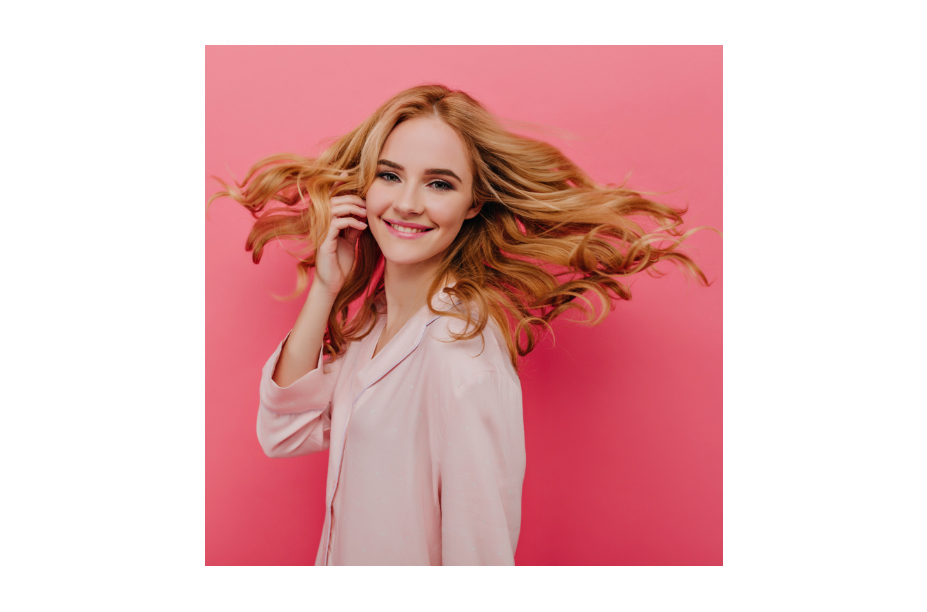 **Gallery block with three column view**
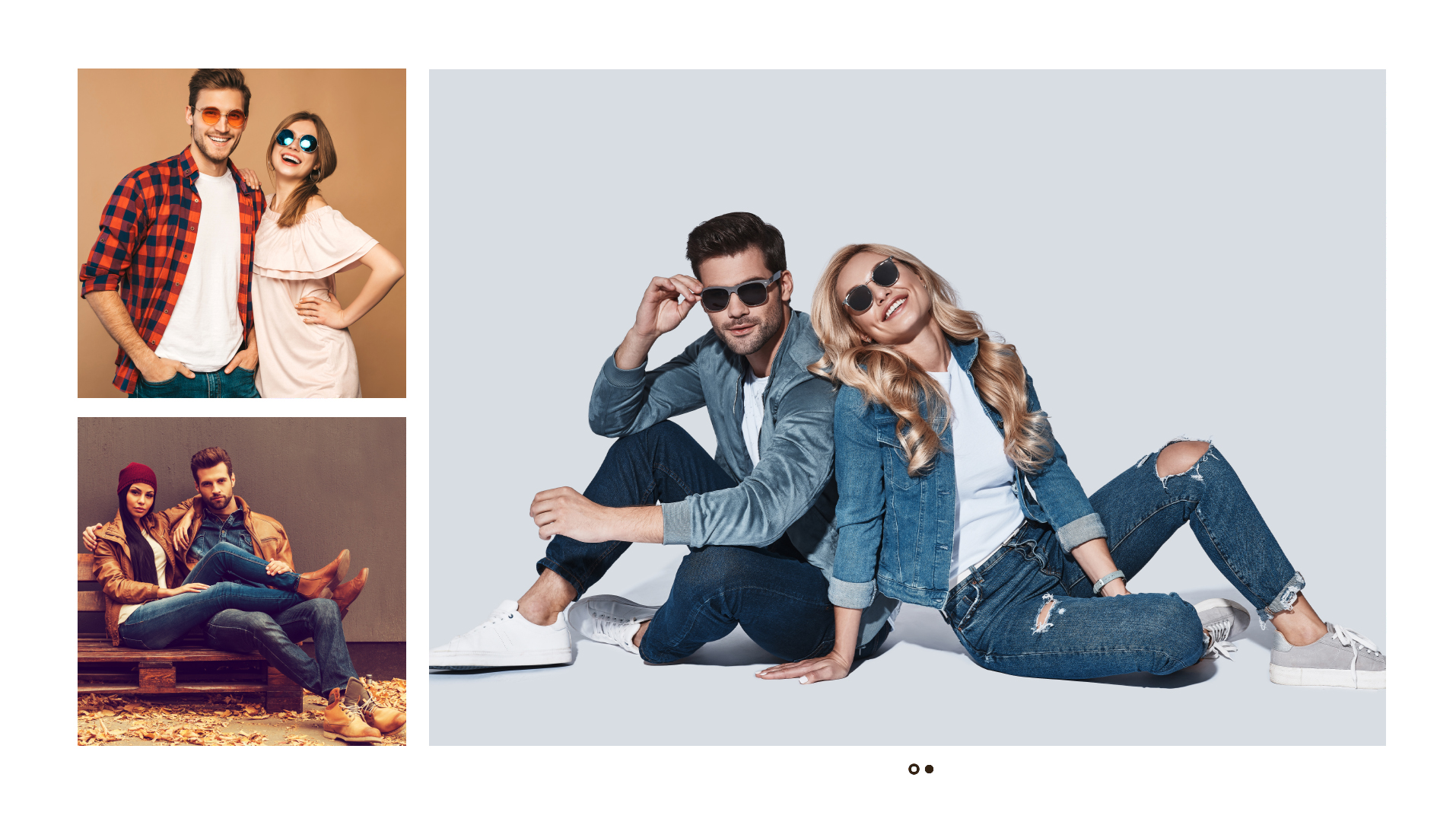 **Gallery block with three column view and slider**
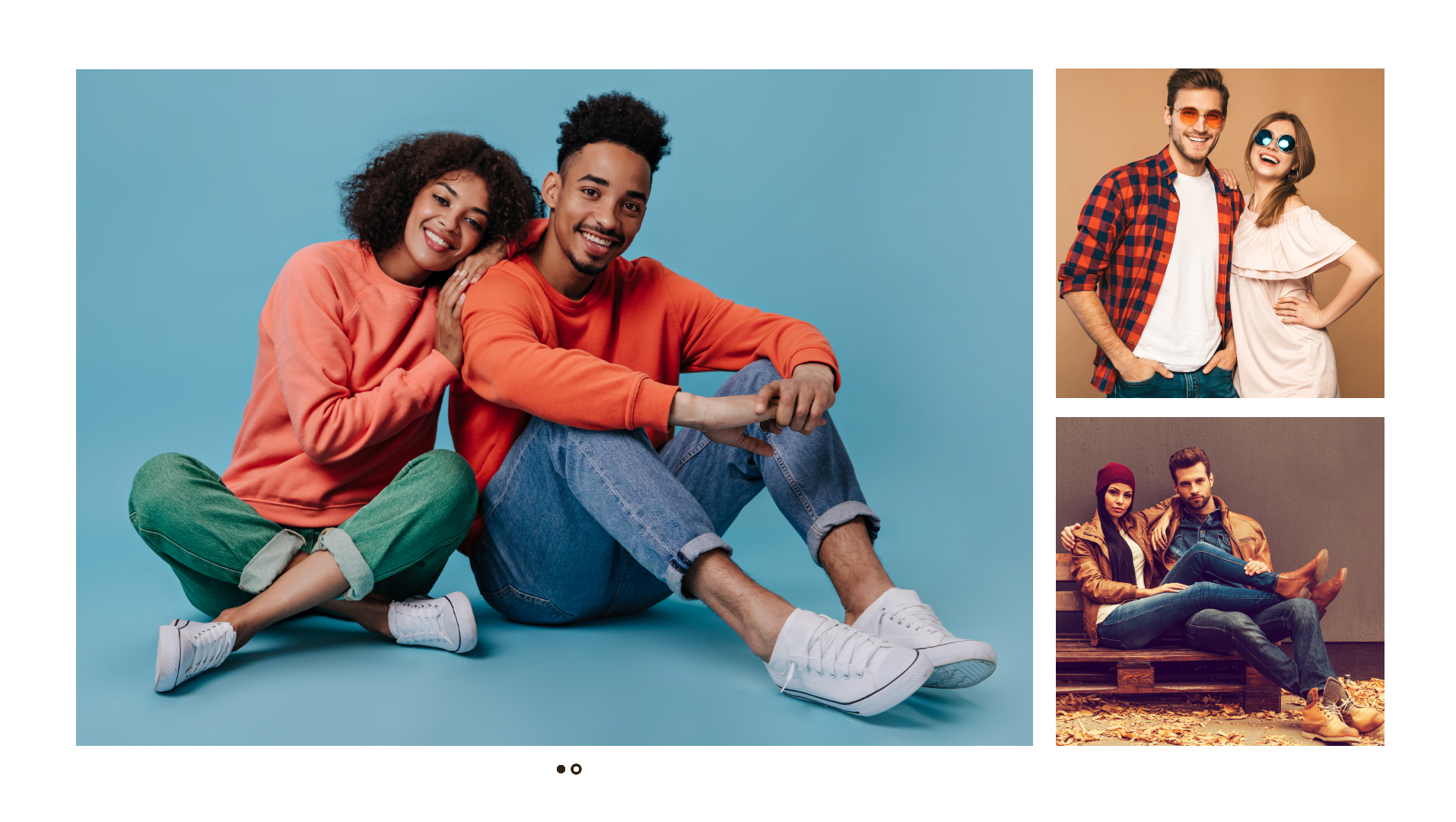 **Gallery block with dual image**
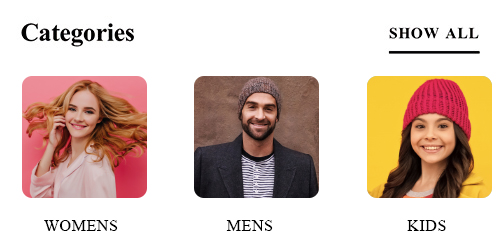
 #### Categories
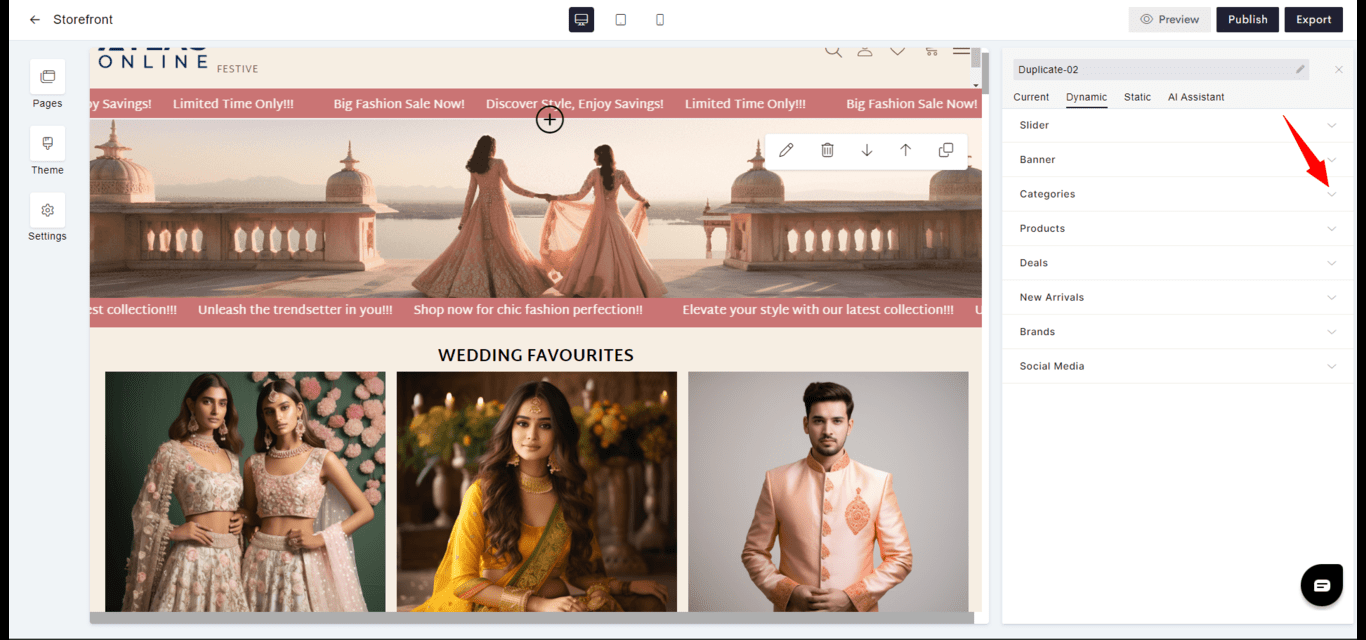
* **Organization**: Dynamically presents product or content categories, allowing users to navigate the site's offerings.
* **Customization**: Categories can be arranged or highlighted according to business priorities.
#### Categories
* **Organization**: Dynamically presents product or content categories, allowing users to navigate the site's offerings.
* **Customization**: Categories can be arranged or highlighted according to business priorities.
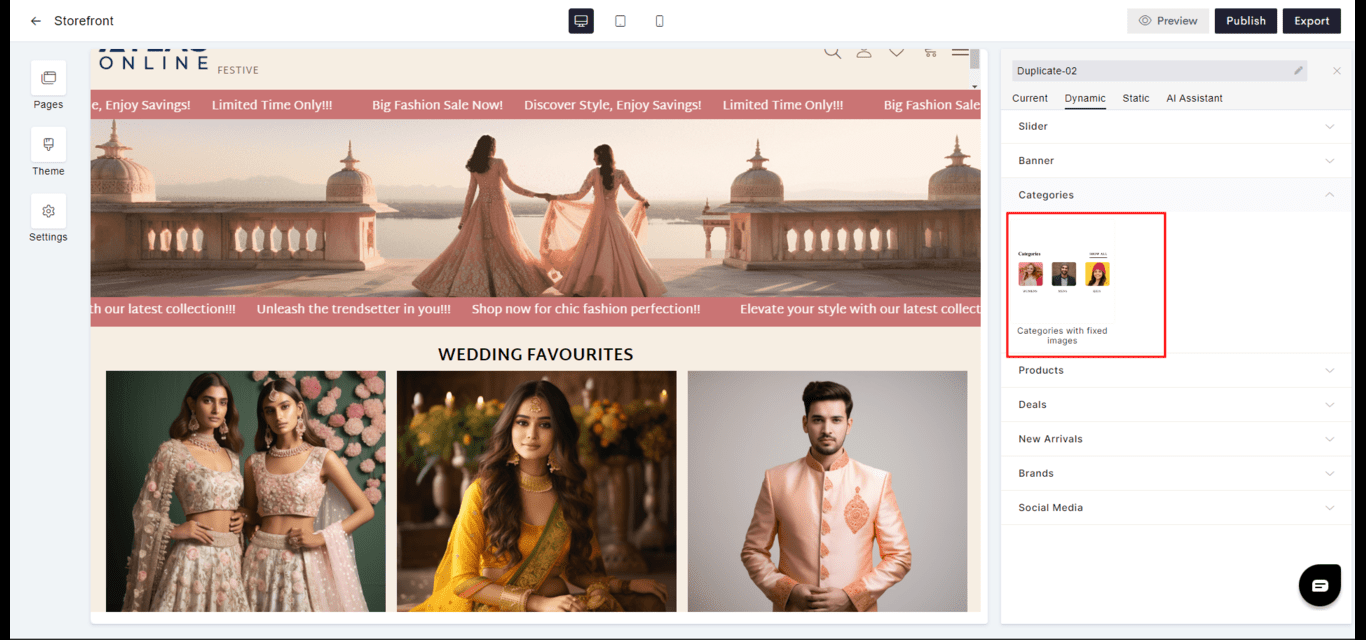 **Categories with fixed images**
 #### Deals
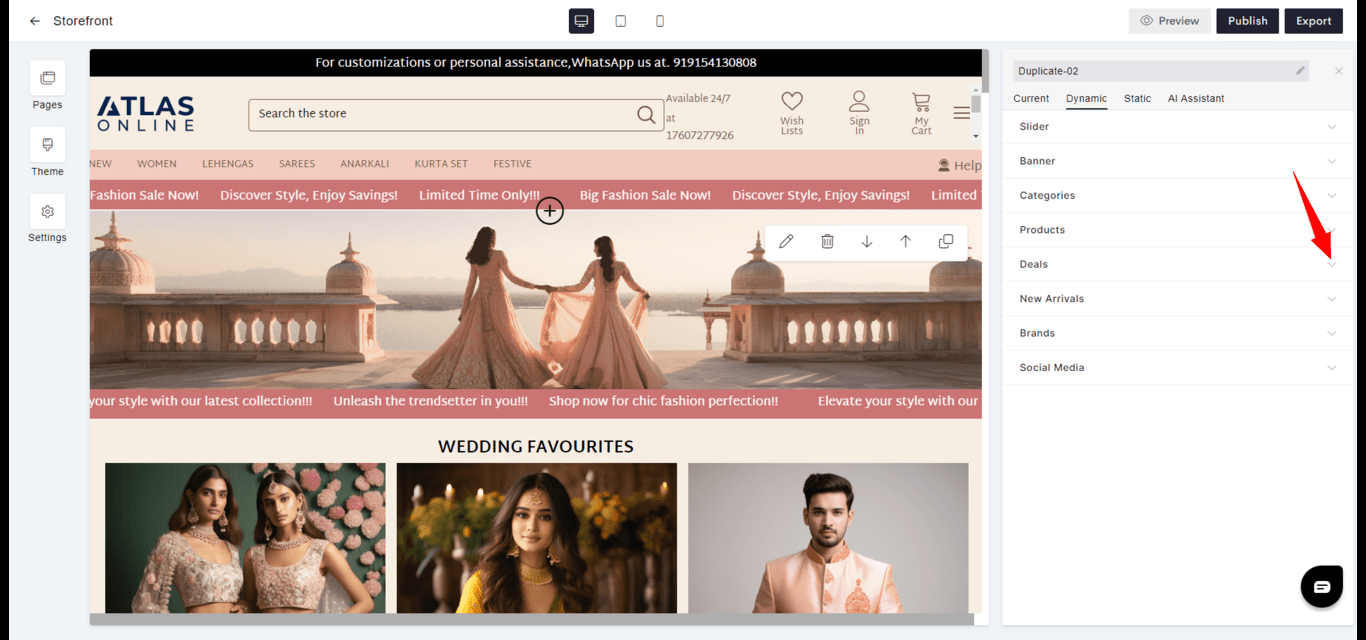
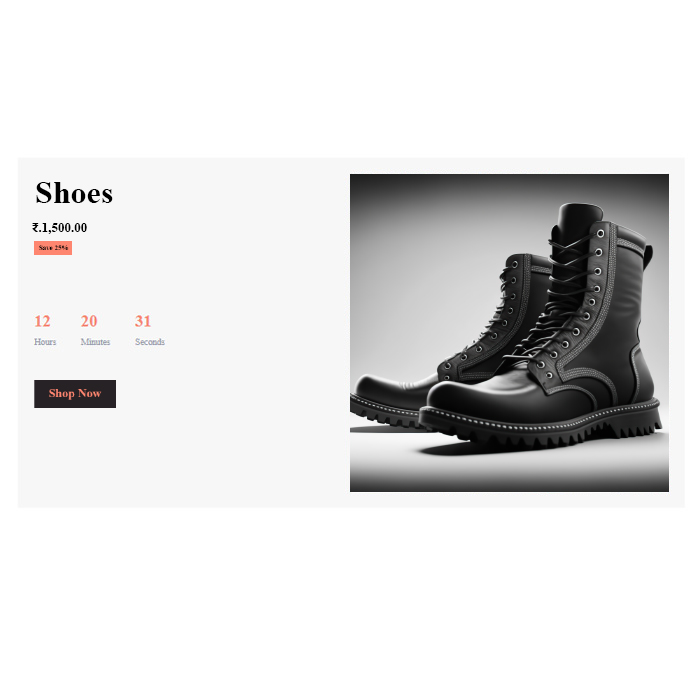
* **Promotion**: Features special offers or discounts, sometimes with a countdown for limited-time deals.
* **Urgency**: Encourages quick decision-making by highlighting the temporary nature of the deals.
#### Deals
* **Promotion**: Features special offers or discounts, sometimes with a countdown for limited-time deals.
* **Urgency**: Encourages quick decision-making by highlighting the temporary nature of the deals.
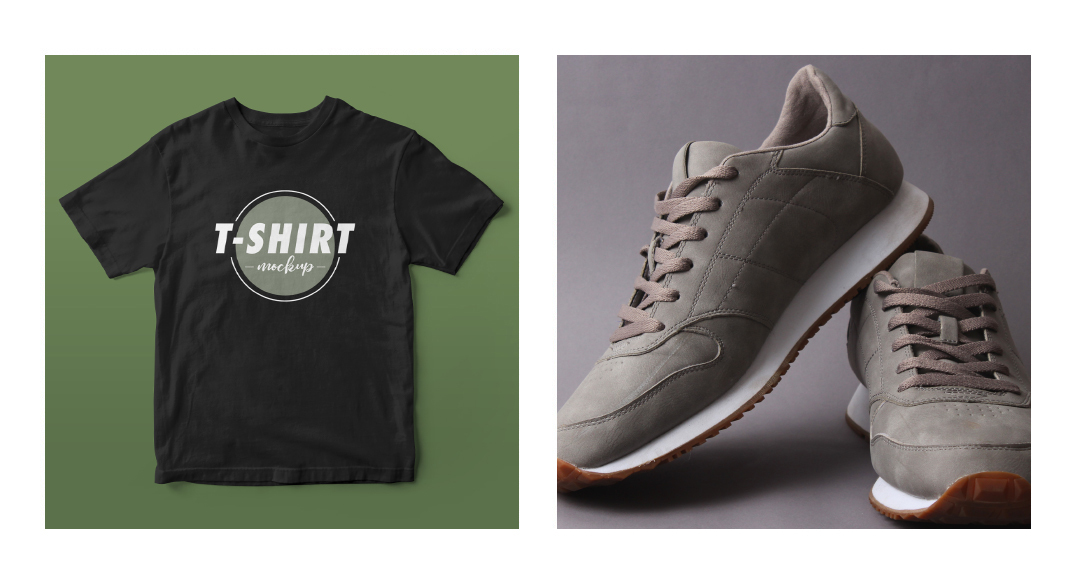
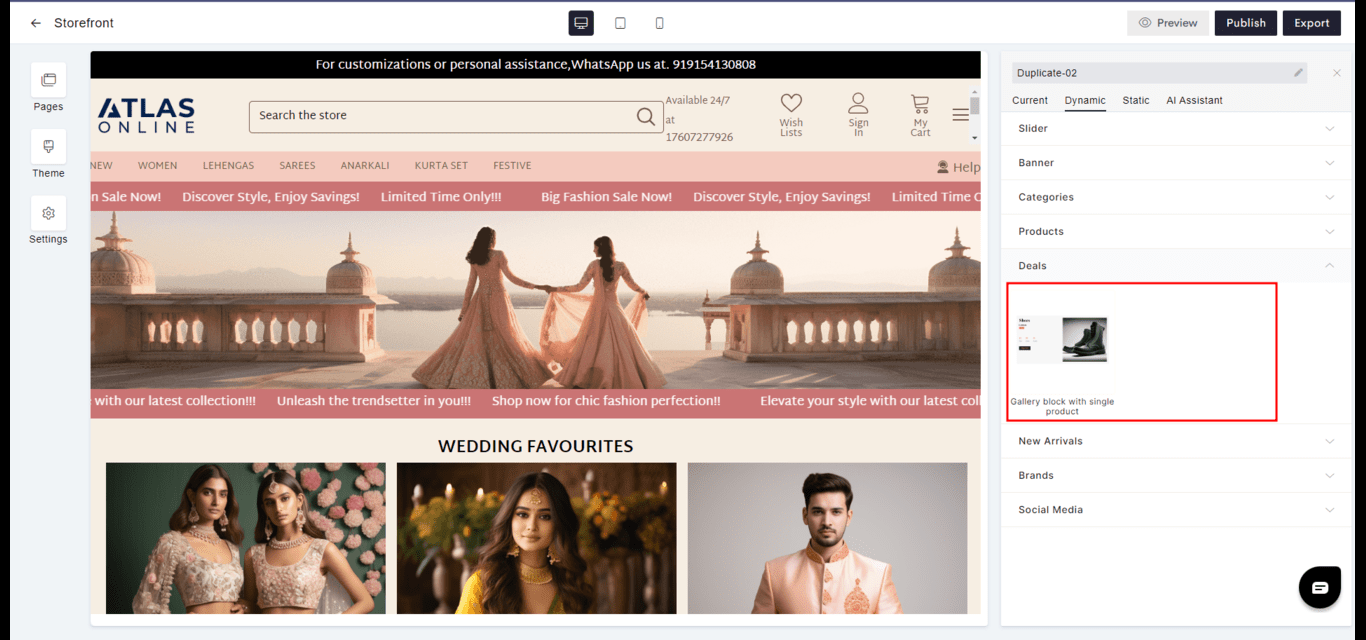 **Gallery block with single product**
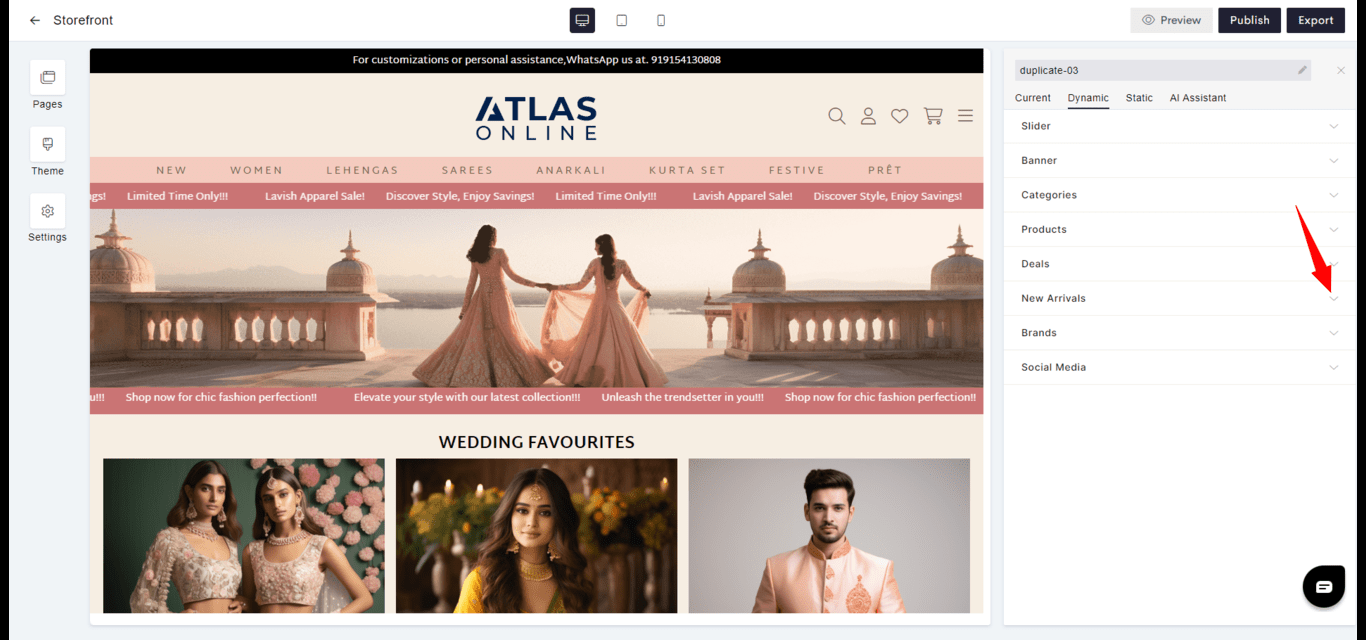
 #### New Arrivals
* **Freshness**: Introduces the latest products or content to keep the site current and engaging.
* **Discovery**: Helps visitors discover what's new quickly and efficiently.
#### New Arrivals
* **Freshness**: Introduces the latest products or content to keep the site current and engaging.
* **Discovery**: Helps visitors discover what's new quickly and efficiently.
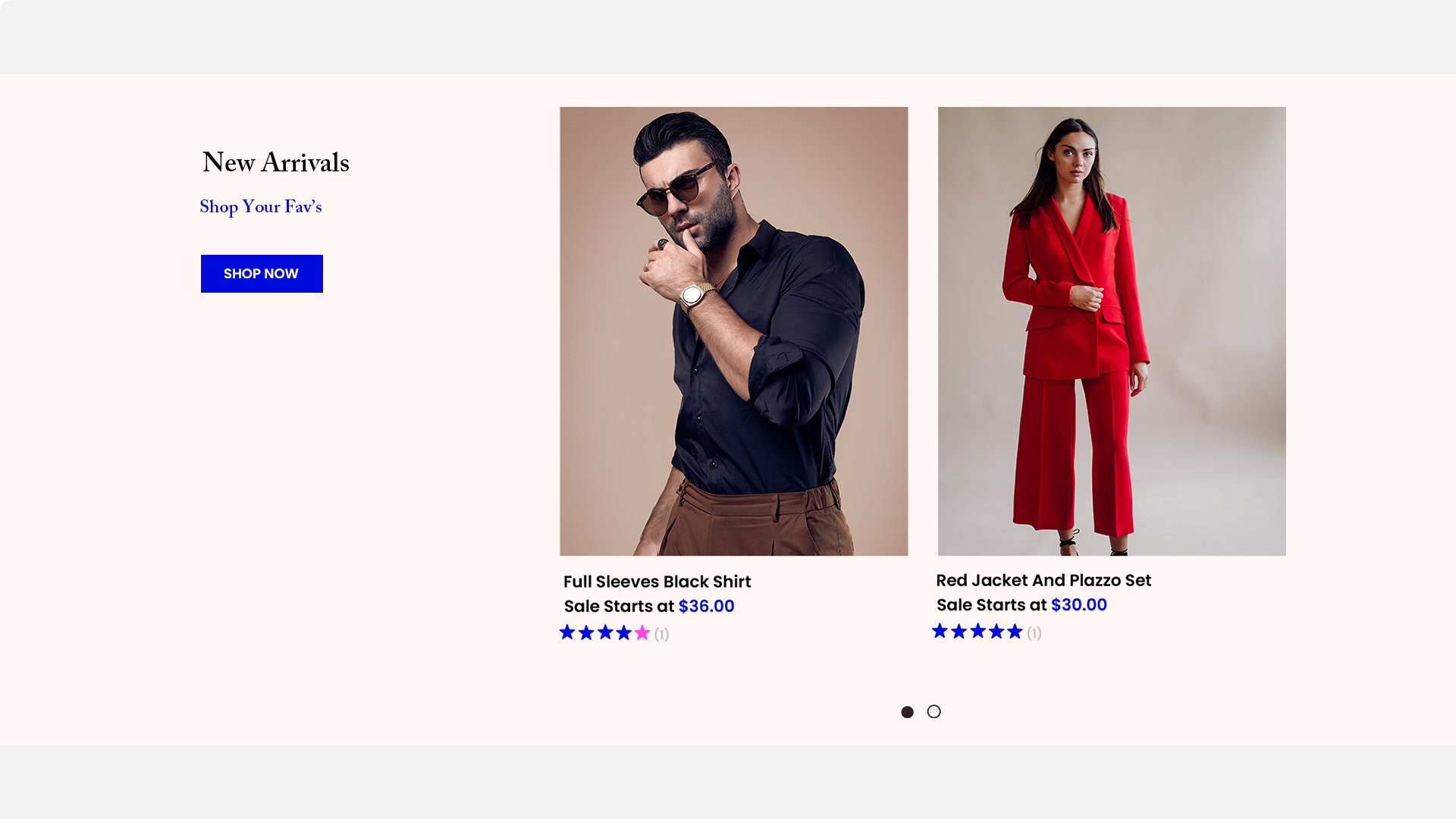
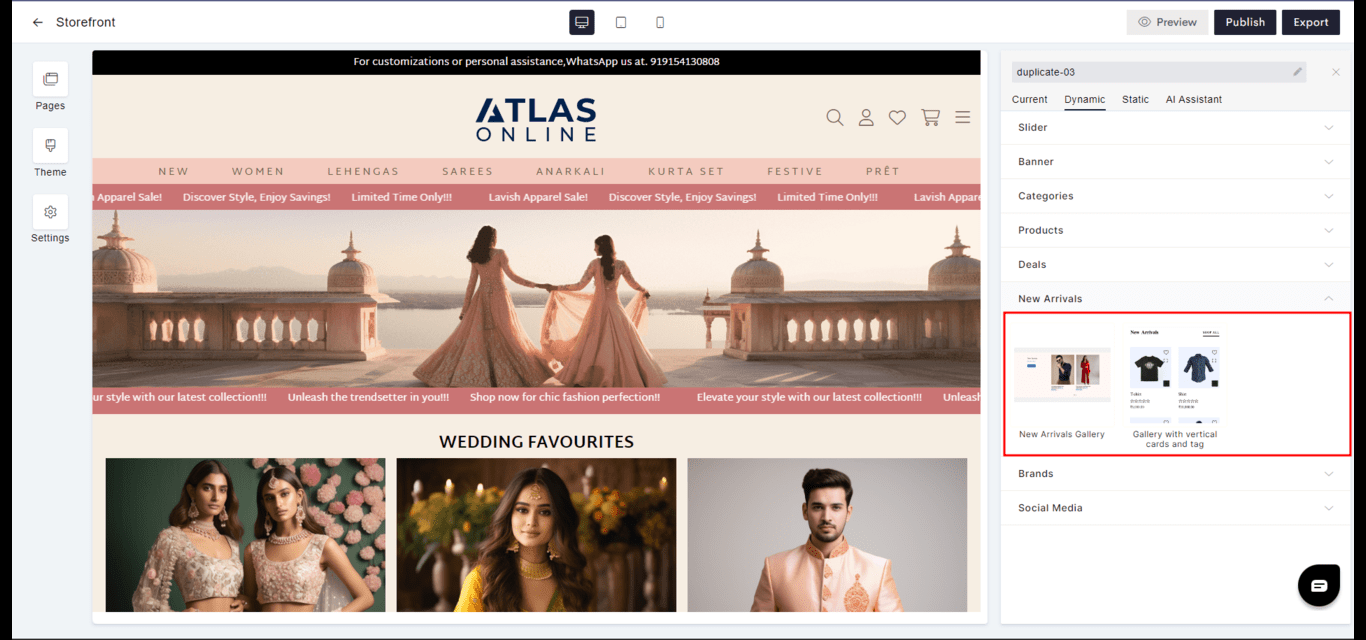 **New Arrivals Gallery**
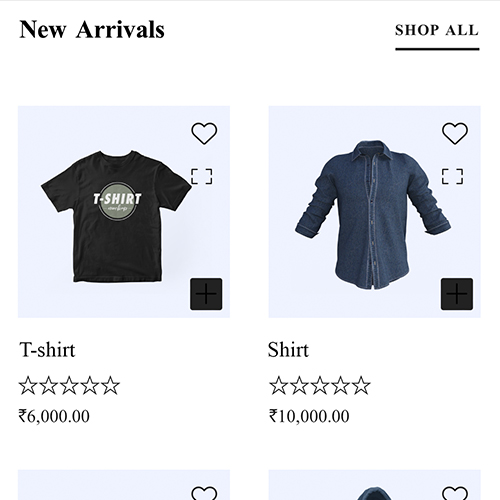
 **Gallery with vertical cards and tag**
 #### Brands
* **Selection**: Groups products by brand for customers who have brand loyalty or preferences.
* **Navigation**: Facilitates easier browsing for customers looking for specific brands.
#### Brands
* **Selection**: Groups products by brand for customers who have brand loyalty or preferences.
* **Navigation**: Facilitates easier browsing for customers looking for specific brands.
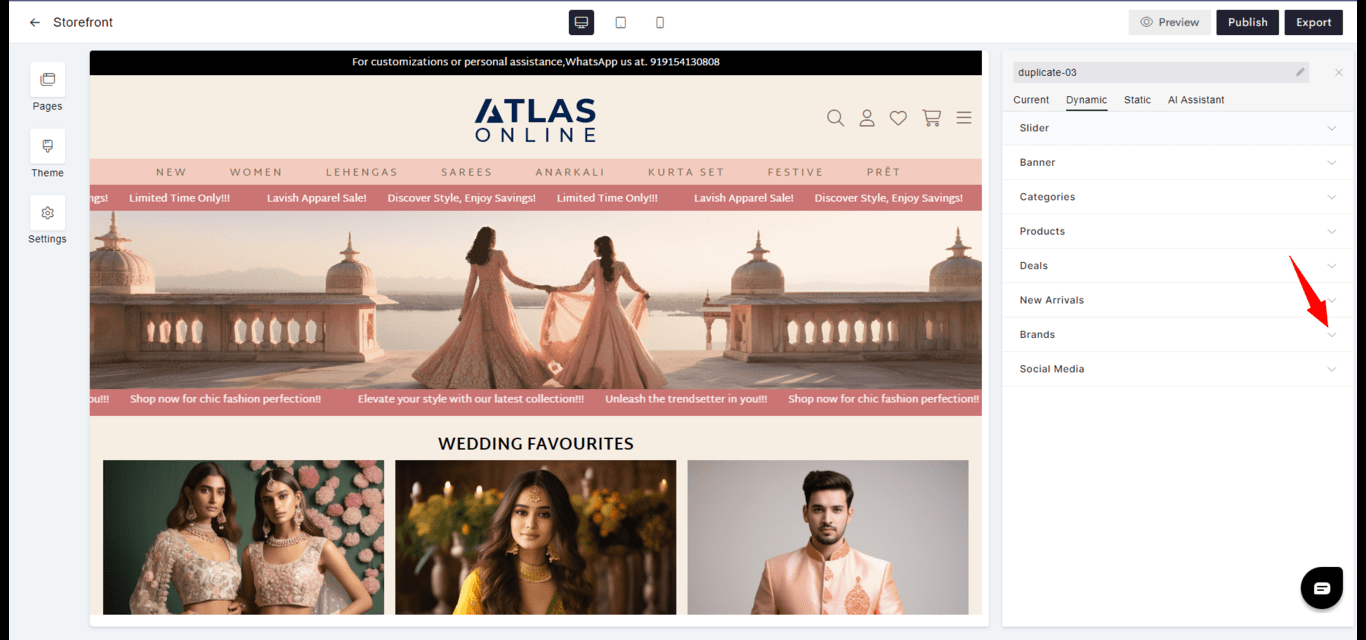
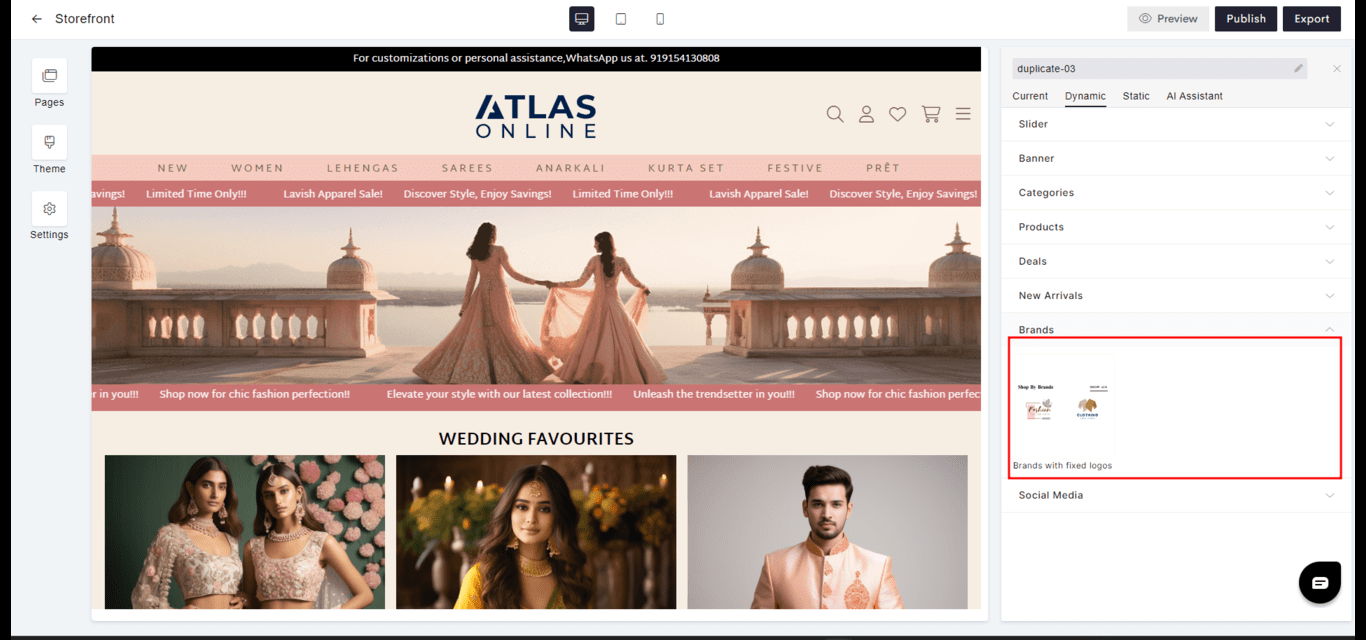 **Brands with fixed logos**
 #### Social Media
* **Integration**: Connects social media content directly to the website to extend engagement channels.
* **Updates**: Keeps content fresh with the latest posts or updates from linked social media accounts.
#### Social Media
* **Integration**: Connects social media content directly to the website to extend engagement channels.
* **Updates**: Keeps content fresh with the latest posts or updates from linked social media accounts.
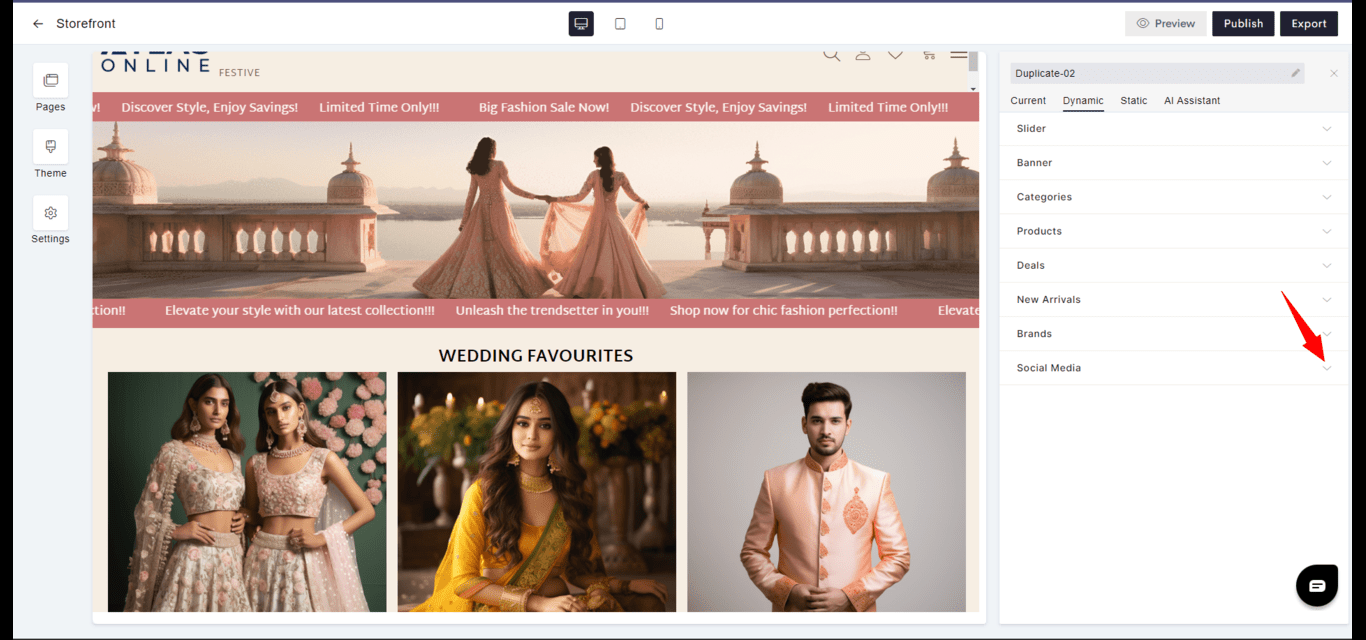
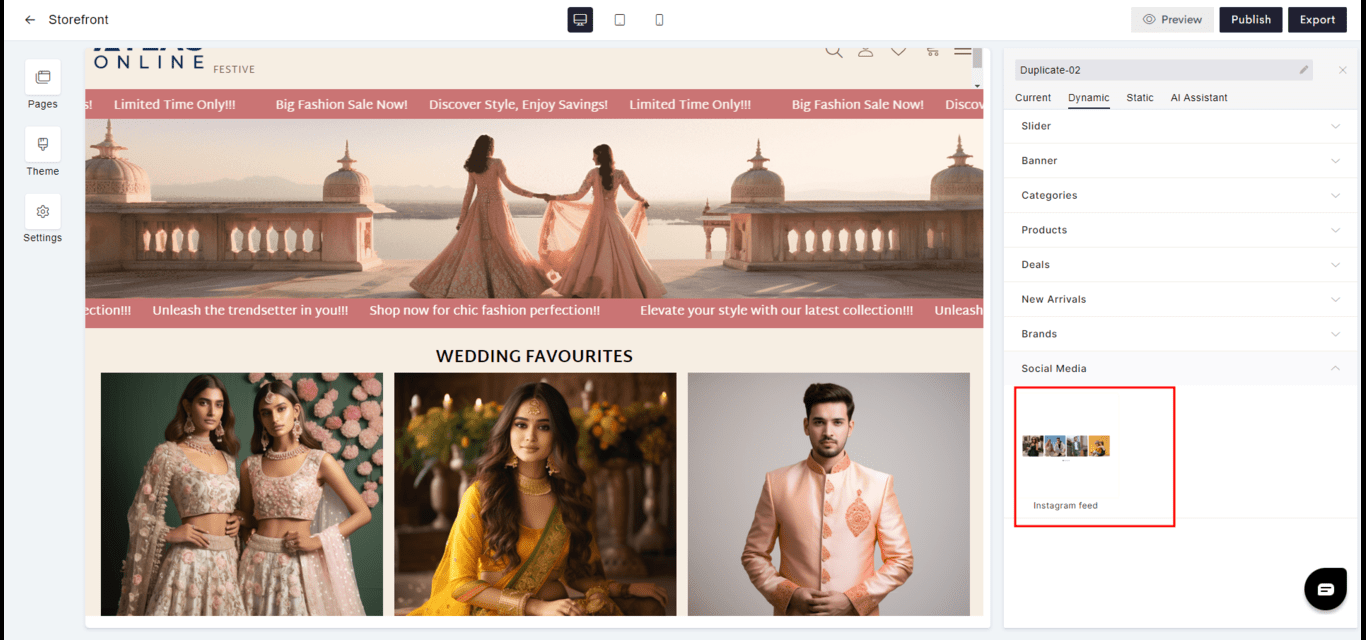 **Instagram feed**
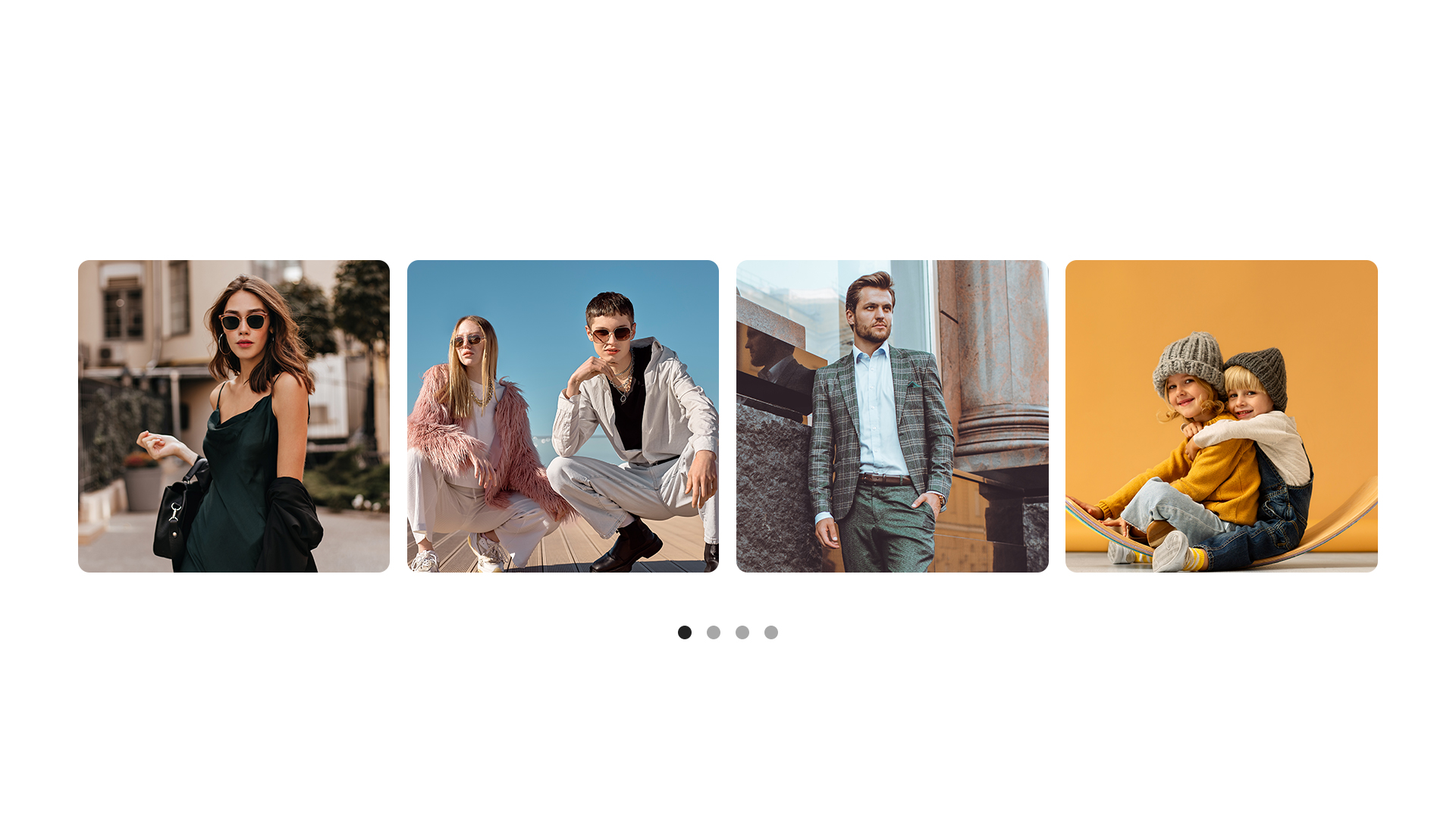 Widgets in Aasaan are designed to be highly customizable, ensuring that they contribute effectively to your website's design and user engagement strategy.