> ## Documentation Index
> Fetch the complete documentation index at: https://help.aasaan.app/llms.txt
> Use this file to discover all available pages before exploring further.
# Publishing
> Comprehensive Guide to Making Your Aasaan Website Live
## Publishing Your Aasaan Website
Publishing your Aasaan website is an essential step to make your application and its pages accessible to your audience.
### Previewing Your Aasaan Website
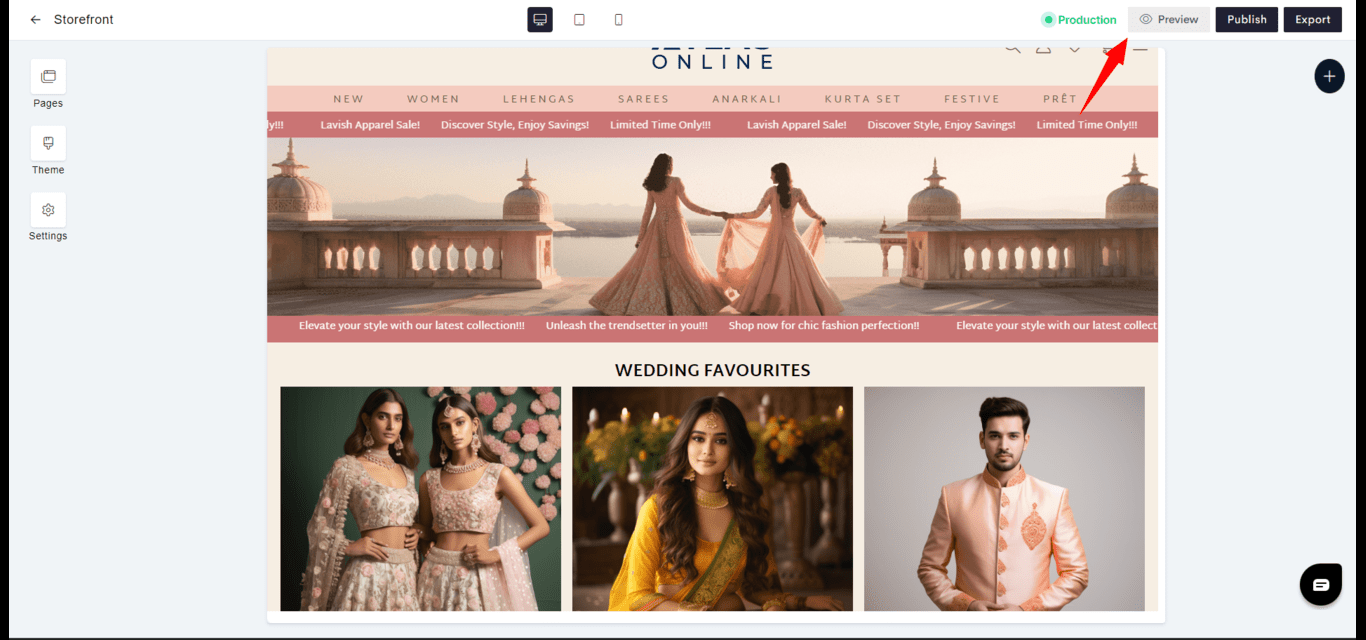
* **Preview Option**: Aasaan provides an option to preview your website before publishing. This allows you to see how it works and appears.
* **Device Screen Size Preview**: Use the device selector to see how your website appears on different devices.
 ### Going Live
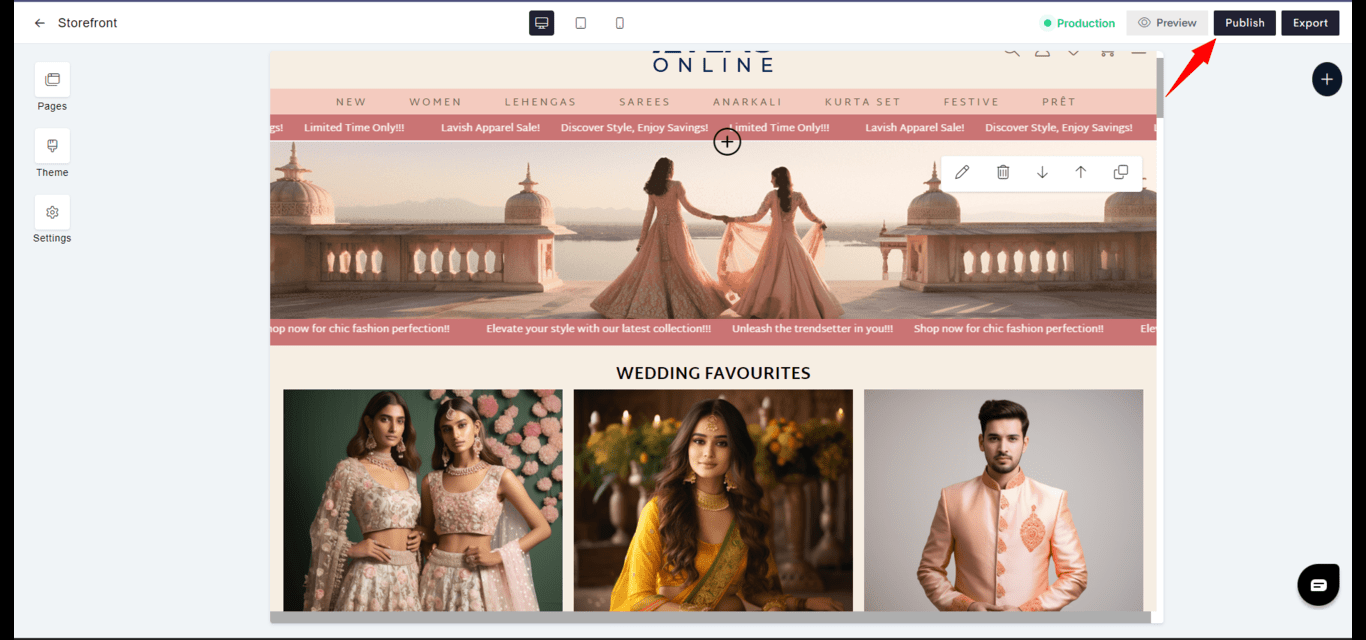
* **Publishing to Live Environment**: When you're ready to make your website visible to the public, publish your changes to the Live environment by clicking the 'Publish' button in the pop-up.
### Going Live
* **Publishing to Live Environment**: When you're ready to make your website visible to the public, publish your changes to the Live environment by clicking the 'Publish' button in the pop-up.
 Through these steps, Aasaan ensures a smooth and controlled process for taking your website from a private to a public state, allowing you to manage how and when your content is presented to your audience.